
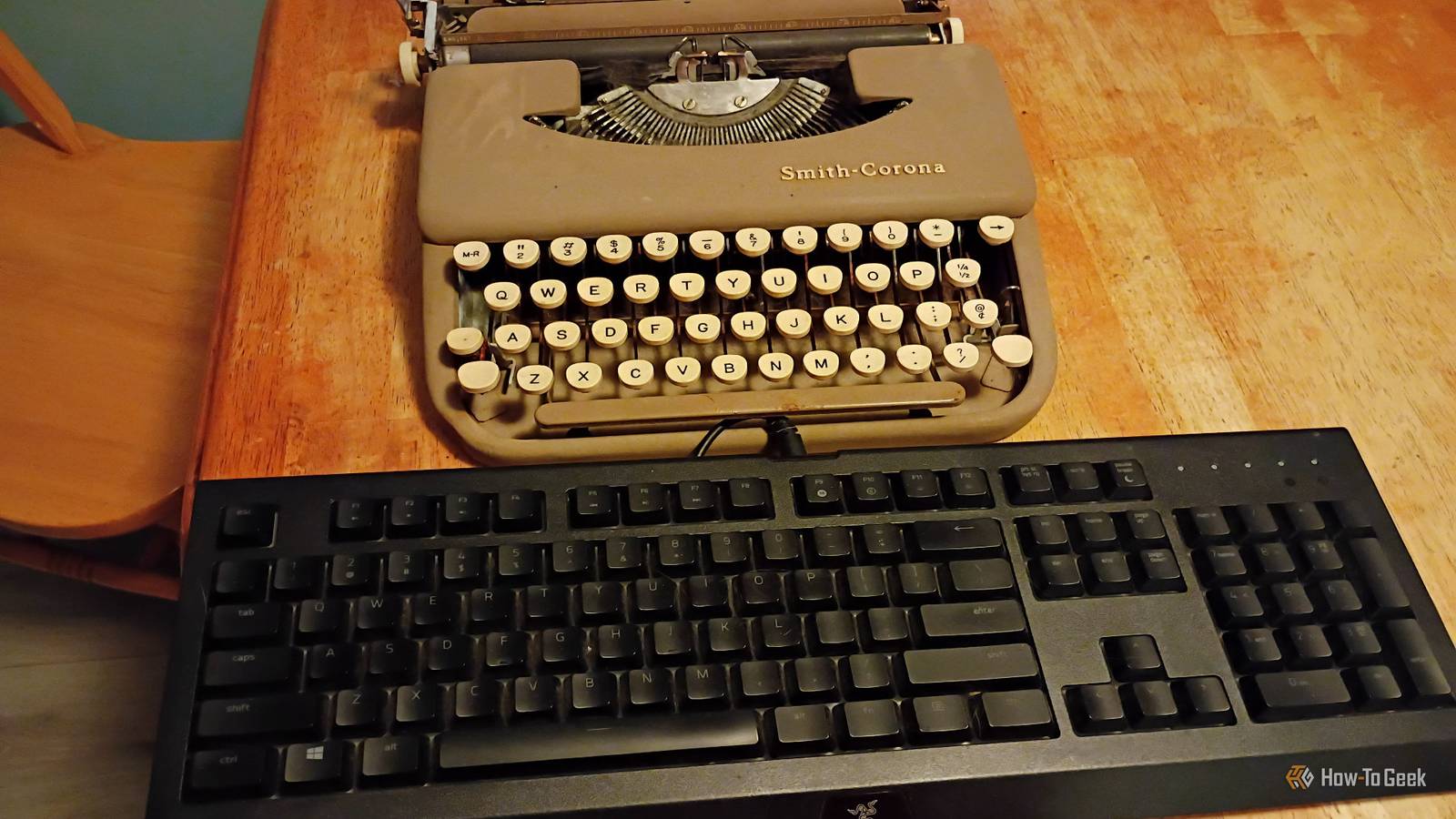
Published Sep 15, 2026, 7:31 AM EDT Former radio and TV guy (I Heart Radio and PBS). Now a writer, researcher, and musician who writes about the absurdity of our modern world and other offbeat topics. Specializes in weird music, the old web, retro video games and tech, and researching strange, yet interesting things. His work has appeared in Vice, Tedium, Star Trek.com, Today I Found Out, Typebar, SyFy Wire, and How To Geek. Currently working on a variety of music, web, and writing projects. Visit him on the web at https://djbuckfreelance.neocities.org/. I'm no stranger to using different keyboard layouts. I'm a big mechanical keyboard fan, and I still use typewriters, even in 2026. The IBM Selectric I grew up with had a QWERTY layout, and the vintage (well, more like dilapidated and in bad need of some oil) Smith Corona I'm using now also uses the layout. In the late 1800s, QWERTY became the standard for typewriter keyboard layouts. But in the 1930s, another layout emerged: Dvorak. It looked like it could beat QWERTY on paper, but it never quite got there. I wanted to find out why (and give it a go myself). The Dvorak keyboard layout is a part of typing history So why haven't you used it before? The first typewriter to feature the QWERTY keyboard layout came about in 1874, with the release of the Sholes and Glidden typewriter. From there, QWERTY became the standard that has lasted to today. Dr. August Dvorak came up with the layout in 1932 and based it on prioritizing letters (vowels, for instance)that we use more often. The idea extended to minimizing finger movement and preventing injury/strain. Although there's a pretty hot debate about this topic, I'm staying neutral on it. The Dvorak layout replaces the letters in the home row. Instead of ASDF JKL;, you get AOEU HTNS as your home row letters. Commonly used letters are right next to each other on the home row instead of being a bit all over the place, like on QWERTY. The people who like Dvorak like it a lot. There's been an ongoing debate about which is better, backed up with extensive research,studies about speed, and there was even a Dvorak keyboard newsletter for a long time. It seemed like it could become the standard...and then it never did. Dvorak never really took off as a replacement for QWERTY. You can, however, try it on your device of choice right now. Try using the Dvorak layout on your own device How to try it out on three different operating systems Now that you know a bit more about Dvorak, try using it yourself! Using it on Linux is fairly simple. On Mint, I navigated to Keyboard -> Layouts -> Add -> English (classic Dvorak). On Mint, you can switch between QWERTY and Dvorak as you please by either setting a custom key binding or using Super + Space (the "Super" key on my keyboard is the old Windows logo key). On Windows 10 (I don't use 11), you can change the layout by hitting Win + I, then going to Time & Language -> Language -> Preferred Languages. There should be an English keyboard listed. Click on it and select Options. Then click on Add a keyboard -> United States (Dvorak). This is the method I used on the version of Windows 10 I'm running in my home lab. Your own version of the OS might vary because Microsoft likes to change things around sometimes. To use the Dvorak layout on Android, I used GBoard for this little experiment. Go to Settings (it's usually a little cog at the top of your keyboard). Then go to Languages and click on your keyboard. It should say something like English (QWERTY). On the next screen, you can scroll to the right to select different layouts. Choose Dvorak. To use it, tap the little globe icon on the keyboard to switch layouts. Tap the globe again to switch back to QWERTY. What it's like using Dvorak in 2026 I used the layout on all my devices for a week Credit: David J. Buck/How-To Geek I've heard from colleagues and through online forums that Dvorak is more ergonomic and easier on the hands than QWERTY. So, I tried it for myself, using an NES-themed mechanical keyboard on my computer and Gboard on my Motorola phone. I printed out a diagram of the Dvorak layout and pinned it to my wall for reference. Overcoming years of proficiency and muscle memory isn't exactly easy. I had a hard time remembering that the keys were in different places. Luckily, I had a printout of the keyboard layout nearby. It would probably have been smarter to just re-label my keys, but, hey, I like a challenge. I wrote about 1500 words or so (including additional Markdown formatting) using the layout over the course of a week. It took much longer than normal, but once I got used to the key placement, I started typing faster with each session. I didn't notice much difference in how my hands felt afterward, although my right hand seemed to do more of the work than it would in the QWERTY format. After spending some time working with the Dvorak keyboard layout, I see why people like it. Using it on Android, though, was a bit easier, and my typing speed increased over time. I can confirm I typed more with my right hand on the phone than I did with my left. With QWERTY, it felt like I used my left hand more. Once I got used to it on both devices, I will say it's very easy on the wrists. One of the selling points for the layout in the first place was reducing fatigue. While my single week of use isn't really enough time to prove that point, I think it has potential. To wrap things up, I did an online typing test to see how fast I type with QWERTY (74 WPM): And I took some video of how quickly I was able to type with Dvorak on Android. It's significantly slower: Looks like I have some work to do. Dvorak is great, but I like QWERTY too Dvorak didn't become as mainstream as QWERTY, but it has plenty of users. I can count myself among them. I like using it on my phone, and I'm working toward improving my proficiency with a keyboard. The QWERTY vs. Dvorak debate is used as an example in some economics courses, too, but that's a story for another time. For now, I'm just going to try my best at becoming proficient with it, and I encourage anyone who types often to give Dvorak a try.
I tried the keyboard layout that was supposed to replace QWERTY—here's what happened
Full Article
Original Source
Read the full article at Howtogeek →KhanList aggregates and links to publicly available news content. We do not host full articles from third-party sources. Always verify important information with original sources.