
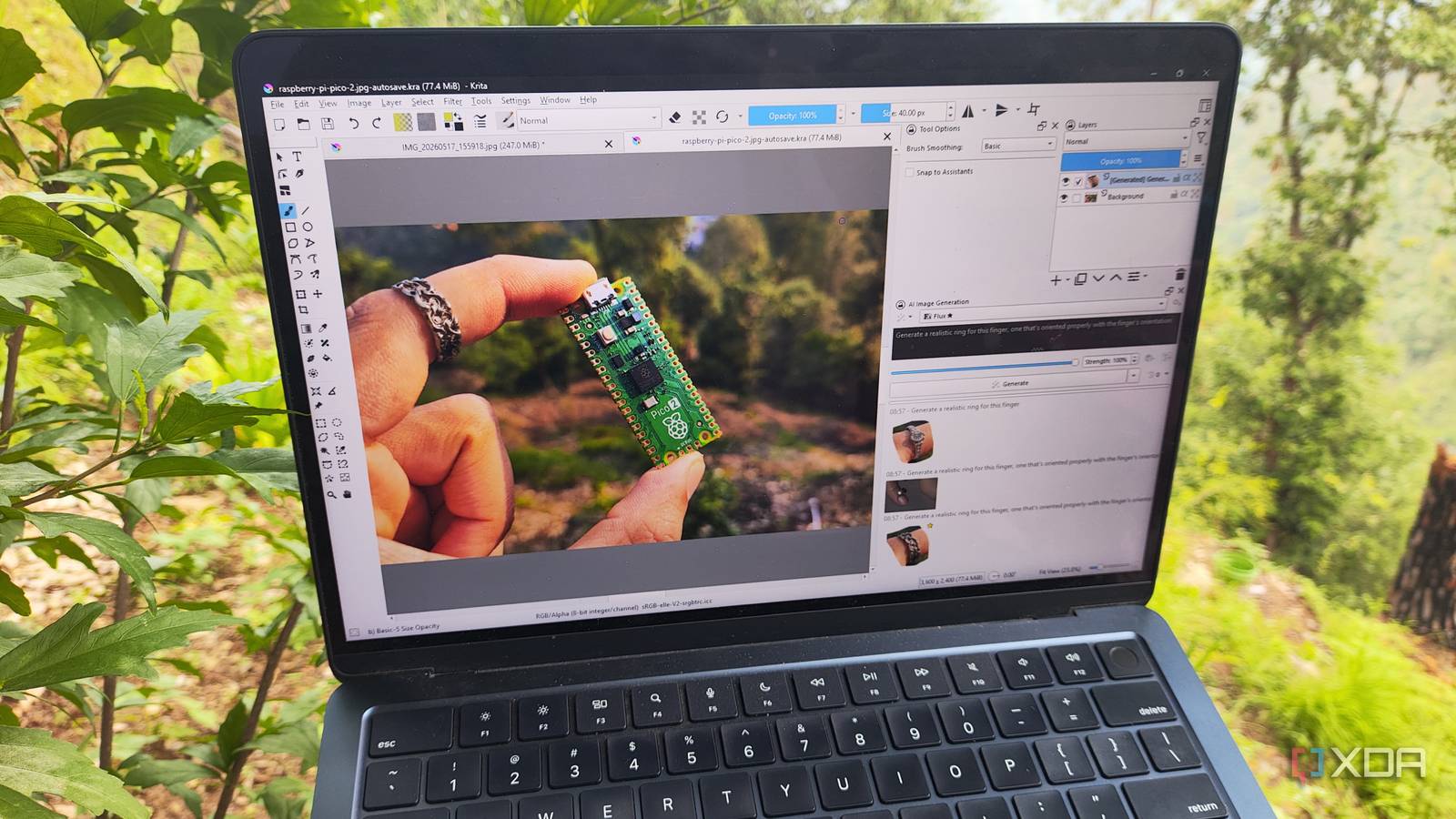
Published Oct 10, 2026, 12:00 PM EDT Nolen began their writing career in 2019, with three years dedicated to editing the Creative section at MakeUseOf. Their expertise lies at the crossroads of technology and creativity, covering areas like photography, video editing, and graphic design. Outside of work, you'll often find Nolen diving into a good book, writing their own stories, or playing video games. I’ve spent a long time bouncing between Photoshop and its alternatives, until I eventually completely ditched the Adobe subscription and started solely relying on free and open-source editors. Like many others, one of the first places I turned to was GIMP. It’s a solid editor, and it’s gotten some great upgrades in the past few years, but after the honeymoon period wears off, you start to realize its flaws. The interface is still a bit clunky and outdated, and there’s still no true non-destructive editing. Sometimes, GIMP can feel more like a compromise than a solution. I’ve known Krita for a hot minute, but never gave it a real chance until lately. It’s mainly known as a digital painting app, but after using it more seriously, I realized it’s far more capable. Krita doesn’t only compete with Photoshop and GIMP - it beats it in some areas. Switching from Photoshop to GIMP The obvious first move Getting tired of feeling locked into Adobe subscriptions, I decided to cut the cord. Then came the hunt for alternative graphics apps. The first obvious choice for replacing Photoshop was GIMP. It’s free, open-source, and has all the tools you could need for advanced editing like in Photoshop, such as layers, masks, selections, and filters. At first, it felt like a win, but there are cracks. For one, GIMP is notorious for having bad text editing capabilities - the text editor is really awkward to navigate. It also handles PSD files quite clumsily. And, probably most importantly, it’s not a true non-destructive editor, so you have to rely on workarounds to avoid permanently altering the original pixels. So, I kept trying other graphic editors. Krita is the upgrade I needed Testing it beyond casual use After spending time in GIMP, I knew I wanted something better and more flexible. Krita has always been on my radar, but mostly as a painting app, so it wasn’t first in line to replace Photoshop or GIMP. But little did I know that it can do more than painting and sketching; it handles image editing surprisingly well, and even has animation tools. For someone looking for a free, open-source, all-round creative editor, Krita suddenly felt like a serious contender. Why Krita wins It’s more than a painting app Although Krita isn’t designed for image editing, you can still edit your images by getting creative with its color tools, masks, and layers. I can tweak exposures and adjust the hues by combining layers and playing with the opacity and blend modes. And I can also create masks, then use the color and brush options to paint on the color adjustments (I set the color model to HSL before doing this). Furthermore, it lets me crop, resize, and dive into the huge filter selection to manipulate my photos. Although not the standard image editing toolkit you’ll find in Photoshop and its alternatives, these adjustments give the same end results. Krita also has animation capabilities. It has a full frame-by-frame timeline, onion skinning, and keyframe management, which makes it surprisingly approachable for simple animations and GIFs. And for digital artists who work in HDR, Krita supports HDR painting, which gives you more control over color depth than other free editors. Krita also has vector tools, but they are limited compared to apps like Illustrator, however. I can create vector paths, shapes, manipulate nodes, and combine vector and raster layers for hybrid workflows. Krita also reads PSD files, which is handy for migrating old projects, but don’t expect full Photoshop parity - smart objects and adjustment layers may not transfer properly. GIMP can't handle either PSDs or vectors. All of this means Krita isn’t just for painters. I now use it for images, graphics, and basic animations. And it exports in all the formats I regularly use, too, including PNG, JPEG, PSD, WebP, and more. Non-destructive editing One of Krita’s biggest advantages over GIMP is its approach to non-destructive workflows. I can use adjustment layers for masks, brush strokes, colors, and filters without altering my original image. Masks let me apply these effects selectively, and layer groups keep things organized, so I can tweak or undo things at any point. Even transformations can be applied non-destructively when paired with layers. For anyone used to GIMP’s destructive edits, this can be a game-changer. It makes experimentation stress-free and keeps your workflow flexible. The brush engine This is really where Krita starts to pull ahead. It’s built with artists in mind, but the level of control makes it just as useful for designers or anyone who works with texture and details. There are over 100 brushes, plus you can install more, and they vary considerably - from pixels and smudges to oil painting and water coloring, each with their own set of parameters. It lets me tweak every aspect: size, flow, pressure (including stylus sensitivity support), tilt, blending, and more. It also supports brush presets and tags, making it easy to build my own sets. Beyond this, it’s decked out with line, shape, and path tools so I can do line work and illustrations from scratch, then go in with the brushes to give it some color and texture. Krita’s worth the switch Krita is genuinely powerful, even compared to industry giants like Photoshop and open-source staples like GIMP. It gives you proper non-destructive control, has every tool and brush you could need for advanced painting, lets you create stylish looks for images, and even has animation. It’s a legit option for both creative professionals and also hobbyists like me. Krita
I switched from Photoshop to GIMP, but this free tool is better than both of them
Full Article
Original Source
Read the full article at Xda-developers →KhanList aggregates and links to publicly available news content. We do not host full articles from third-party sources. Always verify important information with original sources.