
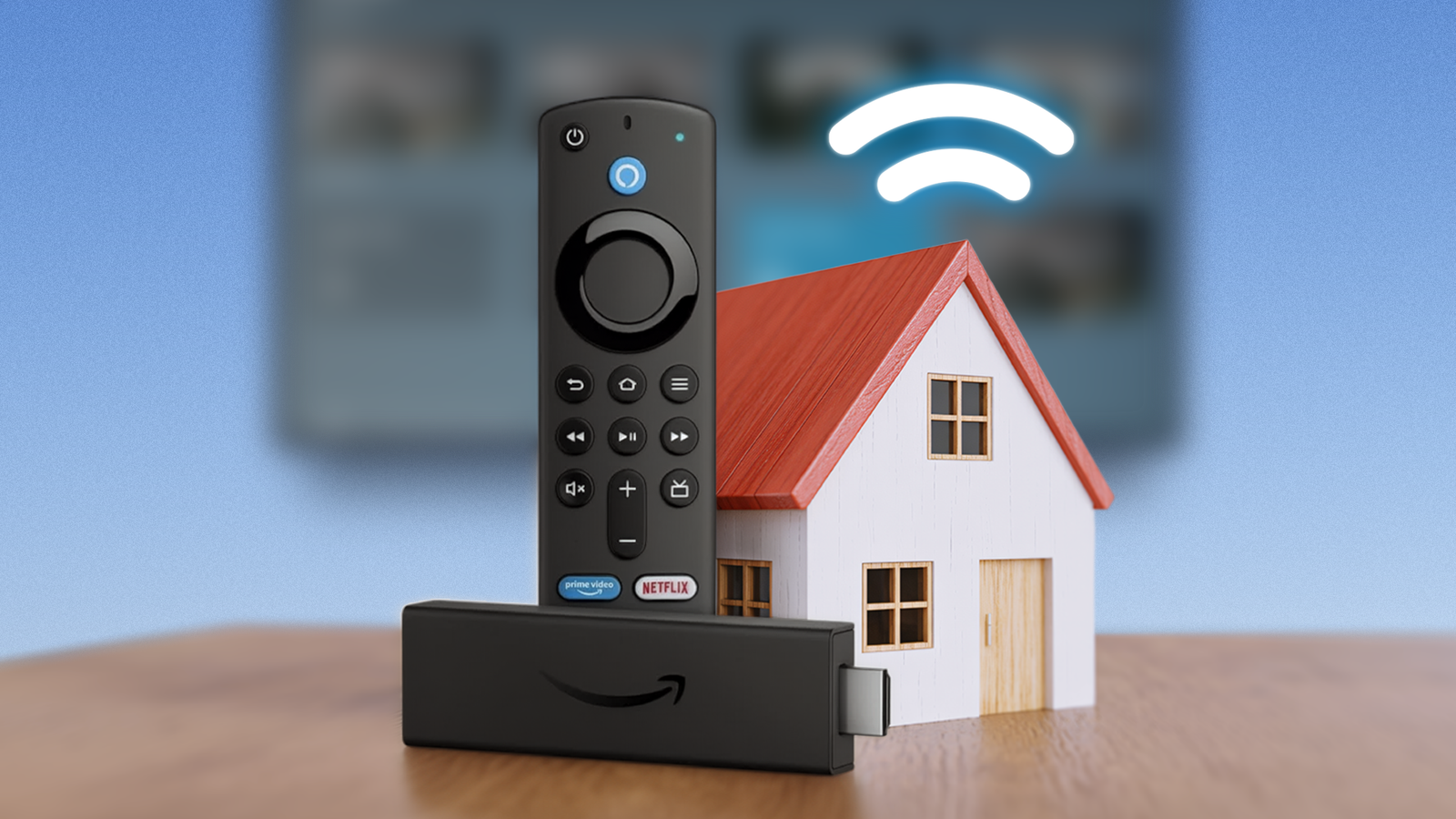
Published Sep 13, 2026, 7:00 AM EDT I made plenty of regrettable purchases, and most of them were tech products. I wouldn't count my Fire TV Stick as one, even though I kept it in my drawer after a few days of use. I left my Fire Stick to collect dust after I discovered that a spare Android phone could connect to my TV and do more than a Fire TV Stick could. I thought I left it to die and would never connect it to my TV again. Well, times have changed, and so has my perception of what a Fire Stick can do. I had a change of heart after I discovered that a Fire Stick does more than turn your regular television into a smart TV. Although most people buy one to turn their television into a smart one, a Fire Stick can also act as a smart home command center, letting you manage every connected smart home device. I stopped letting my old Fire Stick rot in a drawer after turning it into a smart home hub. How did I turn my Fire Stick into a smart home hub? You don't need to do anything fancy to get there This isn't repurposing a Fire TV Stick. Amazon officially supports this through Alexa, so anyone who follows the right steps can use it. Controlling your smart home from a television sounds cool, but it's more than something fancy. Controlling your smart home from a television comes in handy in real-world scenarios. For example, when you are watching something on your television and don't have a smartphone on your couch, it's convenient to dim or turn off the lights from the remote. You can control almost anything that supports Alexa from your TV screen. However, I use it mainly to manage the lights in my room when I am watching something. Here is how I turned my Fire Stick into a smart home hub. Make sure the Fire Stick is connected to the TV. Connect it to the internet. On your remote, press the Alexa logo to open the Alexa shortcuts panel. Select the smart home tile. You can also press the microphone button on your remote and say, "Show my smart home dashboard," and the Fire TV Stick will list all your devices connected to Alexa on your TV. Your smart home devices need to connect to the same Amazon account for the Fire TV Stick to list them all on your television. What can you do after turning your Fire Stick into a smart home hub? There is so much more to do than dimming the lights I'm planning to buy security cameras for my house, and after seeing the Fire Stick's ability to control a smart home hub, I'm inclined to buy only those that support Alexa. If you install them in your house, you can use the Smart Home Dashboard to monitor your camera feed on your TV. So, you can see who is at the door on your TV without leaving your couch. The easiest way is to use your voice. Say, "Show my cameras" after pressing the microphone on your remote. You can also use voice commands to view a location, like the balcony. These cameras, or any other connected devices you are using, need to be linked to Alexa using the Alexa app on your phone for this to work. In addition to cameras and lights, it lets you control your thermostat using the same trick. Again, all devices need to be connected to Alexa using the same Amazon account for them to appear on the Smart Home Dashboard. I'm using it to control my lights, and I see myself using it a lot to monitor my camera feed in the future. A Fire TV Stick doesn't deserve to collect dust The drawer is not the best place for the Fire Stick. Although it's a small device, you can do plenty of fun things on it, such as repurpose it into a gaming machine, create a Jellyfin or VLC receiver, and more. I haven't tried any of these, but I plan to in the future. However, I'm not repurposing my current Fire TV Stick anytime soon, because I found something more practical than playing games. Either way, a Fire TV Stick is too capable a device to keep in a drawer and let it collect dust. If not making a smart home hub, repurposing it is a smart decision, and I see myself following it after I buy a new VegaOS-powered Fire TV Stick sometime in the future.
I stopped letting my old Fire Stick rot in a drawer after turning it into a smart home hub
Full Article
Original Source
Read the full article at Androidpolice →KhanList aggregates and links to publicly available news content. We do not host full articles from third-party sources. Always verify important information with original sources.