
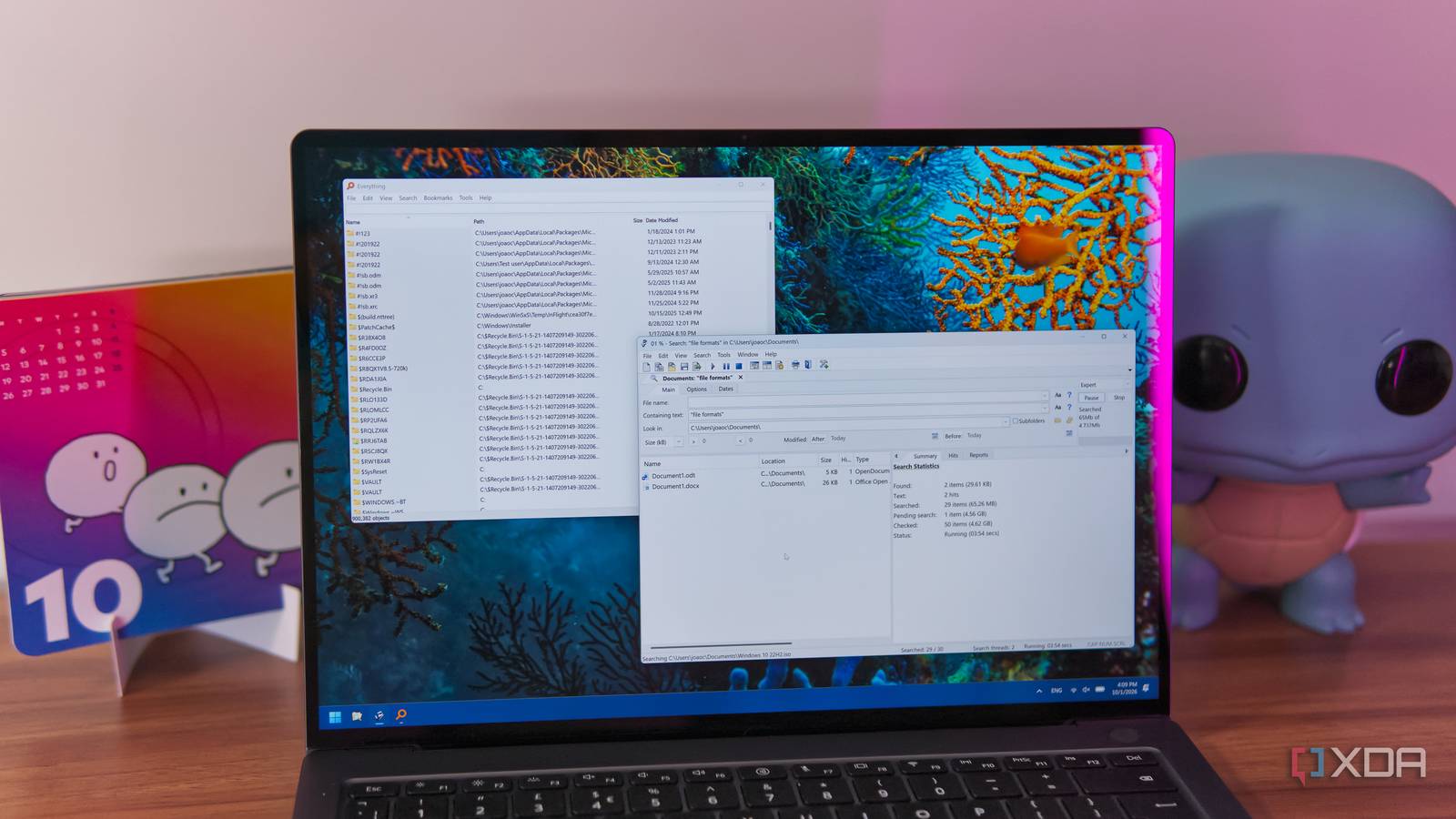
Published Oct 1, 2026, 2:00 PM EDT João has been covering the tech world for over 7 years, with a heavy focus on laptops and the Windows ecosystem. I also love all things tech and videogames, especially Nintendo, which he's always happy to talk about. Prior to joining XDA in 2021, he worked at Neowin: https://www.neowin.net/news/poster/jo%C3%A3o-carrasqueira/ I, like many others, have a bad habit of not giving my files and documents proper names when I save them. I always assume I'll be able to find them when I need them, and usually that holds true, so I've kind of stopped caring to give everything a proper name. Except I don't always remember the name of a file I need. Because of that, I needed a system that let me find any document I need by just searching inside it, which is harder than it sounds. And thankfully, there are some apps that can do exactly that while being noticeably faster than Windows 11's built-in search. Everything finds... almost everything Fast and capable, with one specific limitation It's not news at this point that Windows Search is a pretty slow and frustrating search tool, and my recommendation for a while now has been Everything. It's a search tool that tells you right away what it's capable of, and indeed, finding files with it is a breeze. Starting with its super-fast indexing speeds and instant results, there's nothing not to love about Everything's file search, but when it comes to searching content, things are a bit different. For one thing, the content of files is not indexed by Everything. All your searches are queried when you make them, meaning results take a while longer to come back and it's a good idea to narrow down your searches per location or file format. That's not to say Everything does a poor job at this, though. It can still return results impressively quickly, and what's more, it can scan many kinds of files. I was able to find various file types of plain text files (such as .txt, .ps1, or .yml) and even .pdf files this way, and they were returned fairly quickly with not much I could consider a "false hit". The major problem with Everything is that it failed to find files with Office formats, whether that was Microsoft's own .docx and .xlsx or even open standards like .odt. This makes it far less useful if these are the kinds of files you want to find. Agent Ransack fills the void Find what was missing This is where Agent Ransack comes in. This is another search tool, not unlike Everything, but it's presented a bit differently, and it has an arguably more user-friendly interface. All the search tools are laid out in the UI itself without needing as many submenus, so you can get to grips with the software more easily if you're a newcomer. Agent Ransack is available in both Lite and Pro versions (though it's the same download), and while the Pro tier unlocks some advanced searching capabilities, the Lite version already supports searching within .docx and .xlsx file types. Supposedly, the Pro version offers more accurate results, but searching for text seemed to work fine in my experience with the free version. Feature-wise, Agent Ransack Lite has most of the basic capabilities that Everything also offers, but its biggest downside is that multi-threaded searching is not available in the free version, and results can take a while to come in. When I was testing a search within my Documents folder, it took a long time to get me results because it was scanning a Windows 11 ISO file I had saved there. You can work around this by filtering for file types or sizes, though. Which one should you choose? It's not necessarily one or the other As nice as it would be to have a single tool to search inside files on my PC, I think combining these two tools would be the ideal setup. Everything is faster and lighter overall, and it gets accurate results from searching the majority of file formats, including PDF files. On the other hand, Agent Ransack is the only one that can search inside Word and Excel files, so even though it's a little slower, it's a necessity if you work with these kinds of files. Ultimately, if you want just one app, I'd say Agent Ransack Lite is still the best free option out there. It has great search capabilities and an accessible UI, and the fact that it can search more kinds of files makes it easily the most versatile option. You can work around its slightly lower search speed by narrowing down search locations or filtering for file types and sizes, so it cancels out its biggest disadvantage. I would say you might even consider paying for the Pro version of Agent Ransack, but I can't see it justifying the $79 investment. At that point, it might be better to improve your own file organization. What about Windows? It could work, but... It's worth acknowledging that Windows has its own built-in search tool that can search inside file contents, but as I've already mentioned, there are a few too many downsides. Windows Search is notoriously slow even when you're not searching for file contents, and if you try to work around that by indexing the entire PC, that indexing process takes a long time and it pushes your PC pretty hard. It feels sluggish compared to a program like Everything. At the same time, while Windows can search within Word and Excel files, support for those modern formats has to be provided by an installation of Microsoft Office itself. Windows alone can't filter the content of .docx formats, and alternative Office suites like OnlyOffice can't provide those search capabilities to Windows, either. It's not an ideal setup. Finding files made easy I was surprised to find out that Agent Ransack has been around since 2000, but after finding it, I can see why it remains a viable option today. If you want to search inside files across your entire PC, it's still a very strong offering, even in the free versions, making it an easy recommendation if you struggle to remember where your documents ended up. Agent Ransack
I stopped giving my files useful names, but these free apps found them anyway
Full Article
Original Source
Read the full article at Xda-developers →KhanList aggregates and links to publicly available news content. We do not host full articles from third-party sources. Always verify important information with original sources.