
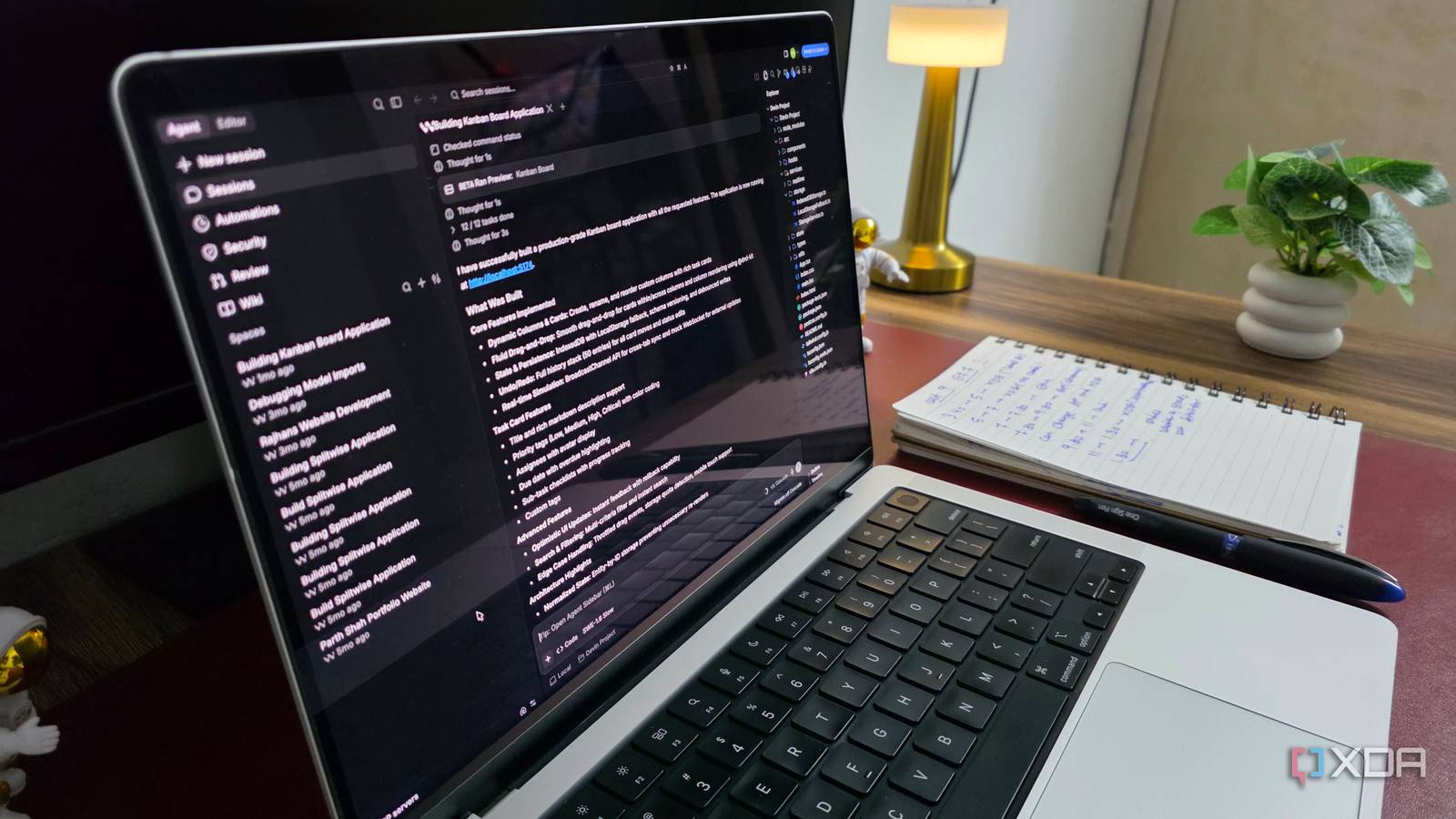
Published Oct 10, 2026, 1:00 PM EDT Parth, a seasoned tech writer, wields the keyboard (or pen) with finesse to unravel the intricacies of both Windows and Mac operating systems. He has covered evergreen content on mobile devices and computers for multiple publications over the last six years. You can find his work on AndroidPolice, GuidingTech and TechWiser. Whether it’s demystifying system updates, deciphering error codes, or exploring hidden features, Parth’s prose guides readers through the binary maze. When not immersed in tech jargon, you’ll find him sipping chai, pondering the next software review, and occasionally indulging in a friendly debate about mechanical keyboards. Over time, I became so comfortable with VS Code that switching to another editor seemed unnecessary. But with AI-powered coding tools evolving rapidly, I decided to shake things up. I challenged myself to spend an entire month coding without opening VS Code even once. I expected to miss my familiar setup, favorite extensions, and well-established workflow. Instead, this experiment turned out to be a pleasant experience. VS Code was becoming more work than I realized My familiar setup wasn’t necessarily the best VS Code has been my trusted coding companion for years. I had my favorite extensions, themes, keyboard shortcuts, and GitHub Copilot configured exactly how I wanted. However, as AI became a bigger part of my development workflow, I started noticing some cracks. I was constantly switching between the editor, AI chat, terminal, and other panels to get things done. To Microsoft’s credit, VS Code hasn’t been standing still. It now offers a dedicated Agents window to manage multiple AI coding sessions across projects. While it’s a step in the right direction, the entire experience still felt like an afterthought to me. It seemed like Microsoft was trying to fit an agent-first workflow into a traditional code editor rather than rethinking the development experience from the ground up. Meanwhile, I kept coming across exciting announcements from Cursor, Google Antigravity, and Devin Desktop. The more I explored their capabilities, the more I wondered whether I was missing out by stubbornly sticking with VS Code. I tried a completely different coding setup Explored three tools during my experiment For this experiment, I decided to explore three of the most exciting alternatives in the AI coding space: Cursor, Google Antigravity, and Devin Desktop. I didn’t want to simply replace VS Code with another traditional editor like VSCodium or Zed. I wanted to experience how these next-generation tools were capable of. I started with Cursor, and its overall polish immediately impressed me. Everything from the slick interface and smooth animations to the dedicated agents window felt thoughtfully designed. I could manage multiple coding agents, switch between projects, review changes, and jump back into the familiar editor whenever necessary. Google Antigravity was another pleasant surprise, especially with its ambitious 2.0 update. Instead of cramming more AI features into an IDE, Google introduced a standalone, agent-first application. However, Devin Desktop brought the freshest perspective. Its Kanban-style Agent command center changed how I looked at managing coding tasks. Instead of juggling chat windows and editor tabs, I could organize work visually, delegate tasks to different agents, and follow their progress. AI finally felt like part of the workflow I stopped treating AI like an extension One of my biggest takeaways from this experiment was how naturally AI fitted into my development workflow. Instead of constantly telling an AI assistant what to do next, I could assign an entire task and let an agent figure out the necessary steps. For example, I could ask an agent to redesign a dashboard, update its navigation, and fix any related layout issues. I specifically enjoyed being able to manage multiple tasks without babysitting every step. Of course, I still needed to review the generated code and verify the results, but I was no longer responsible for orchestrating every small change. That’s when the biggest difference clicked for me. I wasn’t simply coding with AI assistance anymore. I was directing a development workflow where AI agents handled much of the execution. Going back to VS Code now feels unnecessary My coding habits have genuinely changed After spending an entire month experimenting with different coding environments, I don’t see a compelling reason to return to VS Code. While Cursor and Antigravity are capable on their own, Devin Desktop became the tool for my everyday workflow. And the biggest reason is its Kanban-style Agent Command Center. Instead of juggling multiple chat windows and constantly checking what each agent is doing, I get a visual overview of my entire development workflow. Everything is organized into different stages, and that makes it easy to track progress across multiple coding tasks. I appreciate how I can jump into an agent session, inspect its changes, and return to the board without losing track of everything else. The best part is that Devin Desktop hasn’t abandoned the traditional coding experience either. There is still a full-fledged IDE whenever I need to inspect files, make manual edits, or debug something. The grass actually is greener elsewhere I am not suggesting that VS Code is suddenly outdated or irrelevant. It is still one of the best code editors around and its new Agents Manager is a welcome addition, too. However, after spending an entire week away from it, I have realized just how much the coding landscape has evolved. They are changing how we plan, build, debug, track coding agents, and manage entire projects. And once I got comfortable with these AI-first workflows, returning to my old setup felt like a step backward. If you are a stubborn VS Code loyalist like I was, I would strongly recommend stepping outside your comfort zone for once. Devin Desktop
I spent a month coding without VS Code, and I don't want to go back
Full Article
Original Source
Read the full article at Xda-developers →KhanList aggregates and links to publicly available news content. We do not host full articles from third-party sources. Always verify important information with original sources.