
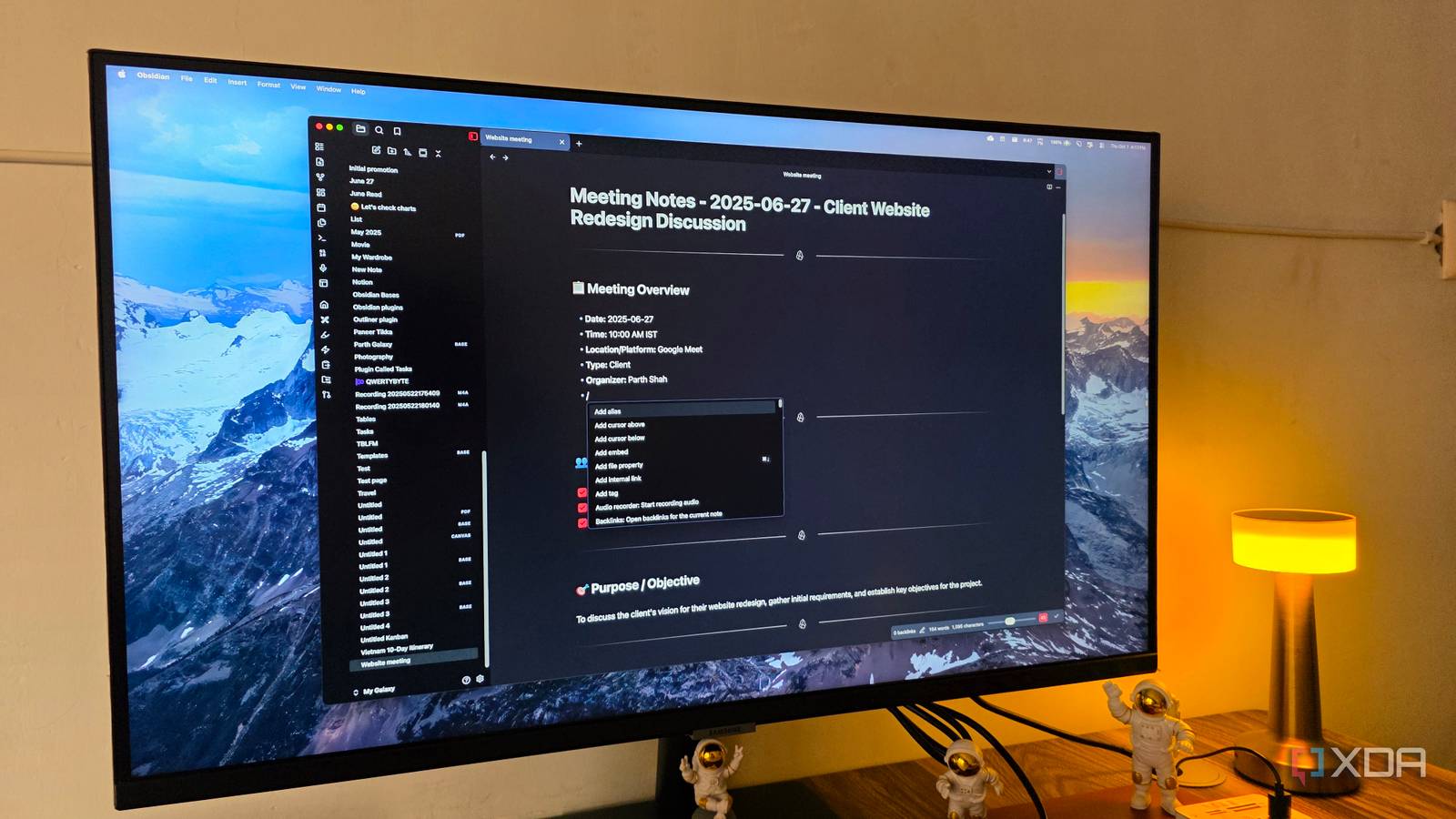
Published Oct 1, 2026, 4:00 PM EDT Parth, a seasoned tech writer, wields the keyboard (or pen) with finesse to unravel the intricacies of both Windows and Mac operating systems. He has covered evergreen content on mobile devices and computers for multiple publications over the last six years. You can find his work on AndroidPolice, GuidingTech and TechWiser. Whether it’s demystifying system updates, deciphering error codes, or exploring hidden features, Parth’s prose guides readers through the binary maze. When not immersed in tech jargon, you’ll find him sipping chai, pondering the next software review, and occasionally indulging in a friendly debate about mechanical keyboards. I used to think I needed a separate app for every part of my workflow. I had apps like Obsidian, Notion, Figma, and TickTick in my setup. It worked, but constantly jumping between apps started to feel like unnecessary friction. So I decided to see how far I could push Obsidian instead. With the right views, plugins, and a bit of customization, I turned a simple Markdown-based note-taking app into a workspace that now handles my everyday workflow. My productivity stack had become fragmented I was maintaining the same work everywhere My productivity setup worked, but it was spread across too many apps. I used Obsidian for notes and research, Notion for databases and project tracking, Figma for diagrams and visual planning and a separate task app for deadlines. The problem was the constant context switching. I would outline an article in one app, track its status somewhere else, keep related tasks in another place, and then open Figma whenever I needed to map out an idea. None of these tools was the problem individually, but together they made my workflow feel unnecessarily fragmented. I wanted one place where everything could actually connect. Bases replaced my Notion databases My notes became the database Notion databases were one of the hardest things for me to give up because they are quite flexible. Obsidian Bases isn’t quite on that level yet, but for the way I manage my work, it gets very close. I can use properties to track things like article status, publication, deadline, category, priority, and publish date, and then surface that information in table, list, or card layouts depending on what I need. A table works well for my article pipeline, while cards are better when I want a more visual overview of projects or ideas. What really changed things for me is that Bases is built directly into Obsidian. I don’t need to install and maintain a third-party database plugin just to create structured views of my notes. The underlying files are still regular Markdown notes, but Bases gives me a cleaner way to organize and filter them. Again, it isn’t as powerful as Notion, but for my workflow, it is more than enough. Mermaid handles diagrams without another app Throw in Canvas and Excalidraw in the mix Mermaid takes care of most of the structured diagrams I used to create elsewhere. Since it works directly inside Markdown, I can quickly build flowcharts, process maps, and simple architecture diagrams without leaving Obsidian. When I need something more free-form, I switch to Canvas or the Excalidraw plugin. Canvas is great for brainstorming because I can spread ideas across an infinite board, connect them visually, and drop actual Obsidian notes right into the workspace. Excalidraw goes a step further when I want to sketch something quickly, such as a website layout, user flow, or rough mockup for a client. The part I like most is how everything stays connected. I can create a quick website mockup in Excalidraw and keep the related requirements, client notes, copy ideas, and project documentation right beside it. I stopped needing a separate task app Tasks now live with my work Task management was another area where I expected Obsidian to fall short, but Daily Notes ended up covering most of what I needed. I use my daily page as a simple command center for the day, with deadlines, writing priorities, follow-ups, and quick tasks all in one place. Since those tasks sit alongside my notes, I don’t have to jump into a separate app just to remember why something needs to be done. For more advanced task management, I use the third-party Tasks plugin. It lets me add due dates, priorities, recurring tasks, and queries that pull unfinished items from across my vault into a single view. That means I can keep a task inside the article or project note where it belongs, while still seeing everything due today or this week from one dashboard. For my workflow, that was enough to replace a dedicated task manager. I also customized the way I navigate Obsidian. A plugin like Beautitab gives me a cleaner, search-engine-like start page, so opening Obsidian feels like launching a workspace. I have added a motivational quote, inserted a background picture, and customized the entire experience so that I can quickly search for a note, project, or idea and get straight back to work. My entire workflow lives in Obsidian I don’t think Obsidian is suddenly a better version of Notion, Figma, and every dedicated task manager. Those apps still go much deeper in their respective areas. But I also realized I wasn’t using most of that depth. Now, everything revolves around the same local Markdown files, so my notes, projects, tasks, and ideas finally feel like parts of one system. Of course, this is just my setup. Obsidian is highly customizable. So what are you waiting for? Get creative with your vault and get the best out of this gem. Obsidian OS Windows, macOS, Linux, iOS, iPadOS, Android Individual pricing Free normally; $4/month for Obsidian Sync Obsidian is an offline-first Markdown-based productivity app.
I replaced Notion, Figma, and my task app with one Obsidian setup, and I haven't looked back
Full Article
Original Source
Read the full article at Xda-developers →KhanList aggregates and links to publicly available news content. We do not host full articles from third-party sources. Always verify important information with original sources.