
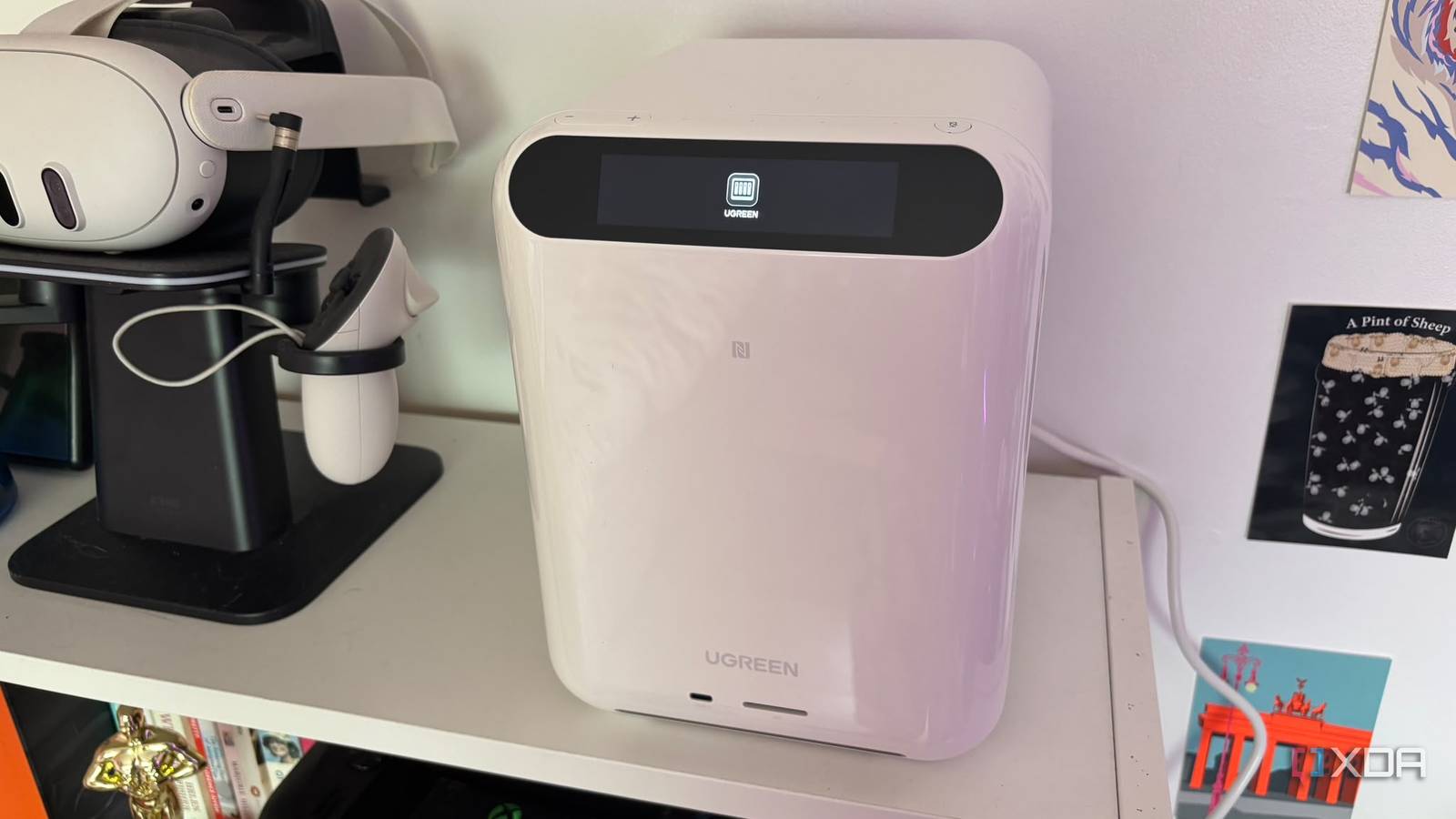
Published Sep 18, 2026, 10:00 AM EDT Jasmine is Software and PC Hardware Author at XDA with years of tech reporting experience ranging from AI chatbots right down to gaming hardware, she's covered just about everything. Whether it's breaking news about the latest AMD NPUs or creating video tutorials on social media platforms, Jasmine has contributed to the world of AI and tech in a variety of ways including interviewing the CEO of Razer, AMD's Director of Product Marketing and the VP of Lenovo. Passionate about gaming and PC technology, she has built countless computers, keyboards and other peripherals - knowing them inside and out. For many smart home enthusiasts, your home automation backend lives on a custom-assembled DIY box or even a mini PC running Proxmox or bare metal Home Assistant OS. It likely works brilliantly, but maintaining a fragmented home lab stack comes with taxes like Proxmox kernel panics, dying CMOS batteries, external USB dongles hanging off of unpowered hubs, and the dreaded tangle of power bricks and cables behind your media center. I decided to test the waters of the UGREEN Home Agent HA100, a purpose-built local AI storage and smart home control hub designed to unify device management, and it also comes with built-in neural hardware. However, moving over to this polished all-in-one appliance was a bit of a double-edged sword. It dramatically slashed power consumption, introduced hardware-accelerated local AI inference, and cleaned up physical cable clutter, but in turn, it forced me to compromise on granular kernel-level control and vendor ecosystem boundaries. What sets this device apart? The UGREEN HomeAgent HA100 stands out amongst DIY options When comparing the hardware and silicon of a traditional DIY box and the UGREEN HA100, there are some stark differences. With a DIY box, whether that's an Intel NUC or a refurbished mini PC, you typically get absolute hardware freedom, raw BIOS access, multiple direct USB ports for Zigbee or Z-Wave dongles and zero proprietary software layers. Ultimately, you have complete control over your smart home and what you want it to be. In turn, it comes with weaknesses, like, limited internal storage expansion, no native neural processing unit on a lot of models if you want to host local vision or voice models and zero built-in redundancy. Contrast this with the UGREEN Home Agent HA100 and it feels like it's a completely different device. It comes with a turnkey design combining local storage, smart security handling, and agentic AI processing directly on local silicon. It's essentially designed specifically to bridge local automation engines with on-device intelligence, but it comes with closed proprietary bootloader/firmware layers, locked-down BIOS configurations, and potential abstraction layers between user-managed containers and the native hardware stack. Because of its design, it can be significantly less intimidating for users who want to finally make the leap into Home Lab devices without a lot of technical barriers. However, you do lose a significant element of control, which can be fundamental for a lot of users. The pros of making the switch You get a range of benefits when adopting There are some significant pros. The UGREEN Home Agent HA100 wins in a lot of areas. There are genuine engineering and operational victories when you switch over to this dedicated local AI hub. You get physical consolidation and cable cleanliness. While this isn't important to some, for others it can be fundamental when you have a messy cluster of external hardware: drive enclosures, power adapters, and mini PCs. Being able to collapse them into a single sleek tower designed for living room or utility closet placement can feel like a relief. You no longer have to hide a bundle of different devices in the back of a wardrobe. The UGREEN Home Agent HA100 can live comfortably in plain view. You also get integrated local AI and vision pipelines. You can leverage built-in local AI acceleration for smart security object detection, local voice commands, and agentic automation, passing without routing data to an external cloud API. In order to do this as effectively on your own home lab device, you'd need to self-host the software as well as have hardware strong enough to be capable. You also get unified storage and control. You can bridge local data storage with home automation management out of the box, eliminating the need to manually build a Frankenstein's Monster-esque setup involving a NAS plus a hypervisor. When first attempting to set up my home lab, this was what intimidated me the most. Not having to worry about connecting up a range of different home lab devices just to get my automations to run effectively feels freeing, it's already sorted out of the box. It comes with downsides Unfortunately, the UGREEN HomeAgent HA100 isn't one size fits all Of course, you are making some compromises when it comes to the UGREEN Home Agent HA100. This can be particularly frustrating for a lot of power users. For example, there's a software abstraction tax. Running automations inside a vendor-managed environment introduces an essential middle layer that can complicate network bridge modes, mDNS reflection, and custom networking scripts, compared to a pure bare-metal Linux installation like you'd have on a traditional home lab mini PC or custom-built machine. In order to run local Zigbee or Z-Wave networks, you rely on USB serial sticks on consumer appliances. Proprietary virtual machine (and, depending on your setup, container) managers sometimes complicate direct hardware device mapping after system updates. While I didn't find any issues when using the device, I can definitely see this being a problem moving forward, especially as more updates and changes roll out to the firmware. There's always the risk of closed ecosystems in the future as well. Hardware manufacturers pushing proprietary AI assistants and unified ecosystems can occasionally lean toward walled gardens. If you have a range of different devices, you might be required to carve out workarounds to maintain open-source flexibility. While UGREEN is maintaining that this won't be an issue moving forward, there is never a 100% guarantee when you're invested in a device like this. UGREEN HomeAgent HA100 $899 $1799 Save $900 CPU RK3588 Memory 16GB LPDDR5 Drive Bays SATA 3.0 x3 (NAS bays x2 + NVR x1) OS UGOS Pro If you're looking for a simple and elegant entry device into home lab and automation then the UGREEN HomeAgent HA100 is just that but comes at the detriment of complete control. Will you make the switch? While a great device, it certainly won't be for everyone If you're considering making the switch, I'd recommend staying DIY if you love tinkering with hypervisors, demand bare metal kernel access, and running an extensive stack of custom LXC containers. This is because you get total ownership over every line of configuration. However, if you're just starting to get into home lab and smart home automations, then it might be better for you to invest in the UGREEN Home Agent HA100 or migrate over. If you want a clean, low-power appliance that merges local storage with native AI acceleration and smart home control, without the headache of managing a multi-device home lab stack. While all-in-one AI hubs like the UGREEN Home Agent HA100 introduce a layer of software abstraction that purists may eye with caution, their hardware consolidation and local intelligence make them a compelling foundation for so many modern automated homes. Whether you decide to invest is totally up to you and depends on what you want out of your smart home.
I replaced my DIY Home Assistant setup with UGREEN's all-in-one hub, and the tradeoffs surprised me
Full Article
Original Source
Read the full article at Xda-developers →KhanList aggregates and links to publicly available news content. We do not host full articles from third-party sources. Always verify important information with original sources.