
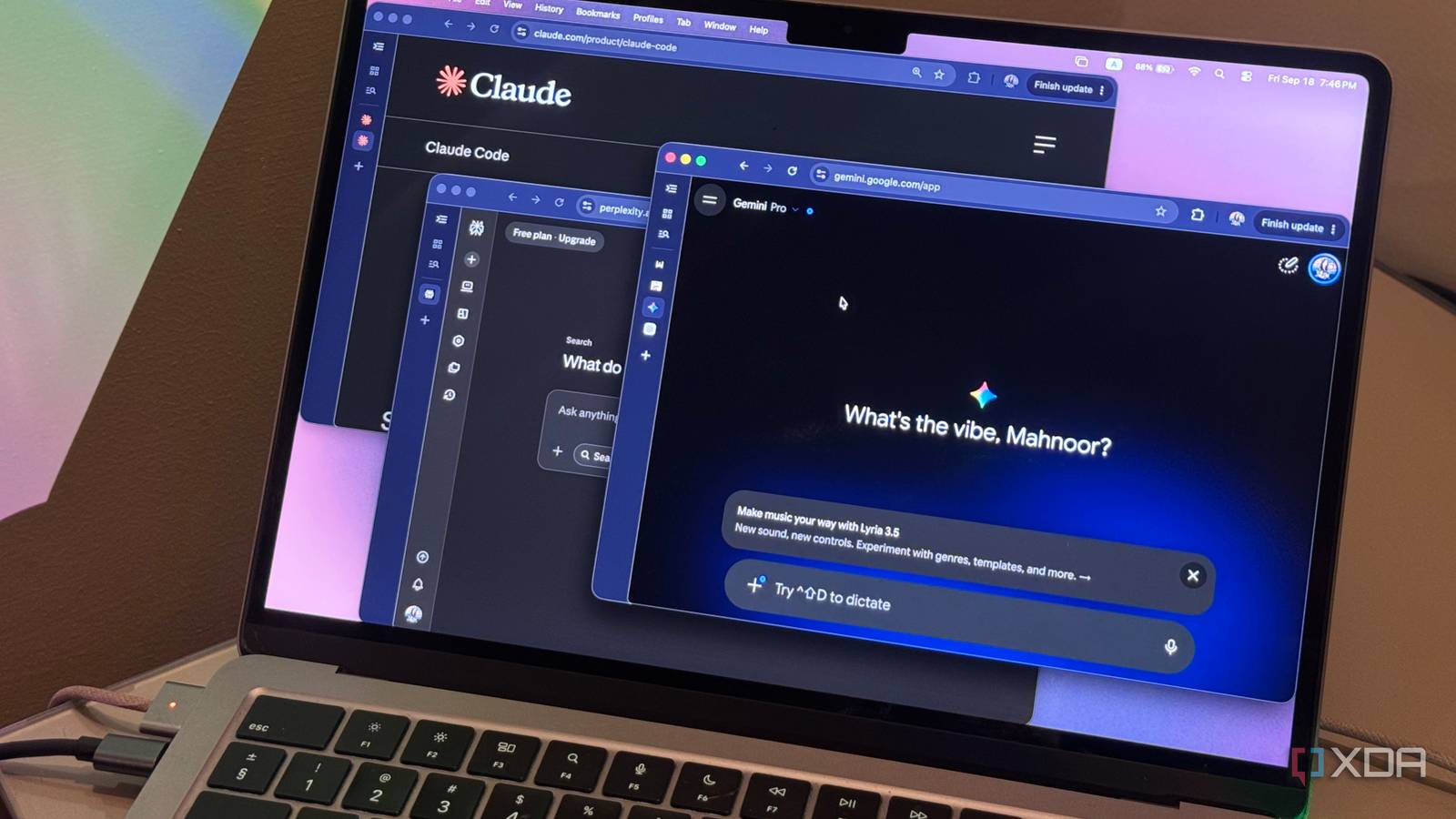
While it pains me to write this, every time I ask someone what they use AI for, one of the most common answers I hear is some variation of: “I upload my files to it.” Now, I totally get it. The convenience of being able to drop a 50-page PDF, a spreadsheet, or a messy document into ChatGPT, Claude, or Gemini and get an instant summary or answer is unmatched. I do it too. However, the problem is that somewhere along the way, we got a little too comfortable treating cloud LLMs like a private folder on our own computers. Unfortunately, they’re not. There are plenty of files I wouldn’t think twice about uploading, but there are also a few categories that really should stay far away from a consumer cloud LLM. Not everything belongs in a cloud LLM The cloud doesn’t need everything Before getting into the files themselves, it’s worth understanding why uploading something to a cloud LLM is different from opening it in an app on your computer. When you upload a file to ChatGPT, Claude, Gemini, or another cloud-based AI tool, that file has to leave your device and be processed on someone else’s servers. Depending on the service, account type, and settings you’re using, that data may also be retained for some amount of time or used to improve the service. That doesn’t mean these companies are casually handing your documents to strangers, or that every file you upload is automatically being used to train an AI model. The problem is much simpler: once you upload something, you’re trusting another company with information that previously existed only on your device. While I’ve seen people defend this stance by simply deleting the file once they’re done with it, that doesn’t necessarily mean the data disappears from the company’s servers immediately. Depending on the service, copies may still be retained for a period of time for things like safety, abuse prevention, or legal requirements. For an ordinary PDF or a document you’d happily share publicly, that trade-off probably isn’t worth worrying about. However, when it comes to files with even the slightest bit of sensitive information, it’s a good idea to think twice before hitting upload. Your passwords, keys, and credentials don’t belong in a chatbot Some secrets should stay secret I know, I know. You’re likely thinking, “Why on earth would I ever tell ChatGPT my password?” And sure, most people probably aren't opening a chatbot and typing out the password to their email account or Instagram, and asking the LLM if it's strong enough. However, credentials have a habit of sneaking into files you might upload without thinking twice. A .env file, for example, can contain API keys, database credentials, access tokens, and other secrets a project needs to function. Configuration files, code snippets, logs, and exported settings can all contain the same kind of information too. Similarly, if you end up uploading an onboarding email, setup guide, or internal document to an LLM, there’s a chance it contains temporary passwords, account recovery links, access codes, or even credentials you were only supposed to use once. That makes this one of the easiest categories to accidentally mishandle. You might only be asking an LLM to debug an error or explain why something isn’t working, while unknowingly handing it credentials that were sitting right alongside the code! Your financial records deserve a little more privacy Your bank statement can sit this one out Financial documents are another category I’d be extremely careful with. Bank statements, tax returns, payslips, credit reports, and investment statements can contain far more sensitive information than you might realize at first glance. A bank statement, for instance, doesn’t just show how much money you have sitting in your account. It can reveal your full name, address, account details, spending habits, recurring payments, salary deposits, and even the businesses and services you use regularly. Tax documents can go even further, often combining financial information with identifying details in a single file. Your identity documents should stay out of the chat too This is one upload to skip Government-issued documents are probably some of the worst files you can casually hand over to a cloud LLM! A passport scan, driver’s license, national ID card, birth certificate, or visa application can pack an alarming amount of personal information into a single page. Think about what’s actually sitting on a passport alone. Your full legal name, date of birth, nationality, passport number, photograph, signature, and other identifying details. Visa applications and similar documents can go even further, sometimes including addresses, travel history, employment information, finances and contact details. And unlike a random document you can simply replace, a lot of this information is tied directly to your identity. If you only need an LLM to explain a field, translate something, or tell you what a particular section means, there’s almost never a reason to upload the entire unredacted document. Your medical records deserve better than a chatbot Dr. ChatGPT doesn’t need the whole file Googling any and every symptom has now turned into asking ChatGPT what might be wrong instead, and I get why. It’s quicker, more conversational, and often does a much better job of breaking down medical jargon than a page full of search results. The problem is that this can very quickly go from asking, “Why does my head hurt?” to uploading lab reports, prescriptions, discharge summaries, imaging reports, or even genetic test results. Those files can contain some of the most sensitive information you have, including diagnoses, medications, test results, medical history, and identifying information. All of this information simply doesn’t need to be sitting in a cloud chatbot just because you wanted help understanding one line on a report! Work and confidential files deserve more caution Your boss probably wouldn’t love this Something almost everyone has used AI for before is to draft emails. To get to the drafting bit though, you’ll usually need to give the LLM some context first. That might mean pasting in the email you’re replying to, uploading an attachment, or dropping an entire thread into the chat so it understands what’s going on. This is where things can get risky very quickly. Work emails and documents can contain customer information, internal discussions, unreleased product details, financial figures, source code, meeting notes, roadmaps, or other information that was never meant to leave your company in the first place. A local LLM or a little caution is the better move You can still have your AI and privacy too Telling you not to use AI in 2026 would simply be pointless and hypocritical on my end. While I don’t condone using it for every little thing, integrating it into your workflow where it makes a meaningful difference is where these tools shine. The key is being a little more deliberate about what you hand over. If a file contains sensitive information you need an LLM to work with, running a model locally is the safest option. Otherwise, even something as simple as redacting identifying details, removing unnecessary pages, or extracting only the information you actually need can go a long way. For instance, I’ve used cloud-based LLMs plenty of times to analyze my finances. However, I’ve always made sure to spend some time beforehand stripping out anything the model doesn’t actually need to see, whether that’s my name, account numbers, addresses, or other identifying information. The LLM doesn’t need to know who I am to help me spot patterns in my spending! When it comes to work documents, I’d be even more careful. If your company provides an approved AI tool, use that. Otherwise, strip out confidential information, avoid uploading entire documents when a small excerpt will do, and make sure you’re not handing over anything you wouldn’t be comfortable sharing outside your workplace!
Seriously, please stop uploading these files to cloud LLMs (and what to use instead)
Full Article
Original Source
Read the full article at Xda-developers →KhanList aggregates and links to publicly available news content. We do not host full articles from third-party sources. Always verify important information with original sources.