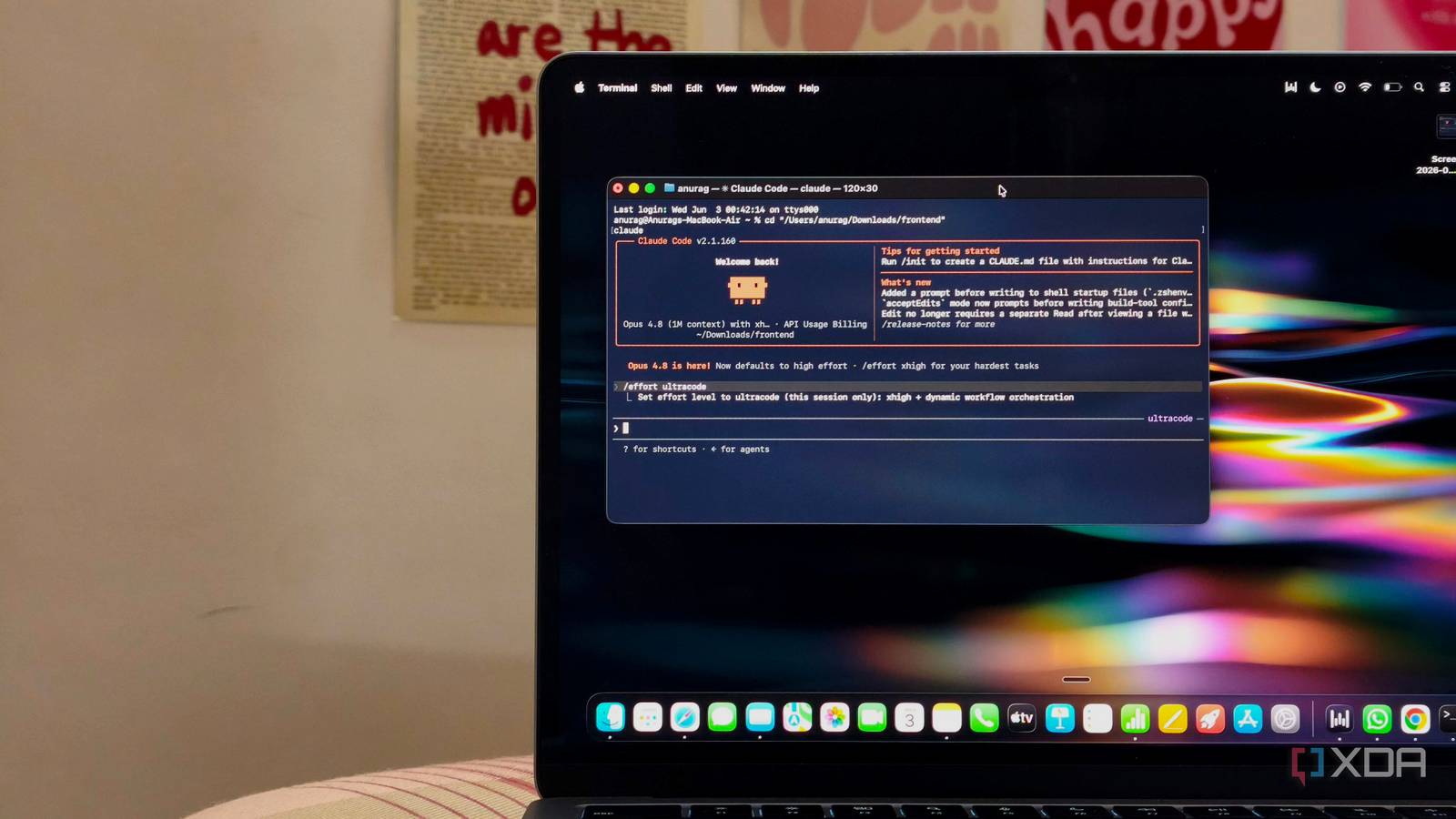
Published Jul 24, 2026, 7:30 AM EDT Anurag is an experienced journalist and author who’s been covering tech for the past 5 years, with a focus on Windows, Android, and Apple. He’s written for sites like Android Police, Neowin, Dexerto, and MakeTechEasier. Anurag’s always pumped about tech and loves getting his hands on the latest gadgets. When he's not procrastinating, you’ll probably find him catching the newest movies in theaters or scrolling through Twitter from his bed. Earlier this week, I was trying to build a fun project using Claude Code, and the number of tokens I burned made me realize two things -- I can’t keep spending this much on AI, and Claude is ridiculously expensive. The best frontier models out there, whether you are using Opus 4.8 or Fable 5, are fantastic and can get things done, but they are not built for sustainability. They are token guzzlers, and if you just want to mess around, build things, and break things, these are not the models you should be using. I realized this quite late, but when I did, I replaced Claude with a bunch of specialized tiny local LLMs. That gave me the freedom to build whatever I wanted without constantly worrying about running out of tokens. Claude was doing too many jobs at once And that was affecting the overall performance Once I started looking at where all those tokens were going, I realized that most of the work did not require a model as capable as Claude in the first place. Claude Code was using the same frontier model to understand what I wanted to build, inspect files, search through the codebase, generate boilerplate, fix basic errors, run tests, read the output, and decide what to do next. Some of these jobs require proper reasoning, but many of them are painfully simple. You do not need Fable 5 to find the file responsible for a broken button. You also do not need it to read an error log, update a dependency, generate a basic test, or check whether the test passed. A much smaller model can handle most of these tasks, especially when it receives clear instructions and access to only the tools it needs. However, when you use Claude Code normally, every small job gets handed to the same expensive model. The problem becomes worse as the session grows. Every file Claude reads, every command it runs, and every error it encounters adds more information to the conversation. The model then has to keep working through an increasingly cluttered context, even when much of that information is no longer relevant. If the project takes a few wrong turns, you are also paying for Claude to read through its earlier mistakes while trying to fix them. The architecture is much simpler than it sounds And also much easier to set up I built the entire setup around n8n and Ollama because I wanted to see every step instead of hiding everything behind another agent framework. I used n8n to handle the workflow and Ollama to expose the models through its local API. The first model in the pipeline was Qwen 3.5 2B, which occupied around 2.7GB and only worked as the router. I gave it a large context window, set the temperature to zero, and forced it to return JSON containing the task type, required inputs, tools, specialist, and success criteria. It did not solve the task itself. If I asked the system to fix an application, for example, the router returned code as the route, listed the relevant files, and defined passing the existing tests as the success condition. I made Qwen 2.5 Coder 7B handle coding tasks. It’s a 4.7GB Q4 model trained specifically for code generation, reasoning, and fixing. I gave it an even larger context window, a temperature of 0.1, and access to only the project directory, file-editing tools, and a sandboxed terminal. It could inspect and modify code, but it could not browse the web, access unrelated folders, or decide that it needed another agent. Everything else went through separate Qwen 3.5 9B workers. These workers used the same 6.6GB model, but they had different prompts and tools. The research worker received search and webpage-fetching tools, the data worker could generate Python or SQL that n8n executed separately, and the automation worker could call a small list of approved n8n actions. I kept their temperature at 0.2 and the context the same as Qwen 2.5. This stopped the research agent from touching files and prevented the automation agent from inventing shell commands when an approved n8n node did not exist. The final check was handled by Qwen 3.5 4B. It received the original success criteria, the worker’s output, and actual tool results. Code had to pass its tests, research claims needed corresponding sources, and data work was checked against the output produced by Python or SQL. A failed check sent the exact error back through the router, with the workflow limited to two retries. The smaller models were worse, but the system worked better I stopped using frontier intelligence for jobs that did not require it None of the local models in my setup could match Claude on its own. However, these failures were contained within one part of the workflow, which made them much easier to correct. If the coding model produced a broken change, n8n ran the tests and passed the error output to the verifier. The verifier returned the failed test, affected file, and reason for rejection as JSON, after which only the coding specialist ran again. The router did not have to recreate the plan, and the other models did not have to read the project for a second time. I also limited every task to two retries, so one confused model could not trap the entire system inside an expensive loop. The same approach worked outside coding. The research specialist had to return a source alongside every claim, while the data specialist generated Python or SQL and left the actual calculation to those tools. The automation worker could only use the n8n actions I had approved. These models had less freedom than Claude Code, but they also had fewer ways to make a mess. Most importantly, I could open the n8n execution log and see exactly which model received the task, what it returned, which tool ran, and where the workflow failed. I still need Claude sometimes Claude is still considerably better when I give it an unclear request and expect it to plan an entire project by itself. That is no longer how I use it. For small features and random projects that may go nowhere, the local team has become my default.
I replaced Claude Code with a team of tiny specialists, and the boring setup worked better
Full Article
Original Source
Read the full article at Xda-developers →KhanList aggregates and links to publicly available news content. We do not host full articles from third-party sources. Always verify important information with original sources.