
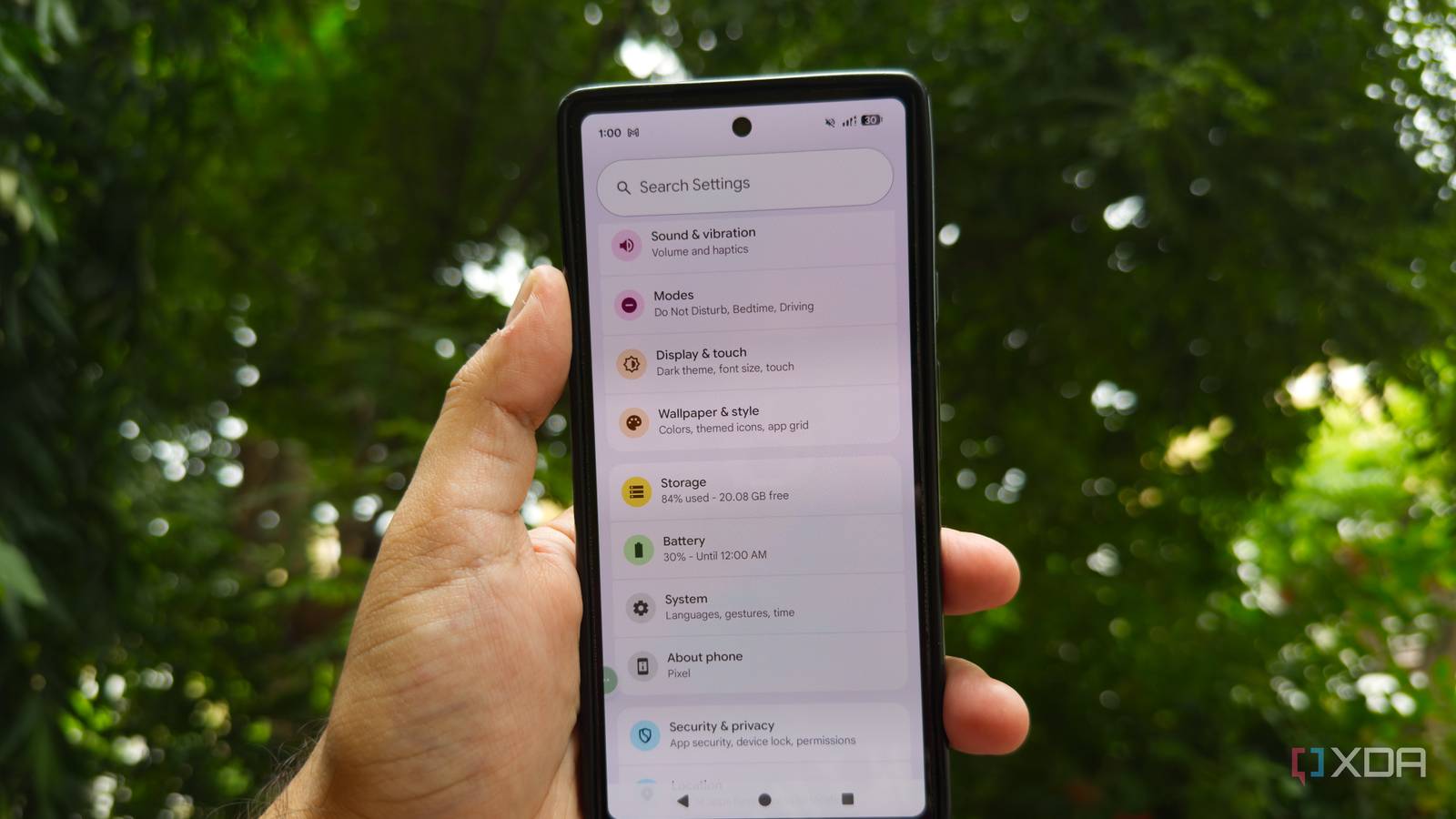
Published Aug 27, 2026, 9:00 AM EDT After a 7-year corporate stint, Tanveer found his love for writing and tech too much to resist. An MBA in Marketing and the owner of a PC building business, he writes on PC hardware, technology, and Windows. When not scouring the web for ideas, he can be found building PCs, watching anime, or playing Smash Karts on his RTX 3080 (sigh). I've always been an Android user, ever since I got my first smartphone back in 2013. After going through a Sony phone, two OnePlus phones, and a Realme one, I finally joined the Pixel club with the Pixel 7. Needless to say, it was the best Android experience I'd ever had, so much so that I realized I should have considered a Pixel way earlier. I switched to the OnePlus 15 this year as I couldn't stomach the hardware drawbacks of the Pixel anymore. Still, there are some things that my new flagship doesn't do as well as my old Pixel. I miss the cameras, OS, and a couple of unique features of the Pixel 7 even after using the OnePlus for almost a year. Quick Tap: It doesn't exist on my OnePlus 15 Taking screenshots doesn't feel the same anymore The Pixel 7 was the first phone I used with the now popular "double-tap the back to perform an action" feature. Quick Tap gave me an instant shortcut to take a screenshot, turn on the flashlight, or launch an app. I used it exclusively for screenshots over three years, and miss it now that I've been on the OnePlus 15 for nine months. I know this feature exists on iPhones, but it's still rare on Android, except for some Samsung models. I use the three-finger swipe to take screenshots, but Quick Tap was way more seamless. Every phone has a workaround for quick actions, and there are even third-party apps to replicate Quick Tap on almost any Android phone. That said, Google's implementation on the Pixel phones is a built-in feature, not a workaround. Smart Selection: I miss copying anything from anywhere No one does it quite like the Pixels If you've used any modern Pixel phone, you know Smart Selection is one of the most unique and satisfying features Google has offered. It allows you to copy text and images from almost any app, once you're on the recent apps screen. I used this feature extensively to copy photos from Instagram posts and almost any text from any image. Other phones have achieved similar functionality with Circle to Search and smart sidebars, but the Pixel method remains unmatched. It's way quicker and feels integrated right into the device. Unlike the AI implementation on other Android phones, Google's AI works silently in the background, ready to extract text and images whenever you need them. Pixel UI: A clean and polished Android experience Even OxygenOS can't compete Of course, one of the biggest draws of using a Pixel is the software experience. The "Pixel UI" is Google's take on stock Android, and it's still unbeaten, even after what OnePlus, Nothing, and Motorola have shown us. I love the speed and fluidity of OxygenOS on the OnePlus 15, but Google's Material You design and zero bloatware still rank above it. It's this approach to stock Android that kept me on the Pixel 7 for years after I was already fed up with its poor battery life, terrible outdoor brightness, and finicky fingerprint scanner. The fast OS updates, exclusive features like Now Playing, and no-nonsense interface still keep people in the Google ecosystem. Add the built-in editing features like Magic Eraser, Photo Unblur, and Add Me to the list, and it's easy to see the appeal of Pixel UI. The Pixel cameras: Effortless and stunning photos Even if the videos are far from perfect Lastly, the OnePlus 15's camera makes me miss my old Pixel almost every day. I know I can't go back to the underpowered hardware of the Pixel 7, but its cameras were just brilliant, considering what Google was working with. My OnePlus 15 has great specs on paper, but it takes soft images, adds its own spin on the colors even after turning off auto HDR, and just doesn't feel like a flagship camera. The Pixel 7, on the other hand, took better-looking photos without any manual intervention; I just had to point and shoot. Google's computational photography and AI processing made the Pixel 7 punch above its weight. Even the videos were great, although I have to admit they were still several notches below those on the iPhones. The Pixel phones do a few things very well Google's Pixel lineup has mastered the art of fusing a slick design with standout cameras and a polished Android experience. With the new Pixel 11 series improving the cameras further and bringing new features to the stack, I haven't given up on the idea of moving back to a Pixel down the line. For now, I'm happy with my OnePlus 15, even if I miss the things it can't do quite like a Pixel.
I own a flagship Android phone, but there are 4 things it still can't do quite like my old Pixel 7
Full Article
Original Source
Read the full article at Xda-developers →KhanList aggregates and links to publicly available news content. We do not host full articles from third-party sources. Always verify important information with original sources.