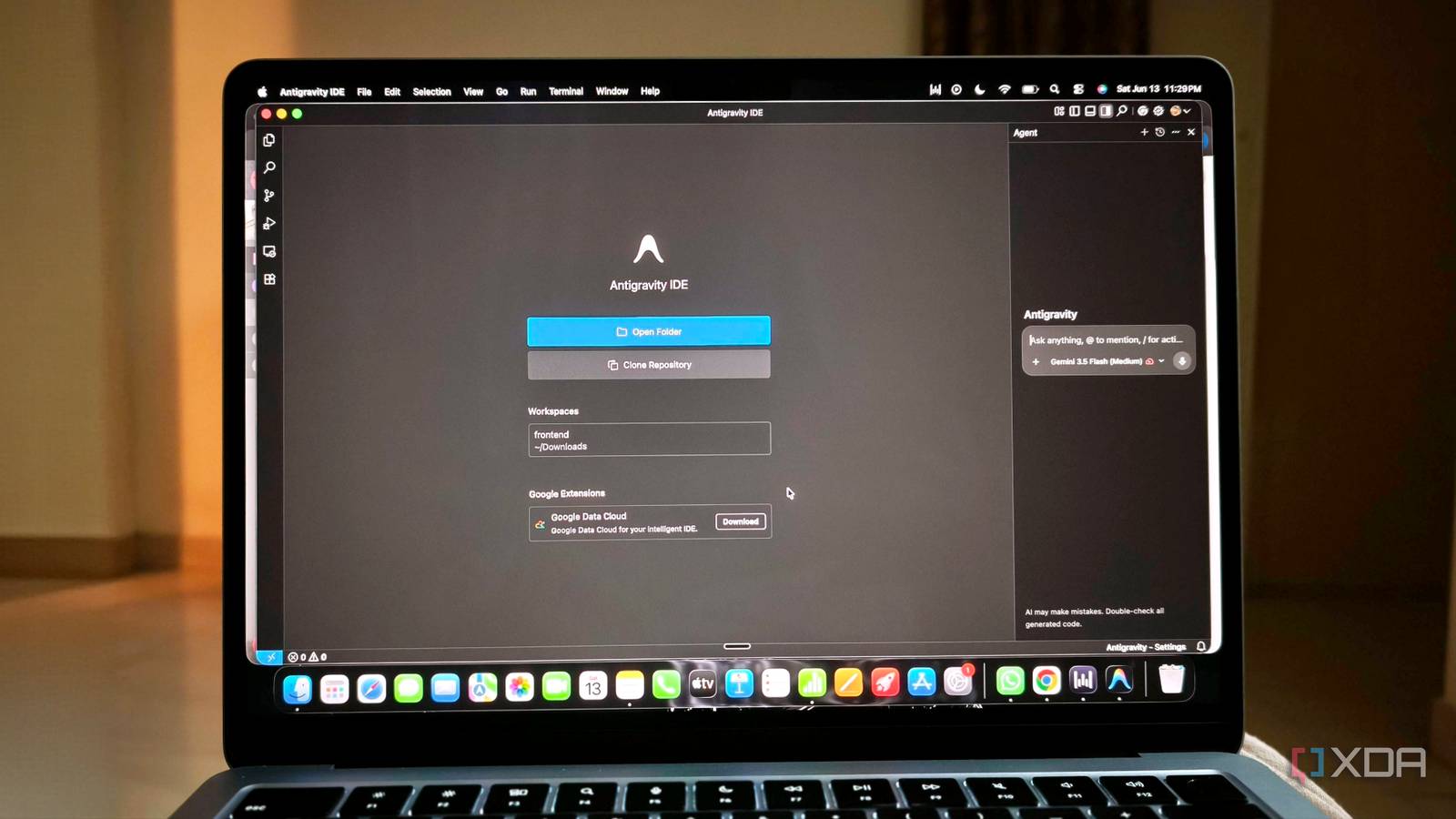
Published Jul 25, 2026, 5:00 PM EDT Anurag is an experienced journalist and author who’s been covering tech for the past 5 years, with a focus on Windows, Android, and Apple. He’s written for sites like Android Police, Neowin, Dexerto, and MakeTechEasier. Anurag’s always pumped about tech and loves getting his hands on the latest gadgets. When he's not procrastinating, you’ll probably find him catching the newest movies in theaters or scrolling through Twitter from his bed. Google Antigravity is one of the best tools I have used for building an app from scratch. You can give it a reasonably detailed prompt, leave it alone for a while, and return to find that most of the initial work has already been handled. Its agents can plan the build, divide the work among themselves, and verify whether everything works. For getting an idea to a functional first version, it is frighteningly good. The problem is that Antigravity does not always know when that first version is finished. It can continue working after the app already does what you asked, either making unnecessary changes or getting trapped in a loop. The longer a session runs, the more context it accumulates, and the quality of its decisions starts to decline. Even pressing Stop does not always end the task when the agent becomes unresponsive. Antigravity is almost too good at the first build It has all the tools you'll ever need Most AI coding tools are good at helping you build an app one step at a time. Antigravity is better at taking responsibility for the first version almost entirely. Give it a clear description of what the app should do, and it can turn that into a plan before writing the code. This makes it particularly useful when you have an idea but do not want to spend hours setting up the project before you can test it. The Agent Manager is a big reason Antigravity works so quickly. It can divide a larger build into smaller jobs and run them in parallel instead of forcing one agent to handle everything. One agent can work on the interface while another handles the application logic. The main agent then brings that work together and checks whether the result matches the original plan. This is much faster than repeatedly prompting a single coding assistant to move from one part of the project to another. Antigravity also handles the context of a new project surprisingly well. It can inspect the files it has created, understand how different parts of the app connect, and use that information when making further changes. This allows it to complete fairly complicated requests in one session without needing you to explain the project again after every step. I have found that it is especially effective during this initial stage because the context is still clean and every decision points towards the same goal. The verification process makes the result more useful than a pile of generated code. Antigravity can test the app after building it and produce artifacts that show what it changed. You can review its plan, look through the code changes, and see whether the finished app actually works. It does not guarantee that the first version will be production-ready, but it often gets close enough for you to start improving the idea instead of spending the entire session getting it to run. A working app is not always the finish line Google's IDE doesn't know when to stop Antigravity starts becoming unreliable when the first version of the app is already working. The agent does not always recognize that the original task has been completed, especially when the prompt does not include a clear stopping condition. It finishes the requested feature, verifies it, and then finds something else worth improving. That extra work can be useful, but it can also change parts of the app that had nothing to do with the original request. This becomes worse when Antigravity gets trapped in a loop. People have reported agents repeatedly moving between thinking and generating without producing anything useful. In other cases, the agent runs the same command again because it fails to understand the output from the previous attempt. These loops can continue consuming context until you intervene, and the Stop button does not always respond when the interface becomes stuck. At that point, restarting Antigravity is sometimes the only way to regain control. Long conversations create a different problem. Every correction and abandoned idea remains part of the session, which makes it harder for the agent to understand which instructions still matter. Antigravity might remember an older version of the plan and start working towards it again, even though the project has moved on. The larger the conversation becomes, the more time it spends processing context, while the quality of its decisions begins to decline. Its broad access also makes these failures harder to ignore. Antigravity can make changes throughout the terminal even when a direct action is restricted. Security researchers have demonstrated this by getting the agent to access ignored files through terminal commands, bypassing the protection that should have kept those files out of reach. That is an extreme example, but it exposes the larger problem. Once Antigravity decides that another action is necessary, the controls around that action are not always strong enough to stop it. Short sessions keep Antigravity under control Don't burden it with everything all at once The easiest way to avoid these problems is to stop treating one Antigravity conversation as the permanent home for an entire project. I now use the first session only for the initial generation phase. This is where I explain what I want to build, review the plan, and let Antigravity create a working version. The prompt also includes a clear definition of done, so that the agent knows exactly when the task has been completed. Once the first version works, I'll end that conversation. Before doing so, I ask Antigravity to create a short Markdown file explaining the current state of the project and any decisions that need to be preserved. I also commit the working version to Git. Every new feature or bug then gets a fresh conversation. The new agent can inspect the existing codebase and read the project summary before it starts, which gives it cleaner context than a chat containing several abandoned ideas. I only provide information relevant to the current task and tell it which result I expect. If the task is large, I ask Antigravity to break it into smaller pieces rather than completing everything in the same run. The stopping condition needs to be part of every prompt. I tell the agent to implement the requested change, verify that it works, and then report back without making further improvements. If it encounters a blocker, it should explain the problem instead of trying the same approach repeatedly. I also keep terminal permissions restricted when the task does not require broader access. Antigravity needs to catch up While Google's Antigravity is definitely up there, it doesn't offer quite the same level of autonomous performance as something like Claude Code. When used alongside its Opus 4.8 model or Fable 5, it is a much more capable coding agent that's able to get the job done even with a single prompt, and it rarely gets stuck in a loop. Google Antigravity An AI-powered, agentic software development platform and integrated development environment (IDE).
I let Antigravity build an app and it wouldn't stop working, even after I told it to
Full Article
Original Source
Read the full article at Xda-developers →KhanList aggregates and links to publicly available news content. We do not host full articles from third-party sources. Always verify important information with original sources.