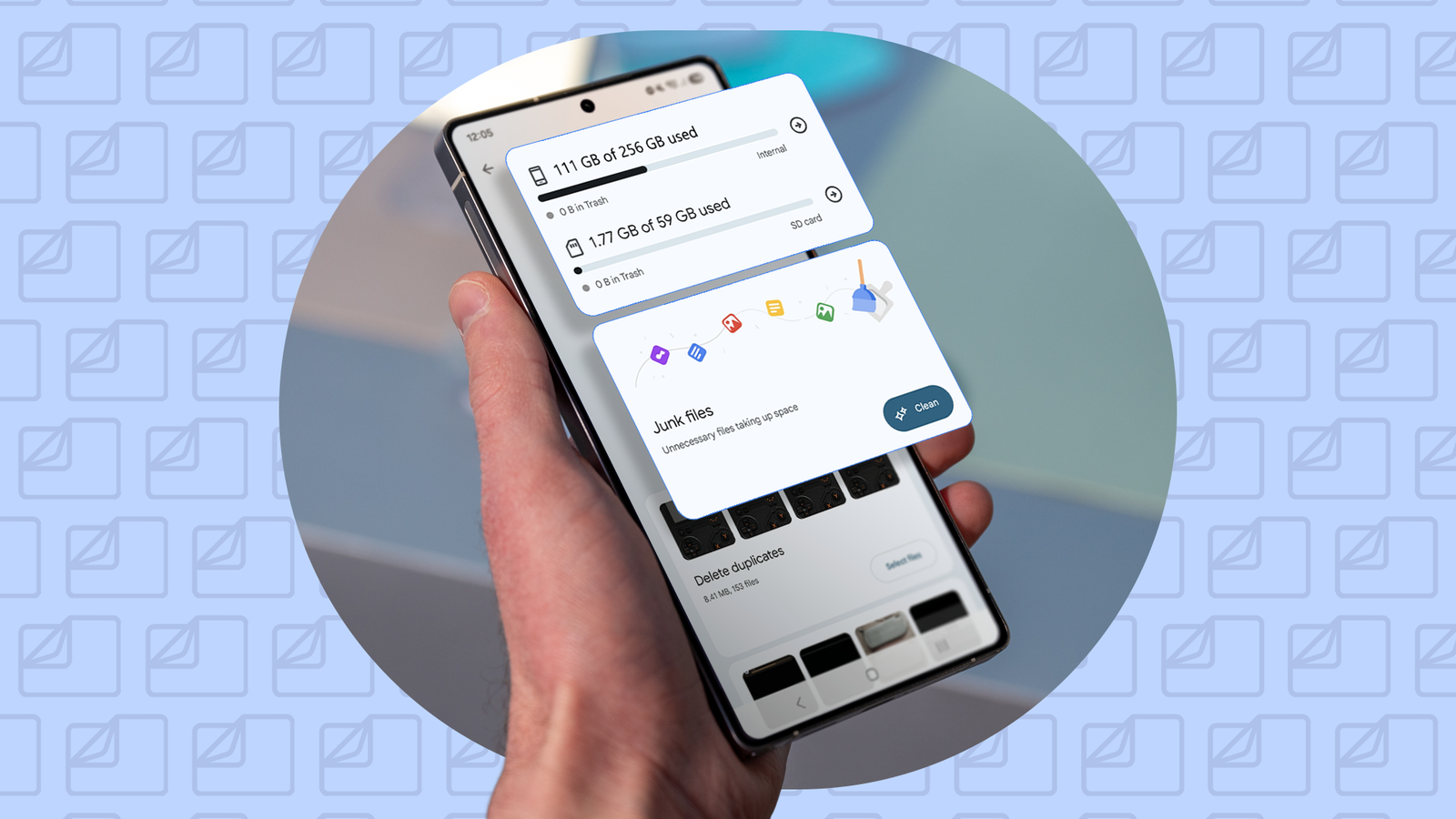
Published Jul 27, 2026, 6:00 AM EDT I cover Android with a focus on productivity, automation, and Google’s ecosystem, including Gemini and everyday apps. With a background in engineering and software development, I tend to go beyond surface-level tips and focus on how features fit into real workflows. Before joining AP, I wrote for tech publications such as Gizbot in 2023 and iJunkie (formerly known as iPhoneHacks) from 2021 to 2022. It always surprises me how quickly my phone runs out of storage. I don't even install dozens of apps at a time or download huge videos. I used to delete a few apps or clear some, but I never felt like I was fixing the problem. Then I started using Files by Google. Instead of making me hunt through folders one by one, the app pointed me straight to the biggest storage wasters, from duplicate files and old downloads to blurry photos and unused apps. Within a few minutes, I'd recovered several gigabytes of storage that I hadn't realized I was wasting, without deleting anything important. The app showed me exactly what was wasting storage It stopped the guessing game Clearing storage usually meant opening random folders and searching for something worth deleting. It wasn't a great strategy, and I rarely recovered much space. In Files by Google, I tapped the hamburger menu icon, selected Clean, and the app did the detective work for me. Instead of showing me one long list of files, the Clean tab grouped the biggest storage wasters into categories like duplicates, old screenshots, memes, downloaded files, and even unused apps. It also highlighted temporary junk files that could be safely removed. Since the app pointed me to the files most likely to free up space, I could review them one category at a time instead of digging through folders. Within a few minutes, I'd found duplicate photos I'd forgotten about and a handful of large files that had been sitting on my phone for months. My Downloads folder was much messier than I thought I finally cleaned out years of forgotten downloads My Downloads folder was like a temporary holding area. I would save a PDF, download an APK, or open a ZIP file, thinking I would clean it up later. Files by Google made me realize how much space that habit was wasting. The app grouped my downloaded files, making it easy to review everything I'd accumulated over months of use. I found old installation files, documents I'd already moved elsewhere, and images I'd forgotten I'd ever saved. It's now one of the first places I check whenever I need to free up storage, and it almost always recovers more space than I expect. You can open the Downloads category, tap the sort icon, and choose Largest first to find the biggest storage hogs. Large videos were hiding in plain sight I didn't realize how much space a few videos were using I expected photos and apps to be the biggest storage hogs, but Files by Google showed me that a handful of large videos were taking up far more space than I realized. The app's Clean tab highlights large files, making it easy to identify videos that are hundreds of megabytes or even several gigabytes in size. Seeing them all in one place helped me decide which ones were worth keeping and which had long outlived their usefulness. While some were old screen recordings, others were videos I'd downloaded months earlier or clips I'd already backed up elsewhere. Deleting just a few of them freed up more storage than clearing dozens of smaller files. Now, whenever my phone starts running low on space, checking for large videos is one of the first things I do. Most files you delete in Files by Google are moved to the Trash folder, where they remain for 30 days. If you need the space immediately, open Menu > Trash and delete those files. Junk files are the exception; they're deleted permanently right away and don't go to the Trash. I found apps I had completely forgotten about Unused apps were taking up more space than I expected Sometimes I'll download an app for a specific task, use it once or twice, and completely forget it's still on my phone. Files by Google helped me spot those forgotten apps. In the Clean tab, Delete unused apps recommends apps you haven't used in a while, making it easy to review what's worth keeping and what can go. I was surprised by how many apps were still taking up storage despite not having opened them in months. Instead of scrolling through my entire app list, I could quickly remove the ones I no longer needed. It was one of the easiest ways to recover storage, and I didn't miss a single app I uninstalled. I cleaned up all the little things I'd been ignoring Old screenshots and memes added up faster than I realized Credit: Lucas Gouveia / Android Police | Sabelskaia / Shutterstock Some of the biggest storage savings came from hundreds of little files I'd never bothered to clean up. Files by Google suggested old screenshots, duplicate files, memes I'd saved months ago, temporary junk files, and even low-quality photos that were blurry, too dark, or poorly exposed. Together, they added up to several gigabytes. The app groups these recommendations into separate categories, lets me review everything first, and I decide what stays and what goes. That makes it much easier to tidy up my phone without worrying about accidentally deleting something important. I turned storage cleanup into a monthly habit Files by Google has made storage cleanup quick enough that I now do it once a month instead of waiting until my phone is running out of space. The app surfaces duplicate files, forgotten downloads, large videos, and unused apps through personalized cleanup recommendations, so I always know where to start. That small monthly habit has saved me from running out of storage at the worst possible time.
I found more than 10GB of wasted storage on my phone with this free Google app
Full Article
Original Source
Read the full article at Androidpolice →KhanList aggregates and links to publicly available news content. We do not host full articles from third-party sources. Always verify important information with original sources.