
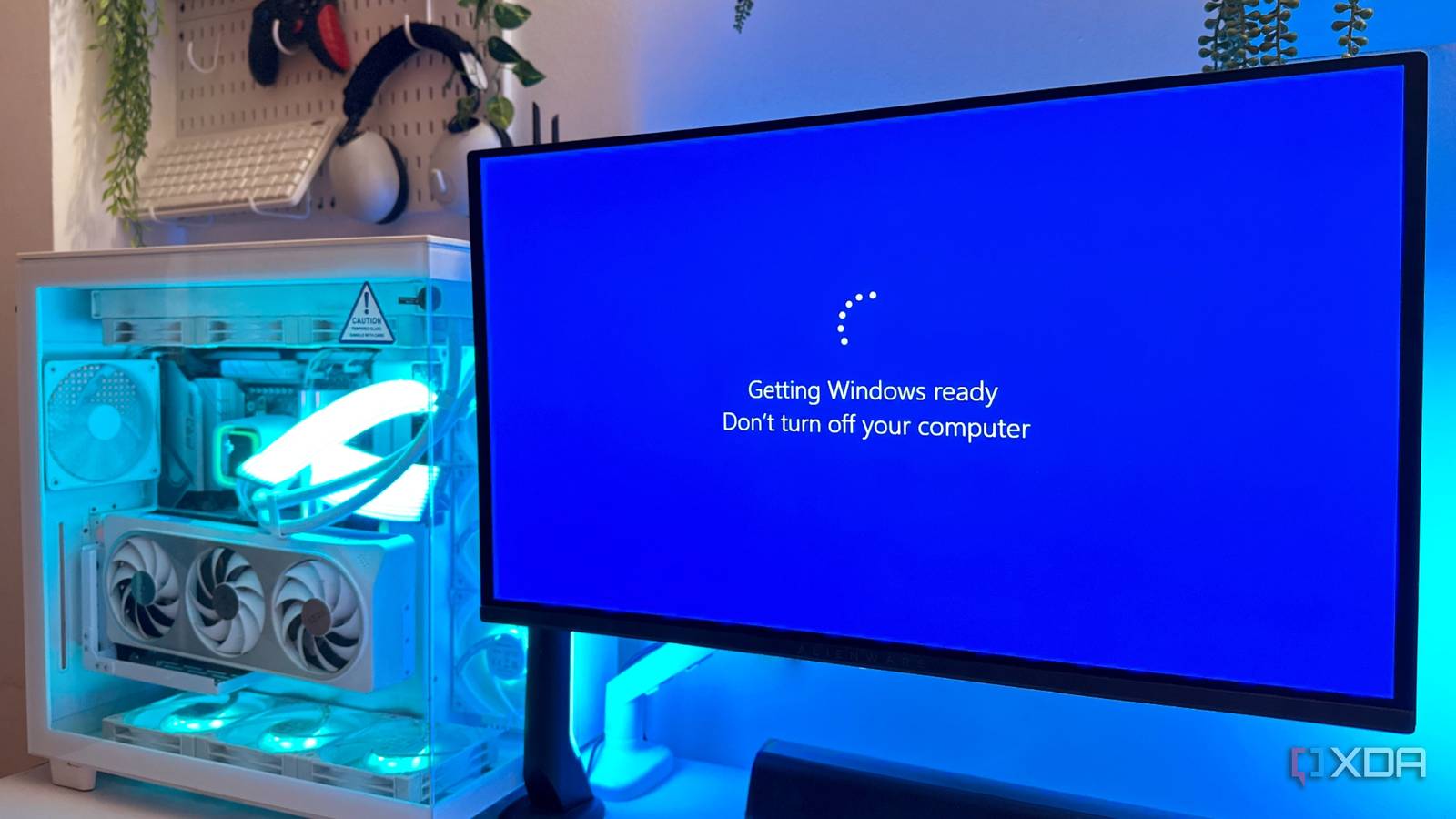
Published Aug 28, 2026, 8:00 PM EDT Gaming has been Samarveer’s greatest passion, and the Literature graduate in him takes immense joy in dissecting games for their themes, messages, and impact. Samarveer holds a deep appreciation of gaming, and considers the platform to be the most immersive and impactful across all media. He can be found engaging with gaming communities online, always ready to debate the finer points of ray tracing or itching to write an 8-page collegiate thesis on any game that impacts him emotionally. Windows Patch Tuesdays, of late, haven't been the most reliable, but once every new update is installed and the PC finally restarts, there's one screen that greets everyone — the one that says "Getting things ready." I've spent enough time staring at that screen to know what it means: absolutely nothing useful. There's no percentage bar, no estimate for completion, or any indication of whether my PC is actually working while Windows apparently "gets things ready." Even on a fast machine with an NVMe SSD, that little animation can sit there long enough to make you wonder what Windows could possibly be doing. It's pretty easy to get irked at that screen, not knowing what's going on and how long it will take. Some updates tend to make that screen linger longer, too, which is why anyone can hear me audibly groan every time I see it. However, now that I've found out what actually happens underneath, it's made that seemingly pointless wait make considerably more sense. "Getting things ready" is hiding more than you think Turns out, Windows isn't just waiting around "Getting things ready" has always felt like the Windows equivalent of a friend lying about how far away they are from the meet-up. But during an update, Windows can be doing considerably more than that woefully unhelpful message might suggest. The Update Orchestrator handles the sequence of downloading and installing updates. All of this is because downloading an update is only part of the job. Windows also has to determine which parts of the package actually apply to your particular PC, prepare its contents, and then stage those components in a way they'll eventually be committed. This preparation is handled by Windows' servicing stack, which includes Component-Based Servicing (CBS). CBS installs updates at the component level, swapping in only the small, versioned pieces an update changes transactionally. Then comes the less glamorous part, where Windows has to put the pieces where they need to go, check dependencies, prepare the files and the registry settings, and get other components required to complete the update. Some of these operations have to happen in a particular order, and files that are currently in use may have to wait until the next reboot before they can be replaced. As such, when Windows appears to be doing absolutely nothing, it is actually carefully preparing changes to the operating system underneath you. The spinner just has the unfortunate job of explaining none of it. My hardware was never the bottleneck while Windows works The fastest NVMe SSD can't benchmark its way out of this Your flashy PCIe 4.0 NVMe SSD can push several gigabytes per second in a benchmark, but Windows servicing isn't like some enormous sequential file copy. Update installation can involve applicability checks, package handling, staging, installation and finalization, with different parts handled by different components. Since Windows isn't simply copying one big file from point A to point B, and rather performing a mixture of small filesystem operations, it never translates into huge disk throughput or 100% CPU usage. The PC might look bored while all of this is happening, but behind the curtain, Windows is effectively renovating the house while you're still living in it. That sort of makes the delay more understandable, since you wouldn't want it to knock down the wrong wall. There's another big reason why the wait can be so inconsistent for so many of us: Windows isn't servicing the same operating system on every single PC. The time you spend staring at that "Getting things ready" screen can depend on the number of installed components, optional features you've opted for, drivers, previous updates, and the existing state of the Windows component store. The update package may be identical, but the Windows installation it has to modify certainly isn’t. The wait makes sense now, but Windows could explain it better The spinner is the only part that still annoys me After digging into what Windows is actually doing, I can understand why Microsoft doesn't slap a neat percentage and countdown on the screen. The amount of work involved can vary wildly depending on the PC, the update, and the state of the existing installation. Telling me I'm 63% done would suggest Windows knows exactly how much work remains, when it often doesn't. However, Windows could still tell me what it's doing without pretending it knows how long it will take. "Preparing components," "Applying updates," or "Finalizing installation" would already be infinitely more useful than watching three dots take turns appearing on my screen. There's a practical reason this matters, too. I still don't enjoy waiting, but at least now I know what I'm waiting for. When Windows gives you no indication of what's happening, it's impossible to tell the difference between a machine that's performing some painfully slow servicing operation and one that's genuinely stuck. That uncertainty is what makes the wait feel so much longer than it probably is. I'd gone looking for a reason to be annoyed with Windows, and ended up finding a surprisingly careful system doing considerably more work than I realized. I still didn't enjoy waiting for it, but at least now I know what I'm waiting for. It just would've been nice if Microsoft told me, too. Windows 11 Pro A USB installation drive and license key for Windows 11 Pro, with additional features like Hyper-V and Windows Sandbox support. Maybe I’ll stop staring at the spinner now I don't think I'll ever look at the "Getting things ready" screen quite the same way again. It's actually reassuring knowing that the three animated dots on my monitor actually mean that Windows is doing its best to prevent one bad update from becoming a very expensive afternoon for me. What I'd really like from Microsoft, though, isn't a miracle cure for the waiting. It's just a little more honesty about the experience. Just give me enough information to know that my PC is alive, let me see when something has actually gone wrong, and I'll happily leave it alone. Until then, I'll probably keep doing what every other Windows user does: stare at the screen for a while, sigh dramatically, and wonder whether I should have just gone to bed.
I finally found out what Windows does during "Getting things ready" — and I'm no longer annoyed
Full Article
Original Source
Read the full article at Xda-developers →KhanList aggregates and links to publicly available news content. We do not host full articles from third-party sources. Always verify important information with original sources.