
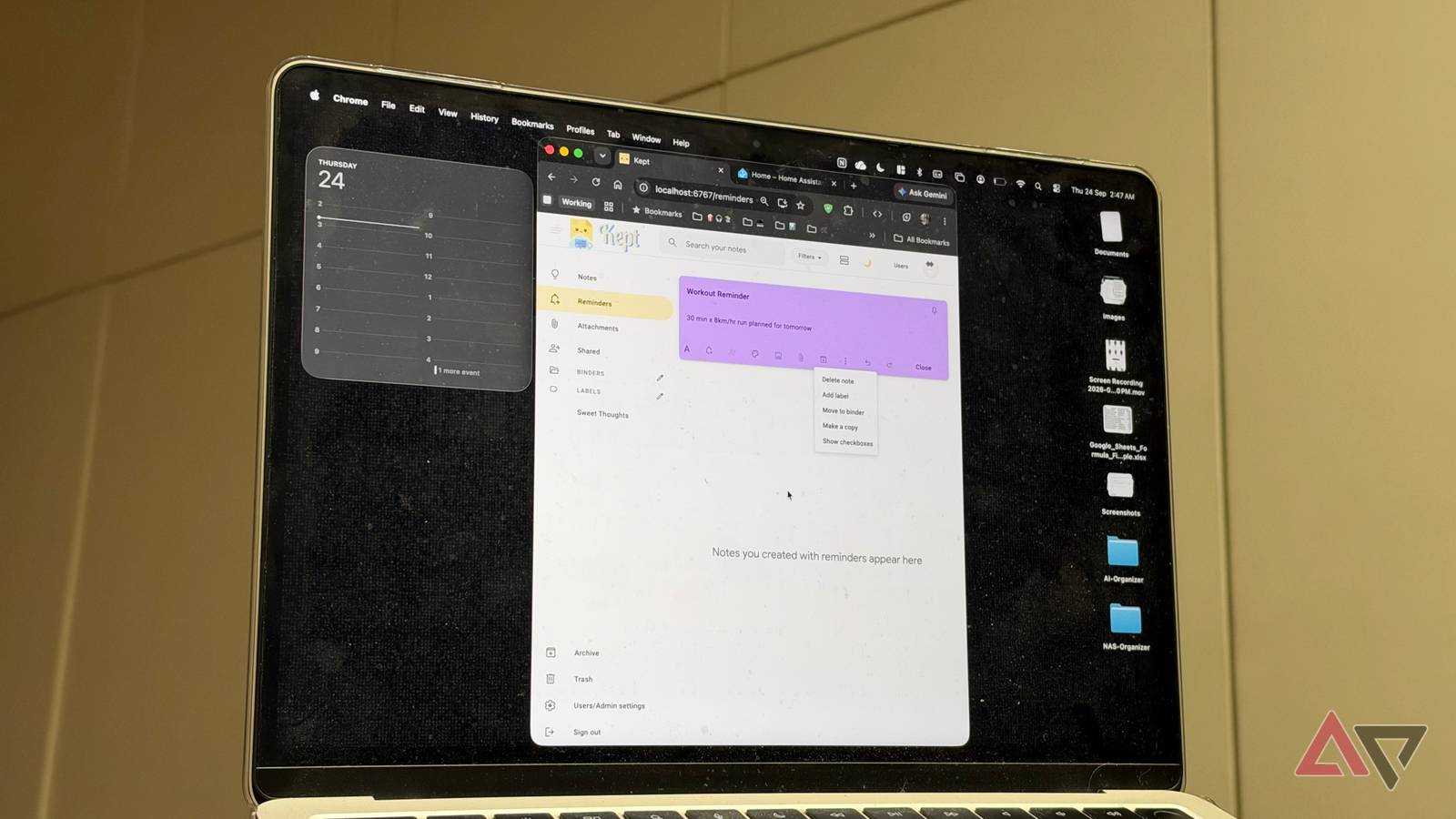
Published Sep 27, 2026, 8:00 AM EDT Dhruv Bhutani has covered the Android ecosystem since 2010, with a focus on smartphones, connected devices, and home networking. His reporting is informed by hands-on experience reviewing hundreds of smartphones and testing a wide range of smart home and audio products over more than a decade. He has attended Mobile World Congress eight times since 2011 and IFA Berlin five times, alongside regular coverage of launch events and industry briefings from companies including Google, Xiaomi, Oppo, and Qualcomm. This on-ground access and long-term exposure to product cycles inform how he evaluates hardware, software direction, and ecosystem shifts. First-Hand Experience Reviewed and tested hundreds of smartphones since 2009 Tested smart home, audio, and connected devices across multiple categories Attended Mobile World Congress (8 times, first in 2011) Attended IFA Berlin (5 times) Covered industry events including Qualcomm Summit and launch events from Google, Xiaomi, Oppo, and Vivo Career History CNET — Freelance Editor May 2024 – Present Android Police — Freelance Editor July 2023 – Present Android Authority — Contributor November 2022 – Present Android Authority — Editor January 2019 – October 2022 FoneArena — Editor February 2010 – January 2018 PhoneReport.info — International Correspondent February 2010 – May 2011 Nokia Mobile Talk — Writer June 2009 – October 2009 I've tried most to-do apps, but Google Keep is the one I keep coming back to. It lets me quickly jot down ideas, save links, and make checklists without worrying much about organization. But lately, I've taken to moving as much of my productivity stack offline as possible. I want to host all this software myself so that I keep control of all my data. The problem with that is, I like how Google Keep works. It's simple, focused on speed and, unlike most productivity software, isn't too fussed about organization. That's where Kept comes in. Designed to look and feel like Google Keep, it runs on your hardware. It gives you the same capabilities with zero cloud dependency, making it a perfect fit for my home lab. Kept keeps note-taking simple No unnecessary clutter involved Credit: Let's start with the basics. Kept doesn't turn note-taking into project management. That's a big one for me, because all I want is to open an app, create a note, and get back to what I was doing. Most of my notes are temporary and ephemeral. I might drop in links or quick thoughts about an article I'm working on. These notes don't need a structured approach; just a spot to put down the information before I forget about it. Kept handles that workflow with regular text notes, checklists, images, links, and file attachments. I can also use labels, colors, binders, and pinned notes when I want a note to stick around for long. There's a lot of flexibility here. Similarly, search and filters make it possible to find things later without relying entirely on my memory of where I put them. That's largely similar to how Google Keep operates, so you don't need to relearn your entire workflow. Another feature I've come to use a lot is checklist support. Sitting somewhere between notes and checklists, it's a great way to note things you want to, well, check off. For example, when I'm packing for a trip or working through a shopping list, the checklist support helps me keep a running list of things I need to pack. While I don't need visual references often, Kept supports those. So, you can drop your screenshots and images alongside other notes. Moving from Google Keep to Kept is surprisingly painless Import your existing notes via Takeout Part of what makes it easy to get started with Kept is that it can import your entire Google Keep history. It looks like Google Keep, and you can turn it into your self-hosted Google Keep by pulling in your Google Takeout export. That's powerful, and it means you don't have to start from scratch. It makes moving from one note-keeping app to another less disruptive. The biggest reason I switched from Google Keep to Kept isn't that it looks exactly like Keep. Instead, it's where my data lives. When I use any cloud-based note-taking service, another company controls my data. That's acceptable to many users, but I'm no longer comfortable ceding control of my data to third-party servers. My notes are a mix of personal information, work, and data I want to keep forever. I don't want third parties training their AI models on my data. Owning the infrastructure is the only way to achieve this. Kept's Docker-based setup makes it easy. The project has a published Docker image that takes seconds to deploy, so you can get started almost immediately. Google Takeout takes longer than it takes to get Kept up and running. You also don't have to lose modern conveniences. Kept ships with native apps for iOS and Android, so your note-taking process doesn't change much beyond hunting down a different app on your phone. On Android, you even get a powerful homescreen widget. You can also install the service as a PWA app on your computer. Looking to use the app on-the-go? You get full offline support that syncs back to your server the moment you're on the same network. All of that makes it an exceptionally well-thought-out app. Moreover, unlike Google Keep, Kept supports two-factor authentication for locking down your notes as well, which makes it particularly secure. A great fit in your self-hosted setup Not every cloud-based service is easy to replace. Turns out, Google Keep is one of those that can be. Kept gives me the part of Google Keep that I care about most, be it the ability to quickly capture data, simple organization, or easy access across devices, while running on my infrastructure on my desk. It's become a key part of my self-hosted stack and gives me all the same functionality as Google Keep without the organizational chaos most other services seem to lean towards. If you've been eyeing an easy way to move out of Google's ecosystem, switching to Kept might just be the move.
I ditched Google Keep for a self-hosted app that finally gave me control of my notes
Full Article
Original Source
Read the full article at Androidpolice →KhanList aggregates and links to publicly available news content. We do not host full articles from third-party sources. Always verify important information with original sources.