
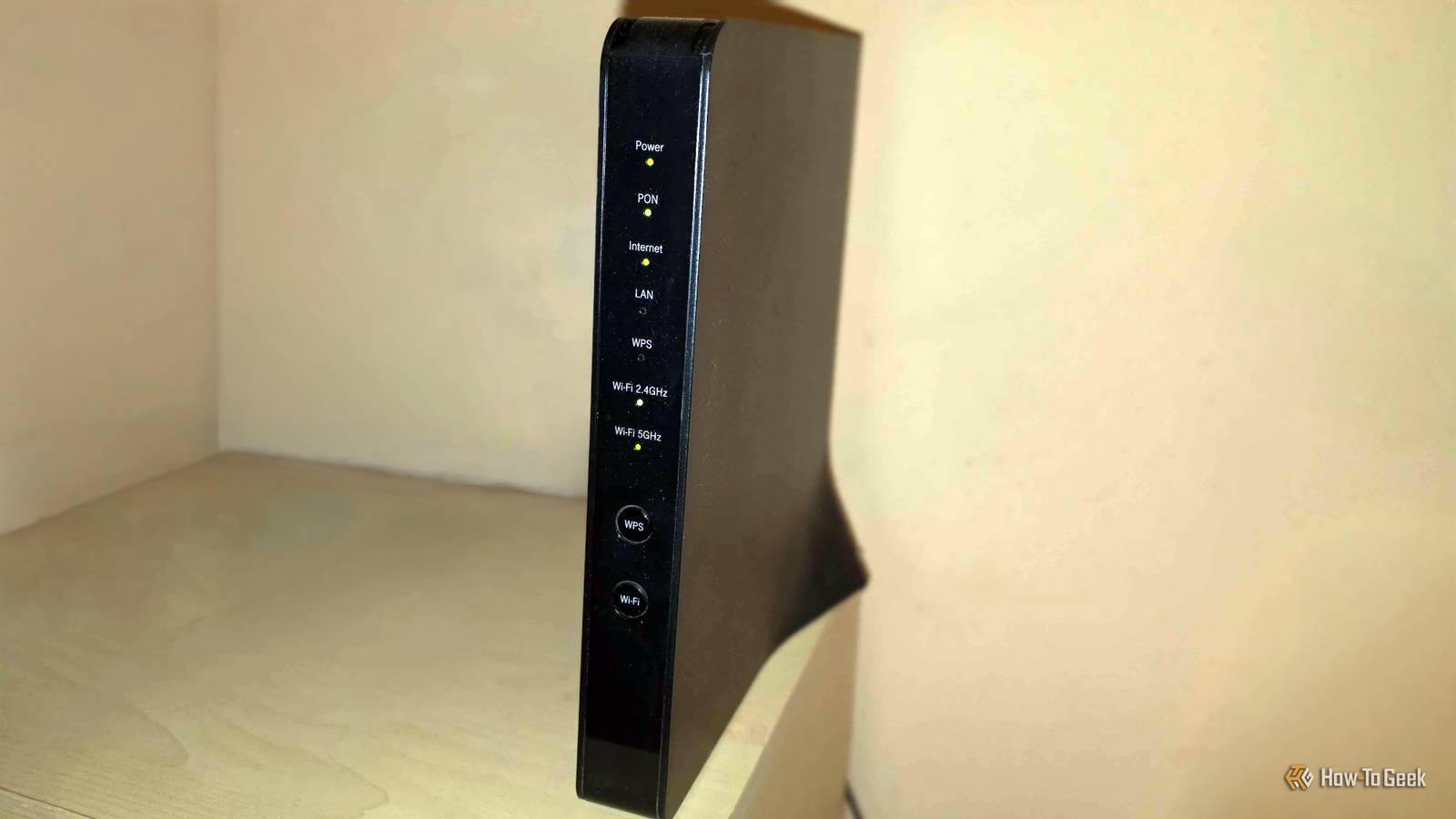
Published Oct 18, 2026, 11:31 AM EDT Monica J. White is a journalist with over a decade of experience in covering technology. She built her first PC nearly 20 years ago, and she has since built and tested dozens of PCs. PC hardware is her main beat, and graphics cards and the GPU market at large are her main area of interest, but she has written thousands of articles covering everything related to PCs, laptops, handhelds, and peripherals. From GPUs and CPUs to headsets and software, Monica's always willing to geek out over all things related to computing. Outside of her work with How-To Geek, Monica contributes to TechRadar, PC Gamer, Tom's Guide, Laptop Mag, SlashGear, Whop, and Digital Trends, among others. Her ultimate goal is to make PC gaming and computing approachable and fun to any audience. Monica spends a lot of time elbow-deep in her PC case, as she's always making upgrades, testing something, or plotting out her next build. She's the go-to tech support person in her immediate circle, so she's never out of things to do. Whenever she has spare time, you'll find her gaming until the early hours and hanging out with her dog. An old ISP of mine tried to make me pay them $1,000 when I wanted to leave. The connection died something like 50 times a day. So, forgive me for being blunt, but giving ISPs even more money than necessary sounds wild to me. So, why are you paying your ISP extra to rent a router that's often subpar? You might think it's nothing, but the money adds up. Here's how much you probably paid during the course of your contract. (Spoiler alert: It could be close to $1,000.) That harmless $10 charge gets expensive surprisingly fast Five years of renting can cost more than a new router When you start working with an ISP, you might not even notice that there's a tiny little extra charge on your bill. Unfortunately, internet plans are pretty expensive, especially when you pay for fast internet, so $10 to $15 a month for a router doesn't feel like much and can easily go unnoticed. It shouldn't. It adds up. For example, Spectrum charges $10 per month for Advanced Wi-Fi on eligible plans. Meanwhile, longtime Cox customers still pay a $15 monthly fee for the Panoramic Wi-Fi gateway. That's $120 to $180 per year, just for the privilege of using your ISP's router, meaning a device that's not even yours. (Keep in mind that Cox is now part of Charter, so new sign ups get Spectrum's pricing instead.) The worst part is that it's a recurring charge. In most cases, you'll be paying as long as you're using the router, which will then either be returned to the ISP when your contract lapses or will still be paid for when you renew it. Let's do some math. Three years of renting a Spectrum router at $10 per month adds up to $360, while Cox's $15 fee works out to $540. Stick with those charges for five years, and you're looking at $600 and $900, respectively. You could easily get yourself a super fancy router that'll last years for half that amount. Of course, my little napkin math assumes the charges stay the same, plus, every ISP has its own policies. The ISP that burned me so bad is not included here, so don't worry. I'm sure these ISPs are generally solid, but still, the expenses do add up. I compared the rental fee to actual routers I know what I'd choose Credit: Patrick Campanale / How-To Geek Okay, so $120 to $180 per year is a nice tidy sum, but does that get you a nice (tidy?) router? Let's find out. I'll use Spectrum's $10/month charge as an example for simplicity. You can grab a router for way less than $120 and have it work just fine; we'll have plenty of options. This TP-Link AX1800 Wi-Fi 6 router, for instance, will be great for most homes. It's currently on sale for $55, but the MSRP is $90. In any case, it's yours for 6 to 9 months of paying your ISP. If you prefer Asus, there's the cheap RT-AX1800S Wi-Fi 6 router, currently on sale for $62 (normally $70), or the pricier RT-BE58U (gotta love router names) for $130, but that one gives you Wi-Fi 7 and dual WAN. One way or another, you're winning. The $130 Asus costs more than a year of paying your ISP in this scenario, but just barely so, and it's yours to own for years. Over three years, you'd save up to $300. In Spectrum's case, the company provides a compatible modem at no extra charge, so you wouldn't need to buy one separately. Asus RT-BE58U Wi-Fi 7 Router This Asus Wi-Fi 7 router is fairly affordable, and it comes with a lot of bells and whistles, including dual-WAN, VPN compatibility, 3.6Gbps, and a 2.5GE port. Cox makes you spend more upfront, but the math still checks out Replacing a gateway means buying two devices Cox is a touch trickier, because its Panoramic Wi-Fi gateway is a modem and router in one. If you want to ditch the rental, you'll be replacing both. Fortunately, the company lets you bring your own equipment as long as it's compatible. For a modem, one option is the Arris Surfboard SB8200. Cox approves this for plans up to 1Gbps, and it's currently sold for $137 (down from $190) on Amazon. Pair that with the $60ish TP-Link or Asus router from earlier, and you're looking at about $190 in total. Not bad. Now, the math. For an existing Cox customer paying the $15 monthly gateway fee, that $190 investment would pay itself off in just 13 months. After three years, you'd save close to $350, and after five, a whopping $700. Some ISPs have stopped charging for routers We love to see it Far be it from me to say that all ISPs are bad. (No, that has never happened.) Not all of them are still charging extra for their routers. Comcast announced that its new Xfinity internet plans would include unlimited data and a Wi-Fi gateway at no additional charge. Meanwhile, Verizon Fios also includes a router with its current internet plans, while Spectrum bundles Advanced Wi-Fi with its Gig plans and higher. That's great news, although that doesn't mean the equipment is truly free; the cost could be baked into the contract. That's unavoidable, though, and you do have to get your internet from somewhere, after all. Check your bill before you spend another dollar Buying your own router won't always be the cheaper option. It won't be the easiest one, either. After all, going with the flow and using your ISP's router also means that the company will have to assist you if anything goes wrong. But the math and the facts check out: it's usually best not to rent and to, instead, just own your router.
I did the math: Here's how much money you've wasted on your ISP Wi-Fi router
Full Article
Original Source
Read the full article at Howtogeek →KhanList aggregates and links to publicly available news content. We do not host full articles from third-party sources. Always verify important information with original sources.