
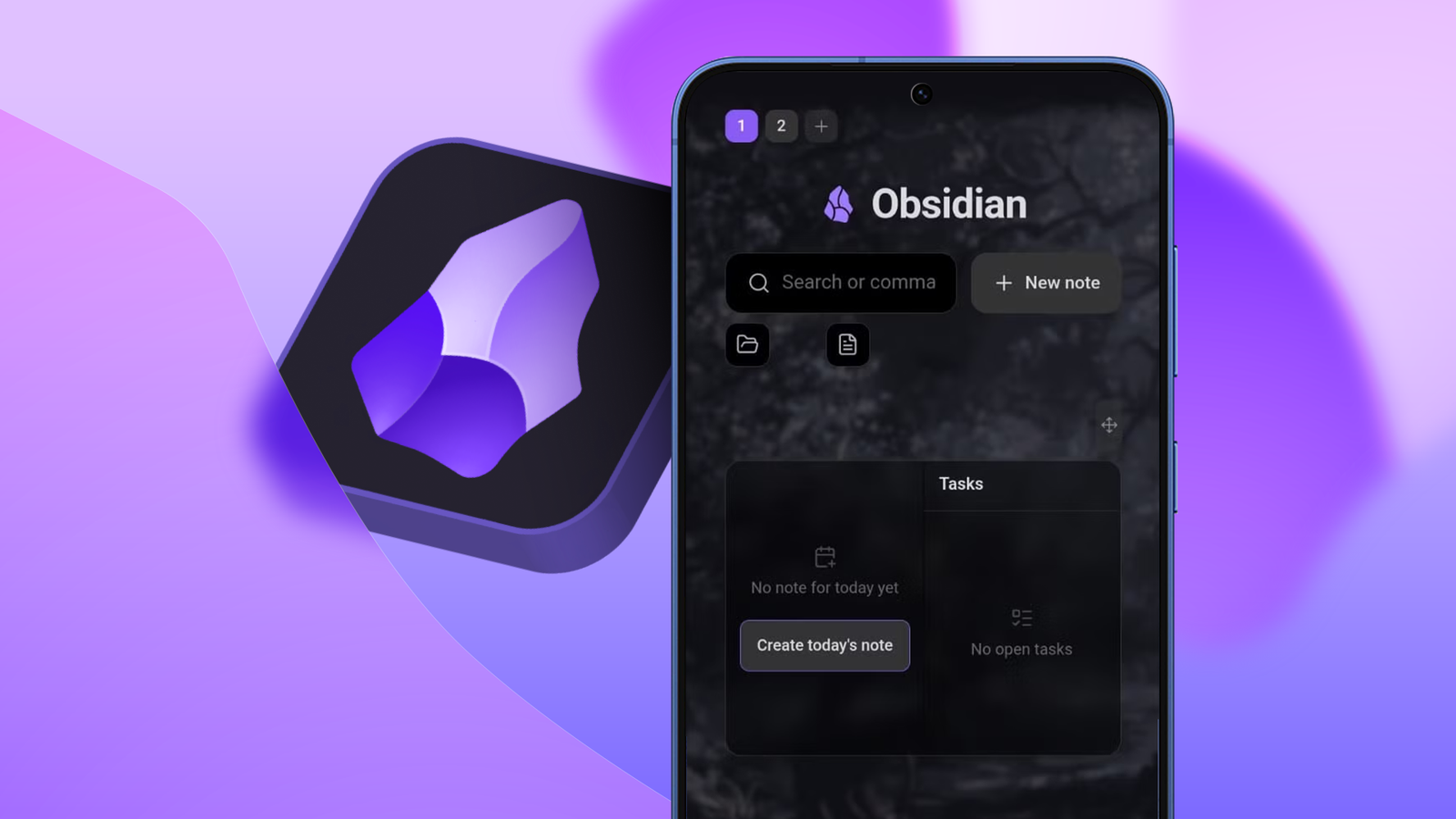
Published Aug 23, 2026, 8:00 AM EDT Oluwaniyi Raji is a tech content specialist who covers consumer technology, software, and digital tools. He has published over 300 articles for outlets including BGR (Boy Genius Report), MakeUseOf, TestGorilla, and Vervoe, focusing on helping readers make informed decisions about the technology they use. His work combines technical accuracy with practical buying advice. When he’s not writing, Oluwaniyi enjoys exploring new productivity tools and watching football. When I left Google Keep behind for Obsidian, I was attracted by the idea of a second brain. Most of what I'd read about it turned out to be accurate. My notes are stored as plain Markdown files I own, and I can spin up a separate vault for every project. However, what bothered me was what happens when I open one of those vaults. Obsidian takes me back to whatever I opened last, usually a half-written note that tells me nothing about the current state of the project. I spent months on CSS snippets and stacked plugins trying to build something better, but every setup that worked broke the first time I changed a display setting or updated the app. I made it stick with the Hearth plugin for Obsidian. It works because I drag a layout into place instead of writing code that describes one. The pre-Hearth homepage issue Why a Markdown note is not a good start page Obsidian doesn't provide a start page for your vaults, and the usual fix is the Homepage community plugin. It opens a note, a base, or a saved workspace when the app launches. This solves the launching part, but whatever it opens is still a note. Anything I wanted on that page had to be something that Markdown and embeds could render. In practice, that meant Dataview queries for the dynamic data, a multi-column plugin for the layout, and CSS snippets for the rest. I got a version working and was satisfied for about three weeks. But then, changing a theme caused a column to shift, and every new update broke a query, so I had to tweak a CSS file to restore everything to normal. Obsidian works better with fewer plugins than most people run, yet I had to run so many just because of my homepage. How Hearth changed my setup Building a layout without touching CSS Hearth installs from the community plugin browser. It opens on startup and takes over empty new tabs. You can customize both of those toggles in Settings. I'd already worked my way through one Obsidian learning curve, and I wasn't interested in another. On a fresh install, Hearth runs a short wizard that asks what the vault is for, then builds a first board from the answers. It also reads which plugins I enabled and offers a matching card for each one. My Dataview and Daily notes cards were waiting there before I added anything. The building happens behind the Arrange button in the upper-right corner. I drag cards anywhere on the board, resize them from any edge or corner, and they snap together with guidelines showing the alignment. Every card has its own opacity, blur, accent color, and corner radius. The background can be a solid color, an image from the vault, or a URL, and each board can override the global setting. I keep separate boards for separate projects and switch between them from a row of buttons in the upper-left corner. The features that made me keep Hearth Search, cards, and the phone launcher The search field doesn't stop at filenames. Plain text runs a fuzzy and full-text match across names, tags, properties, and the actual note contents. Typing a hash searches through tags, a key and value pair searches frontmatter, and an angle bracket turns the field into a command runner. I use that last one more than Obsidian's command palette. Underneath is a row of file-type chips that Hearth builds from what's in the vault, so Notes, Images, and Canvas showed up without me configuring anything. If Omnisearch is installed, it can replace the built-in engine from Hearth's Appearance settings. For cards, I use the Daily notes plugin to run a mini calendar, a tasks card that reads plain Markdown checkboxes, and vault statistics with a daily-note streak. Under the search field, it adds an action bar near the bottom of the screen. It ships with New note, New drawing, Record voice, and Open daily note, and you can swap every button for another command. What you should know before installing it A young plugin moving very fast Credit: Lucas Gouveia / Android Police Hearth is free and open source under an MIT license, and it comes from a single developer. It appeared around two months ago and is on version 2.0.0 after 139 releases, with around 20,000 downloads. The frequent releases mean that new card types arrive quickly. But that also means settings and layouts may change between versions, so anyone who wants a setup they won't have to think about again should wait a few months. Also, the plugin looks and runs better on desktop than on Mobile, but it's miles ahead of manually customizing CSS files and Dataview queries. The listing says the plugin was created using AI, with pull requests and releases tested by a human in a test vault before release. That hasn't stopped me because I can read the code, but a plugin renders inside your vault and reads your files. So, anyone installing it should beware of the listing. A work in progress that's well worth it I'm a couple of weeks into using the plugin, and I have four boards I switch between depending on the project. The layout has survived several Obsidian updates plus a couple of Hearth's own, which is more than I managed with my old setups. The mobile launcher is now how I open Obsidian on my phone, putting it firmly in the category of plugins that fix Obsidian for me. It isn't finished software and won't claim otherwise, but my vault's homepage finally looks like something I built on purpose rather than something I patched together.
Hearth solved my biggest Obsidian complaint by making homepage layouts completely drag-and-drop
Full Article
Original Source
Read the full article at Androidpolice →KhanList aggregates and links to publicly available news content. We do not host full articles from third-party sources. Always verify important information with original sources.