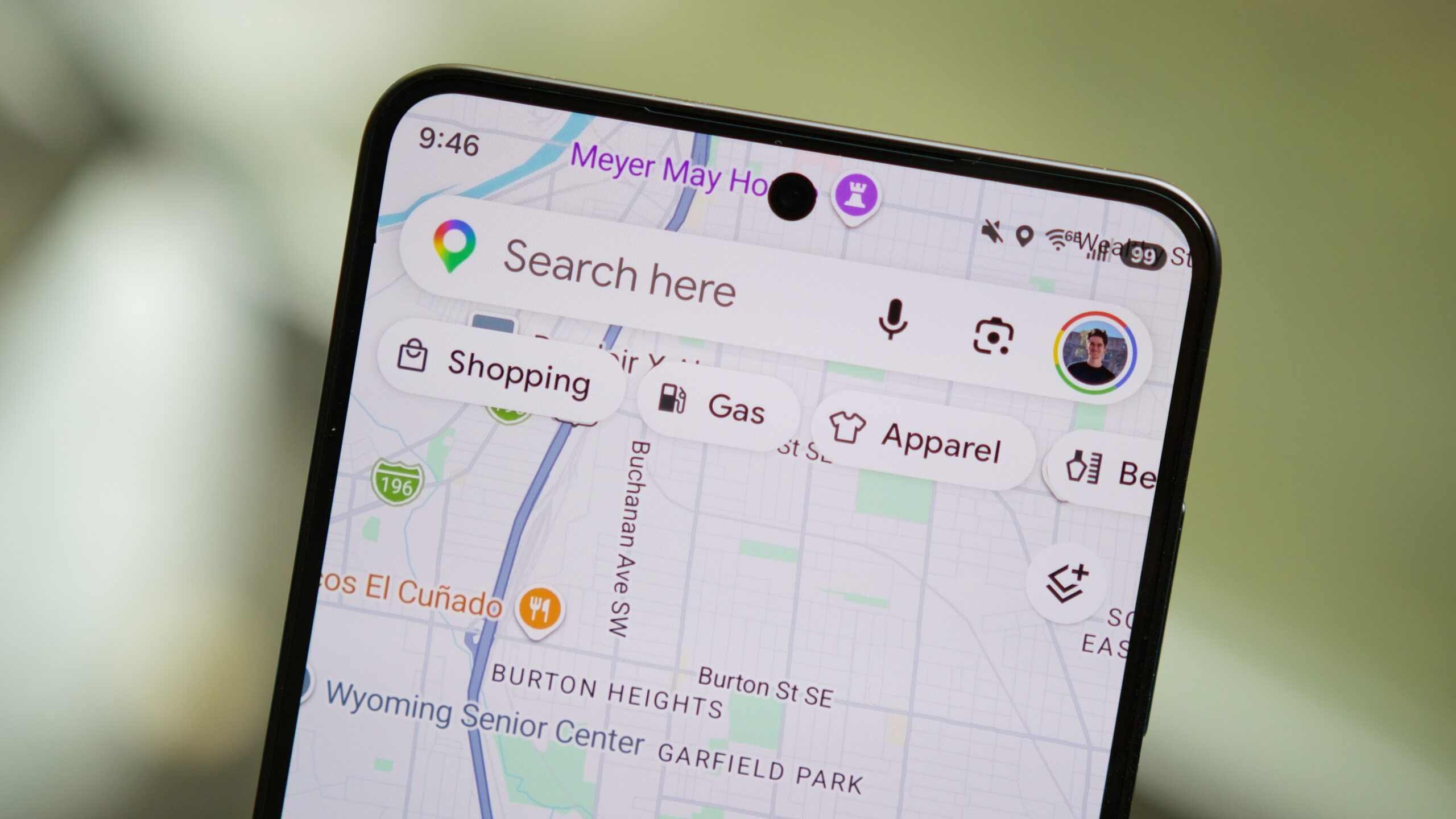
Joe Maring / Android AuthorityTL;DR Google Maps is testing shifting the Gemini icon to the bottom-left of the navigation screen, moving the exit icon to the right, and relocating the alternate routes icon above the report button. AI suggestion prompts within Ask Maps could also change from horizontally scrollable cards to a vertical list, displaying all five suggestions instantly without scrolling. A new Plus icon inside the input field will add quick options to “Post a tip or photo” and “Update a place,” linking directly to the upcoming Tell Maps feature. Building on its recent push to transform navigation with upcoming Personal Intelligence and conversational Ask Maps trip-planning features, Google Maps also appears to be working on tweaking its interface to make its AI features much easier to access while you’re on the move. Google Maps v26.30.00 includes code for a few upcoming visual changes that improve one-handed usability and streamline how AI prompts are displayed, and we’ve managed to activate these changes ahead of their rollout to give you an early look.You’re reading an Authority Insights story. Authority Insights brings you all the latest exclusive reports, app teardowns, leaks, and in-depth tech coverage from the Android Authority team that you won’t find anywhere else.When navigation is active, Google Maps usually displays the Gemini icon in the top-right corner, within the “Next turn” header. The bottom sheet merely shows the exit icon on the left, the alternate routes icon on the right, and some route details in the middle.Google plans to rearrange some of these, seemingly with a focus on making Gemini easier to use one-handed. The most noticeable change is that the Gemini icon could soon move to the left of the bottom sheet. The exit icon could be made more prominent and moved to the right of the bottom sheet. The alternate routes icon will find its place above the report icon outside the bottom sheet.You can see the current UI and the upcoming UI in the screenshots below:Functionality of all icons remain the same with this change, only their positions have changed.Further changes have been spotted within the UI for the Ask Maps feature. Ask Maps currently displays suggestions as horizontally scrollable cards, and you see about two to three suggestions before they cut off, forcing you to scroll.In the future, Google will display these Ask Maps suggestions as a vertical list without cards, so you can view all five right away.Further, we’ve activated a new Plus icon in the input field, which pops up two options: “Post a tip or photo” and “Update a place.” Both of these options lead to the upcoming AI-powered Tell Maps feature we spotted earlier in the year.You can see the current UI and the upcoming UI in the screenshots below:These changes are not yet live or rolling out. We’ll keep you updated when we learn more.⚠️ An APK teardown helps predict features that may arrive on a service in the future based on work-in-progress code. However, it is possible that such predicted features may not make it to a public release.Thank you for being part of our community. Read our Comment Policy before posting.
Google Maps could soon put Gemini and Ask Maps right at your fingertips
Full Article
Original Source
Read the full article at Androidauthority →KhanList aggregates and links to publicly available news content. We do not host full articles from third-party sources. Always verify important information with original sources.