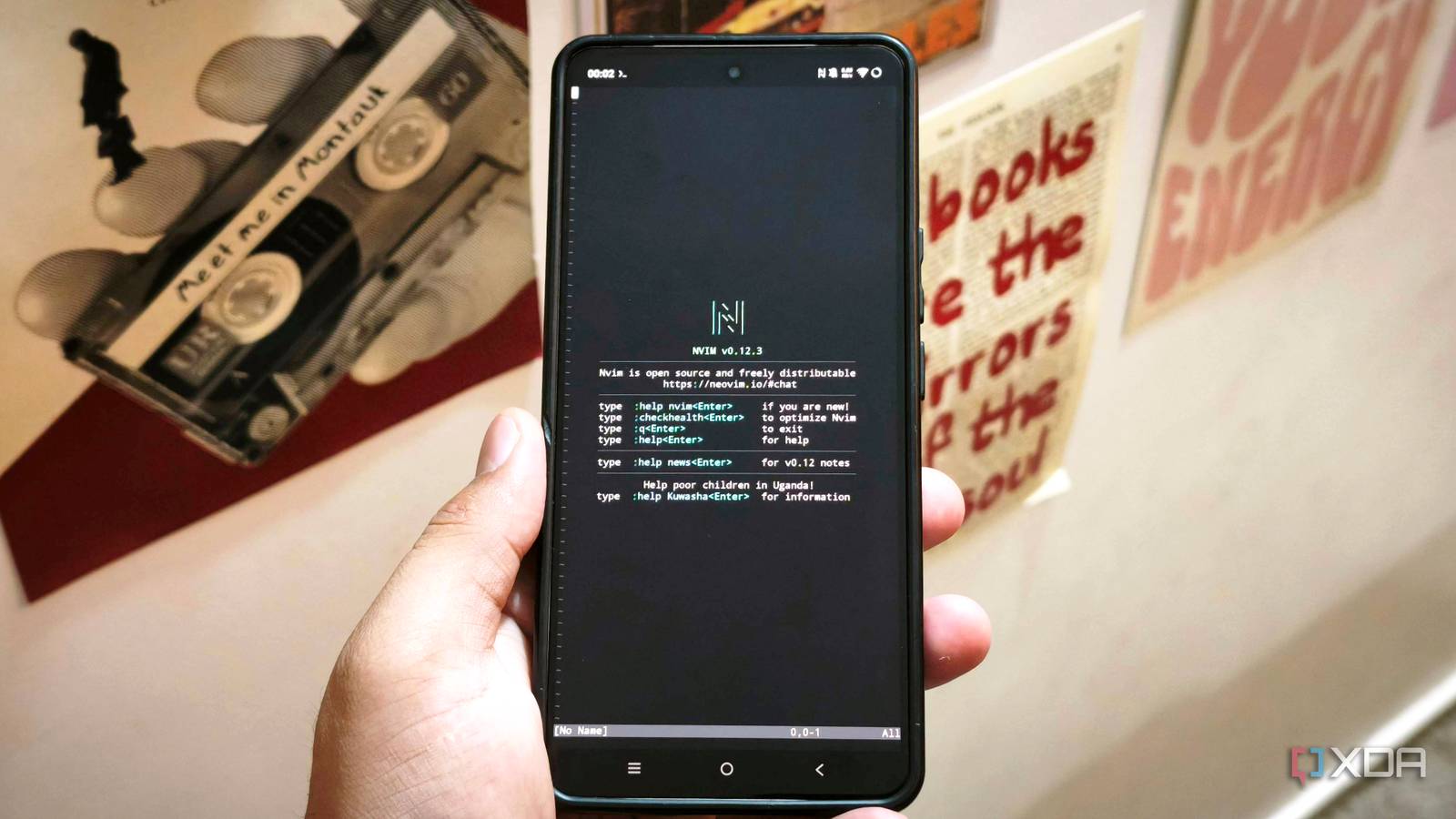
Published Aug 5, 2026, 12:30 PM EDT Anurag is an experienced journalist and author who’s been covering tech for the past 5 years, with a focus on Windows, Android, and Apple. He’s written for sites like Android Police, Neowin, Dexerto, and MakeTechEasier. Anurag’s always pumped about tech and loves getting his hands on the latest gadgets. When he's not procrastinating, you’ll probably find him catching the newest movies in theaters or scrolling through Twitter from his bed. Running desktop Linux apps on an Android phone sounds like the sort of thing that should fall apart almost immediately. You are dealing with a small screen, awkward touch controls, and an operating system that was never designed to work like a desktop operating system. Yet after using Termux and running Debian through Linux Deploy, I found that the display was not the biggest problem. I only started seeing problems when I attempted to treat the phone as a proper Linux computer. Debian still depends on Android’s kernel, which means it does not have the same level of control over the system as a regular Linux installation. That caused more problems than the small display or touch controls did. Terminal apps run surprisingly well here The basic Linux experience is better than I expected. You can use Termux to get yourself a usable terminal on Android, and then through that you can install Debian to get a more familiar Linux-like environment. I can install tools through APT, work with files, use Git, and most importantly, run Neovim. Neovim is the IDE that I normally run on my Linux desktop, and it is also particularly well suited for this kind of setup. It does not require a heavy graphical environment, and lets you edit files and manage plugins or even work inside a project directory reasonably well. Of course, the experience is not the same as a desktop because you don't have a keyboard and the screen is significantly smaller, but the phone has enough processing power for these tasks to run smoothly. I can also run Python scripts, use command-line utilities, and install many of the same packages I use on a regular Linux machine. The ARM64 architecture helps here. Most modern Android phones use ARM processors, and Debian supports the same architecture, so compatible packages run directly without CPU emulation. That removes one of the major performance penalties I expected from running Linux on a phone. Debian still depends on Android’s kernel System-level features remain out of reach The biggest limitation is that Debian does not run as a completely separate operating system. Linux Deploy gives you a Debian userspace, but it still relies on the Android kernel underneath. You get access to Debian packages and familiar Linux tools, but you do not get the same control over the system that you would have on a regular Linux installation. This does not matter much when you are using Neovim, Git, or Python because these tools only need a working shell, access to files, and basic network connectivity. The difference becomes obvious when you try to run software that depends on system-level features. Some apps expect systemd, cgroups, kernel modules, or access to hardware interfaces that Android does not expose in the same way. Docker is one of the best examples. You can install some of its packages, but actually running containers depends on namespaces, cgroups, and other kernel features. Whether those features are available depends on the Android kernel and how the phone manufacturer has configured it. Debian cannot add them on its own. The same limitation affects services and background processes. On a regular Linux machine, the operating system starts services during boot and keeps them running. On Android, Debian does not control the complete boot process, and Android can restrict background activity when the phone is idle or when you move away from Termux. Desktop applications expose the gaps Graphics and integration create new problems Running a desktop application is where the difference between this setup and a regular Linux computer becomes more obvious. Terminal tools run directly inside Termux or Debian, but graphical applications need another layer before they can appear on the screen. You usually have to use something like Termux:X11 or a VNC server, and that adds more setup as well as another point where things can go wrong. Lightweight apps work reasonably well. You can open a file manager, text editor, or other basic desktop tool without putting too much strain on the phone. However, apps like browsers and anything that depends heavily on graphics do not always get proper hardware acceleration. The phone itself may have enough processing power, but Debian does not automatically get direct access to the GPU in the same way a normal Linux installation does. Graphics support depends on the device, its drivers, and how the display server is configured. In some cases, the app runs entirely through software rendering, which makes scrolling, animations, and video playback noticeably slower. There are also smaller integration issues that add up. Audio may need separate configuration, clipboard sharing does not always work properly, and accessing Android files from inside Debian can require additional permissions or mounted directories. Your phone is still quite useful My little attempt to use a phone as a Linux computer was doomed to fail, but that does not mean you cannot use your phone for plenty of other purposes. Termux and Debian cover almost all the use cases you would realistically need on a phone. You can use it as a media server or run Jellyfin on it, and it handles those tasks surprisingly well.
Desktop Linux apps on Android proved my phone's biggest bottleneck isn't what I thought
Full Article
Original Source
Read the full article at Xda-developers →KhanList aggregates and links to publicly available news content. We do not host full articles from third-party sources. Always verify important information with original sources.