
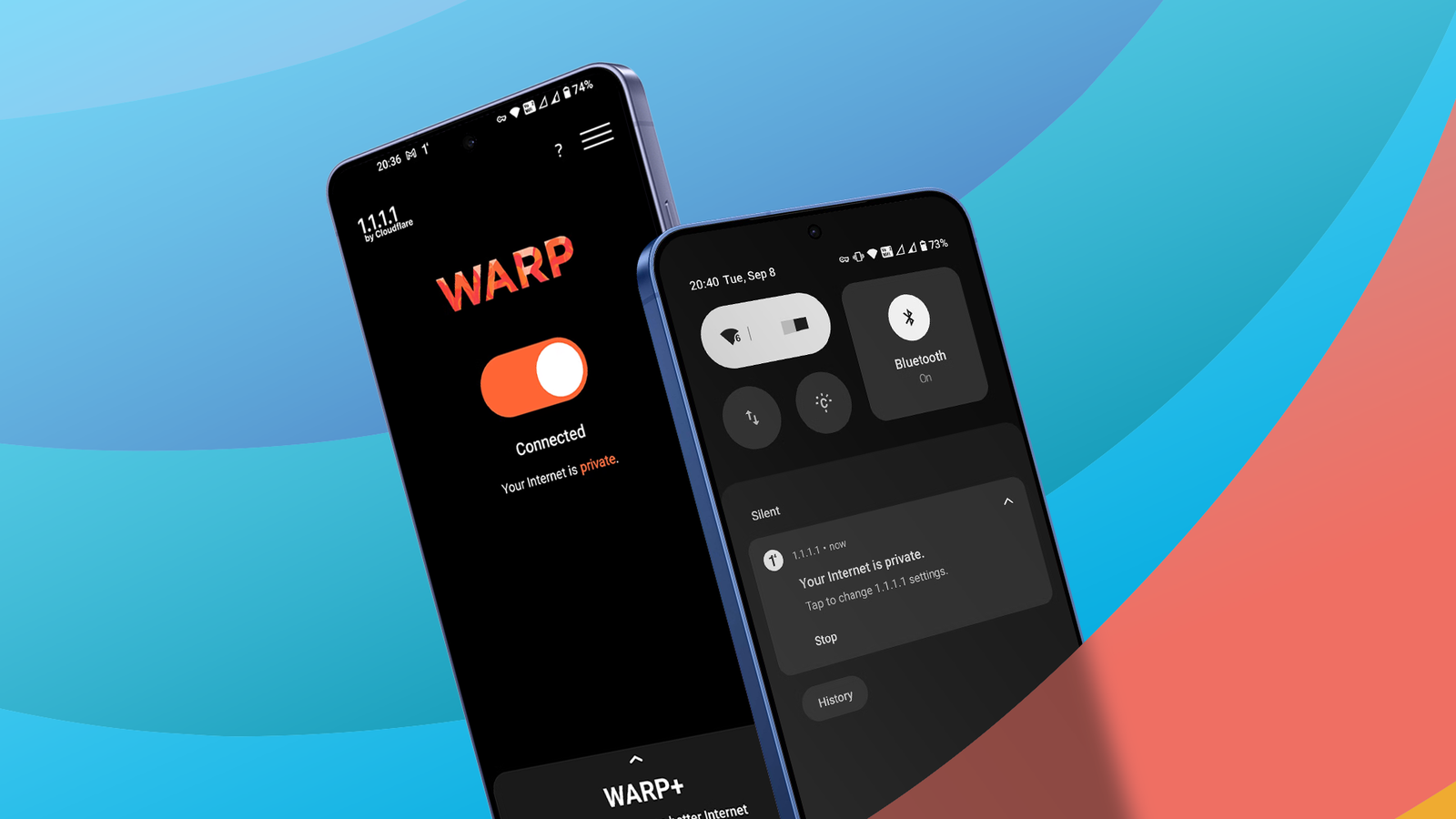
Credit: Lucas Gouveia / Android Police Published Sep 13, 2026, 10:15 AM EDT Marvin is a Features Author for Android Police. His media career began as an editorial assistant at a now-defunct print publication. He has since transitioned to digital media as an editor, attended technology events in over 10 countries, and earned his master's degree in journalism. He enjoys film photography, outdoor running, and alternative coffee brewing during his leisure time. Sign in to your Android Police account Troubleshooting a 404 error can be a chore when it's for a website that normally works. Refreshing the page and checking the URL are the first steps, but they often don't solve the issue when I have a stable internet connection, and access the site from a bookmark. Before troubleshooting deeper with DNS settings or another browser, I turn on Cloudflare's WARP from my quick settings to see if it lets me access the website. It works pretty much every time. It provides me with a different route to the site with a single tap. When I'm done visiting the sites I need, I turn off WARP from the notification shade and go about my business. This level of simplicity makes WARP my go-to fix for simple web problems. It comes with other benefits, too. WARP gives my connection a better route The tool stays in my quick settings WARP isn't a traditional VPN. It doesn't provide location masking or country switching like typical VPNs do. WARP only behaves like a VPN. It encrypts my internet traffic and changes my IP address, but it doesn't let me choose a server in another country or speed up my connection. Cloudflare built WARP as a one-tap solution to avoid traffic jams on the web. It also adds another layer of security when connecting to public Wi-Fi. It's available on the Play Store and requires VPN permission after installation. From there, the app's home screen has a large orange switch for turning on WARP. It then applies Cloudflare's network to the phone's VPN settings. Adding WARP to my quick settings makes setup seamless. Whenever I'm connecting to public Wi-Fi or a website becomes inaccessible, I swipe down and turn on WARP. Turning it off uses the same procedure. I can't remember the last time I opened the WARP app; I only need the switch in my quick settings. WARP covers every app on my phone. It isn't limited to mobile browsers. By default, services like Netflix, YouTube, and Google Photos are excluded because of their large bandwidth requirements. WARP is free and doesn't have a usage limit. You don't need to log in with an account, so you can test it without signing up. Some settings make WARP more useful I can keep my preferred DNS setup Because of WARP's one-tap nature within the app or from my quick settings, it doesn't interfere with my existing DNS settings. I set AdGuard as the default DNS in my Android phone's Private DNS setting. Whenever I turn WARP on or off, my DNS settings stay intact. I also use Firefox Focus for quick browsing and Vivaldi for in-depth research; both have their own ad blockers and aren't affected by WARP. If you can't access a site even with WARP on, change the app's tunnel protocol. You can enter the menu via Settings > Advanced > Connection options > Tunnel protocol. The default setting is Auto, but you can change the protocol to either MASQUE or WireGuard. One or the other may work better with a particular website. Cloudflare has extensive documentation of the two protocols on its blog. If you gain access to a site you previously couldn't reach but another app starts misbehaving, you can add that app to WARP's exclusions list. This prevents that app from going through Cloudflare's tunnels. You can also activate malware filtering in WARP's settings. This is helpful if you don't have protection from your DNS or browser. You can take it a step further with adult content blocking from the same settings menu. In my experience, WARP has minimal impact on battery life, but has a more substantial hit on my internet connection speed. WARP cuts my home Wi-Fi speed by about half on average. If I get 250Mbps on my home Wi-Fi, I'd have around 120Mbps with WARP turned on. I don't have to pay for WARP+ Cloudflare offers a paid tier called WARP+ with a monthly subscription. Cloudflare says it matches the service's fee to the price of a McDonald's Big Mac in each region. In other words, it's relatively affordable. WARP+ is designed to reduce latency using a larger routing network. I tried it for a month and wasn't impressed. It rarely made my connection feel faster or more stable. It may work better for other users, but for me, the free version is enough. Regular WARP offers unrestricted usage and doesn't complicate settings like some other VPNs do. While WARP doesn't fix every connectivity issue, it's the first troubleshooting step that often works.
Cloudflare's Android app is the simplest solution to my biggest connectivity problems
Full Article
Original Source
Read the full article at Androidpolice →KhanList aggregates and links to publicly available news content. We do not host full articles from third-party sources. Always verify important information with original sources.