
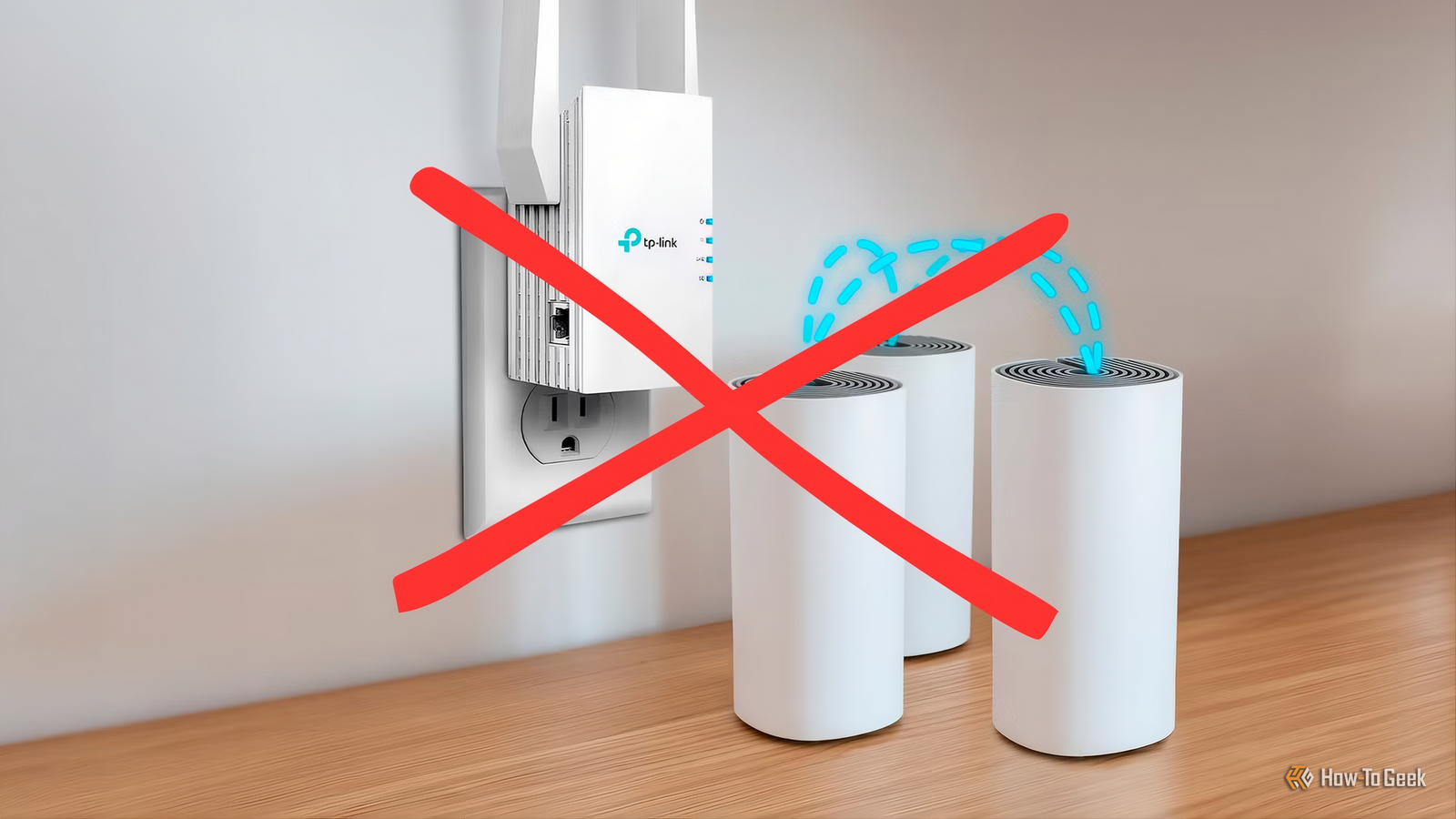
Published Oct 11, 2026, 8:00 PM EDT Umair Khurshid is a technology writer and developer with a strong focus on Linux, FreeBSD, cloud infrastructure, and automation. Before focusing on writing, Umair worked as a developer and DevOps engineer building and automating cloud-native systems. Mesh Wi-Fi systems are an easy recommendation when your wireless network has dead zones. Buy a 2 or 3 pack, put the nodes around your home, follow the setup wizard, and you should have better coverage. The problem is that a decent mesh system can become surprisingly expensive, especially when you start looking at higher-end models. After using both consumer mesh systems and business-oriented networking equipment, I have found that dedicated APs can make more sense for many homes. They require a little more planning, but they can provide better performance, more configuration options, and a network that is easier to expand without buying another proprietary mesh node. Mesh Wi-Fi gets expensive quickly Adding another node is often the first solution The appeal of mesh Wi-Fi is obvious. Instead of relying on a single wireless router to cover an entire house, you place several nodes around the property. Devices can move between those nodes while the system handles the details in the background. That simplicity is valuable, particularly for people who do not want to spend an afternoon configuring a network. However, the price can climb quickly. A basic 2 node system might be affordable, but larger homes often require 3 or more units, and the cost scales with each node you add. The numbers make this concrete. A TP-Link Deco X60 3-pack typically costs around $260 to $375, while an eero Pro 6E 3-pack is usually around $450 to $500. NETGEAR's higher-end Orbi systems can cost $800 or more for a three-pack, depending on the model and current pricing. If your home needs a fourth node, you are often paying $100 to $150 for a single additional unit that only works with the rest of that proprietary system. There is another problem that is less obvious when you first buy a mesh system. The nodes need to communicate with each other. If you do not connect them with Ethernet, they have to use wireless backhaul, which means some of the available wireless capacity is being used to communicate between the mesh nodes rather than directly with your devices. That can work perfectly well, but the experience depends heavily on where the nodes are positioned and how strong the connection between them remains. A backhaul link that starts at 1.2 Gbps can drop to a fraction of that if a door is closed, furniture is moved, or a neighbor’s network starts competing for the same channel. Every device connected to that node inherits the degraded link. Business networking gear changes the equation You can build a network around separate access points Business networking equipment takes a different approach. Instead of buying several identical devices that each combine networking functions into one box, you can separate the components. Your router handles routing and firewall duties. A switch provides Ethernet connectivity, and dedicated wireless APs provide Wi-Fi. Power over Ethernet can supply electricity to the access points through the same Ethernet cable that carries network traffic. This setup sounds more complicated than buying a mesh kit, but the basic concept is straightforward. You are simply giving each component a job instead of asking one consumer device to do everything. The hardware is also more affordable than many people assume. A TP-Link Omada EAP610 access point typically costs around $90 to $110, while an EAP650 costs around $120 to $130. The ER605 router costs around $50 to $60, and the TL-SG108PE PoE switch typically costs around $65 to $90. Three EAP610 units, the router, and the switch come to roughly $385 to $480, depending on current pricing and sales. That is comparable to a mid-range mesh system, and it uses hardware designed for continuous operation rather than residential use. Dedicated APs also give you more flexibility when deciding where your Wi-Fi comes from. You can mount an access point on a ceiling or wall, run an Ethernet cable back to your network cabinet, and provide a strong wireless signal exactly where you need it. You do not have to place an AP somewhere merely because it happens to be the best location for maintaining a wireless connection to another mesh node. That flexibility is not just about coverage. Business APs support features that most mesh systems either lack or implement inconsistently. For example, VLANs let you put IoT devices, guest devices, and trusted devices on separate networks, while roaming standards like 802.11k, 802.11v, and 802.11r help devices move between APs without dropping connections. Wired backhaul makes a bigger difference than another mesh node Ethernet gives your APs a direct connection This is probably the biggest reason I prefer dedicated APs when Ethernet is available. A wired access point does not need to depend on another wireless access point for its connection to the network. The data travels over Ethernet directly to the switch and router. That leaves the Wi-Fi radio focused primarily on communicating with client devices. The difference becomes particularly noticeable in larger homes or environments with a lot of wireless interference. Walls, floors, neighboring networks, appliances, and other sources of interference can all affect wireless communication. Ethernet avoids most of those problems. Reliability is where this matters most, and it is worth being specific about why. A wireless backhaul link is a failure mode that does not exist in a wired setup. If that link degrades, every device on that node suffers, and the mesh system has no way to fix it without repositioning hardware. A wired AP has no equivalent failure mode. PoE removes another failure mode. A mesh node needs a power outlet, which limits where you can place it and adds another cable to manage. A PoE AP gets power and data from the same Ethernet cable, so you can mount it exactly where it needs to go. Firmware support is also something a lot of people don’t consider. Business APs typically receive updates for 5 to 7 years. Consumer mesh systems often stop receiving firmware updates after 2 or 3 years, which means security fixes stop arriving while the hardware is still in use. This does not mean that every mesh system is slow or unreliable. Some premium systems support dedicated wireless backhaul radios, and many mesh systems also support Ethernet backhaul. If you already have Ethernet wiring throughout your home, however, dedicated access points make it easier to build the network around that infrastructure from the beginning. The setup is a bit complicated, but it isn’t difficult You don’t need enterprise level networking skills Credit: Sydney Louw Butler / How-To Geek I think the biggest appeal of the mesh setup is convenience. A mesh system can be installed by someone who knows very little about networking. You download an app, connect the hardware, follow the instructions, and place the nodes around the house. A dedicated access-point system requires more thought. You need a router, Ethernet connectivity, a switch, and one or more access points and if you want PoE, the switch also needs to support it, or you need separate PoE injectors. Modern Wi-Fi 6 APs generally need 802.3at power, not just 802.3af, so the switch has to be chosen with that in mind. That sounds like a lot, but once the hardware is installed, management can actually be quite straightforward. Many business networking platforms provide centralized controllers that let you configure every access point from one interface. You can see which devices are connected, inspect network activity, update firmware, configure wireless networks, and make changes across the entire system. The initial setup requires more knowledge, but you are also getting a system that can grow with you. If you already have Ethernet cables running through your home, the argument becomes even stronger. You have infrastructure that a wireless mesh system may not fully exploit. Mesh is simpler, but APs are the better long-term choice I would not recommend this approach to everyone. If you rent and cannot run Ethernet cables, if you have no interest in learning a networking interface, or if your home is small enough that a 2-node mesh system covers it well, mesh is a reasonable choice. Convenience has real value, and a mesh system that works out of the box is better than a business setup that never gets configured properly. For everyone else, the calculation is straightforward. If you want the simplest possible setup and do not mind replacing the whole system every few years, buy mesh. If you want a network you can expand one piece at a time, upgrade without starting over, and configure exactly the way you want, business gear is worth the extra afternoon of planning.
Business-grade networking gear is cheaper and more reliable than the mesh Wi-Fi kit you've been eyeballing
Full Article
Original Source
Read the full article at Howtogeek →KhanList aggregates and links to publicly available news content. We do not host full articles from third-party sources. Always verify important information with original sources.