
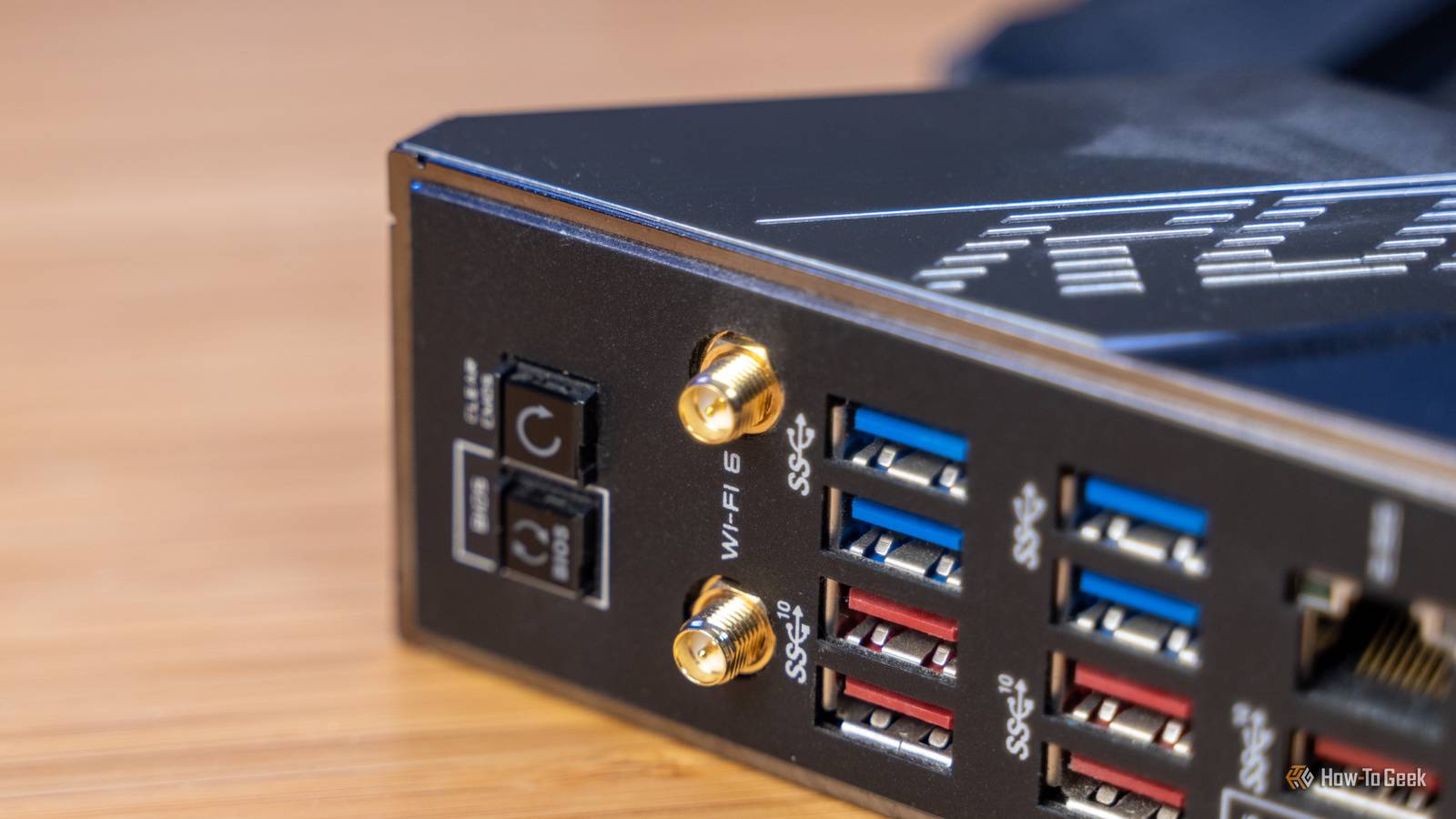
Published Oct 12, 2026, 7:30 AM EDT Ever since he got his first smartphone, the legendary Nokia 6600, back in 2005, Goran became obsessed with technology. This obsession had only gotten worse after he received his first gaming PC a couple of months later. He fell in love with video games in the early '90s, shortly after embarking on his gaming journey with the Sega Master System II and SNES. Since then, he has built dozens of PCs, played thousands of games, and authored hundreds of articles about PC hardware, gaming hardware, and video games. He knows everything there is to know about the PC gaming and PC hardware space, and while his console gaming knowledge isn't as comprehensive, he considers himself a console veteran. Goran has almost a decade of experience writing about tech and video games for numerous web publications including TechSpot, TechPowerUp, and EsportsHeadlines. He has been writing for How-To Geek since December 2022. When he isn't gaming or deciding which component of his PC to upgrade next, you can find him strolling around Novi Sad while listening to music and contemplating what to play next. If you’ve got a desktop PC with a built-in Wi-Fi solution and you’ve been facing network issues, there’s a good chance the culprit is the Wi-Fi chip on your motherboard, especially if you’re using a budget board. The truth is that many motherboards come with subpar Wi-Fi, often because vendors want to keep prices down. That can result in random disconnects, poor performance when the signal is less than ideal, and driver issues. If you’re rocking an older motherboard, your Wi-Fi chip could simply be outdated and unable to keep up with your internet plan, giving you slow speeds even when your router is nearby. Luckily, there’s a solution for your Wi-Fi woes, and it only costs $35. Many affordable motherboards have subpar Wi-Fi solutions It’s an easy way to cut costs on budget boards Plenty of budget motherboards with built-in Wi-Fi, both Intel and AMD ones, come with less-than-ideal Wi-Fi modules that aren’t super reliable. The usual suspects are MediaTek Wi-Fi modules, many of which have a track record of random disconnects, slow speeds, driver-related problems, and more. Unfortunately, even pricier AMD boards often stick with MediaTek. On the other hand, higher-end Intel boards usually come with Intel Wi-Fi chips, which are generally considered much more reliable. I own multiple handheld PCs with MediaTek Wi-Fi chips (the ASUS ROG Ally, ROG Ally X, and ROG Xbox Ally X), and while I luckily haven’t had issues with random disconnects and driver quirks, I can confirm that they suffer from random slowdowns when downloading games. That doesn’t happen on my MSI Claw 8 and Claw 8 EX, both of which are equipped with Intel Wi-Fi cards. Another issue I’ve been facing is lag spikes when streaming games from my PC to my handhelds, which happen much more often on the MediaTek-equipped ones. After I applied this Intel-specific fix to my MSI Claw 8 EX, which stops the card from regularly scanning for Wi-Fi networks and causing massive lag spikes, it has been working flawlessly when locally streaming games at a 250 Mbps bitrate. Meanwhile, all three ASUS handhelds still get relatively frequent lag spikes, even after I dropped the bitrate to 150 Mbps. Realtek Wi-Fi modules, which you’ll find in many prebuilt desktop PCs and some budget motherboards, are also known to cause similar issues. So if you own a prebuilt desktop or a budget board with built-in Wi-Fi and have been having trouble with it, you might have a Realtek Wi-Fi module that’s to blame. Lastly, if you own an older board that packs a built-in Wi-Fi 5 module, you might get stable performance but slower than ideal speeds. Wi-Fi 5 cards are getting long in the tooth, and many of them can’t max out your internet speed if you have a fast plan (say, 500 Mbps or higher). The solution is to get a decent PCIe Wi-Fi card A quality PCIe Wi-Fi card can dramatically improve your Wi-Fi experience If you own a motherboard with a MediaTek, Realtek, or older Wi-Fi 5 module that’s been giving you headaches, and you’ve already tried other fixes such as moving your router closer, reinstalling drivers, and other stuff, the most straightforward solution is getting a quality PCIe Wi-Fi card. A decent Wi-Fi card can solve reliability issues such as lag spikes, random slowdowns, and disconnects, and it can also improve your speed and signal because many come with antennas you can move around to find the spot with the best signal. On the other hand, lots of built-in Wi-Fi setups, especially in prebuilt PCs and on budget boards, use fixed antennas that screw directly into the two Wi-Fi antenna connectors on the back of your PC, which can result in poor signal because your PC case is a big chunk of metal that blocks Wi-Fi signals. I recommend the TP-Link Archer TX3000E because it packs a well-regarded Intel AX200 Wi-Fi 6 chip that works great with Intel and AMD motherboards, only costs $35, comes from a known brand instead of a no-name one, and has an antenna you can move around to get the best signal. It's an older card but super reliable and quite speedy. If you have a router that supports the 6GHz band, you can spend some more cash and get the Gigabyte GC-WBAX210, a Wi-Fi 6E card that's also based on a reliable Intel Wi-Fi chipset (the AX210). TP-Link Archer TX3000E The TP-Link Archer TX3000E is a superb Wi-Fi 6 card that offers the same theoretical performance as Wi-Fi 6E cards. Installing a Wi-Fi card isn’t rocket science. First, uninstall your built-in Wi-Fi and Bluetooth drivers, then disable the built-in Wi-Fi and Bluetooth in the BIOS. Next, install the card in one of the free PCIe slots on your motherboard and connect its USB cable to an internal USB 2.0 header, which is needed for Bluetooth. Finally, install the necessary drivers. Want to save some cash? Swap the M.2 Wi-Fi module instead As long as your motherboard has a removable Wi-Fi module All you PC tinkerers who are ready to get your hands dirty can save some cash and fix the issue at its root by replacing the actual M.2 Wi-Fi module. This only works if your motherboard has a replaceable Wi-Fi module; if your module’s soldered to the motherboard, you’re out of luck. If you opt for this route, the Intel AX210 Wi-Fi module is generally the best bang-for-your-buck option. It’s a Wi-Fi 6E chip, meaning you’ll be able to use the 6 GHz band, it’s plenty fast and should be able to keep up with fast internet plans, it comes with Bluetooth 5.3, and it’s relatively affordable since you can find it for around $20 on Amazon. Just keep in mind that you’ll be using your existing antennas, so if they’re the fixed kind that screw into the back of your PC, you might also want to grab a magnetic antenna base that you can move around. Also, make sure you get the AX210 and not the AX211 module, which only works on certain Intel motherboards. Intel AX210 Wi-Fi 6E Card If the Wi-Fi card that’s been giving you headaches is replaceable, the Intel AX210 can be a cheap and cheerful way to solve your Wi-Fi problems. If you can, connect your PC to Ethernet since it's much better than Wi-Fi If you have the option, my advice is to always plug an Ethernet cable into your desktop. Ethernet will always beat Wi-Fi, so if you can route a cable from your router to your PC, do it. You don’t even have to run it directly from your router. You can also plug it into a spare Ethernet port on a wireless access point if you have one, or on one of your mesh nodes, especially if your mesh system uses wired backhaul. In any case, an Ethernet cable is much cheaper than a Wi-Fi card or module, and it’s a more reliable solution than Wi-Fi. MoCA adapters can also be a great, if pricey, alternative if your home has coaxial outlets. But if running a cable isn’t an option, a PCIe Wi-Fi card is the next best thing.
Yes, your PC's Wi-Fi chip is the problem, and this $35 card is the solution
Full Article
Original Source
Read the full article at Howtogeek →KhanList aggregates and links to publicly available news content. We do not host full articles from third-party sources. Always verify important information with original sources.