
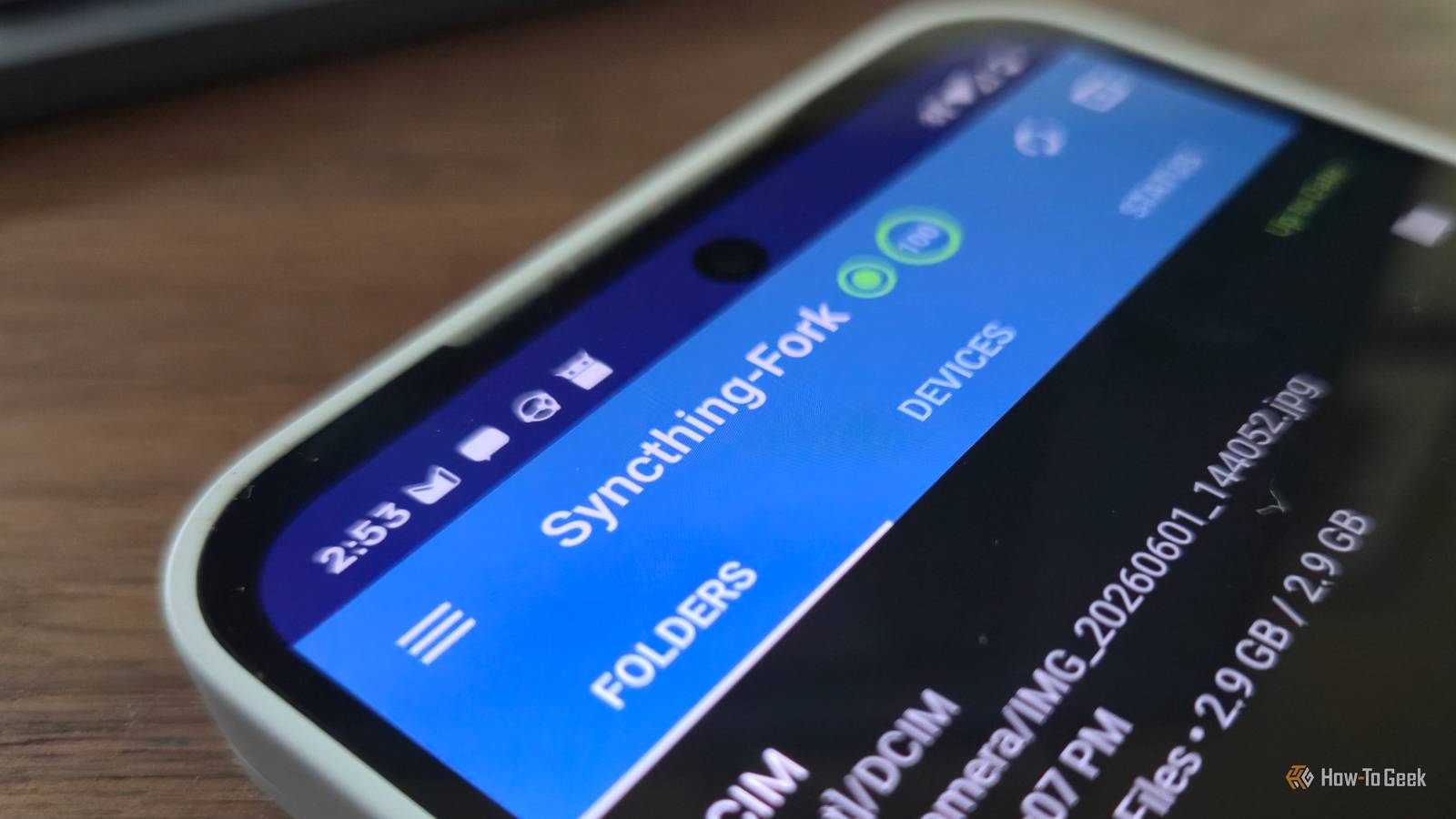
Published Oct 24, 2026, 9:00 AM EDT Bertel is a lifelong tech enthusiast with over a decade of experience writing thousands of articles about Android devices, Linux, and more. Before joining the How-To Geek team, Bertel wrote for the likes of MakeUseOf, MakeTechEasier, and Android Police—at the latter he wrote over 3,500 articles. He delights in helping others decide which tech to bring into their lives... and which tech to do without. Bertel graduated from the College of William and Mary in 2012 with degrees in History and Government. He has spent his entire career as a tech journalist covering Android, Linux, wearables, smart home devices, and more. Sign in to your How-To Geek account Google wants Android phones to connect seamlessly to Googlebooks. Meanwhile, Samsung and Motorola both offer apps that pair phones with Windows PCs. What about Linux? The tech giants won’t help you make your phone and Linux PC work together smoothly, but other app developers have stepped in to fill the gap. Packet Bringing QuickShare integration to your Linux desktop iPhone owners have long been able to send files between phones and Macs wirelessly and easily using AirDrop. Android phones have a similar feature known as QuickShare. It’s baked into virtually all modern Android phones, but it isn’t yet ubiquitous on PCs. Fortunately, you can enable it yourself in several ways. On Linux, the most straightforward option is to download Packet. With Packet open on your Linux PC, your computer appears in your list of devices whenever you attempt to share a device via QuickShare. Your devices just both need to be connected to the same Wi-Fi network and have Bluetooth enabled. The last bit could be an issue if your desktop lacks a Wi-Fi card with Bluetooth, but a cheap Bluetooth dongle can fix that. Sending files to your phone or tablet via Packet is as simple as it is using another Android device. The app has giant “send” and “receive” buttons that you can’t miss. If you download the next app on this list and only need to send files between a handful of devices, you don’t particularly need to install Packet as well. But if you want to send files to or from your PC without installing companion apps on the other devices connected to your network, Packet is the simplest tool for the job. KDE Connect All you need to make your phone and PC become besties If you want to do more than exchange files, then you want KDE Connect. This app connects your phone and PC in many ways. When notifications arrive on your phone, you’ll now see them on your PC. If the notification is a basic SMS message, you can also type out a reply without reaching for your phone. You can see your phone’s battery life on your PC, and you can ring your phone from your computer if you’ve misplaced it. KDE Connect lets you control music playback on your PC from your phone across the room. You can skip tracks and adjust volume. You can also pause, whether you’re playing music or a video. Your phone can serve as a clicker during a presentation, allowing you to switch to the next slide on a laptop or mini PC connected to a projector. Your touchscreen also doubles as a virtual touchpad. With a virtual keyboard, you can interact with your PC to address issues during your presentation without having to walk over. Despite the name, you do not need to run the KDE Plasma desktop in order to make use of KDE Connect. I most often use KDE Connect with the GNOME desktop. ADB This gives you power over your Android phone that isn’t available otherwise If you want to make changes to your Android phone that aren’t available in the Settings app, you eventually end up needing to install ADB. The Android Debug Bridge is useful for far more than debugging issues with your device. You can use ADB to remove pre-installed bloatware, including system apps provided by Google or your phone’s manufacturer. ADB is also a necessary tool to install open-source OSes like LineageOS and GrapheneOS. If you want to install a version of mobile Linux using postmarketOS, you will also need ADB for that as well. While you can do a lot directly on your phone these days by running apps that simulate ADB, some tasks still require the real thing. ADB is a command-line tool. Many distributions make it available in their repositories, but you can also install it on any distro by downloading Android tools directly from Google. Syncthing Keep your phone and PC files in sync without having to think about it Credit: Holo Launcher While you can sign up for cloud storage that relies on free and open source software, I prefer to do without a cloud backup. Syncthing makes this simple. With Syncthing installed on both your PC and your phone, your designated folders stay synced in the background between your two devices, just like how your PC can automatically back up files to Dropbox or Google Drive. Syncthing is very flexible software. Unlike many cloud storage mobile apps, you aren’t limited merely to backing up your camera folder. You can sync any folder between your phone and PC, and you can select which direction you want changes to flow. Linux PCs and phones know how to get along You don’t have to sacrifice seamless smartphone integration when you switch to Linux. These apps make sending files painless and expand on what each device can do, making both devices more capable than they would be working alone.
Android works better with Linux when you install these 4 apps
Full Article
Original Source
Read the full article at Howtogeek →KhanList aggregates and links to publicly available news content. We do not host full articles from third-party sources. Always verify important information with original sources.