
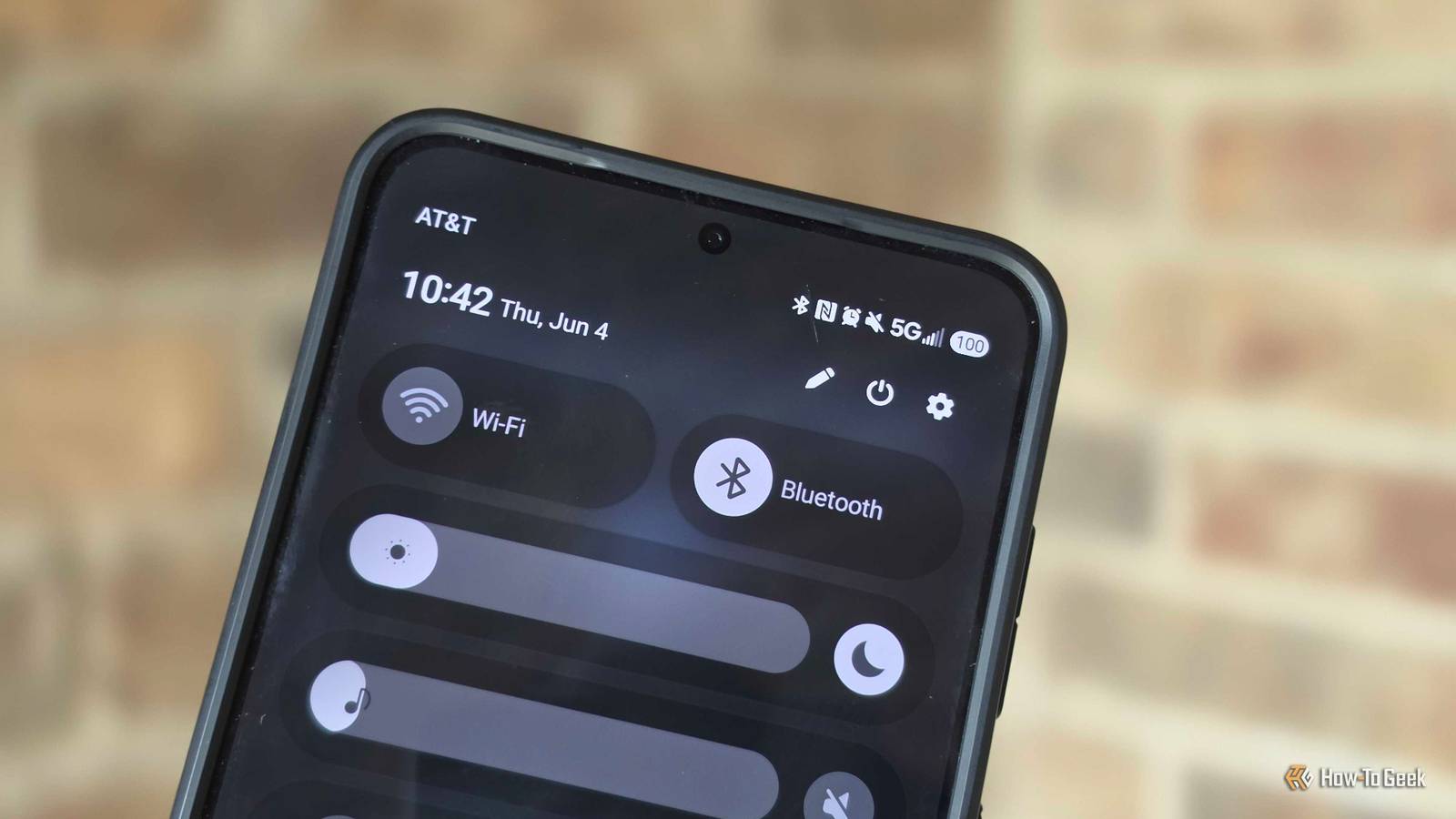
Published Oct 7, 2026, 7:00 PM EDT A Computer Engineer turned tech-savvy. Sanya is part of the How to Geek team, and she covers Android, Samsung, Google, apps, and everyday technology, combining hands-on experience with thorough research. She helps readers understand technology without getting lost in technical jargon. I use wired Android Auto because, honestly, I prefer a cable. It feels simpler. So I was surprised to see Bluetooth still active. I tried turning it off, assuming Android Auto would keep working through the cable. Nope. Android Auto simply turned Bluetooth back on. That’s when I realized wired Android Auto doesn’t completely leave Bluetooth out of the picture. You can’t just switch it off and expect everything to keep working normally. If you’re trying to reduce unnecessary background activity and squeeze more battery life out of your phone, this is one of those Android Auto quirks that feels completely unnecessary. And thankfully, there’s a workaround. Wired Android Auto isn’t completely wired Bluetooth still sneaks into the equation When I connect my phone to my car with a USB cable, I know Android Auto itself is using that wired connection. My directions, Spotify playback, and other Android Auto features are going through USB, not Bluetooth. So naturally, I assumed Bluetooth could take the day off. Turns out, not quite. Bluetooth can still handle hands-free phone calls through the car using the Hands-Free Profile (HFP). I noticed this when I connected my phone for a drive and tried switching Bluetooth off. I wasn’t using wireless Android Auto, so I figured nothing important would change. But turning Bluetooth off can break the car’s hands-free calling connection, and Android Auto may ask me to turn Bluetooth back on. So, no, Android Auto isn’t secretly sending everything through Bluetooth while I’m plugged in. The USB cable is still handling the current Android Auto connection. Bluetooth can stay active for other car functions, which makes the whole setup feel a lot less straightforward than it should. Turning off Bluetooth isn’t that simple Android Auto keeps bringing it back I noticed this on one of my usual grocery runs. I plugged my phone into the car, started Google Maps, put on my favorite song, and then checked my phone because I was trying to squeeze a little more battery life out of it. Bluetooth was on. I switched it off and thought, “Great, one less thing running.” A few seconds later, Bluetooth was back on. I tried it again because I enjoy arguing with my phone — same thing. Bluetooth would not stay off while I was using Android Auto. And yes, I used a cable the entire time. I wasn’t connected to wireless Android Auto or trying to pair with another device. That’s what makes this feel so unnecessary to me. If I’m already sitting there with a USB cable connecting my phone to the car, I should at least be able to decide whether I want Bluetooth running too. Instead, Android Auto makes that decision for me. And if I’m specifically trying to cut down on batteries, that’s not helpful. I finally found a workaround Without giving up my wired connection Turning Bluetooth on and off in Fold 6 After getting annoyed with the Bluetooth toggle for a few drives, I stopped trying to turn it off completely and looked for another way around the problem. The workaround that worked for me was disconnecting my car’s Bluetooth while keeping my phone connected to Android Auto through USB. That way, I could still use Google Maps, Spotify, and the rest of my usual Android Auto setup. I noticed one trade-off, though. Disconnecting the car from Bluetooth means I can’t rely on the car’s Bluetooth connection for hands-free calling. That’s worth knowing before making the change, especially if you regularly take calls while driving. For me, that isn’t a huge deal because most of my short drives are about getting somewhere, not having a long phone conversation. I tested it on a regular drive to pick up my daughter, and the difference was pretty simple: I plugged in the cable, Android Auto started as usual, and I wasn’t constantly checking whether Bluetooth had quietly switched itself back on. I still had the wired connection I wanted, without the extra connection to the car. It isn’t a magical battery-saving switch, and I wouldn’t claim it suddenly transformed my phone’s battery life. But if you’re using wired Android Auto and don’t need your car connected over Bluetooth, this is a much cleaner workaround than repeatedly turning Bluetooth off and waiting for Android Auto to reconnect. If you regularly take calls through your car’s Bluetooth, I’d leave it connected. Saving a little battery isn’t worth giving up a feature you actually use. Google, can we make this simpler? The annoying part isn’t that Bluetooth exists. It’s why I had to notice the behavior, test what was happening, and dig around for a way to change it. Most people aren’t going to spend their morning investigating why a connection they thought they had turned off keeps returning. Android Auto is supposed to make driving easier, not give me another tiny tech mystery to solve before I leave the driveway.
Android Auto's hidden battery drain you can't disable—here's the workaround
Full Article
Original Source
Read the full article at Howtogeek →KhanList aggregates and links to publicly available news content. We do not host full articles from third-party sources. Always verify important information with original sources.