
Published Oct 7, 2026, 12:00 PM EDT His love of PCs and their components was born out of trying to squeeze every ounce of performance out of the family computer. Tinkering with his own build at age 10 turned into building PCs for friends and family, fostering a passion that would ultimately take shape as a career path. Besides being the first call for tech support for those close to him, Ty is a computer science student, with his focus being cloud computing and networking. He also competed in semi-pro Counter-Strike for 8 years, making him intimately familiar with everything to do with peripherals. If I were buying a GPU for local AI today, I'd buy a used RTX 3090, and that's taking into account the long laundry list of caveats: It's over 6 years old, has no warranty, and costs over $1,000. There are a ton of MoE models that can be run on limited VRAM, and while you can get a lot done with those, if you're really serious about running AI locally, the best choice continues to be the 3090, even with its price increases. 24GB means you can run models with some real power More VRAM means more capability Local AI can be limited by compute, but it's more limited by memory capacity. Tools like Ollama and llama.cpp will load as many of a model's layers into VRAM as will fit, and will attempt to run the remainder on the CPU from system RAM. Once that happens, generation slows sharply, so the amount of VRAM you have will directly influence how large of a model you can run comfortably on your system. This is where even 16GB GPUs can fall short. They might be enough for gaming, but models in the 27B to 32B class need roughly 17GB to 20GB at 4-bit quantization before context is accounted for. They wouldn't fit on my RTX 5080, but they will fit on an RTX 3090 comfortably with room to spare. If you're looking for image and video generation, the 16GB cards fall short here too. Full-precision versions of the larger diffusion models exceed 16GB, so smaller cards depend on quantized variants or on offloading parts of the pipeline to system RAM. Fine-tuning is more demanding still, since training holds gradients and optimizer state in memory alongside the model. A faster 16GB card finishes sooner on the jobs that fit, but it can't run anything that won't, so you're better off with more memory anyway. New 16GB cards cost more than a used 3090 It's getting a bit ridiculous $1,000 might sound like a lot for a card that's over 6 years old, but it gets a lot harder to swallow once you see what new GPUs go for. The cheapest RTX 5070 Ti I can find currently is $1,120 at the time of writing, which is the least amount of money you can pay for a Blackwell card with 16 GB of VRAM. A 5080 will run you around $1,600, and the RTX 5090, the one current GeForce card with more than 24GB, costs at least $5,000, but often goes for more than that. Used 3090 prices have climbed as well. Listings sat in the $600 to $800 range earlier this year, and recent sold listings run from around $1,000 to well above it. Even so, a used 3090 costs about the same as a new 16GB card while offering half as much memory. A six-year-old pre-owned card can be a gamble Over $1,000 is a lot to invest in an old card There are no more new RTX 3090s, so getting your hands on one means buying one that's already been used to some extent. None of them have a warranty and many of them have lived double or triple lives, being a gaming, mining, and now local AI card. Add in that cards this old almost certainly need thermal pad replacement because of how hot the memory runs, and you have yourself in deep if you choose to buy one. There are also cheaper ways to get 24GB of VRAM. Intel's Arc Pro B60 has sold new for around $650, comes with a warranty, and has a 200W power rating, and the RX 7900 XTX can be found for anywhere between $700 and $900 at the time of writing. A new 16GB Nvidia card costs more than either, but it offers a warranty, much better efficiency, and enough memory for many popular models. Why I'd still take the risk The 3090 is still an AI powerhouse Each of the alternatives requires some kind of sacrifice, and it's not always worth it. The Arc Pro B60 offers 456GB/s of memory bandwidth, less than half the 3090's figure, and bandwidth is a major factor in token generation speed. It also runs on Intel's software stack, which fewer projects support. The RX 7900 XTX is a credible choice for someone who only runs LLMs on Linux through ROCm. If you're willing to learn a new stack, the XTX is a good choice, but if you want plug-and-play support with most things, CUDA is the way you get that at the moment. The pre-owned risk is somewhat manageable, but it depends on where you buy and how much due diligence you do. eBay offers a money-back guarantee for items that are not sold as described, and as someone who has exercised that a couple of times previously, I can tell you first-hand that I'd rely on it enough for a purchase of this size. Just make sure you read the listing carefully no matter where you choose to buy from.
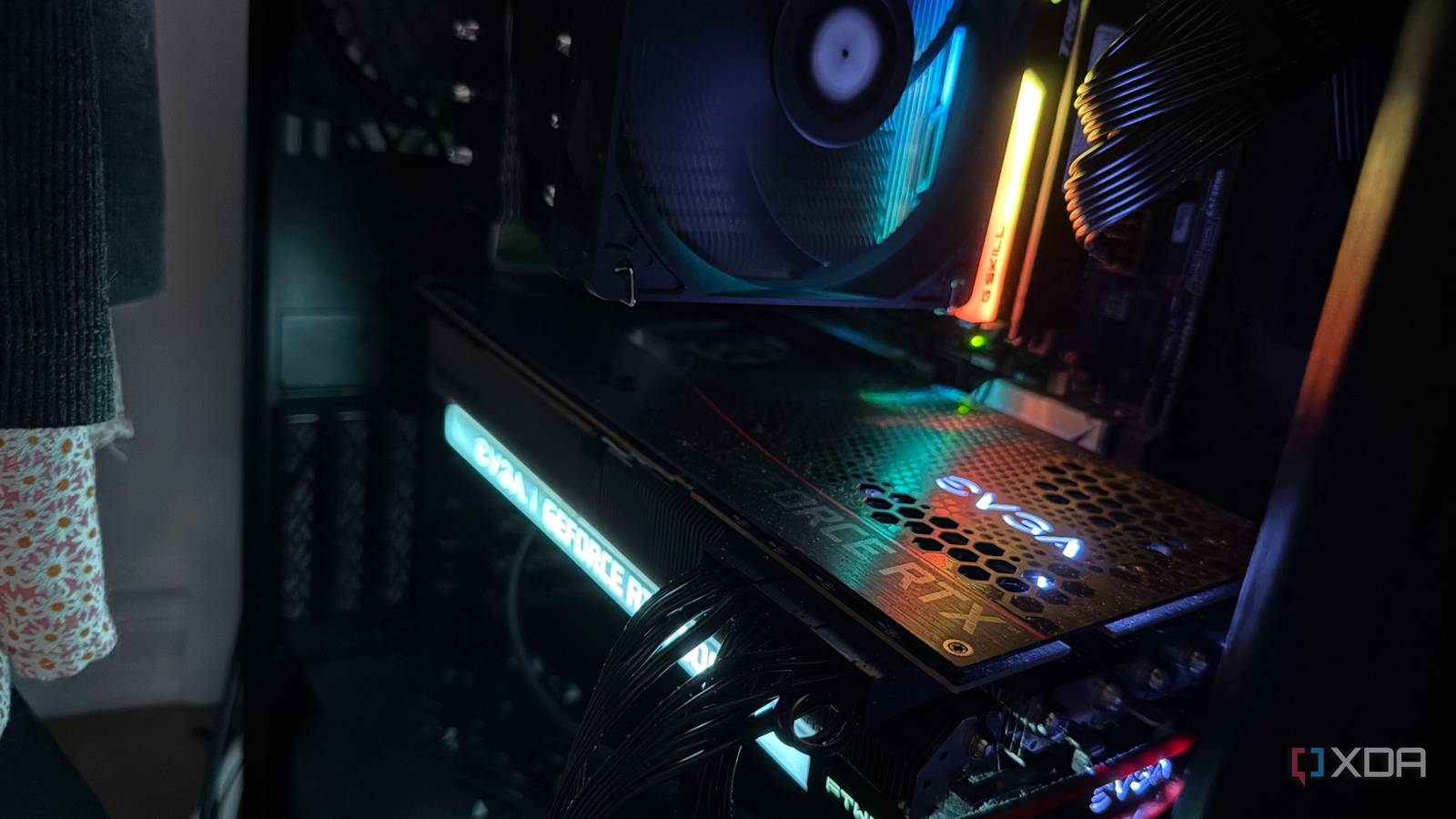
A six-year-old RTX 3090 is still the GPU I'd buy for local AI, even at $1,000+ used
Full Article
Original Source
Read the full article at Xda-developers →KhanList aggregates and links to publicly available news content. We do not host full articles from third-party sources. Always verify important information with original sources.