
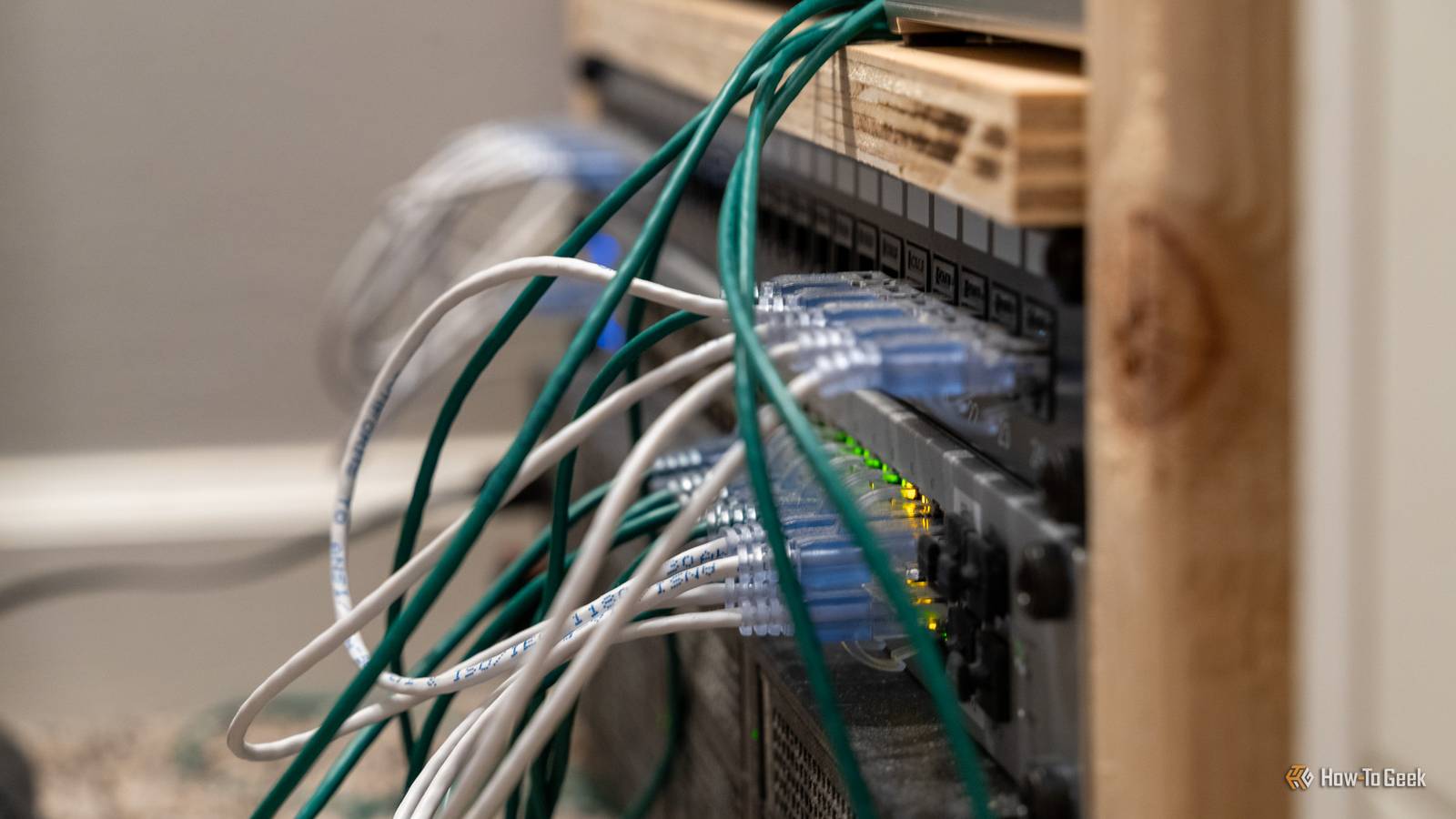
Published Oct 7, 2026, 11:30 AM EDT Monica J. White is a journalist with over a decade of experience in covering technology. She built her first PC nearly 20 years ago, and she has since built and tested dozens of PCs. PC hardware is her main beat, and graphics cards and the GPU market at large are her main area of interest, but she has written thousands of articles covering everything related to PCs, laptops, handhelds, and peripherals. From GPUs and CPUs to headsets and software, Monica's always willing to geek out over all things related to computing. Outside of her work with How-To Geek, Monica contributes to TechRadar, PC Gamer, Tom's Guide, Laptop Mag, SlashGear, Whop, and Digital Trends, among others. Her ultimate goal is to make PC gaming and computing approachable and fun to any audience. Monica spends a lot of time elbow-deep in her PC case, as she's always making upgrades, testing something, or plotting out her next build. She's the go-to tech support person in her immediate circle, so she's never out of things to do. Whenever she has spare time, you'll find her gaming until the early hours and hanging out with her dog. Unmanaged switches are as easy as a Sunday morning. Plug in power, connect Ethernet, forget about it. The problem starts when they become a bottleneck, and you may often not know about it before you're already leaving some major performance on the table. I've been there, and I compiled a list of all the reasons why I'd upgrade to a managed switch immediately. Your 2.5GbE hardware keeps connecting at 1Gbps The slowest link in the path still wins Your 2.5GbE Ethernet may be negotiating itself down to 2003 speeds, and that makes it a waste of your money. This is the easiest bottleneck of all to spot, and it'll annoy you to no end once you do. Maybe your PC has 2.5GbE, your NAS does too, and even your access points support it, but everything seems to be stuck around Gigabit speeds. An old 1GbE switch could be to blame, as the slowest link in the path dictates how fast everything else runs. This alone doesn't mean you need a managed switch, but it very much means you need to replace whatever switch you currently own. You want your IoT devices away from everything important One giant flat LAN doesn't work if you have dozens of devices Once your network grows oversized, you need to take measures to make sure everything plays nicely together. At that point, one big flat LAN doesn't make a lot of sense. You may not have dozens of PCs or NAS boxes unless you run a mini data center at home, but you might have a bunch of IoT gadgets, such as plugs or bulbs. Those devices don't necessarily need to sit on the same network segment as your main PC and everything else that needs extra love and attention, and that's where VLANs come in. A managed switch lets you separate all those devices into different logical networks even though they're all plugged into the same physical hardware. Worth noting that the switch doesn't do all the security work by itself; your router or firewall also needs to understand those VLANs and enforce rules between them, too. Your NAS has two Ethernet ports and you're wasting one of them Link aggregation can help once one cable isn't enough If you have a NAS, you're probably more into networking than the average person, so you may already know this—but there's a non-zero chance that your NAS has a second Ethernet port. If you're not using it, you're probably wasting it, and a managed switch can help you with that. With link aggregation, usually through LACP, you can combine multiple physical links into one logical connection between the NAS and the switch. That gives you more aggregate bandwidth for several devices hitting the NAS at once, and it can also provide some redundancy if one cable or port fails. Your Wi-Fi access points are faster than their wired uplinks Better Wi-Fi doesn't help if every packet hits a gigabit ceiling This one might make you go "huh," because we tend to assume our Wi-Fi is slower than Ethernet, but modern access points can easily support wireless throughput above 1Gbps, all the while still relying on Ethernet for their backhaul. And the bottom line here is, you don't want Ethernet to become the bottleneck if you do happen to have such a performant Wi-Fi connection on your hands. A newer managed multi-gig switch fixes the speed bottleneck, and there's an added bonus: many models pair faster ports with PoE, which means the same Ethernet cable can carry both data and power to the AP. You've started connecting switches to switches Don't turn this into a loop Daisy-chaining hardware has its place, but you don't want to do that to your switches. Trust me. If you've got switches scattered all around the house, building a web instead of a cohesive connection, you're doing more than just adding some extra ports, and that can quickly backfire. It opens the door to mistakes that a basic unmanaged switch can't really help you with, such as accidentally creating a loop, where traffic just circulates between switches, never reaching its proper destination. That loop can trigger a broadcast storm and pull your entire network to a grinding halt. While every individual cable still technically does its job, everything is working against it. Managed switches can use protocols like Spanning Tree Protocol (STP) or Rapid STP to detect redundant paths and block the dangerous one before everything goes up in flames. You don't need a full enterprise switch (probably) The good news is that you don't need to treat this upgrade as some major investment, and you're not going to fill our house with data center gear, nor will you have to spend hours learning command-line interfaces. Most home networks just need a smart-managed switch. This gives you features that are major for more advanced (but still home-based) networks, such as VLANs, link aggregation, QoS, PoE controls, and more. If all you need is a few Ethernet ports, an unmanaged switch should be fine. For anything else, a managed switch is a worthwhile upgrade.
5 signs your cheap Ethernet switch has become your network's biggest bottleneck
Full Article
Original Source
Read the full article at Howtogeek →KhanList aggregates and links to publicly available news content. We do not host full articles from third-party sources. Always verify important information with original sources.