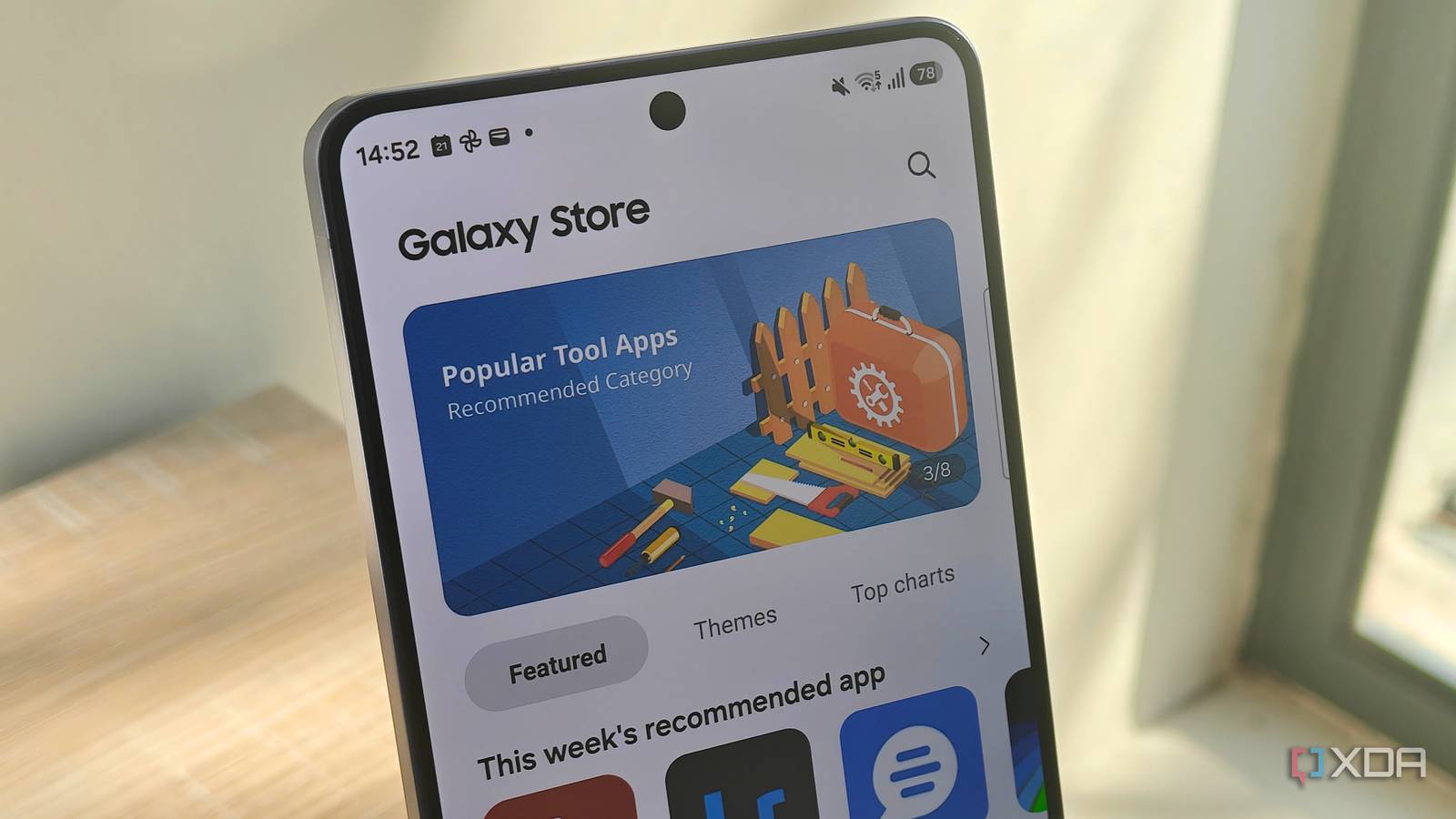
Published Jul 27, 2026, 7:00 AM EDT Megan is a Software Writer at XDA Developers who has been writing about consumer technology since 2016. With a postgraduate degree in New Media journalism, she has always been passionate about diving deep into topics and writing about them in a way that makes them easier to understand for everyday consumers. She runs her own blog called Tech Valkyrie and has contributed to Tom's Guide and Android Authority. She also worked at MakeUseOf as a Lead Editor. In her spare time she plays video games and geeks out about the latest tech. While I don't always stick to Samsung's smartphone apps, this doesn't mean the company's software isn't worth exploring. In fact, there are some apps that are exclusive to Galaxy devices that I wish other companies would learn from. Some of these apps are simply buried in your Samsung phone's pre-installed apps and features, while others require you to install them on the Galaxy Store. But these lesser-known apps are so useful I wish I'd uncovered them years ago. Good Lock A powerful hub for customization tools Good Lock has a great reputation among Samsung power users, and for good reason. The app allows you to extensively customize your Samsung Galaxy smartphone, from the themes you use to certain elements in your UI. It's also constantly being updated with new features that augment existing functionality, such as the custom reminders you can create for Now Brief using Routines+. It can be overwhelming to try Good Lock at first, especially with there being so many plugins available. Sometimes I stumble across an app on the Galaxy Store, only to find out that it's also a Good Lock plugin. It's packed with powerful utilities that enhance your device overall. Think of it as Samsung's version of Microsoft PowerToys. Good Lock is a Samsung app that allows you to customize your Galaxy smartphone with enhanced UI features and additional plugins. Quick Measure Simple measurements with your phone's camera AR measuring tools are helpful for quick measurements when you don't have measuring tape or a ruler nearby. I used to use Google's Measure app, but that was relegated to the Google Graveyard back in 2021. I didn't really want to browse around the Google Play Store for an alternative because that process can prove tiresome. However, I recently found out that Samsung has its own AR measurement app called Quick Measure. It can track multiple measurements on a single object, calculate an object's area, measure the distance to a subject, and even measure a person's height. I've found that it works best in well-lit environments for objects that aren't too large or too far away. This means that while I haven't been able to use it to quickly work out the area of my garden, it's great for reminding myself what the size of a plant pot or canvas is. I can also use the capture button in the app to save these measurements as an image in a gallery, which is handy for when I want to reference these measurements later. Quick Measure Quick Measure is a Samsung Galaxy app that uses AR to measure objects and people using your phone's camera. Nice Catch Find out which apps keep waking up your phone Nice Catch is one of those Good Lock utilities I installed directly from the Galaxy Store, rather than as a plugin. It caught my attention because it keeps track of which applications are sending vibrations and waking your screen. It even has a feature that keeps track of which apps are showing you adverts. The utility appealed to me because I'm often distracted by notifications on my device, as well as the screen turning on when I'm not using it. Nice Catch lets me easily see if one app in particular is responsible for multiple alerts in a short period of time. The Detect Commercials feature can be a bit hit-and-miss since it sometimes flags apps that aren't sending any ads. But it can be a useful tool to help you figure out if a particular app is showing you more ads than you would like. You can also enable sound history, ringer mode history, call mode history, media volume muting, toast history, blocked notification history, and more. Nice Catch Nice Catch lets you keep track of which apps keep sending you notifications and waking up your device. Sound Assistant Get control over individual app volume I usually keep my phone muted at all times. But I frequently run into the issue where I enable sound to listen to one clip, forget that the volume is turned up, and then get blasted with audio when I open a social media app or a game. This can be embarrassing when you're in a public space. Recently, I accidentally interrupted my boyfriend's nap because I didn't realize that sound was enabled when I opened an app after listening to a clip on WhatsApp earlier. Sound Assistant solves that issue, though. It's another utility I recently found while browsing the Galaxy Store, and it's actually also part of Good Lock. The main attraction is that it lets you control app volume independently. This means that I can enable sound on YouTube, for example, while keeping something like Facebook muted. The utility also allows you to customize the volume panel and set a favorite media app. There's even a voice-changer feature if you want to play around with audio recordings. However, for me, the ability to control app volume independently has been the most useful feature. Sound Assistant Sound Assistant is an advanced sound utility for Samsung Galaxy phones. Modes and Routines I've tried a few automation apps before, but Samsung's Modes and Routines makes setting up automations so simple that I wish more companies would take notes from the app. It has a Discover tab that includes a range of example routines that you can use as-is or edit to suit your needs. Creating a routine from scratch is also simple, and the app does a good job of providing trigger and action blocks that are easy to understand. I haven't used modes as much, but they're a handy way to adjust your phone's settings based on different scenarios. For example, you can use the sleep mode to enable Do Not Disturb and switch on the eye comfort filter. There are also mode templates for movies, driving, playing games, and work. I actually stumbled across the app after its One UI 8 update, when I was looking for an automation app that could use the weather forecast to send a notification when it was going to be hot. I was impressed by how easy this was to do with Modes and Routines. The hardest part about using Modes and Routines is finding it in the first place, because you need to enable its icon to access it as an app. Before doing this, you can access it by going to Settings -> Modes and Routines. You can then tap the three-dot icon in the top-right corner, select Settings, and toggle on Show Modes and Routines on Apps screen. Samsung has some hidden gems that are worth trying When Samsung promotes its software, it often puts tools like its Gallery editing features, Bixby, and Galaxy AI at the forefront. So it's easy to miss some of its less advertised apps. All of these apps bring something unique to my device that makes the Samsung Galaxy experience even better. If you haven't tried them, but you're interested in useful utilities for your device, I recommend giving them a chance. They're all free, so you have nothing to lose.
5 lesser-known Samsung Galaxy apps I wish I'd discovered years ago
Full Article
Original Source
Read the full article at Xda-developers →KhanList aggregates and links to publicly available news content. We do not host full articles from third-party sources. Always verify important information with original sources.