
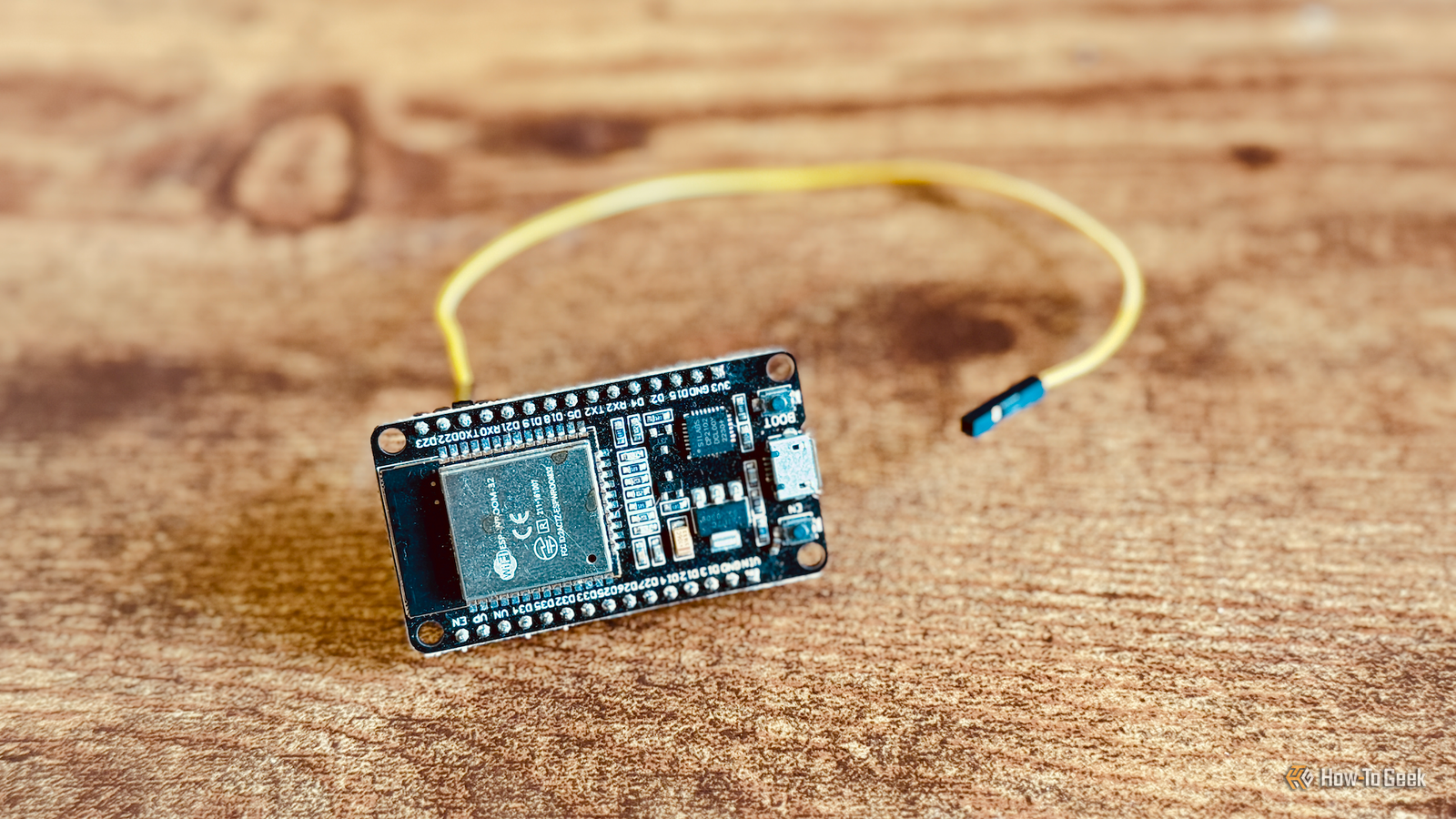
Published Nov 1, 2026, 6:00 AM EST Adam has a degree in Engineering and has a life-long interest in technology. He has been writing for over a decade for various print and online publications, with a focus on consumer tech. He joined How-To Geek in 2024 while working at Pocket-lint. As well as being a long-term fan of Apple products, he also has a strong interest in smart home tech, running a Home Assistant server at home to automate all his smart home devices. He believes that the ideal smart home should work with minimal interaction from the user, with automations running as if by magic rather than requiring you to push buttons on a control panel. You can find more of his work on Muck Rack. Your ESP32 project needs firmware to make it do what you want it to. The good news is that you don't need to know how to write complex code; with ESPHome, there are some ESP32 projects that you can set up with just a few clicks in a browser. There's no programming required at all. Turn an ESP32 into a Bluetooth proxy Let your smart home talk to Bluetooth devices anywhere in your home ESPHome has five ready-made projects available that you can set up using a simple step-by-step process on the ESPHome website. All you need to do is connect your ESP32 to your computer, select the project you want to set up, and click a few options on the web page. The simplest project is probably the Bluetooth proxy. This is a really useful project that allows an ESP32 to act as a go-between for your smart home and your Bluetooth devices. If your Home Assistant server has Bluetooth, but you want to control a Bluetooth device on the other side of your home, your server and your device may be too far apart to connect, since Bluetooth is designed for short-range communication. A Bluetooth proxy can be placed in the same room as your smart home device, talk to the device over Bluetooth, and pass that information back and forth to Home Assistant over Wi-Fi. You can use most generic ESP32 boards for this project. Just connect the ESP32 to your computer, select Generic ESP32 in the Bluetooth proxy project on the ESPHome website, click Connect, and follow the instructions. Build your own voice assistant for Home Assistant Alexa, play Good Riddance If you're not a fan of Alexa, Siri, or Google Home, they're not your only options. You can set up your own voice assistant instead, using Home Assistant. Assist has some basic skills that you can use out of the box, or you can hook it up to a local or cloud-based LLM to give Assist even more capabilities. You still need a way to talk to Assist, and that's where an ESP32 can help. This ready-made project will work with an M5Stack Atom Echo Development Kit, an ESP32-S3-BOX, or the Home Assistant Voice: Preview Edition. Connect your device of choice up to the computer, click Connect, and you'll be walked through the whole setup process. Turn Home Assistant's smart speaker into an audio player Play music through your Home Assistant Voice: Preview Edition The Home Assistant Voice: Preview Edition is the official smart speaker hardware created by Home Assistant. As the name suggests, it's not a completely polished product like an Echo smart speaker, but it can still do a lot of the things you expect from a smart speaker, with the significant benefit of being able to run it completely locally without relying on the cloud. Turning the Home Assistant Voice: Preview Edition into a working smart speaker isn't the only thing you can do with it using ESPHome's ready-made projects. There's another project that lets you turn the device into a dedicated music player, using Sendspin. You can use the aux port to connect to a speaker for better sound quality and use the rotary dial on the device to control the volume. If you set up multiple speakers, you can create a multi-room audio system. The awesome Music Assistant software is a great way to set up your music sources and create speaker groups. Make an IR and RF proxy Bring smart control to dumb devices infr Infrared (IR) and Radio Frequency (RF) are communication technologies used in a lot of older devices. Your TV probably still uses an IR remote, but so might your AC, your desk fan, or your surround sound system. RF can be used to control devices such as ceiling fans, electric blinds, garage door openers, and more. Most of these devices are dumb devices that don't normally have any smart controls or connectivity. By turning an ESP32 into an IR or RF proxy, your smart home can send signals to these devices and control them like any other smart device. If you want to use the ready-made project to make an IR proxy, you'll need a XIAO IR Mate infrared emitter. If you want to make an RF proxy, you'll need an M5Stack Atom Lite ESP32 Development Kit, and the M5Stack RF Unit 433MHz Transmitter. You connect these devices together with a cable and then follow the on-screen instructions to set up and build the firmware. Set up a serial and Modbus proxy Use an ESP32 to read your smart meter and more This final project is a little niche. RS-485 is a wired communication standard used mostly in industrial devices, but also some consumer energy-monitoring devices. Modbus is a protocol that often runs over these types of serial connections. Using an M5Stack AtomS3 Lite with ATOMIC RS485 Base, you can use ESPHome to create a serial proxy. You can then connect this device to the serial port of a compatible device, and Home Assistant can communicate with the device through the proxy. For example, you could use a serial proxy to add devices to Home Assistant such as energy meters, solar inverters, heat pumps, EV chargers, and more. As with the other ready-made projects, once you have the right hardware, setting it up is just a few clicks, with no code required. Build ESP32 projects without writing any code at all These five projects are a great starting point for the world of ESP32 projects, because they walk through the setup from start to finish. Once you've got the hang of things, it's possible to create your own custom no-code projects by using the ESPHome Device Builder. This web interface allows you to add additional components to your ESP32 devices and even build automations that can run on the device.
5 ESP32 projects you can finish this weekend using ESPHome, no programming required
Full Article
Original Source
Read the full article at Howtogeek →KhanList aggregates and links to publicly available news content. We do not host full articles from third-party sources. Always verify important information with original sources.