
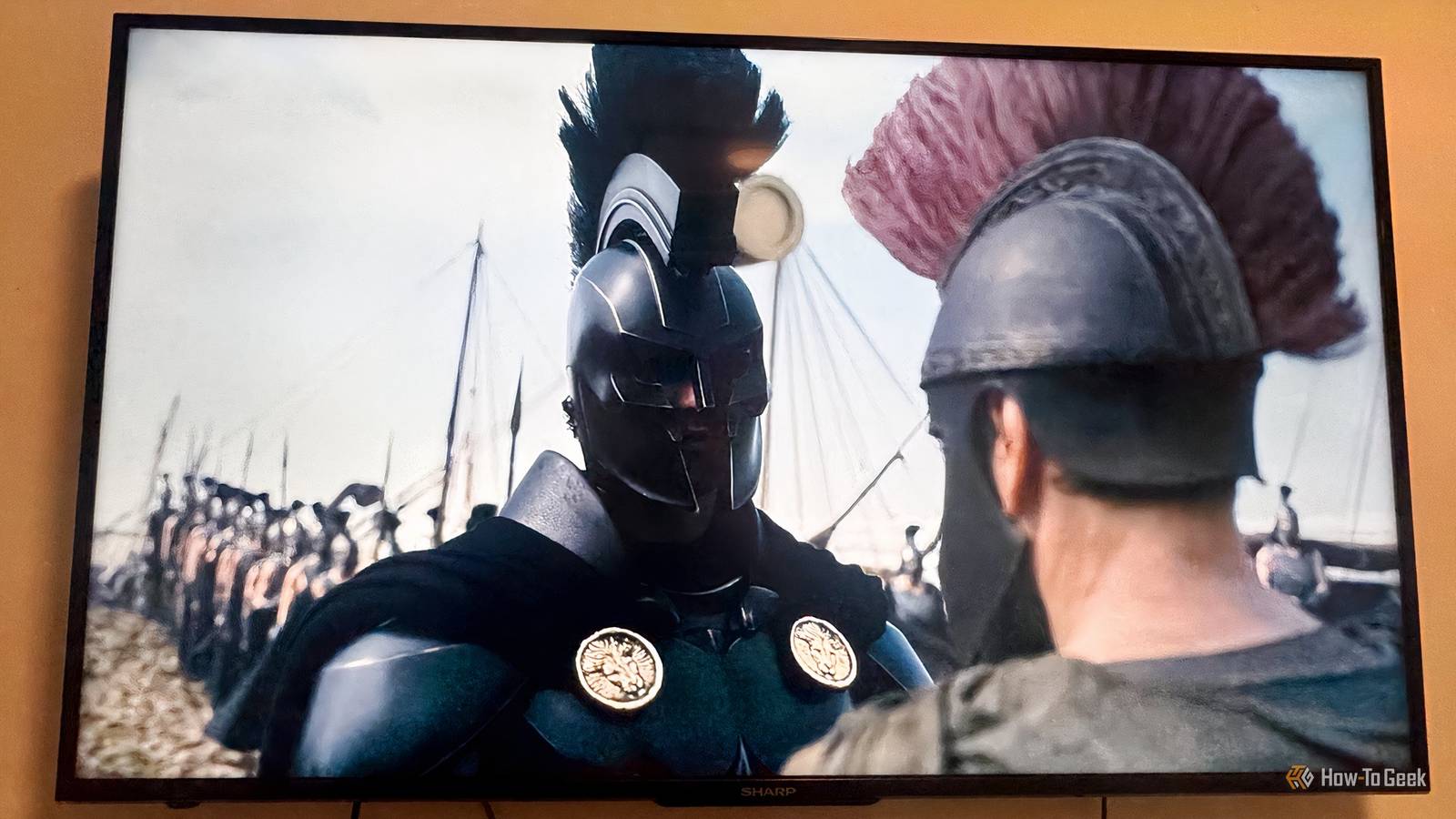
Published Nov 22, 2026, 11:00 AM EST After graduating from Marist University with a degree in communications and journalism, Dan Girolamo has over 10 years of experience writing about entertainment and sports. Dan's work can be seen in various publications, including Digital Trends, SportsCasting, and Tom's Guide. Throughout his career, Dan has interviewed several high-profile filmmakers and creatives, including Brendan Fraser, Jamie Lee Curtis, Caitriona Balfe, Frank Grillo, Miranda Cosgrove, Jai Courtney, Chris Columbus and James Cameron. Dan joins How-To Geek as a Senior Editor. When he's not writing about entertainment, Dan is either watching a movie or praying for the New York Knicks to win a championship. As someone who loves cinema, I'm always thinking of ways to improve the in-home movie experience. Nothing beats seeing a movie in a theater. Apologies to all the streaming services that I use on a daily basis, but if I have a choice between watching a movie at home or in a theater, I choose the latter. After watching a great Netflix original movie, I typically find myself thinking, "It would have been great to see that on the big screen." Unless you live in a mansion and can fit an IMAX screen inside your living room, you're never going to replicate how it feels to sit inside a packed theater on opening night. I can't do that, nor will I ask anyone to try. However, there are ways to enhance your home-viewing experience. More importantly, you don't have to burn a hole in your wallet. Most of these solutions are extremely affordable or don't require any money at all. Instead, implement a few of these simple changes that will improve your setup. These tips might sound obvious, but you'll be surprised at how much they can make a difference. Mount your TV at the proper height Posture is key Finding the right spot for a television can make or break your viewing experience. How many times have you walked into someone's house and noticed the television was hanging over the fireplace? I don't know who started this trend, but that person is responsible for so much neck pain and chiropractic visits. However, a TV mounted above the fireplace gives you an excuse to wear a travel neck pillow outside an airplane. If you don't want chronic neck pain for the next decade, make sure to mount your television at a proper height. The general rule is to have the center of your television around eye level. It will vary depending on your seating position. For me, I've found the ideal viewing height for 50-inch to 100-inch TVs will put the center of the screen approximately 43 to 63 inches off the floor. I have a 55-inch TV, so the center should sit somewhere between 43 and 51 inches off the floor. Keep in mind that I'm measuring while sitting up. If you plan on leaning back, you're going to want the television higher up on the wall. Sitting at the proper distance is always extremely important. The distance between you and your television should be about 1.5 to 2.5 times the screen's diagonal measurement. Using that formula, you should sit between 7 and 11 feet away from a 55-inch TV. The size of the room will play a factor in where to sit. Keep that in mind when determining the right spot for your television. Turn off motion smoothing Listen to Tom Cruise What is motion smoothing? I could spend the next few minutes explaining motion smoothing, also known as video interpolation, but I'll save that for later. However, I'm going to hand the ball off to Tom Cruise and Christopher McQuarrie to do the heavy lifting. In 2018, Cruise and McQuarrie filmed a special video on the set of Top Gun: Maverick to explain motion smoothing and how it can negatively affect movies on your television. Take it away, gentlemen. To recap, motion smoothing can be beneficial when watching sports. However, it's not advantageous when watching movies. Most movies are shot at 24 frames per second. Many TVs now run at 60 Hz, 120 Hz, or higher. When motion smoothing is turned on, the TV creates artificial frames to compensate for the difference. As Cruise explained, it can cause the "soap opera effect," making movies look artificially smooth and unnatural. You might even have some glitches. To simplify it even further, motion smoothing makes movies look weirder. Who wants that? Every television manufacturer might use a different term for motion smoothing. I have a Roku, which refers to motion smoothing as "action smoothing." To turn off action smoothing, hit the Star (*) button on your Roku remote. Then navigate to Picture settings > Customize picture > Expert settings > Action Smoothing > Off. These settings will vary by Roku TV model. Turn down the lights Brightness is not your friend This one sounds simple. You watch movies in dark theaters. The same should apply to your living room or bedroom. Yet you'll be surprised by how many people watch movies with the lights on. It starts with the man in the mirror. If it's not nighttime, I tend to watch movies with the lights on or slightly dimmed. Still, I need to do better and follow my own advice. My biggest pet peeve is the glare on a TV. It drives me insane. Glare can come from a poorly positioned overhead light or lamp. Moving those lights, or turning them off, will do wonders. To stop the glare coming from a window, use curtains, shades, or blinds. If you do want to invest some money, purchase blackout curtains. You can buy blackout curtains that don't require a drill for fair price. Soundbars are your friend Enhance the listening experience Let's just call a spade a spade—the built-in speakers on televisions are mediocre. It's OK to admit that. When buying a television, most people prioritize picture quality first, and rightfully so. You can fool around with some settings to upgrade the viewing experience, but only to a certain extent. With good soundbars, the dialogue comes in much cleaner, so you won't have to constantly rewind to make out tough sentences. They don't take up too much space, so you can mount them or leave them on your TV stand. With Black Friday approaching, there are several soundbars on sale, including Samsung's B-Series. If you want cheaper, you can always search for a used soundbar that might cost $20. When in doubt, put your phone away Movie theaters eliminate distractions. I never use my phone once the movie starts, and neither should you. It's much harder to keep your phone away at home. However, fight the urge. If you must check your phone, here is one final tip: schedule one or two quick breaks when you can check your phone while the movie is on pause.
You're watching movies at home the wrong way. These 4 simple changes can help
Full Article
Original Source
Read the full article at Howtogeek →KhanList aggregates and links to publicly available news content. We do not host full articles from third-party sources. Always verify important information with original sources.