
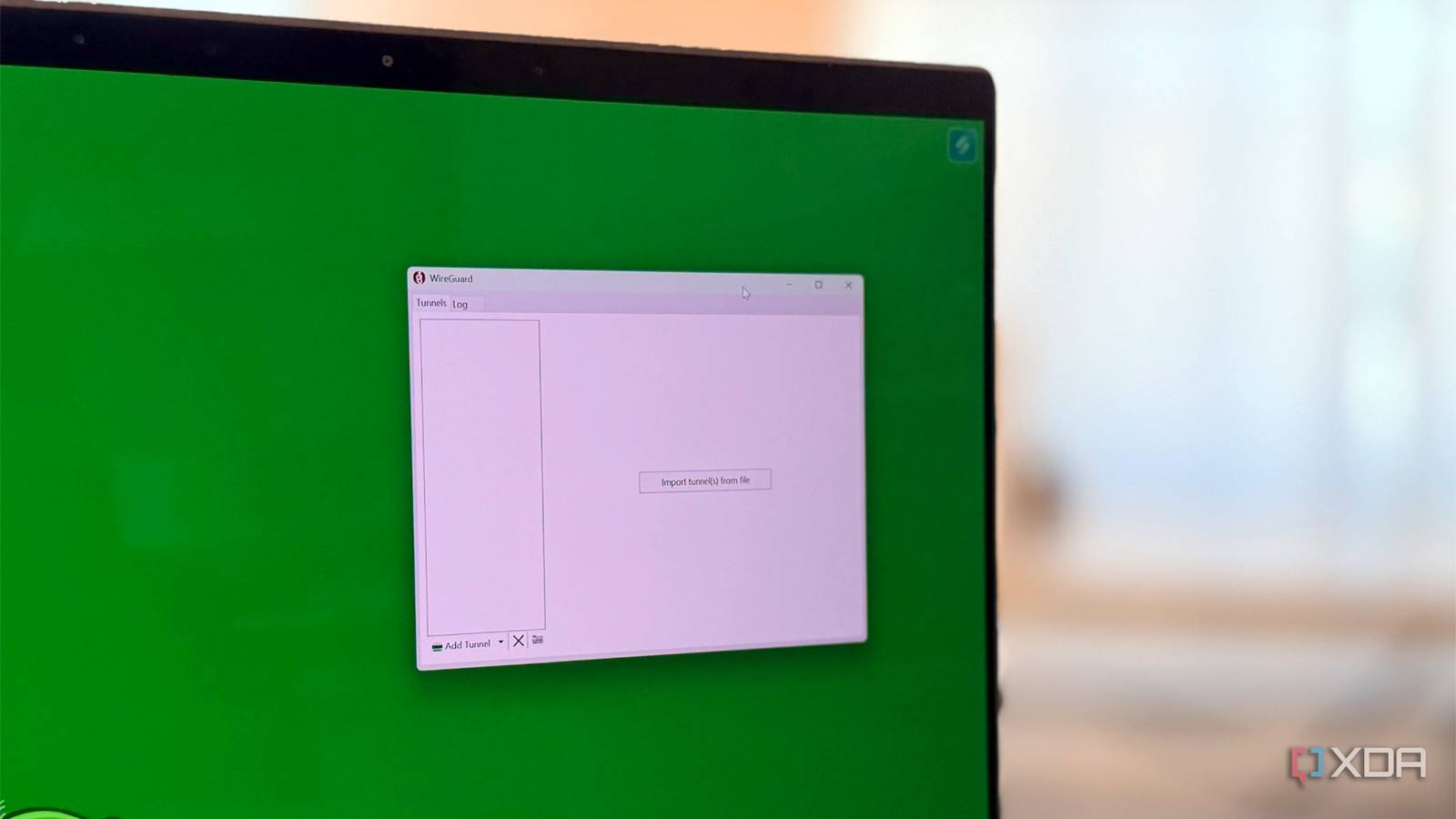
Published Oct 2, 2026, 8:00 AM EDT Maker, meme-r, and unabashed geek, Joe has been writing about technology since starting his career in 2018 at KnowTechie. He's covered everything from Apple to apps and crowdfunding and loves getting to the bottom of complicated topics. In that time, he's also written for SlashGear and numerous corporate clients before finding his home at XDA in the spring of 2023. He was the kid who took apart every toy to see how it worked, even if it didn't exactly go back together afterward. That's given him a solid background for explaining how complex systems work together, and he promises he's gotten better at the putting things back together stage since then. My WireGuard tunnel never actually dropped. The handshake stayed fresh, my NAS loaded, and yet my lab hostnames stopped resolving, ad blocking quietly switched off, and some services failed once before working on the second try. I'd already lost an evening to the Tailscale version of this problem, so I had a hunch about the cause. The culprit is my home network's IP range. My eero hands out 192.168.4.0/22, the range my units shipped with, and any network I join that uses the same addresses can claim parts of my home network while I'm connected to it. I run a self-hosted VPN on Proxmox and filter everything through a high-availability Technitium DNS server, so I wanted proof, not theory. So I built a fake hotel network designed to collide with mine. What Windows did with it surprised me. I built a hotel network designed to collide with my home A travel router, a cellular connection, and one very specific address The stand-in hotel was a GL.iNet Mudi 7 running on Google Fi cellular, so every packet crossed the internet. I set its LAN to 192.168.4.61, which is exactly the address of my Technitium DNS server back home. That's mean, but it's also realistic, because a hotel router has to live somewhere, and the common ranges overlap constantly. At home, a small Proxmox container holds a WireGuard server. The test laptop runs Windows 11 with WireGuard for Windows in split-tunnel mode, sending only 192.168.4.0/22 into the tunnel and using 192.168.4.61 for DNS. For every run, a PowerShell script captured the route table, the neighbor table, reachability, and DNS answers, so nothing below relies on my memory. Run Hotel network Target Reachable Route used DNS answered by Same-size range 192.168.4.0/22 NAS (192.168.7.69) Yes Tunnel Technitium Smaller range 192.168.4.0/24 Caddy (192.168.4.64) Yes, on retry Tunnel Travel router Smaller range 192.168.4.0/24 NAS (192.168.7.69) Yes Tunnel Travel router Phone at .64 192.168.4.0/24 Caddy (192.168.4.64) No Wi-Fi Travel router /32 fix 192.168.4.0/24 Caddy (192.168.4.64) Yes Tunnel Technitium No overlap 10.73.19.0/24 Caddy (192.168.4.64) Yes Tunnel Technitium The VPN server fought me before the hotel did Before any of that worked, my own router got in the way. The tunnel came up, ran for about three minutes, and then the server stopped receiving a single packet. A capture on the container showed zero inbound traffic on the WireGuard port, even though the port forward was still sitting in the eero app. It turns out the eero only honors a port forward for a device it thinks is online, and a quiet container with a static IP gets marked offline fast. Switching the container to DHCP with a reservation helped, but the real fix was a ping every 20 seconds to keep it looking alive. If you self-host WireGuard behind an eero and it dies after a few minutes, check that first. Windows doesn't drop the tunnel, it hands out your addresses one at a time Same-size ranges: the tunnel wins and the hotel loses I expected the obvious failure, where the local network wins, and nothing reaches home. That's not what happened when both networks used the same /22. Windows had two routes for the exact same range, and when the prefix lengths tie, it picks the lower metric. The tunnel came in at an effective metric of 5 against 286 for Wi-Fi, so every home address went through WireGuard. My NAS answered on port 5000, and Technitium handled DNS, exactly as if I were sitting at home. The cost lands on the hotel's side instead, because its own devices in that range are now unreachable from your laptop. That's fine until you need the hotel's captive portal. A smaller hotel range wins, but only where something answers Then I shrank the hotel network to a /24 sitting inside my /22. A more specific route always beats a broader one, so in theory every 192.168.4.x address should have gone to Wi-Fi and failed. Windows is a little cleverer than that. It tries Wi-Fi first, and when nothing answers the ARP request, it marks that neighbor unreachable and falls back to the tunnel. The ping output caught it happening live. The first reply was "Destination host unreachable" from my own laptop, then two timeouts, then a reply from my Caddy server through the tunnel. So the first attempt fails and the retry works, which explains why this problem feels flaky rather than broken. To prove it, I gave my iPhone a static IP of 192.168.4.64 on the travel router. Windows immediately sent Caddy's address to the phone instead; the TCP connection failed, and ping replies came back with a TTL of 64 instead of the 63 I got through the tunnel. My NAS at 192.168.7.69 kept working the whole time because the hotel network didn't cover it. The quietest failure is DNS My DNS server's address belonged to a travel router Here's the catch with a hotel router. It's guaranteed to exist on its own network, and it usually sits on one of the most common addresses. In my test, it held 192.168.4.61, so every lookup aimed at my Technitium server went out over Wi-Fi to the travel router instead. Public sites kept loading, so nothing looked wrong. But my lab hostnames came back empty, and a Grammarly telemetry domain that Technitium blocks resolved to real AWS addresses. Technitium's query log confirmed it: no queries arrived from the tunnel for those lookups. On a real network, whoever owns that address is answering your DNS, and you won't notice. Why some apps keep resolving fine anyway This is the part that makes the failure feel random. Both network adapters listed 192.168.4.61 as their DNS server, and Windows' own resolver appears to ask the lowest-metric adapter first, which is the tunnel. In the /24 runs, the system resolver still got Technitium's answer while a lookup aimed directly at the server got the travel router's. When the tunnel was slow to respond, even the system resolver fell through to the hotel's answer. I didn't isolate that behavior on its own, but the captures line up with it. Apps that use the system resolver mostly keep working, and anything that talks to the DNS server directly quietly doesn't. Fixes, from band-aid to cure Pin the addresses that matter with /32 routes The quick fix is adding host routes to AllowedIPs in the WireGuard config. A /32 is the most specific route, so it beats the hotel's /24 even when a real device is answering locally. I added 192.168.4.64/32 and 192.168.4.61/32 alongside /22, and with the phone still connected to the hotspot, Caddy came back through the tunnel, and Technitium was answering DNS again. It works, but it only covers what you list, and the next hotel will collide with a different address. If you only pin one thing, make it your DNS server. The other option is NAT on the server, so remote clients see home as a fake range, which Tailscale's subnet routing handles natively with 4via6, but plain WireGuard makes you build it yourself. Move home off the default range The real cure is to avoid overlapping altogether. When I moved the travel router to 10.73.19.0/24, everything worked through the tunnel with no tricks, no /32 routes, and no retries. You can't renumber a hotel, though, so the network that has to move is yours. Pick something odd in 10.0.0.0/8, like a random third octet, and avoid the router defaults everyone else uses: 192.168.0.x, 192.168.1.x, 10.0.0.x, and the 192.168.4.0/22 my eero units came with. Be especially careful about where your DNS server lands, because that's the address that got taken first. Change it before you're sitting in a hotel lobby The handshake looked healthy through every one of these tests. What failed was quieter: Windows handed my home addresses to the hotel network one at a time, starting with DNS, and only where something on that network answered. It's a lot harder to diagnose from a hotel room than a VPN that simply won't connect. If you're already on the road, compare your laptop's Wi-Fi address with your home range, and add a /32 for your DNS server if they overlap. GL.iNet Mudi 7 (GL-E5800) The GL.iNet Mudi 7 is a fantastic 5G hotspot with Wi-Fi 7, an Ethernet port, and a large battery.
Your router's default IP range is sabotaging your WireGuard VPN
Full Article
Original Source
Read the full article at Xda-developers →KhanList aggregates and links to publicly available news content. We do not host full articles from third-party sources. Always verify important information with original sources.