
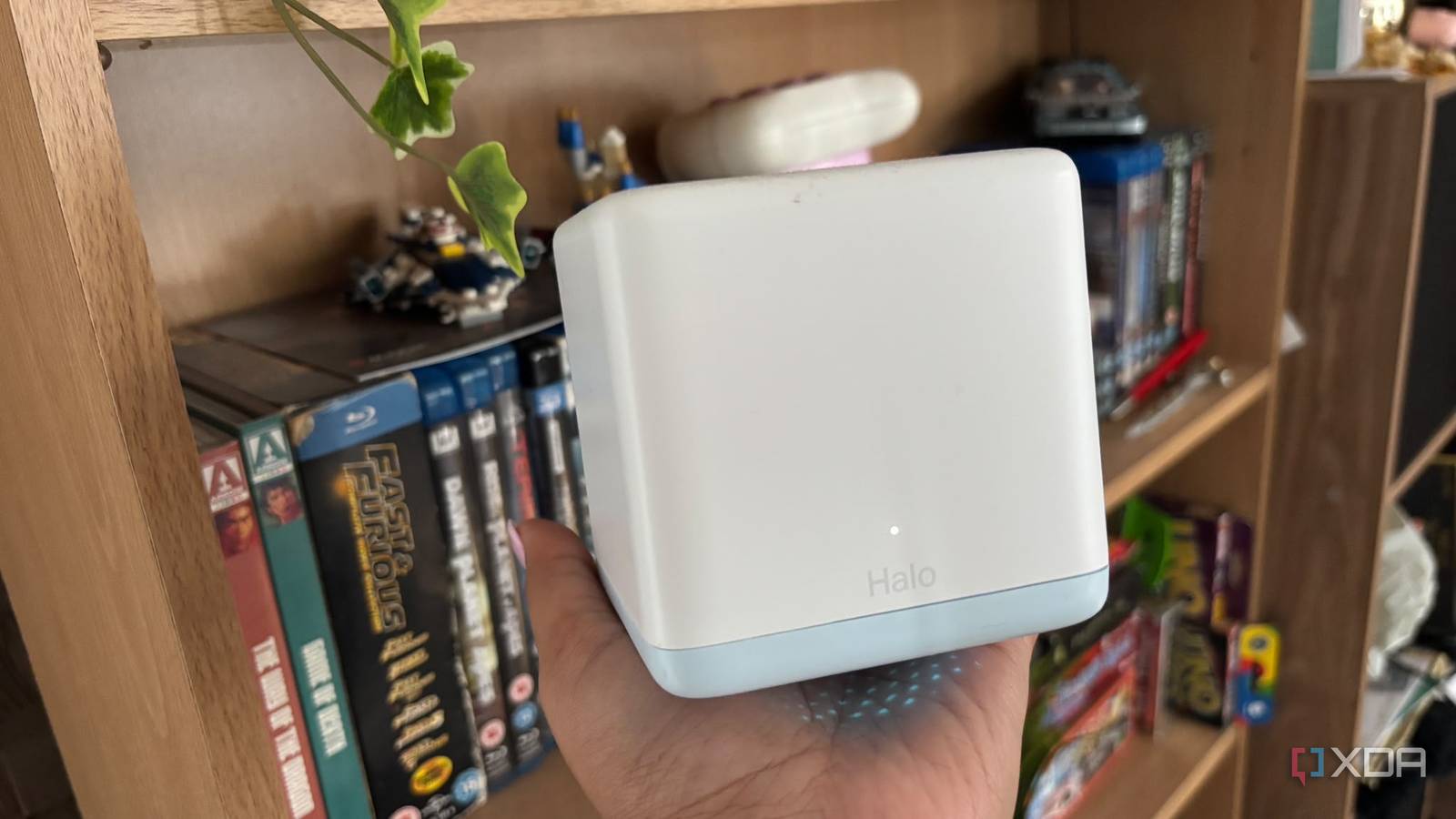
Published Nov 22, 2026, 10:00 AM EST Jasmine is Software and PC Hardware Author at XDA with years of tech reporting experience ranging from AI chatbots right down to gaming hardware, she's covered just about everything. Whether it's breaking news about the latest AMD NPUs or creating video tutorials on social media platforms, Jasmine has contributed to the world of AI and tech in a variety of ways including interviewing the CEO of Razer, AMD's Director of Product Marketing and the VP of Lenovo. Passionate about gaming and PC technology, she has built countless computers, keyboards and other peripherals - knowing them inside and out. Multi-node mesh Wi-Fi systems are a great alternative to traditional single-router setups and range extenders for consumers seeking seamless roaming and blanket coverage across multi-story homes. Walking from room to room without dropping the connection is convenient, but consumer mesh hardware often hides a significant architectural bottleneck: the backhaul. In standard dual-band mesh configurations, the system frequently relies on the exact same frequency bands for node-to-node communication that your laptops, phones, and other streaming devices use to work. This structural overlap creates severe airtime contention, cutting effective wireless throughput, increasing latency, and turning a gigabit internet connection into a congested bottleneck during heavy household usage. Why do some mesh systems not stack up? Your primary devices might start to struggle Mercusys mesh wifi system changed my life after I struggled with a WiFi extender for so long. Entry-level and mid-range mesh systems are typically dual-band, featuring one 2.4GHz radio and one 5GHz radio. The 5GHz radio must dynamically split its transmission time between serving client devices and relaying data packets back to the main router. This is because Wi-Fi operates on half-duplex communication, meaning that devices cannot transmit and receive on the same channel simultaneously. When a satellite node receives data from a client device and forwards it to the main router on the same 5GHz channel, the radio must alternate between listening and transmitting. Alongside this, every wireless hop across a shared band or backhaul effectively halves the available bandwidth. A client connected to a satellite node experiences a compounding performance penalty compared to a device connected directly to the primary router. You also get CSMA/CA overhead, standing for Carrier Sense Multiple Access with Collision Avoidance. This requires nodes and clients to listen to the channel before transmitting. In a saturated multi-node environment, channel contention, backoff, retransmissions, and inter-node traffic can consume valuable airtime, leaving less actual data throughput for user devices. The issues with co-channel interference You experience some jittering Co-channel interference can create latency, jitter, and issues with throughput. When multiple mesh nodes operate on the same channel to maintain backhaul connectivity, they create local interference if nodes are placed too close together or too far apart. Overlapping coverage cells can degrade the signal-to-noise ratio, which is a separate issue that can also cause network issues. Alongside this, you get bufferbloat and queuing delays. During high-bandwidth tasks, such as downloading a large game update on a PC connected to a satellite node while someone else streams 4K video, backhaul queues fill up quite rapidly. This causes queuing delays, leading to noticeable latency spikes and jitter in real-time applications like video calls or cloud gaming. Mesh firmware often aggressively steers clients between nodes to maintain signal bars, but if the backhaul link itself is saturated, a strong Wi-Fi signal to the nearest node doesn't translate to high internet speeds or low ping times. When testing a dual-band mesh kit under load, speed tests on satellite nodes can show substantial throughput reductions because the 5GHz radio must handle both local client traffic and the upstream packet relay; the size of the reduction varies with the system and test conditions. There are a range of solutions Investing in new hardware can solve the problem There is a range of practical architectural solutions and mitigations that you can put in place in order to rectify this issue. Upgrading to tri-band hardware is often a practical solution but can be quite pricey. Tri-band mesh systems solve this limitation by introducing a third radio. Sometimes this is a second 5GHz band or a 6GHz band if you're using Wi-Fi 6E or Wi-Fi 7 units. This band is dedicated exclusively to node-to-node backbone traffic, isolating client devices from backhaul contention altogether so long as the kit ensures that the third band is truly isolated rather than letting you use it or switching dynamically. Deploying a wired Ethernet backhaul if it's compatible with your mesh system is an option that can oftentimes be cheaper than investing in new hardware. By connecting satellite nodes to the main router via physical Ethernet cabling, this completely offloads internet traffic from the wireless spectrum altogether, leaving all Wi-Fi bands fully available for client devices. Leveraging existing coaxial infrastructure for homes lacking structured Ethernet cabling is an option for some. Multimedia over Coax Alliance (MoCA) adapters can utilize existing TV coaxial lines to establish a stable multi-gigabit wired backhaul link between mesh nodes without running new wires. You have to ensure that your house already has these coaxial lines in order to use them. Sometimes there are scenarios where you're limited to wireless only for your backhaul. The best thing to do in this situation is position your satellite nodes at the midpoint, where they maintain a strong, stable link to the main router without being pushed to the outer limits of their range. This can prevent the system from automatically dropping to lower, more congested modulation and coding schemes. Mesh Wi-Fi systems are great So long as they are optimized correctly Mesh Wi-Fi remains an essential tool for eliminating dead zones in complex architectural layouts, but consumers should understand the underlying hardware trade-offs before deployment. For light web browsing and smart home devices, a budget dual-band mesh kit is often adequate. However, power users, remote workers, and gamers will quickly run into the throughput walls imposed by shared-band backhaul. Investing in tri-band hardware or running physical Ethernet drops (and recognizing that wireless routers are subject to the strict laws of radio physics) can help ensure your home network operates at its true potential rather than choking on its own internal chatter.
Your mesh Wi-Fi might be slowing itself down by talking to its own nodes on the same band you use
Full Article
Original Source
Read the full article at Xda-developers →KhanList aggregates and links to publicly available news content. We do not host full articles from third-party sources. Always verify important information with original sources.