
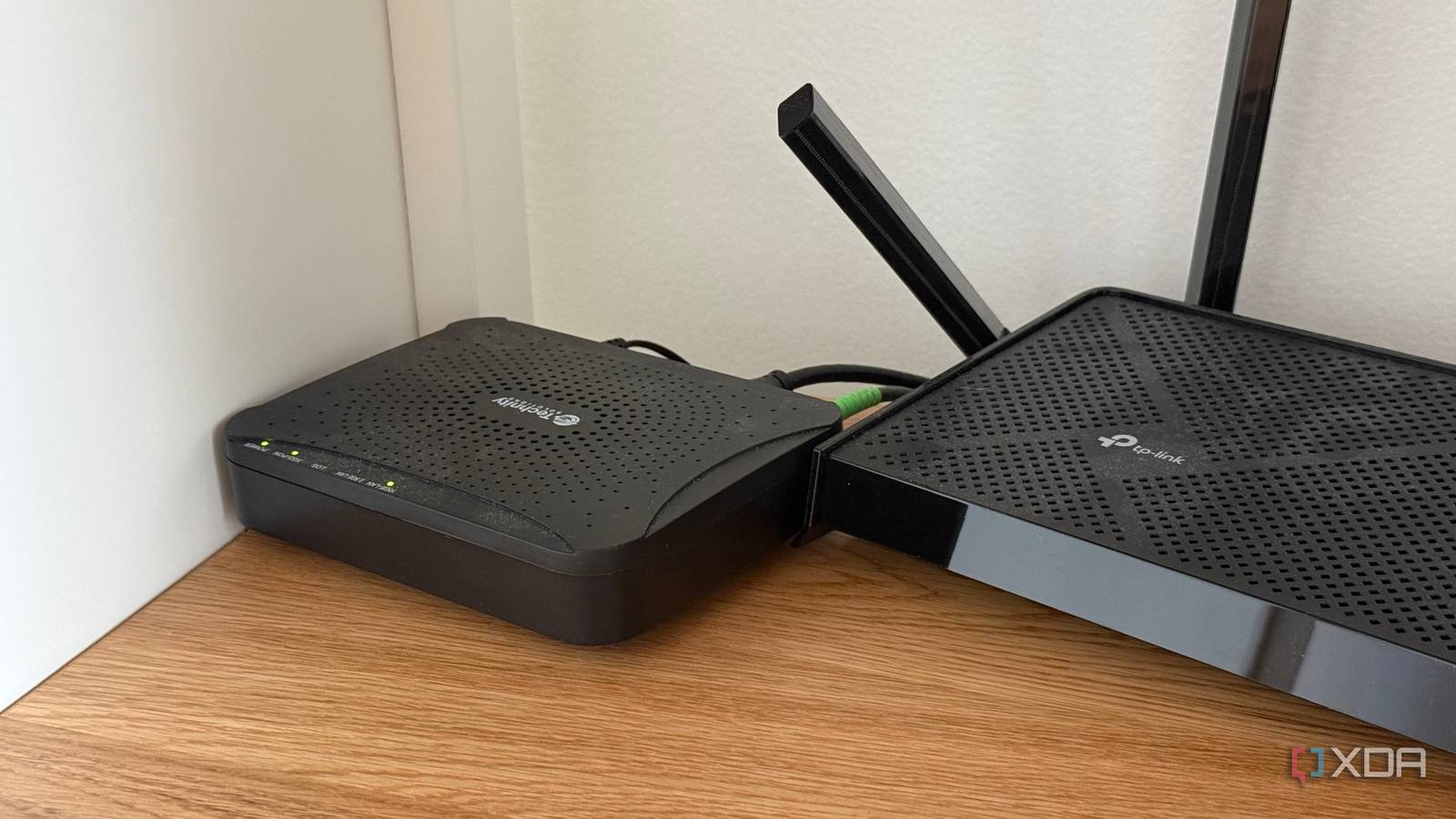
Published Aug 22, 2026, 10:00 AM EDT His love of PCs and their components was born out of trying to squeeze every ounce of performance out of the family computer. Tinkering with his own build at age 10 turned into building PCs for friends and family, fostering a passion that would ultimately take shape as a career path. Besides being the first call for tech support for those close to him, Ty is a computer science student, with his focus being cloud computing and networking. He also competed in semi-pro Counter-Strike for 8 years, making him intimately familiar with everything to do with peripherals. There are few tech problems as confounding as networking ones, especially those that crop up intermittently. Connection might hold for hours without a problem, but the moment you start doing something with a modicum of importance, it drops. By the time tech support finally gets to your call, everything is back up and running, and they rarely have anything helpful to offer. These sorts of connection drops feel like they don't leave any sort of useful evidence behind, but the good news is: they do. It's just that the device that recorded them—your modem—is the one that almost nobody thinks to log in to. Your modem is responsible for less than you think It's often overlooked, but its job is still very important Part of the reason why the modem is forgotten about is that most people only have a vague idea of what it actually does. In a typical setup these days, it does far less than expected, acting as a bridge that converts the radio frequency signal that arrives on coax into ordinary Ethernet frames. It doesn't handle any kind of routing traffic, NAT behavior, or Wi-Fi. Those jobs all belong to your router, even when they share the same chassis. When it boots, the modem scans for a channel and locks onto it, then, it runs a process called ranging, in which it negotiates timing and transmitting power. Only after those processes are finished does it request an address, pull its configuration from the ISP, and come online. Ranging continues to happen throughout the session, and if it fails at any time, the modem drops the connection and starts again. It also carries a management address of its own, separate from the network you use to connect all of your devices, but still accessible from your LAN. The status page has been there the whole time In plain sight Credit: TP-Link On the vast majority of cable modems, this management interface lives at 192.168.100.1. This isn't standardized, but it just happens to be the address that most manufacturers converged on decades ago. The page itself is usually quite plain, containing a signal table, showing downstream channels with power levels and signal figures. Exact acceptable ranges can vary between ISPs, but generally, a pattern across all of them says more than any single reading. One channel misbehaving while the others are within acceptable range points to a different problem than all of them acting up at once. You'll also find codeword counters, and these are commonly misread. Correctable codewords were damaged in transit and repaired by forward error correction before anything reached you, the user. Uncorrectables were damaged beyond what error correction can repair, which means the data was actually lost and had to be sent again. Some accumulation is normal on any given line, but a count that visibly climbs over the course of a few minutes isn't. One of the most valuable sections is the event log, because that's where connection dropouts will be timestamped. There are two main kinds that you'll be looking for: T3 and T4. A T3 timeout means the modem sent ranging requests, but received no reply, which usually points to something like noise on the upstream path, and the modem will restart its registration to try and regain connection. A T4 timeout is much worse, because it means the modem was not given an opportunity to range at all, and it'll reset the cable interface entirely. Both line up with what a user feels, which is an abrupt interruption in connection. You can use these logs when contacting support, which will sometimes help you skip past the usual script of rebooting, reconnecting, and retrying all the other troubleshooting steps you've already tried. A user that clearly reports T3 and T4 events at certain times will help deploy a tech faster and hopefully get some answers. Why this page might not tell you anything It also might not even exist for you This page doesn't exist for everyone, and it largely depends on what kind of internet you have, and your ISP's access policies. Even if you do have access, there's no guarantee you'll be able to log in and see it in the first place. In terms of what it actually covers, it only covers the connection between the modem and the provider's network, and nothing more. Any kind of router issue or even congestion on the ISP's end will render the information on the page relatively useless to you. Router issues live on a completely different layer to the modem, and ISP congestion is hard to quantify outside of asking them if they're seeing issues, and most of the time, a straight answer is hard to come by. If you have fiber internet, you face a similar issue. The equivalent measurements on fiber connections is receive power, but the interface that exposes it is often inaccessible for the end user. Even those who have bridged their ONT often can't access the interface. If you're on fiber, you're almost certainly out of luck. It takes less time than a call to support If you can't access the page from any of your devices, it's worth trying a couple of other avenues before giving up. The management address usually sits outside of the subnet you connect all of your devices to, so a router that doesn't have a route to it will just drop the request. Connecting a computer direct to the modem sidesteps this, but you could also attempt to add a static route to get around it as well. Bridge mode also isn't a brick wall in all cases. Gateways placed in bridge mode can still serve a reduced version of the same page at the same address. A valuable troubleshooting tool that is overlooked by those with cable internet A quick check at the usual address for your modem's management interface might just grant you the information you need to diagnose and ultimately fix your connection drops. Worst case scenario, it's locked down, doesn't exist, or doesn't provide what you're looking for, and even that is one of the better arguments for buying your own modem. Best case, the logs line up neatly with what you're experiencing, and that makes your next support call much more straightforward.
Your ISP's modem has a hidden status page, and it tells you exactly why your internet keeps dropping
Full Article
Original Source
Read the full article at Xda-developers →KhanList aggregates and links to publicly available news content. We do not host full articles from third-party sources. Always verify important information with original sources.