
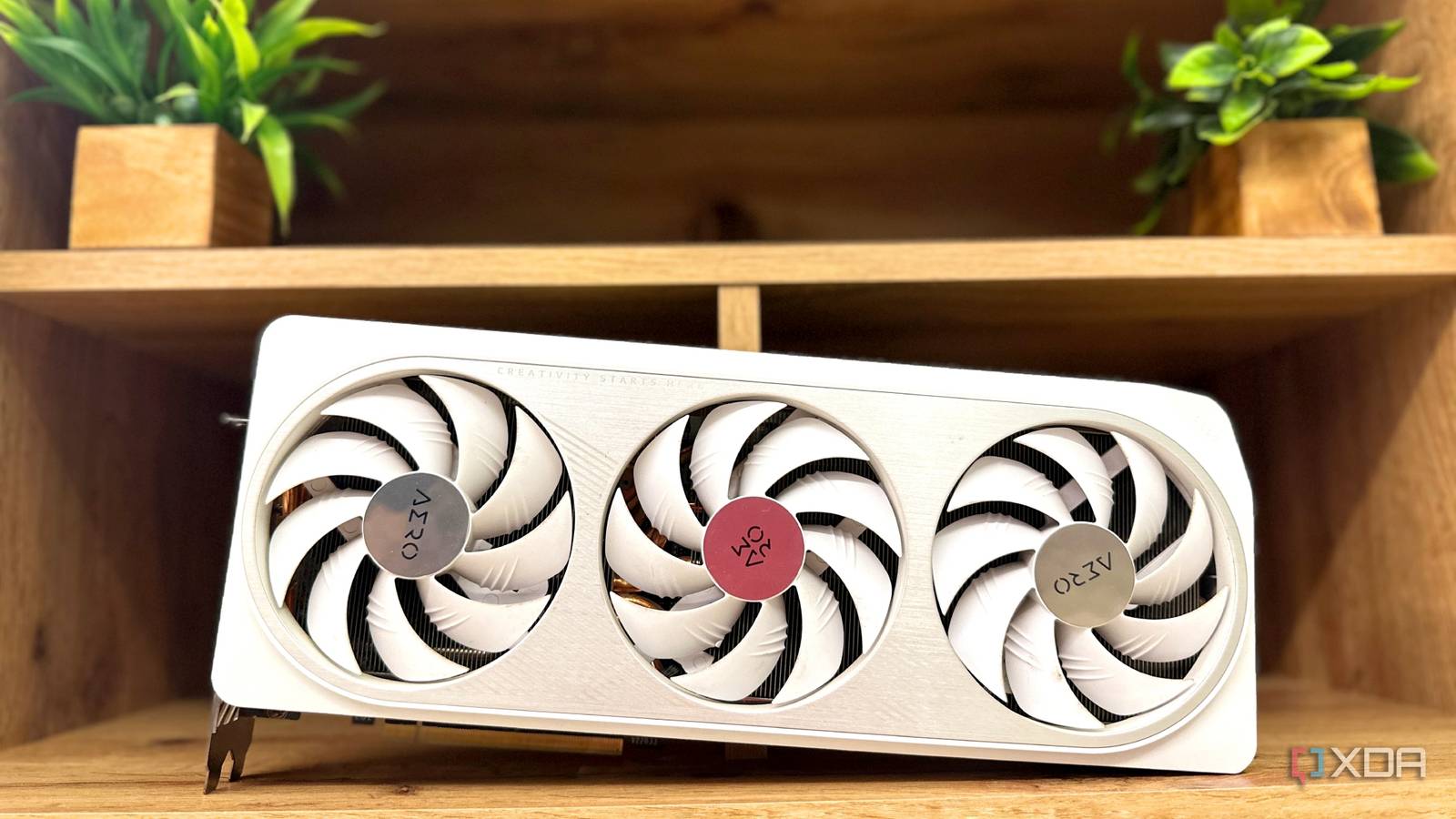
Published Aug 23, 2026, 4:30 PM EDT Gaming has been Samarveer’s greatest passion, and the Literature graduate in him takes immense joy in dissecting games for their themes, messages, and impact. Samarveer holds a deep appreciation of gaming, and considers the platform to be the most immersive and impactful across all media. He can be found engaging with gaming communities online, always ready to debate the finer points of ray tracing or itching to write an 8-page collegiate thesis on any game that impacts him emotionally. I used to think of upscaling as a fairly simple trade-off. You give up some of the internal resolution of the image, and in return, DLSS or FSR would give you enough performance to push higher settings or a higher output resolution. That is still its biggest selling point, but after using DLSS upscaling ever since it arrived back in 2020, I've realized that there's another benefit hiding in plain sight. Once I started looking at the numbers, I couldn't quite explain why I hadn't paid attention to it before — upscaling massively reduces input lag. As such, I tested DLSS across multiple games, switching between several presets, just to see how much of an improvement to latency upscaling brings with it, and the results were pleasantly surprising. Upscaling has another benefit nobody talks about DLSS can make your games feel faster, too We usually talk about DLSS in terms of image quality and frame rates. Turning on the upscaler means rendering fewer pixels internally, reconstructing the image, and turning a 45 FPS title into a 70 FPS experience at 4K. Another consequence of reducing the rendering workload, however, is that the GPU can finish each frame sooner. That matters for latency. A GPU rendering native 4K at 60fps has roughly 16.7 milliseconds to produce each frame. Now, in real-life testing, that number goes from 16.7 milliseconds to a much higher value because of other links in the longer chain. If you give it a lighter internal workload with DLSS, that frame can arrive a lot sooner. This lighter internal workload reduces the amount of time the GPU spends getting the next frame onto your screen. As major upscalers improve every few months, this results in lower latencies, better performance, and remarkable image quality for all users. A lot of the time, the conversation around upscalers starts and finishes at "higher FPS" and image quality, and they sure are nice to see in benchmarks. However, what often gets swept under the rug or left out of the conversation entirely is that when the GPU has more breathing room, the game responds much faster to what you're doing with your mouse, keyboard, or controller. I put DLSS to the latency test myself The numbers are difficult to argue with I tested three games at 4K, starting with DLSS disabled and then working through Quality, Balanced, Performance, and Ultra Performance. Forza Horizon 6 immediately made the case: latency fell from 68.8ms at native 4K all the way down to 27.4ms at Ultra Performance. Cyberpunk 2077 followed the same trajectory, dropping from 53.6ms on Quality to 31.1ms on Ultra Performance. Black Myth: Wukong was the real eye-opener here for me. Native 4K registered at a hefty 174.4ms, and with DLSS Ultra Performance (Preset L, of course), I managed to bring it all the way down to 56.6ms. Nvidia GeForce RTX 4070 Ti + Ryzen 5 7600X + 32GB RAM | 2160p Title 4K Native 4K Quality 4K Balanced 4K Performance 4K Ultra Performance Forza Horizon 6 68.8 ms 56.7 ms 39.2 ms 34.2 ms 27.4 ms Cyberpunk 2077 — 53.6 ms 47.2 ms 39.4 ms 31.1 ms Black Myth: Wukong 174.4 ms 101.5 ms 85.2 ms 76.7 ms 56.6 ms The interesting part of my testing, more than just the latency gains, was where those gains happened. Black Myth: Wukong dropped from 174ms at native 4K to 101.5ms with DLSS Quality alone — a staggering 62% latency reduction at the most conservative, best-looking preset. I've said it once, and I'll say it again — DLSS Quality is virtually indistinguishable from native 4K, meaning that the biggest latency reduction came well before the image had even started looking noticeably compromised (which happens only in the Performance–Ultra Performance territory). There was no native reading in this Cyberpunk 2077 run, since my RTX 4070 Ti GPU hit its VRAM limit trying to run Cyberpunk 2077 at 4K Native at ray-traced high graphics. Forza Horizon 6 and Cyberpunk 2077 told slightly different stories — the exact sweet spot clearly depends on the game, but the pattern here is perfectly consistent. Latency gains aren't even distributed across the presets. The numbers don't lie — every single step toward a lighter internal render workload reduced latency in my testing. DLSS was clearly making the games measurably more responsive, on top of rescuing my frame rate, of course. This is because DLSS attacks one part of the latency chain: GPU rendering. Once the GPU has plenty of breathing room, reducing the workload further can't erase the time spent on input processing, CPU simulation, queues, and display scan-out. Those costs still exist. A lot of users believe that the DLSS trade-off means sacrificing image quality for responsiveness. That's far from the truth, though, because the biggest latency reduction came from the Quality preset every time, while retaining a higher-quality image. The interesting question, then, is what happens when I add something that actually inserts frames into that pipeline. Frame generation changes the equation More frames don't always mean more responsiveness While Super Resolution upscaling does help bring down input lag while improving performance, there's another equally popular performance-enhancement feature in the DLSS suite that actually does increase latency — frame generation. In Cyberpunk 2077, enabling DLSS Frame Generation (2x) pushed Quality from 53.6ms to 67.8ms. The FPS counter gets a lovely boost, but those generated frames don't make your inputs reach the game any faster. There's an important catch, though: higher latency doesn't automatically make Frame Generation a bad idea. Even after taking its latency penalty, DLSS Performance with Frame Generation measured 50.6ms in my test, while DLSS Quality without it sat at 53.6ms. Ultra Performance with Frame Generation was lower still. In other words, you can gain the visual smoothness of generated frames while remaining more responsive than a higher-quality upscaling preset without them. Gigabyte GeForce RTX 5070 Ti Eagle OC Ice SFF Upscaling and Frame Generation still have a place Upscaling and frame generation democratize graphics that previously used to belong exclusively to the most expensive GPUs. That's ultimately why I don't see upscaling and Frame Generation as technologies gamers should be "afraid" of. Together, they make demanding lighting, higher resolutions, and increasingly ambitious graphics viable on hardware that otherwise couldn't render them natively. Making better use of hardware and letting software do a bit of the heavy lifting isn't cheating. It simply democratizes graphics that used to belong exclusively to the most expensive GPUs.
Your GPU's upscaler has a secret second job, and nobody's talking about it
Full Article
Original Source
Read the full article at Xda-developers →KhanList aggregates and links to publicly available news content. We do not host full articles from third-party sources. Always verify important information with original sources.