
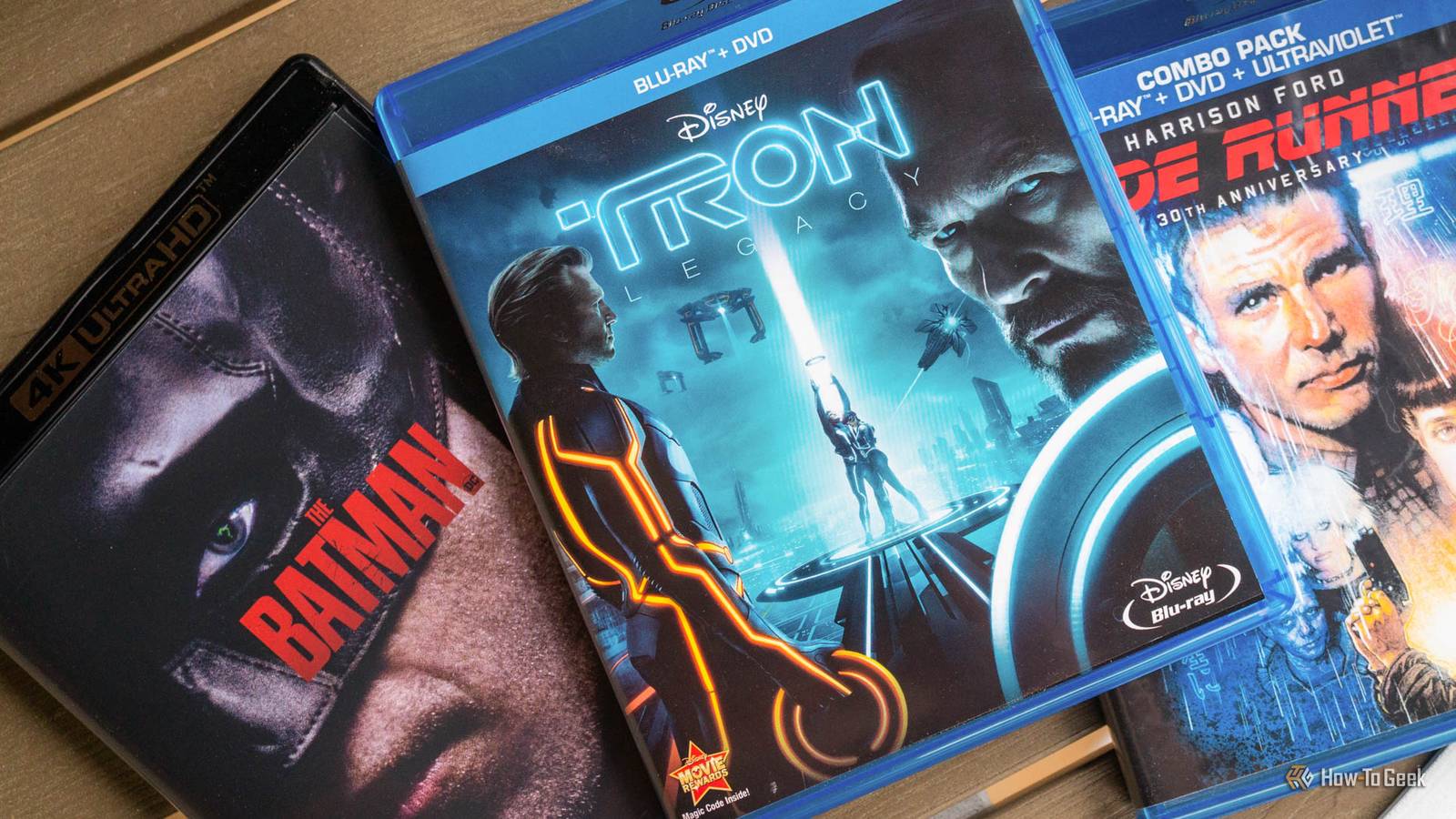
Published Nov 14, 2026, 8:15 AM EST Sydney Butler is a technology writer with over 20 years of experience as a freelance PC technician and system builder and over a decade as a professional writer. He's worked for more than a decade in user education. On How-To Geek, he writes commerce content, guides, opinions, and specializes in editing hardware and cutting edge technology articles. Sydney started working as a freelance computer technician around the age of 13, before which he was in charge of running the computer center for his school. (He also ran LAN gaming tournaments when the teachers weren't looking!) His interests include VR, PC, Mac, gaming, 3D printing, consumer electronics, the web, and privacy. He holds a Master of Arts degree in Research Psychology with a minor in media and technology studies. His masters dissertation examined the potential for social media to spread misinformation. Outside of How-To Geek, he hosted the Online Tech Tips YouTube Channel, and wrote for Online Tech Tips, Switching to Mac, and Helpdesk Geek. Sydney also wrote for Expert Reviews UK. He also has bylines at 9to5Mac, 9to5Google, 9to5Toys, Tom's Hardware, MakeTechEasier, and Laptop Mag. Apart from the physical ownership and preservation aspects, one of the big reasons I love to collect DVDs and Blu-ray discs is the inclusion of extra features. I'm a sucker for "making of" segments, bloopers, and who doesn't love a nice documentary-style featurette? The best collectible physical movies have extra features that rival the runtime of the movie itself, and if you're a bit of a cinephile, it's like catnip. However, while most streaming services give you the movie or show and nothing else, there are now quite a few ways to access extra features without buying a disc. The best news here is that there's a good chance you already subscribe to at least one streaming service that offers DVD-style special features. Sadly, without the awesome custom interactive DVD menus we all fell asleep to in the 2000s. Streaming giant Netflix is not one of them, however. Occasionally, Netflix might release companion content for a high-profile show or movie as a separate title, but there are no traditional extras built into a movie's landing page. As usual, the criminally-underrated Apple TV service comes in clutch here. If you subscribe to the streaming service, most of the movies I've personally checked do not have any bonus features apart from trailers, which seem virtually universal. There are exceptions, such as Apple's F1 movie, which has a heap of sweet bonus videos to watch. However, things are very different if you purchase movies on Apple TV. They're called "iTunes Extras" and they aren't available if you just rent a movie. It's one of the reasons I'll sometimes buy a movie on Apple TV instead of renting it, if the price difference isn't huge. One big downside is that extras are only visible on Apple devices. When I access my movies using the Google TV version of the app, they are absent. But, even if the odds are against you, it's worth checking your streaming app for an "extras" button on the streaming services you already use. Disney+ is another streaming platform that often has excellent extras, and, as a Marvel fan in particular, I love making use of this feature. Criterion makes special features part of the subscription Surprising absolutely no one "Criterion" has become synonymous with movie preservation and cinephilia, with the company being one of the few outlets actively selling DVDs and Blu-ray titles to a hungry and hardcore collector audience. So, it should be no surprise that The Criterion Channel streaming service also offers extensive extra features for its collection. According to the Criterion support page, subscribers can access "more than 500 shorts and 5,000 supplementary features, including trailers, introductions, behind-the-scenes documentaries, interviews, video essays, commentary tracks, and rare archival footage." It's also a good way to preview which of the physical Criterion movies are worth paying for. At $10.99 a month, it's also one of the most affordable services, which is nuts considering the quality of the content. It's all coming together The secret weapon to getting access to those bonus features is Movies Anywhere. Sign up for a free account, connect your service accounts like Fandango and Apple TV, then see all of your fragmented digital movie collection come together in one place. You can even redeem digital codes in DVD and Blu-ray cases that come with some titles. Giving you a permanent online entitlement. What's really sweet, and important for our discussion here, is that you'll also get access to any bonus features the studio for that film has made available. That can be a nice workaround when you own a movie on a platform that does not offer the bonus features, with Movies Anywhere acting as an equalizer across all the different storefronts. But things can go wrong. For a while, Google Play purchases no longer synced and, while it came back, any of the partners could pull out at any time. So enjoy it while you can, nothing digital is forever. Unfortunately, Movies Anywhere is only available to people over eighteen who live in the USA. Which means yours truly can't use it. Because I live outside the USA, not because I'm underage, but thanks for saying so. While it's awesome that you can get extra value for your streaming dollar with special features, one important thing to remember is that online streaming special features are not a substitute for a disc. The main reason for this is that the features you get via streaming may not line up with the ones that came on disc. In fact, different releases and editions of the same movie may have different extras. So, for the superfans, it's often worth buying multiple cuts of the same movie. Even if the physical media bug hasn't bitten you yet, you'll surely appreciate getting to see a little more of what went into your favorite titles, and it may even be a reason to subscribe to one service instead of another.
You don't need DVDs for commentary or extras, they're still included when you stream this way
Full Article
Original Source
Read the full article at Howtogeek →KhanList aggregates and links to publicly available news content. We do not host full articles from third-party sources. Always verify important information with original sources.