
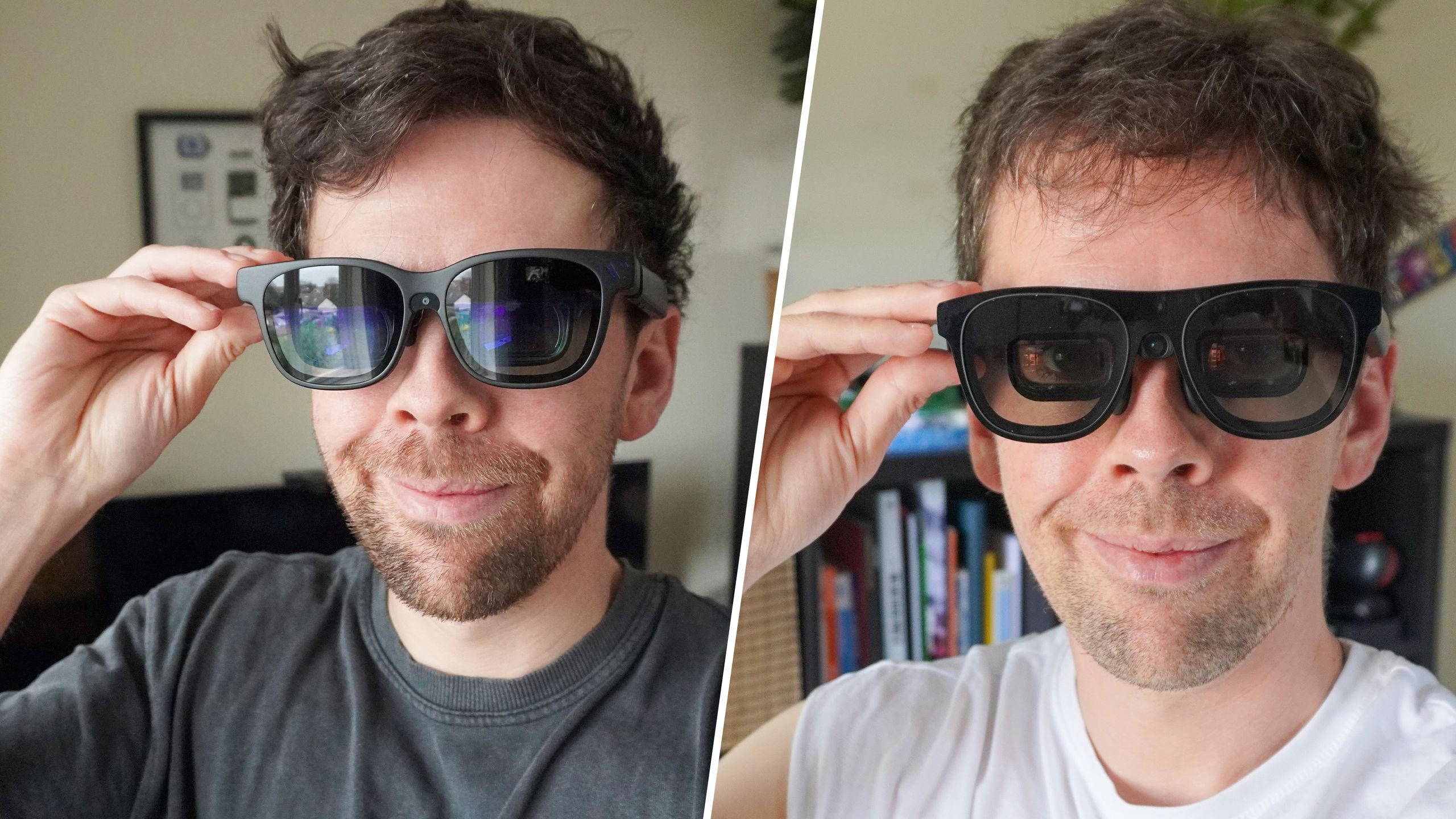
(Image credit: Tom's Guide) Earlier this year, my colleague Jason England put the original Xreal One Pro AR glasses head-to-head against one of the best premium pairs of AR glasses, the Viture Beast.This week, Xreal released an updated version of its flagship glasses dubbed the Xreal One Pro Plus, with an upgraded display and a more comfortable nose pad. We've already put the One Pro Plus to the test.In the original battle, Viture's premium glasses just edged out the One Pro thanks to a lower price, slightly better specs, and a bit more versatility.Does a refreshed Xreal take down Viture? It's a lot closer than you think.Xreal One Pro Plus vs Viture Beast: Specifications Swipe to scroll horizontally Spec Xreal One Pro Plus Viture Beast Price $599 $549 Display tech Sony Micro-OLED Sony Micro-OLED Resolution 1920 x 1080 per-eye 1920 x 1200 per-eye Field of view (FOV) 57 degrees 58 degrees Peak brightness 1200 nits 1250 nits Refresh rate 120Hz 120Hz Tracking 3DoF (native) / 6DoF (with Eye camera) 3DoF (native) / 6DoF (with Spacewalker app) On-device tech X1 spatial chip VisionPair customization Dimming 3-level Electrochromic 9-level Electrochromic Audio Speakers tuned by Bose Speakers tuned by Harman Weight 91 grams 98 grams Buy the Xreal One Pro if…You actually work with the glassesYou prefer not everything on-deviceSmooth 3D is a requirement (Image credit: Tom's Guide)Out of the box, the Plus glasses are basically the same as the original One Pro specs — which means all the advantages we highlighted before are still here.Xreal upped the brightness from 700 nits to 1,200 (still 50 nits less than the Beast, but much closer), so the display is much better. They already featured flatter color science, making for more accurate video and photo editing. Plus, Xreal added three new modes: Reading, Standard, and Movie, which adjust the display depending on what kind of content you're viewing.The new modes add more versatility and make reading websites or even an eBook a much better experience compared to the original glasses.Get instant access to breaking news, the hottest reviews, great deals and helpful tips.The built-in X1 chip gives you a lot of on-device ways to tweak the display. No, there isn't the ultra-wide display and screen-by-screen 3D like the Beast, but Viture's glasses do require the Spacewalker app for more versatility.Xreal's glasses have real-time 2D-to-3D content transformation, which got a boost from 30FPS to 60FPS in the Plus version. It's a smoother upgrade. (Image credit: Tom's Guide)Xreal gave the One Pros a permanent price cut to $599 earlier this year, and the new Plus version retains that price. However, to get the most out of the glasses you still need the $99 optional Eye Camera, which enables 6DoF anchoring compared to the native 3DoF.As a reminder, here's the difference:6 Degrees of Freedom (6DoF) is the spatial experience — locking a screen to a physical coordinate in your room based on what the Eye camera can see.3 Degrees of Freedom (3DoF) is the swivel chair experience — pinning a screen to a specific direction and tracking head rotation only.Unfortunately, if you're traveling and lack the Eye camera, the Plus still gets, as Jason said, "bamboozled" when on a moving vehicle.Buy the Viture Beast if…You want top-tier gaming and streaming picture qualitySolid anchoring is important to youMore versatility (Image credit: Future)When the Viture Beast launched in January of this year, we didn't have much good to say. However, the company quickly added tweaks that make the glasses an actual animal.Despite Xreal's updates, the Beast is still slightly better spec-wise. They feature a slightly wider 58-degree field of view, 50 nits higher brightness, better sharpness and color reproduction when it comes to gaming and streaming.Display glasses are often marketed as an extension of your entertainment and the Viture Beast is a perfect example of that goal.Compared to the Xreal glasses, productivity uses take a backseat. You can customize the color in the on-device menu, but the One Pro Plus, especially in reading mode, is better for work.I don't notice the chromatic aberration as much on the edges. This is one of those cases where display preference is up to the individual. (Image credit: Future)The new modes do a lot to help Xreal catch up, but the Beast does feature an ultrawide monitor mode built into the glasses themselves, plus impressive 3Dof tracking. However, you do need the Spacewalker app for multi-screen support, 6DoF tracking and Immersive 3D for AI 3D content conversion.In practice, that means that some phones might have compatibility issues. And some features are locked into the app's UI rather than featuring across different apps. For example, if you want to watch 3D movies on Netflix, you have to use the Viture browser rather than your Netflix app.Still, in combination, the app and glasses do give you plenty of versatility in how you use the Beast for both work and play.For the rest of you (Image credit: Tom's Guide)Before, we gave the edge to the Viture Beast thanks to the $50 savings, slightly wider FOV, and more versatility in tuning the glasses. All of those things remain true.However, Xreal's refresh is much closer thanks to the updated display and new modes. At this point, I'd say that the Beast and One Pro Plus are on equal footing, and it all comes down to preference.These are the cream of the crop when it comes to display glasses. Both have excellent electrochromic dimming on the lenses, pretty good audio, and are comfortable for long sessions; the Xreal even more so, thanks to the redesigned nosepad. (Image credit: Tom's Guide)Here's the rub, though: when it comes to display glasses, most people don't need this much capability or to spend this much money.You can get pretty good bang for your buck if you explore any of the budget-friendly models. Fortunately, both Xreal and Viture have excellent options in the $299 range that released this year.The Xreal a01+ brings some flair to a pretty staid category of tech with glasses that actually look like sunglasses you'd wear out of the house. Viture dropped the updated Pro 2 AR glasses in August, prioritizing comfort and versatility over display upgrades, and it totally paid off. (Image credit: Future)If you'd like to know how they compare, I put the Viture Pro 2 and Xreal a01+ in their own head-to-head contest.Otherwise, RayNeo is the king of budget display glasses, offering a lot in the $299 Air 4 Pro; you could also try out the new RayNeo GT.Here's the one drawback to all of those budget options compared to the Beast and One Pro Plus: the FOV is much smaller. I won't get VR headset truther on you, but I promise a 57 or 58-degree field of view feels better and different than 50 or 46, like in the budget options.My dream would be for Xreal and Viture to keep making excellent displays and bringing them down to the budget tier for the rest of us. Meanwhile, these are both excellent display glasses. Follow Tom's Guide on Google News and add us as a preferred source to get our up-to-date news, analysis, and reviews in your feeds. Subscribe to Tom's Guide on YouTube and follow us on TikTok.More from Tom's GuideTom's Guide to smart glasses: 13 terms you need to knowI've been testing Ray-Ban Meta Audio glasses for 72 hours — and ditching the camera was the absolute right callI tested the RayNeo GT as a replacement to every screen I own — it's a mixed bag Scott Younker is the West Coast Reporter at Tom’s Guide. He covers all the lastest tech news. He’s been involved in tech since 2011 at various outlets and is on an ongoing hunt to build the easiest to use home media system. When not writing about the latest devices, you are more than welcome to discuss board games or disc golf with him. He also handles all the Connections coverage on Tom's Guide and has been playing the addictive NYT game since it released.Something to share? Send secure tips on Signal: scyo1.55.
Xreal One Pro Plus vs. Viture Beast Round 2: Can a refresh even the stakes?
Full Article
Original Source
Read the full article at Tomsguide →KhanList aggregates and links to publicly available news content. We do not host full articles from third-party sources. Always verify important information with original sources.