
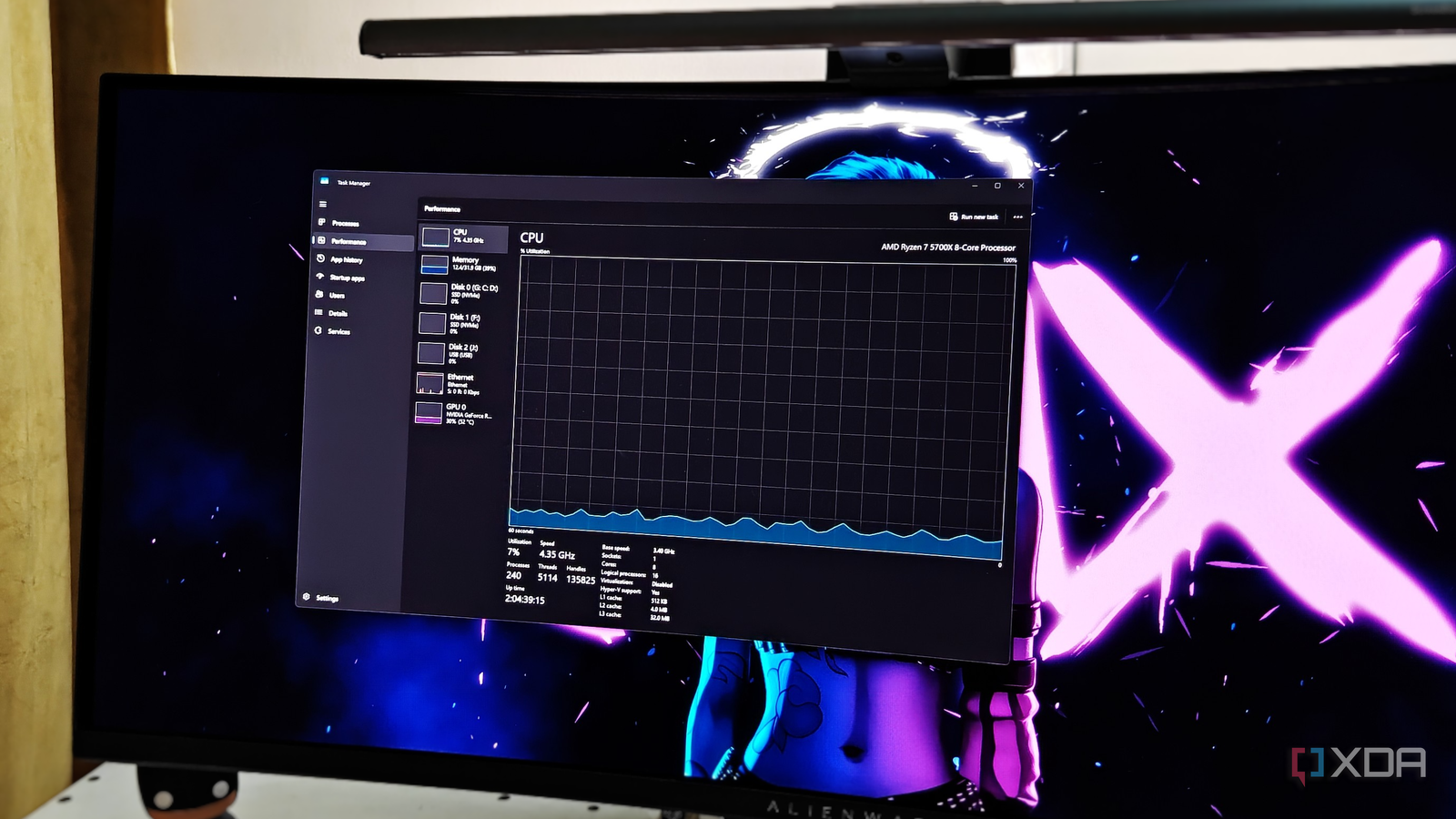
Published Oct 7, 2026, 8:00 PM EDT After a 7-year corporate stint, Tanveer found his love for writing and tech too much to resist. An MBA in Marketing and the owner of a PC building business, he writes on PC hardware, technology, and Windows. When not scouring the web for ideas, he can be found building PCs, watching anime, or playing Smash Karts on his RTX 3080 (sigh). You would have used Task Manager on your Windows PC countless times, whether to terminate a stuck application or reduce your startup app clutter. Windows 11's Task Manager has evolved considerably over the last three decades, but it can be traced back to the first version shipped with Windows NT 4.0 in 1996. It succeeded a more basic utility called "Task List" seen on earlier Windows versions. What's interesting is that the modern Task Manager still reports on the ideas tied to Windows NT's virtual memory system. Some of the terminology it uses was designed in an era when memory capacity was scarce, measured in megabytes instead of gigabytes. It was a time when aggressively managing the physical memory and deciding what was offloaded to disk wasn't optimization; it was required to keep the system stable. "Committed" memory is a holdover from an assumption that's not true anymore We have a different type of RAM scarcity in this day and age If you open the "Performance" tab in Task Manager and click on "Memory," you'll see a header called "Committed" next to other numbers below the graphs on the right pane. This refers to "commit charge," or the total amount of virtual memory the OS has promised the system applications in the form of physical memory and the page file on the disk. It includes the amount of virtual memory already in use by running applications. This nomenclature and the architecture underneath made a lot of sense when RAM was the scarcest resource on the system (not the way it is in 2026) and swapping programs to the hard drive wasn't optional. Doing so was the only way to keep multiple programs running at once, irrespective of the performance penalty of swapping to disk. Although your modern Windows PC still works technically the same way, the underlying premise has shifted considerably. Modern systems with 32GB of RAM are rarely struggling for physical memory, even with multiple applications running at once. And the penalty associated with swapping to a fast NVMe SSD is nowhere close to what it was in the time of conventional hard drives. So, the terminology was never updated even though the scarcity it was built around largely disappeared. "Paged pool" and "Non-paged pool" don't matter anymore The average user doesn't need to think about it The same "Memory" section will show you terms like "Paged pool" and "Non-paged pool." They refer to the system memory area that is allowed to be paged to the disk and the one that must always remain on physical RAM, respectively. This distinction is still in use today, but it is also a direct artifact of the same scarcity-era thinking. It exists because deciding the programs that could never be paged out to disk was a meaningful engineering problem. Offloading critical programs to storage could be fatal or even impossible. Today, however, paged and non-paged pools are no more than internal bookkeeping for anyone trying to understand their system in Task Manager's "Performance" tab. It's still accurate, but not useful anymore. "Handles" feels like terminology Windows never updated No one has a handle on what it means In the "CPU" section of the "Performance" tab, you can see a header called "Handles" next to "Speed," "Processes," and "Threads." It refers to the number of open references a process holds to system resources — files, registry keys, and more. Now, it can be a useful diagnostic in a specific scenario, such as a process with a high handle count indicating resource leaks. However, the term and the object-handle system it reports on are typical Windows NT elements. "Handles" is essentially a low-level OS concept exposed to a mainstream, everyday monitoring tool without being translated to anything a casual user will understand. It could help an experienced user detect an anomaly, but it's a mid-90s OS concept that has stayed unchanged for three decades. Changing these terms isn't worth the disruption Who would it benefit? You may wonder why Microsoft hasn't bothered to update or at least rename these Task Manager terms to reflect the modern Windows architecture. It could help more users understand their systems better. The reason is that changing any of this risks breaking the communication chain with an established audience — IT admins, developers, and power users. They have relied on these exact terms for decades for documentation, troubleshooting guides, forum threads, and knowledge banks. This terminology has stayed consistent going back to the days of Windows NT in the 90s. Renaming it would cause needless chaos across these domains without benefiting any casual users who ignore the deeper terms in the "Performance" tab anyway. Task Manager can be helpful without a complete terminology update Task Manager on Windows remains a useful monitoring and diagnostic tool despite some of its terms not making sense to a modern audience. Microsoft hasn't changed its legacy terminology because it's technically still true and maintains consistency with decades of documentation and power user familiarity. Windows 11 Home $135 $140 Save $5 A USB installation drive and license key for Windows 11 Home.
Windows Task Manager still speaks a language that's probably older than you are, but there's a reason why
Full Article
Original Source
Read the full article at Xda-developers →KhanList aggregates and links to publicly available news content. We do not host full articles from third-party sources. Always verify important information with original sources.