
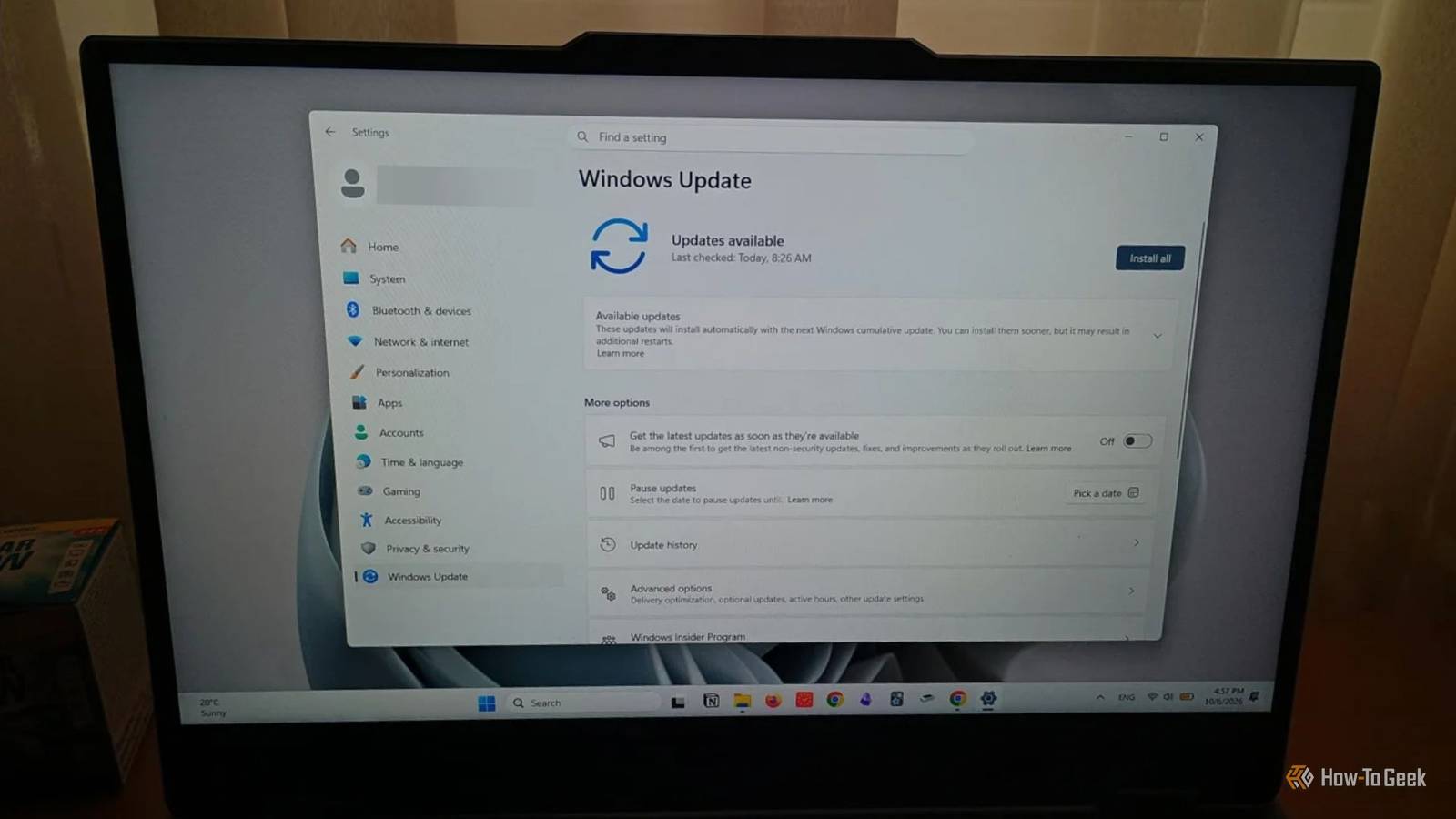
Published Oct 8, 2026, 12:30 PM EDT Diana's interest in technology spans many years. Her favorite areas include consumer software, everything Windows-related, VPNs, and graphic design tools. She's always on the lookout for tools and features that make tasks easier, boost creativity, and improve everyday life. When she finds something interesting, chances are she'll have something to say about it. Microsoft describes Windows 11 26H2 as a predictable, low-disruption update. It's an enablement package that mainly activates features you already have on your PC if you installed the monthly updates. Looks like not much will happen if you decide to go ahead with it. Still, I can't really blame you if you want to wait before you click that Install button. I see a lot of people aren't really sold on it yet, and I'm a bit reluctant myself, knowing how previous updates have gone. Plus, Microsoft has already documented (now mitigated) issues like USB audio devices failing to start or black screen problems after sign-in. But before you pause or delay your updates, check your version. If you're still running 24H2, end of support is just around the corner, meaning you're no longer getting security patches after October 13. Not everyone has to rush to update, but if you're still using this version, you shouldn't put it off too long. 26H2 means end of support for some versions Life cycle update and end of support for 24H2 Credit: Microsoft A noteworthy detail that you shouldn't ignore, even though Microsoft isn't exactly leading with it when announcing this new package, is that 26H2 resets the support life cycle. Here's a look at the current support timelines for Windows 11 Home and Pro, as provided by Microsoft: Windows 11 26H2 end of support is October 9, 2028 Windows 11 26H1 end of support is March 14, 2028 Windows 11 25H2 end of support is October 12, 2027 Windows 11 24H2 end of support is October 13, 2026 Updating puts your PC on a new, 24-month support timeline, as older versions are gradually phased out. Computers running Enterprise and Education versions still have one year to go, with support for 24H2 ending in October 2027. And if you're already on 25H2, there's significantly less pressure to upgrade immediately. What's going to happen if you still run 24H2 Home and Pro editions Your computer won't automatically stop working at midnight Credit: Microsoft If you're still running 24H2 Home and Pro, you will no longer receive support starting October 13. Your computer will stop getting monthly security patches and other fixes. This will not have a huge effect right off the bat, especially when it comes to app and hardware functionality. But if you keep sensitive data on your PC, staying on 24H2 isn't the safest route. Without security patches, your PC will become vulnerable to new threats. Beyond security concerns, software and hardware manufacturers will gradually stop supporting your machine. This is the final fate of all Windows versions: apps stop releasing compatible versions, so as time passes, you'll have to go above and beyond just to use a browser or antivirus. The same could happen with new devices and drivers. Nothing you're currently using will automatically stop working, but new devices and peripherals could start causing problems once their manufacturers no longer release compatible drivers for your operating system. What 26H2 brings New security features, Start menu customization, and more AI If you've been keeping up with Windows updates, the 26H2 enablement package is only 174 KB. It shares the same core servicing foundations as Windows 11 24H2 and 25H2 and mainly activates features that are already on your computer. Some of the changes you will notice include: More Start menu and taskbar customization File Explorer enhancements and AI support Better Windows search results with previews, support for typos and partial names Stronger security with features like Administrator protection, built-in Sysmon, and Smart App Control Accessibility updates for Magnifier, Narrator, and Voice Access More AI and Copilot features And yes, you may have to go through the usual routine of uninstalling some of the Microsoft apps you don't like. Again. Some of these security features may interfere with older PCs' performance and cause problems with legacy hardware. For instance, Windows will no longer trust cross-signed drivers by default, meaning devices like older printers and scanners, sound cards, or certain USB devices may stop working. How to get Windows 11 26H2 The new update may not be available for all computers yet Microsoft says you must already have 24H2 or 25H2 installed on your PC to be eligible to install 26H2. And if Microsoft detects a possible compatibility issue, it can place a safeguard hold on your computer. This means the new Windows Update may not appear in Settings for everyone at the same time. Before you start, create a System Restore Point so you can quickly revert unwanted changes. Updating is just as easy as it's always been: Open Windows Settings > Select Windows Update > Click the Download and install button next to the Windows 11 26H2 notification > Wait for the update package to install > Restart your computer. You can wait, but not forever Your PC won't instantly meet a disastrous fate if you don't update from 24H2 right this moment, but you shouldn't put it off forever either. Your apps will likely keep working for a while, based on past Windows updates, but if you use your PC for sensitive activities like banking, shopping, or work, you're better off upgrading for security. There's much less pressure for those already running 25H2, but 26H2 has some new features worth checking out.
Windows 11 annual update is boring, but staying on 24H2 is a security risk
Full Article
Original Source
Read the full article at Howtogeek →KhanList aggregates and links to publicly available news content. We do not host full articles from third-party sources. Always verify important information with original sources.