
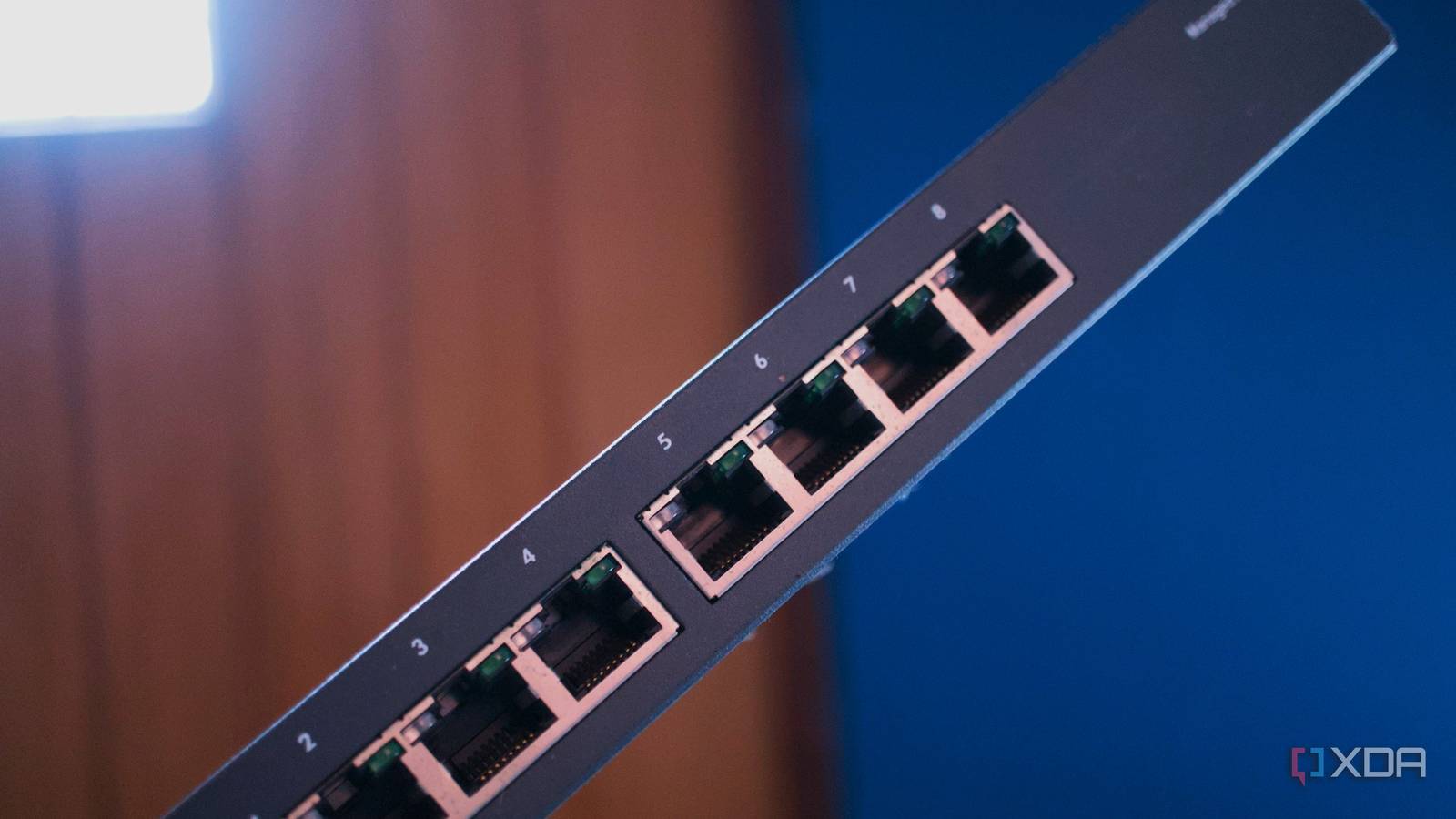
Published Nov 21, 2026, 1:01 PM EST After a 7-year corporate stint, Tanveer found his love for writing and tech too much to resist. An MBA in Marketing and the owner of a PC building business, he writes on PC hardware, technology, and Windows. When not scouring the web for ideas, he can be found building PCs, watching anime, or playing Smash Karts on his RTX 3080 (sigh). If you aren't satisfied with your Wi-Fi performance, the temptation to buy an expensive Wi-Fi 7 router might be misplaced. The thing is, most people aren't limited by their Wi-Fi standard. Wi-Fi 6, and even Wi-Fi 5, is often enough to feed a handful of devices. Homes with an elaborate smart home setup and multiple high-speed wired devices can push the network to the limit, but a new router still isn't the best solution. A managed switch may be just what you need. For people running out of Ethernet ports on the router, it provides a cheap and easy way to offload more high-priority traffic from hogging the airwaves. And proper isolation of home lab and NAS traffic from your main network can benefit everything connected to your router. A $20 managed switch makes this possible without a complicated setup, saving you from buying a $200 Wi-Fi 7 router. A Wi-Fi 7 router will probably not fix what's wrong It targets the wrong problem Wi-Fi 7 improves over Wi-Fi 6 and 6E by leveraging technologies like Multi-Link Operation (MLO), 320 MHz channel width, and Multi-Resource Unit (MRU) to deliver higher peak throughput, lower latency, and improved interference handling. All of that is impressive, provided your devices can actually take advantage of these modern features. Even most Wi-Fi 7 devices don't support the full breadth of Wi-Fi 7 features yet, so everything else is worse off. If your plan speed remains unchanged, a new Wi-Fi 7 router raising the theoretical ceiling won't show up anywhere. You'll still be limited by your devices' hardware. If the network feels fine on Ethernet and shaky on Wi-Fi, then the problem lies not on your router but somewhere else. Wi-Fi performance is often tied to airtime more than bandwidth, and shifting more and more devices to Ethernet sounds good, but you can run out of high-speed ports on your router. So, do you buy a Wi-Fi 7 router with more and better ports? A Wi-Fi 7 router probably fits that role, but what if you could spend $20 instead of $200? An inexpensive managed switch helps unclog your network It's an upgrade you can't go back from While unmanaged switches will give you additional Ethernet ports to accommodate all your wired devices, managed switches bring additional features that truly benefit your network. With an uplink to your router, a managed switch not only allows you to hardwire your NAS, home lab, gaming PC, console, smart TV, streaming box, and more, but it also provides you with 802.1Q VLAN support, IGMP snooping, link aggregation, and often faster Ethernet ports. The obvious result of moving everything you can to a wired connection is that your fixed devices enjoy a way more reliable connection once they're free from wireless shenanigans. The part where a managed switch truly shines is 802.1Q VLAN support and port tagging, allowing you to isolate traffic to a separate VLAN. You can essentially protect your main network from all the chatty traffic from your virtual machines, containers, and backups, allowing every wireless device to enjoy a clearer network. Streaming becomes smoother, random traffic spikes stop interrupting your gaming sessions, and phones and laptops enjoy greater reliability. Even your smart home devices stay connected instead of going offline every once in a while. Your wired devices will also reap the benefits A rising tide lifts all boats A managed switch improves your network not just for your wireless devices, but also your wired ones. IGMP snooping prevents multicast traffic from flooding every port on the switch, so your high-volume traffic doesn't get routed to devices that have nothing to do with it. This reduces unnecessary overhead due to irrelevant packet processing, and lowers congestion for every device on the network. Then, there's link aggregation, which benefits multiple devices connected to the same NAS or server, improving the performance for each of them when they're transmitting at the same time. It works by combining multiple physical links into a single logical one to increase combined capacity across data streams. While almost all switches give you basic QoS features and web-based configuration, some models also offer Power over Ethernet (PoE), so you can connect smart home devices or access points without a nearby wall outlet. Most ISP routers can't do what a managed switch can, and even aftermarket Wi-Fi 7 routers don't always make it as seamless. A managed switch is one of the best networking upgrades you can make While a fancier router, better cables, and faster devices have their place, a managed switch can do what others can't. It provides real network segmentation, storm control, and capable Ethernet ports for your wired devices. This also benefits your Wi-Fi devices as the airwave congestion goes down, and your network gets unclogged. Before you pay hundreds for other networking gear, consider investing in a cheap managed switch. NETGEAR 8-Port Gigabit Ethernet Easy Smart Managed Switch $24 $40 Save $16 Manufacturer Netgear Type Switch Ports 8 ports Speed Gigabit
Wi-Fi 7 won't fix your slow internet, but a $20 switch just might
Full Article
Original Source
Read the full article at Xda-developers →KhanList aggregates and links to publicly available news content. We do not host full articles from third-party sources. Always verify important information with original sources.