
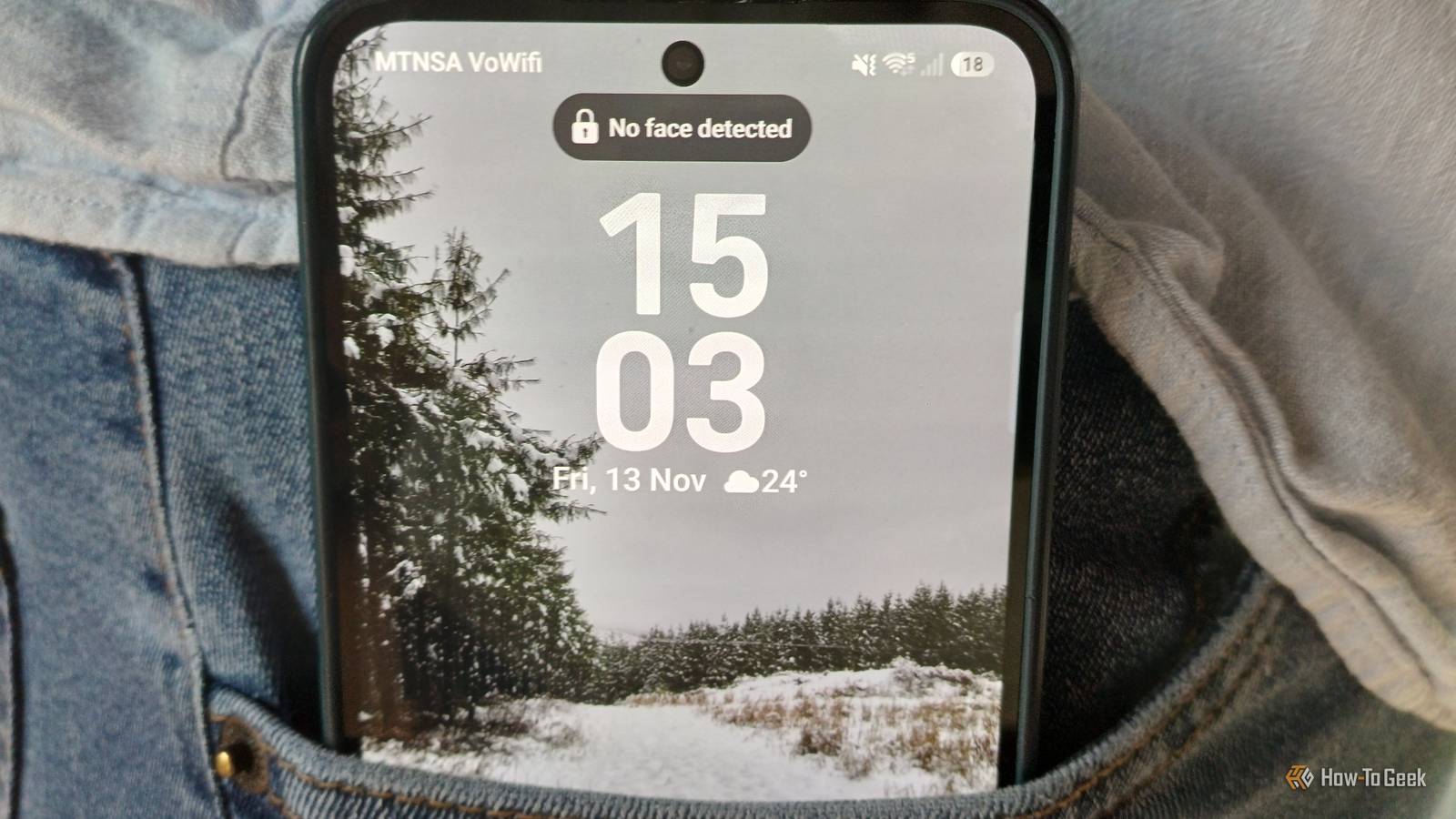
Published Nov 14, 2026, 9:00 AM EST Tyler is an journalist and content contributor at How-To Geek with over three years of experience covering the automotive and tech industries. His work focuses on delivering clear, well-researched, and engaging content that helps readers better understand the vehicles they drive and the technology that they use everyday. Before entering automotive media, he spent five years as an academic editor, developing a strong foundation in research methodology, factual accuracy, and structured analysis. This background informs his journalistic approach today, ensuring that every article balances technical insight with accessibility for a broad audience. It took some time, but One UI 9 has finally started to roll out to a swath of older devices. You don't have to have a brand-new flagship Galaxy device to get the update anymore, which is good news for me and my S24 FE. Even mid-range A-series devices and some tablets are now gaining access to the swath of new features. I've had quite a lot of time to read up on the coolest and most exciting changes to the One UI experience while I waited for the update, meaning that when I finally did get it there were a couple of things I instantly wanted to try. This isn't a comprehensive list of new features, but rather a list of the things that have made the largest impact on my Galaxy experience since getting the update. Your Android comes with a built-in mode to stop your screen waking up in your pocket Especially useful if you have your touch sensitivity set high If you have a screen protector installed on your phone, there is a pretty high chance that you've had to increase your touch sensitivity. This feature is in your display settings. On some devices, it could also show up as Screen protector mode. Having high touch sensitivity makes a big difference when you have a screen protector installed, but it could be why your display is waking up in your pocket. In your display settings, you can turn off features that increase screen sensitivity. You can also turn on the best way to combat your phone waking up on its own in your pocket. Most Android devices come with a feature called Pocket Mode. Samsung has an equivalent called Accidental touch protection. Essentially, what it does is that it detects when your phone is in a dark space, like your pocket or a bag, and actively ignores inputs. Switching this feature on will most likely fix all of your problems. While you're in the display settings, you can also reduce the time it takes for your screen to turn off. This means that if you do accidentally wake your device in your pocket, it should turn the screen off again pretty quickly. Gesture and motion controls are also a pretty common culprit A simple toggle could fix the problem One of the next most common reasons that your Android phone could be waking up in your pocket is if you have certain touch gestures enabled. If you have something like Lift to wake, Double tap to turn on screen, or Tap to check phone enabled, you could be accidentally triggering your phone to wake up while it is in your pocket. Finding these gesture settings differs depending on what Android device you have. Most of the time, you'll be able to find them by going to Settings, System, Gestures, and then Wake display. On Samsung devices, you'll instead find Motions and gestures under the Advanced features tab. Try turning off the Lift to wake feature and see if it makes any difference to your phone screen waking up in your pocket. Your Android's fingerprint scanner could be causing you strife Use another security measure for a while If you don't have Pocket mode and turning off Lift to wake didn't help, the next most reasonable thing to check is your fingerprint sensor. While this is most common if your phone still has a physical fingerprint scanner, particularly sensitive under-display sensors can still be triggered by a combination of things like heat, moisture, or movement. It is well worth disabling the fingerprint unlock feature and sticking to another method instead for a while. If you find that your phone is waking up less often, then this sensor could be the problem. Not all Android devices are built equally Some offer tools that others don't A feature like Pocket mode is something that should really be universally available, but every device is a little different. Another tool that can help you track why your phone is waking up in your pocket is exclusive to Samsung users. Nice Catch is a module of the official Samsung app, Good Lock. Its whole job is to track exactly what is happening on your device. In this case, it can tell you which app or process woke up your screen. This obviously allows you to troubleshoot the issue more directly. It even goes deeper and can explain phantom vibrations or missed notifications that hit your phone. Good Lock is honestly fantastic, and it really gives Samsung users quite a big edge in cases like this. While some competitors do offer equivalents, they aren't able to replicate what Nice Catch achieves here. Plenty of tools to stop your phone doing what it wants in your pocket There are loads of reasons why your phone screen waking up in your pocket can be a problem. Once the screen is awake, quite a few unwanted things can happen, from pocket dials to extra battery drain. There are a good couple of steps that you can take to stop this problem, and most Android devices come with tools specifically designed to prevent accidental touches.
Why your Android phone keeps waking up in your pocket (And how to fix it)
Full Article
Original Source
Read the full article at Howtogeek →KhanList aggregates and links to publicly available news content. We do not host full articles from third-party sources. Always verify important information with original sources.