
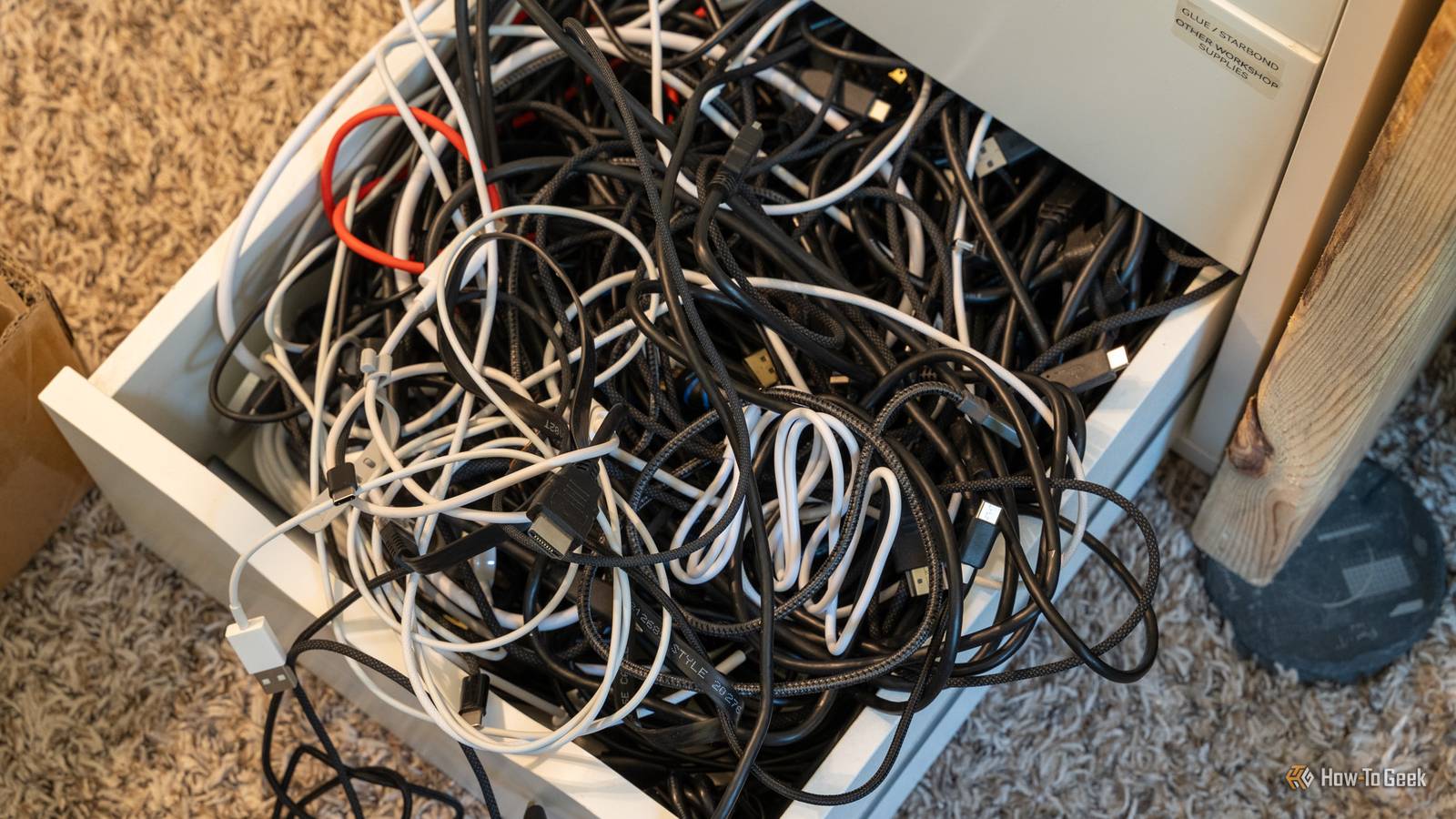
Published Oct 5, 2026, 1:00 PM EDT Tyler is an journalist and content contributor at How-To Geek with over three years of experience covering the automotive and tech industries. His work focuses on delivering clear, well-researched, and engaging content that helps readers better understand the vehicles they drive and the technology that they use everyday. Before entering automotive media, he spent five years as an academic editor, developing a strong foundation in research methodology, factual accuracy, and structured analysis. This background informs his journalistic approach today, ensuring that every article balances technical insight with accessibility for a broad audience. I’ve accumulated an embarrassing amount of old tech over the years. Cables whose purpose I’ve long forgotten, gadgets I haven’t touched in years, and assorted bits of hardware have a habit of ending up in boxes rather than the trash. When it finally comes time to clear things out, though, I’ve learned not to throw anything away before checking it with Google Lens. A quick photo can tell me exactly what I’m looking at, whether that forgotten cable is actually useful, or whether an old gadget might be worth keeping, selling, or repurposing. It has saved me from throwing away perfectly good tech more than once, and it has even helped me make a little money from things I assumed were worthless. Now, whenever I’m cleaning out my old tech stash, Google Lens is one of the first tools I reach for. Google Lens can tell you exactly what something is before you trash it It has helped me sort through a ton of old cables Credit: DenPhotos / Shutterstock Google Lens is an incredibly versatile tool that can help you with anything from translations to solving complex problems, and all you have to do is open the app and point your camera. One of the most useful ways that I've learned to utilize Google Lens is to help me sort through old cables and gadgets. Where I would have thrown away a couple of great bits of tech simply because I wasn't sure what they were, Lens helped me identify things and choose what to keep. I am ashamed to say that I have unintentionally gathered quite a few cables and bits of old tech over the last couple of years. When I last moved, my wife had finally had enough, and I couldn't blame her. When I collated all the useless hardware I had been hoarding, it filled more than one box. If it wasn't for Google Lens, I likely would have thrown it all away, just to avoid sorting through the mess. I could see what something was, and then decide if it was worth keeping An easy solution to years of hoarding The simplicity of use is what makes Lens such an attractive tool. Over the years, the feature has been trimmed down and made pretty straightforward, so I didn't really have to do much. Opening the app and then making sure I was using the 'search' mode was pretty much the extent of the effort that I had to put in. When you open Lens and switch to search mode, your camera opens, and you're prompted to take a snapshot of whatever you want to identify. Piece by piece, I worked through my junk boxes, taking a snapshot and letting Google search for similar items. This helped me identify a lot of cables, which helped a lot because I had no idea what half of them were actually for. I ended up throwing most of them out, but I managed to save a couple of useful cables that I could give a second life to. With the gadgets I had, it was even more useful. Once Lens identified the tech, I could ask follow-up questions, including what alternative uses the gadget might have. Again, I donated a lot of stuff that I couldn't find a use for, but I saved one or two bits of tech and repurposed them. The open-source community has also found better uses for quite a lot of common things that you might have in your junk drawer. Lens also stopped me from throwing away tech with value I was able to make a couple of bucks off of my junk Another reason that Lens was super useful in sorting through my old cables is that it stopped me from throwing away anything that still held some actual worth. One of Lens's core functions is shopping. Usually, this means taking a snapshot of a pair of shoes or a jacket or something, and then getting links to stores that sell the item. For anything old or outdated, it searches listings on websites like eBay and other second-hand tech forums. While most of what I held on to wasn't worth much, a couple of items still had real value. Lens saved these things from the junkyard, and I made a couple of bucks off stuff I was going to throw away. Beyond sales value, I was also able to save components from some old tech that I could give another purpose to. For example, I liberated a pretty decent hard drive from my old DVR. Don't throw away your old tech without double-checking it first I'm sure I'm not the only person with a horde of old technology they aren't using. I'm not a particularly messy person, but I find it hard to throw things away if I think that they might be useful at some point. Google Lens was a great tool for figuring out whether the stuff I was holding on to was actually useful or time to say goodbye. It's now become a habit, something that I do every time I get to toss an old cable or gadget.
Why I always scan old gadgets and cables with Google Lens before throwing them away
Full Article
Original Source
Read the full article at Howtogeek →KhanList aggregates and links to publicly available news content. We do not host full articles from third-party sources. Always verify important information with original sources.