
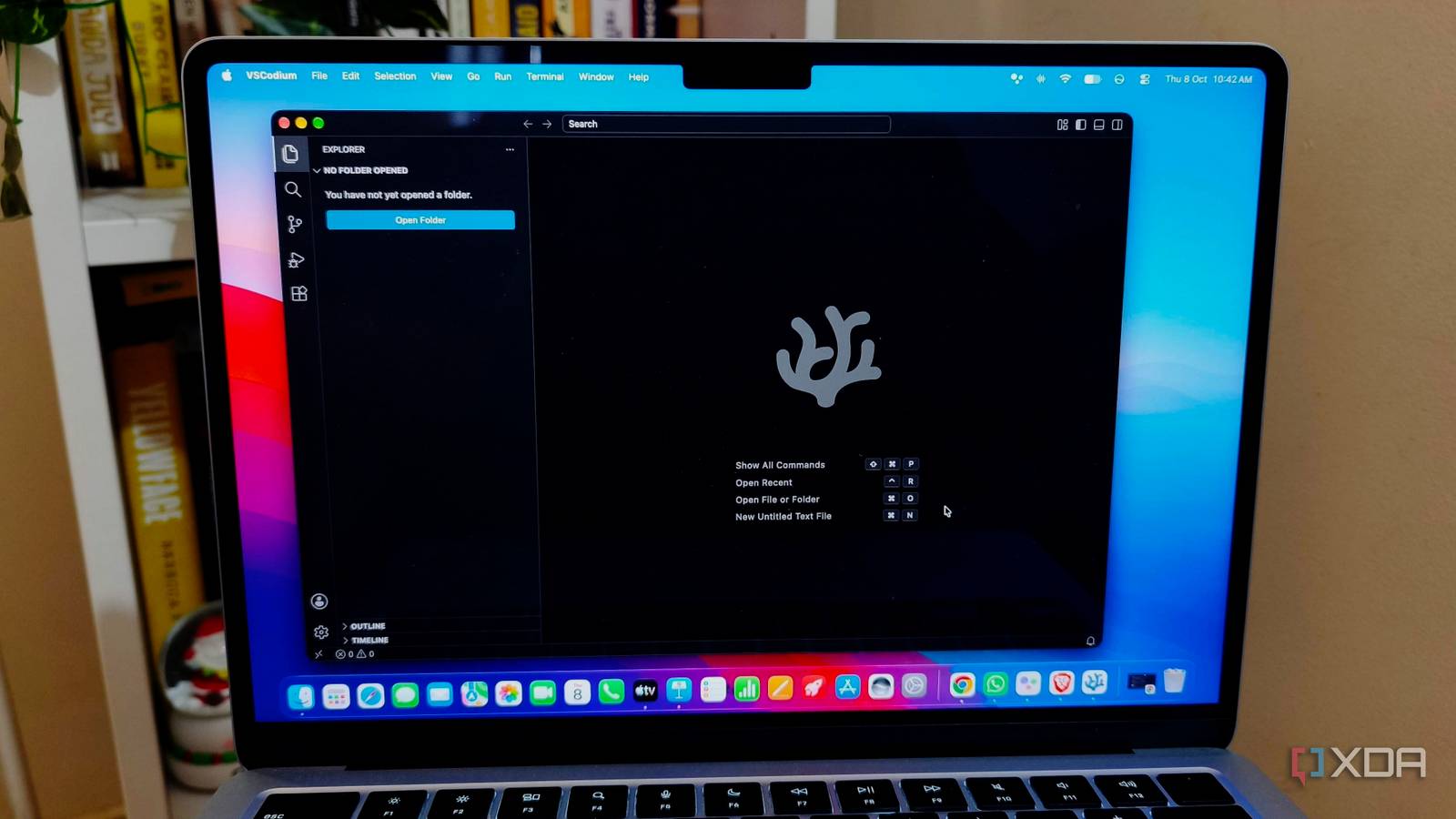
Published Oct 8, 2026, 5:30 PM EDT Anurag is an experienced journalist and author who’s been covering tech for the past 5 years, with a focus on Windows, Android, and Apple. He’s written for sites like Android Police, Neowin, Dexerto, and MakeTechEasier. Anurag’s always pumped about tech and loves getting his hands on the latest gadgets. When he's not procrastinating, you’ll probably find him catching the newest movies in theaters or scrolling through Twitter from his bed. I’ve used VS Code for years, and much of my workflow now lives inside it. I use it for coding, connect it to local AI models, and access my desktop remotely through its tunnel feature. I’ve also tried other editors, including Zed, but VSCodium interests me because it lets me keep the VS Code environment without Microsoft’s telemetry. The only complication is extensions. You’d expect an editor built from the same source code to support the tools you already use, but VSCodium connects to a different extension registry. The familiar extension panel searches Open VSX instead of Microsoft’s marketplace, and the two don’t offer the same catalog. Most of the editor comes with me Some key features don't Image credit: VSCodium VSCodium keeps the parts of VS Code I’m already comfortable with. The file explorer, command palette, split editor, and integrated terminal are all there, along with Git integration for reviewing changes and managing commits. I don’t have to learn new shortcuts or figure out where familiar controls have moved. You can also copy your settings.json and keybindings.json files across, so your preferred editor settings and custom shortcuts can come with you. There’s a useful distinction between VS Code’s source code and the application Microsoft distributes. The source is MIT-licensed, but Microsoft’s downloadable build includes its own customizations and uses a separate license. VSCodium builds that open-source code into an application with Microsoft’s branding removed and telemetry disabled. You get a ready-made download that’s available on Windows, macOS, and Linux. VSCodium keeps most things the same as VS Code, but some gaps remain. Beyond extensions, VSCodium also lacks some features available in VS Code. For example, VSCodium doesn't include the Tunnels feature, which is useful if you want to turn your desktop PC into a server you can access from your laptop. You can still use features like Remote SSH from the integrated terminal, but editing a remote folder through the editor requires an extension. Microsoft’s Remote SSH extension isn’t officially supported in VSCodium, which recommends Open Remote SSH as an alternative. That gives you a way to work on a remote server, though it isn't quite the same setup as Microsoft's extension. The extension panel opens a different store It uses Open VSX I don’t usually think about where my extensions come from. In VS Code, I search for what I need and install it from the extension panel. VSCodium has the same panel, so I expect it to work the same way. But a developer publishing an extension to Microsoft’s marketplace doesn’t automatically make it available on Open VSX. They need to publish it there separately, even if the extension itself works in both editors. This comes down to Microsoft’s marketplace being separate from VS Code’s open-source code. Microsoft restricts its marketplace offerings to Visual Studio products and services, so VSCodium uses an independent registry. Open VSX offers plenty of familiar tools, including Prettier for formatting code, ESLint for checking JavaScript, and Continue and Cline for AI coding assistance. However, it does lack tools like Microsoft’s C/C++ extension, Live Share for collaborative editing, and its Remote Development extensions. Pylance, which provides Python language support in VS Code, also restricts use in unofficial builds. You do have alternatives. VSCodium recommends clangd for C/C++ language support, Native Debug for debugging, BasedPyright for Python analysis, and Open Remote SSH and Open Remote WSL for remote development. But whether you can use these alternatives depends on the features available and whether they suit your use case. I was able to replace almost all the extensions I was missing, but it took effort and required some digging. Missing extensions don’t always need replacing You can check whether its developer provides a VSIX file If an extension isn’t on Open VSX, you can check whether its developer provides a VSIX file on GitHub or another official release page. That’s the packaged extension, which you can install through VSCodium’s “Install from VSIX” option. For a compatible extension, this lets you keep using the original tool without waiting for its publisher to add it to another registry. I’d rather do that than replace an extension I’m already comfortable with. But downloading the package doesn’t remove restrictions built into the extension or change its license. If it requires Microsoft’s official build, a manual installation may not work. VSIX Manager also supports installing packages from GitHub and Forgejo releases, local files, and multiple registries. If you need extensions from several sources, it lets you manage them in VSCodium instead of handling each package separately. Give other VS Code alternatives a try Plenty of VS Code alternatives exist, with Cursor, Antigravity, and VSCodium as popular options. If you want nothing to do with VS Code, you can try Zed, which is built on a different framework. You also have OG options like Neovim that run in the terminal and are a lot faster.
VSCodium ditched Microsoft's telemetry, but it cost me something I didn't see coming
Full Article
Original Source
Read the full article at Xda-developers →KhanList aggregates and links to publicly available news content. We do not host full articles from third-party sources. Always verify important information with original sources.