
Published Oct 25, 2026, 5:30 PM EDT Monica J. White is a journalist with over a decade of experience in covering technology. She built her first PC nearly 20 years ago, and she has since built and tested dozens of PCs. PC hardware is her main beat, and graphics cards and the GPU market at large are her main area of interest, but she has written thousands of articles covering everything related to PCs, laptops, handhelds, and peripherals. From GPUs and CPUs to headsets and software, Monica's always willing to geek out over all things related to computing. Outside of her work with How-To Geek, Monica contributes to TechRadar, PC Gamer, Tom's Guide, Laptop Mag, SlashGear, Whop, and Digital Trends, among others. Her ultimate goal is to make PC gaming and computing approachable and fun to any audience. Monica spends a lot of time elbow-deep in her PC case, as she's always making upgrades, testing something, or plotting out her next build. She's the go-to tech support person in her immediate circle, so she's never out of things to do. Whenever she has spare time, you'll find her gaming until the early hours and hanging out with her dog. Although USB-A's color-coded cables and ports may be a nuisance to navigate, there's no replacing this tech, old as it may be. While USB-C is endlessly more convenient, convenience isn't everything, even in 2026. It turns out that there are still many things where USB-A leads the charge. Below are the things that it's genuinely better at than USB-C. USB-A can charge gadgets USB-C refuses to touch Even when the gadget itself has a USB-C port You'd think that USB-C, with its outstanding charging capabilities, would have a clean sweep when it comes to charging stuff. Well, maybe sometimes, but not always. It sounds completely backwards (because it is), but some USB-C gadgets will happily charge through a USB-A-to-C cable, but refuse to charge when faced with USB-C on both ends. It doesn't make sense to me either, don't worry, but then again, USB-C is famously confusing. How's that for progress? As Plugable explains, the problem usually comes down to manufacturers cutting corners. USB-C devices are supposed to have tiny pull-down resistors that tell a compatible charger they're ready to receive power, but some cheaper gadgets are missing those resistors, so the charger doesn't recognize them and refuses to supply power. USB-A doesn't need that whole detection process to provide basic 5V power, which means a simple USB-A-to-C cable can get the job done. USB-A still works with far more of your existing peripherals Sometimes, an adapter is the real downgrade Here's where being super old (by tech standards, mind you) really pays off: compatibility. USB-A has been around for so long that it's still the most widely accepted connector, although USB-C is slowly overtaking it in this current age of phones and other smart devices and gadgets. Regardless, think back to how many perfectly functional mice, keyboards, printers, and other accessories you own now or have previously owned still use USB-A. None of them stopped working just because USB-C became more common; many of them might still be collecting dust in your drawer, in fact. And even new peripherals still sometimes prioritize USB-A. My keyboard is a couple of years old and still connects via USB-A. USB-A is still the preferred connector for many wireless dongles Your mouse doesn't need a fancy connection Similar to the above point, wireless peripherals may also prefer USB-A to USB-C. Yes, still. Plenty of modern mice and keyboards still come with tiny USB-A receivers (which I actually kind of hate, because it's so easy to lose something so small). This includes some pretty expensive gaming gear; it's not all budget cost-saving measures. I think it might come down to "if it ain't broke, don't fix it." These little dongles barely need any bandwidth, so switching to USB-C wouldn't magically make your mouse faster (if that's a thing) or more responsive. USB-A can rescue your motherboard when it won't even boot The BIOS FlashBack port isn't there for decoration USB drives can be major lifesavers, and I don't just mean the scenario of turning one into a rescue drive. Many modern motherboards still come with a dedicated USB-A port for BIOS FlashBack, a feature that lets you update or recover your motherboard's firmware without even booting into Windows or entering the BIOS. On some boards, you don't even need to have a CPU or RAM installed, which lets you take the troubleshooting and fixing to its most basic level. All you need is a compatible USB-A flash drive with the correct BIOS file, plugged into the designated port. The exact way to do this depends on your motherboard. Theoretically, USB-C could do the same thing, but when your motherboard's recovery feature specifically calls for a USB-A port, there's no arguing with it. USB-A still wins when you need lots of ports Desktop motherboards haven't abandoned it Are you a desktop user? I'm going to inconvenience you for a second and ask you to look at the back of your PC. Chances are you'll find a whole bunch of USB-A ports, and, most commonly, a whopping zero USB-C ports. If you have any, they're probably at the front; if you have some at the back, I'm willing to bet it's no more than a couple. This is true even for premium motherboards. For instance, Asus' ProArt X870E-Creator Wi-Fi motherboard has eight USB-A ports on its rear I/O panel, compared to just three USB-C ports. Quote unquote "just," actually, because it's still a lot for a desktop PC. USB-A makes moving files between completely different gadgets easier Routers, consoles, and PCs still speak its language One of USB-A's biggest advantages is that it's practically everywhere, and I don't just mean on PCs. You'll find these ports on gaming consoles, routers, TVs, and all sorts of other devices, making a simple USB-A flash drive surprisingly versatile. For instance, the PS5 still has USB-A ports, and plenty of routers support USB storage sharing (incredibly useful, by the way). This means you can use the same flash drive to transfer screenshots from your console, move files to your PC, or share them across your home network. USB-C is the future, but USB-A isn't finished Although I just spent the last minute telling you about how USB-C is borderline irrelevant, that's not what I'm trying to say. I think that we can't deny that USB-C is the future, and there will probably come a day when 80% of all devices have access to that connector (unless something better comes along). But for USB-A to keep on keepin' on for 30 years and still beat its newer competitor sometimes is huge.
USB-A is 30 years old, but it still does these 6 things better than USB-C
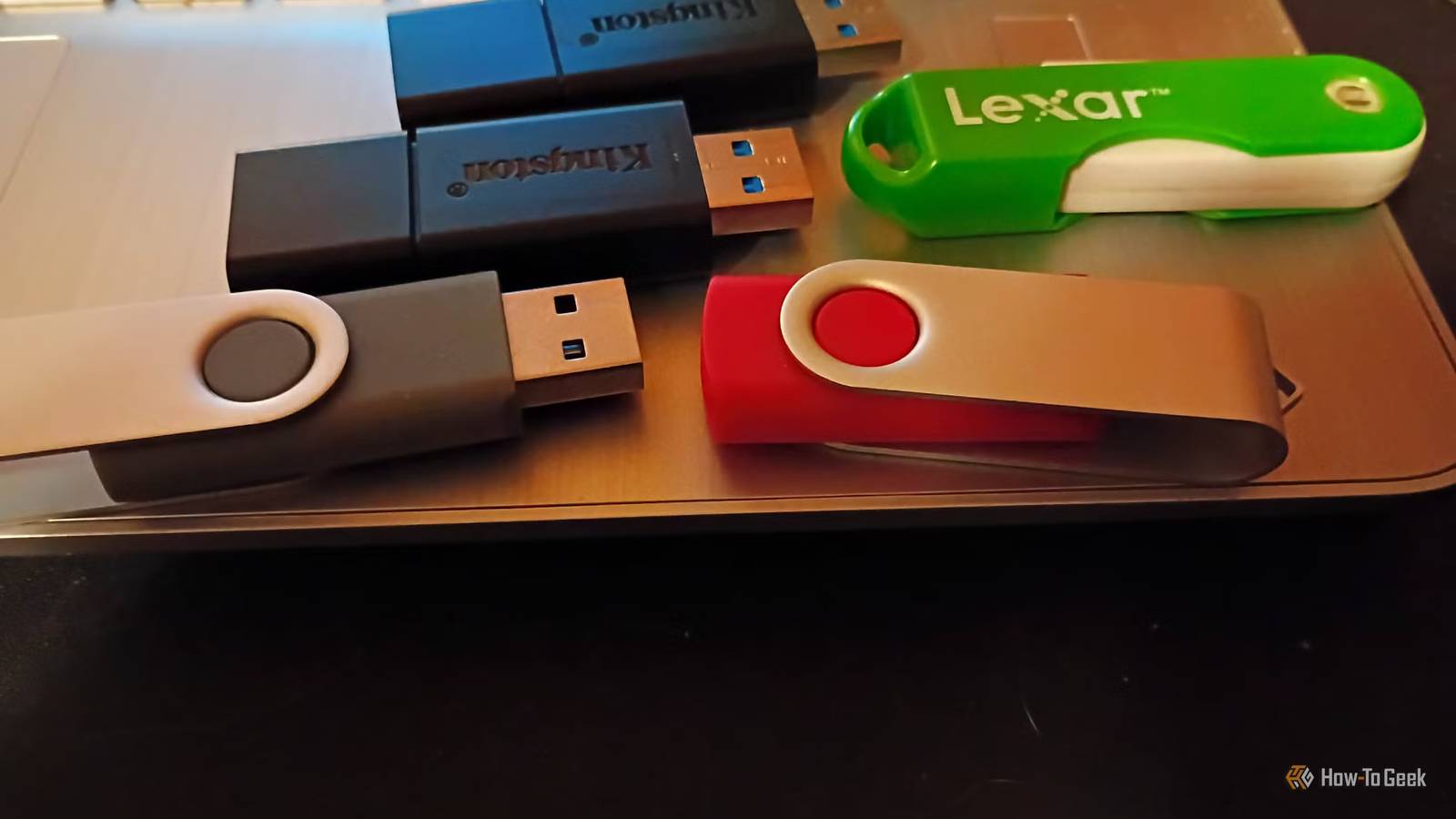
Full Article
Original Source
Read the full article at Howtogeek →KhanList aggregates and links to publicly available news content. We do not host full articles from third-party sources. Always verify important information with original sources.