
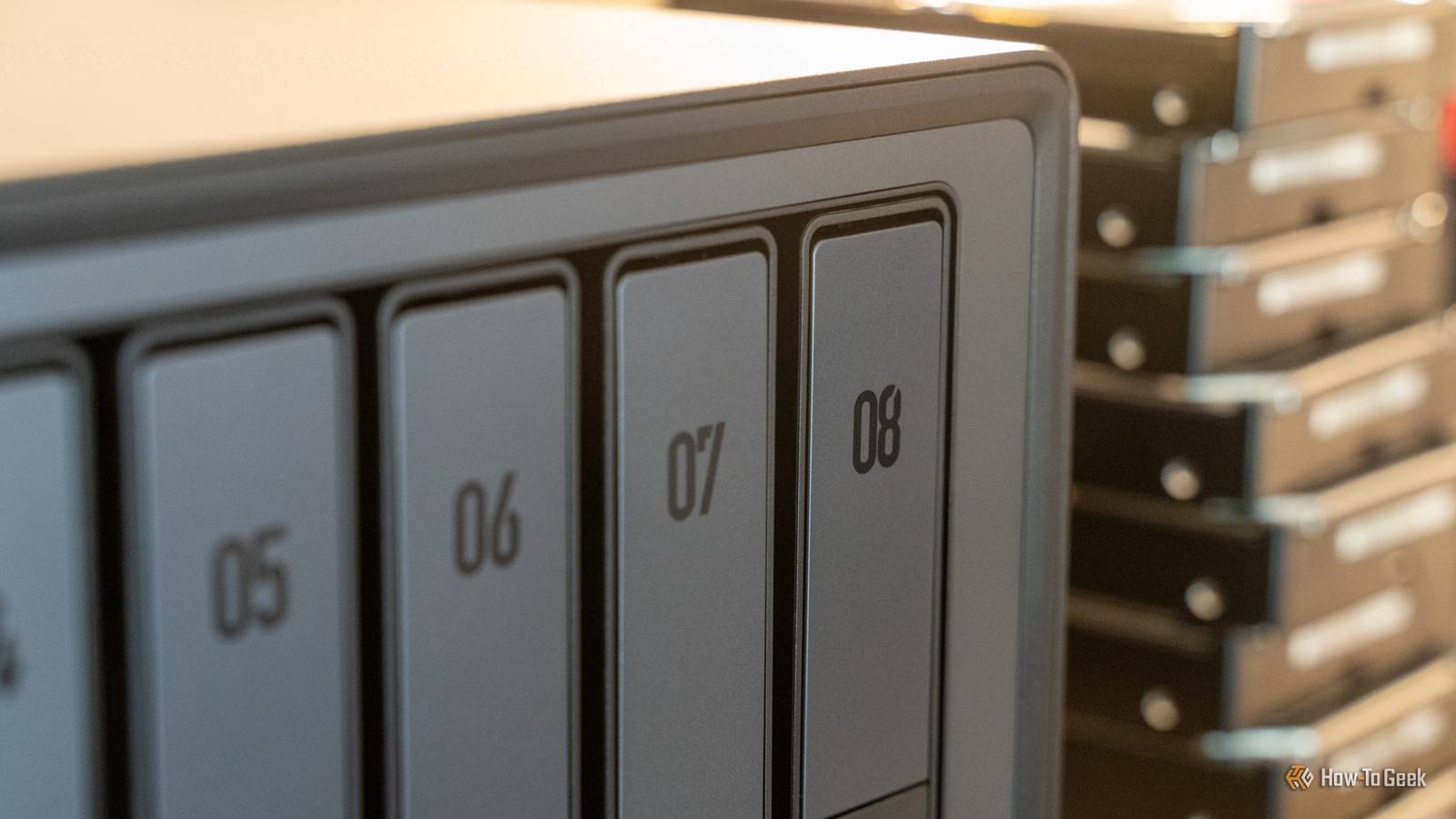
Published Oct 9, 2026, 7:30 AM EDT The Ultra delivers, but the differences between it and the Plus model deserve a closer look. I tested Ugreen's most powerful 8-bay NAS, and it made me appreciate the cheaper model more If you're looking for a large-capacity NAS for your home or small business, there aren't a ton of choices out there. Ugreen recently upgraded its DXP8800 series with an all-new Ultra model, featuring a new processor and a higher RAM capacity. Is it worth the upgrade? It might be difficult to tell. Ugreen DXP8800 Ultra NAS 8/10 Brand UGREEN CPU Intel Core 7 150U, 10 cores / 12 threads Memory 8GB DDR5, expandable to 96GB Drive Bays 8 × SATA bays for 3.5-inch or 2.5-inch drives UGREEN's latest DXP8800 Ultra NAS is designed to handle all your small business needs. Ready to deliver up to 272TB of storage, the Core 7 processor is capable of supporting up to 96GB of RAM to handle anything you throw at it. Pros & Cons Upgraded Core 7 CPU offers solid performance, supporting up to 96GB RAM UGOS Pro continues to be a best-in-class NAS operating system Dual 10GbE, Thunderbolt 4, and PCIe expansion slots Only ships with 8GB of RAM Price and Availability The Ugreen DXP8800 Ultra NAS is available to purchase direct from Ugreen, at Amazon, and at B&H Photo for $1,780 Specifications Brand UGREEN CPU Intel Core 7 150U, 10 cores / 12 threads Memory 8GB DDR5, expandable to 96GB Drive Bays 8 × SATA bays for 3.5-inch or 2.5-inch drives Expansion 2 × M.2 NVMe slots; 1 × PCIe 4.0 x4 slot Ports 2 × Thunderbolt 4, 2 × USB-A 3.2 Gen 2, 2 × USB-A 2.0, HDMI, SD 4.0 reader Caching Optional NVMe SSD read-only or read/write cache. OS UGOS Pro Dimensions 14.37 × 10.16 × 7.44 inches (365 × 258 × 189mm) Storage Diskless; supports up to 272TB raw capacity LAN Ports 2 × 10GbE RJ45 . Ugreen put a lot more than eight drive bays in this box Upgradable RAM, a PCIe slot, Thunderbolt 4, 10GbE, and so much more Ugreen's latest DXP8800 Ultra NAS isn't a brand-new category for them. The DXP8800 Plus has existed for a while now, with the Ultra adding some extra features on top of what the Plus already brought to the table. Really, the DXP8800 Ultra is much the same as the DXP8800 Plus. It has the same eight drive bays, same two M.2 slots, same two 10GbE ports, same two Thunderbolt 4 ports, same PCIe 4.0 port, same...almost everything. The main differences between the DXP8800 Ultra and the DXP8800 Plus come down to the CPU. The DXP8800 Ultra uses a newer, more powerful Core 7 150U CPU, which provides better integrated graphics and a maximum RAM bump up to 96GB, up from 64GB. However, the two systems still have the same 8GB of starting RAM. I'm not sure how I feel about that, but I think that for the hundreds of dollars more that the DXP8800 Ultra costs, it should come with at least 16GB of RAM. But it is a full package—a very upgradable full package. Ugreen is aiming the DXP8800 Ultra at small and medium businesses, and it shows. The more powerful Core 7 processor is a fantastic choice to run your NAS, as it can handle a decent bit more heavy lifting as I'll talk about in a bit. This unit just happens to be almost identical to the cheaper DXP8800 Plus outside of the CPU change. This NAS can handle a lot more than storage duty The bump in processor allows this NAS to do more at one time The focus that Ugreen is putting on the DXP8800 Ultra is small and medium business, which makes sense, because at nearly $2,000, the average consumer probably isn't looking at a system like this. Small/medium business owners have varying needs, but some might need some pretty intense processing power. I have a good friend who just moved into a 9,000-square-foot warehouse and is about to install dozens of cameras and a lot of other self-hosted tools to help his 3D printing business. Having the extra processing power of the DXP8800 Ultra would definitely be beneficial there. The extra horsepower that the better integrated graphics delivers can help with camera decoding and it also offers better local AI performance for things like object tagging or license plate reading. While it does only ship with 8GB of RAM, the bump to the Core 7 processor did raise the RAM ceiling too. This means that the system can handle up to 96GB of RAM. To get 96GB of DDR5 RAM would set you back likely over $1,500 at the time of writing, if you could find it from a reputable seller. However, both the better CPU and higher RAM ceiling do add to the increased longevity of the system, so that's worth noting. Overall, I never felt that this system slowed down during anything I did. Running Docker containers on it or doing file transfers didn't slow it down at all. The 8GB of RAM definitely could be a problem on a system with a heavier load, like running massive Minecraft servers or dozens and dozens of Docker containers, but it can be upgraded if that does become a problem for you. One of the best ways I've found to actually benchmark the performance of a NAS is to test it with Plex transcoding. I started with a 4K HDR movie at 63.5Mb/s and was able to successfully transcode eight 1080p 8Mb/s streams or 10 720p 4Mb/s streams simultaneously. Going from a 1080p movie at 9Mb/s to 480p at 1.5Mb/s, it was able to sustain at least 15 simultaneous streams. My streaming client setup I use to stress test this actually overloaded at 16 streams, with the DXP8800 Ultra still having plenty of headroom left for more. The DXP8800 Ultra is built for small businesses that need big capabilities Multi-user workloads are no sweat to the DXP8800 Ultra Where the DXP8800 Ultra (and, really, Plus) shine is with multi-user workloads. Think of a small business where a half dozen or dozen people need to all access the same files. Out of all the NAS operating systems I've used, UGOS Pro has to be among my favorites. The only OS that's up there with it in terms of ease of use is Synology's DiskStation Manager, but I'm starting to prefer UGOS more. The way it works, how easy it is to use, and the core functionality and flexibility just feel better to me. Adding additional users to the DXP8800 Ultra is quite simple, plus Ugreen has a great management system for choosing who gets access to what folders. For instance, each user gets their own personal folder that nobody else (besides admins) can access. Then, there are shared folders, which can be shared to either individuals or groups that you create. For instance, you can have a marketing group with the marketing team in it. Then, any folders you make for the marketing team you just share with the marketing group. You also can share folders with individual users, if you wanted to share it with the marketing team and one more person. This NAS also gives the ability for a small or medium business to have up to 272TB of storage on-prem in a single unit, which is pretty impressive. Now, that would be a pretty expensive setup, as it would require eight 32TB hard drives and two 8TB NVMe drives, but it is doable. Ugreen has also made it so that UGOS can function as an NVR, or network video recorder, on the DXP8800 Ultra. Working as an NVR, you could have the DXP8800 Ultra monitor all of your business' camera feeds and record the footage locally instead of having the cloud handle it. I'd personally recommend Scrypted or Frigate through Docker for this, but Ugreen does have a native Surveillance Center app that you can use. There are also a bunch of other apps that could benefit a small or medium business, like OpenClaw, Cloud Drives (which allows you to download your Google Drive or OneDrive folders locally as a backup), and many others. Plus, with Docker support, you can deploy almost any type of app you'd want for your small business. Should you buy the Ugreen DXP8800 Ultra NAS? If you're looking for a plug-and-play NAS that's expandable and powerful for your small business, I think the DXP8800 Ultra is a solid choice. Is it worth the price increase over the DXP8800 Plus? That'll be up to you to decide if you need the extra CPU or RAM headroom there. However, if you just want a one-and-done system that you won't have to think about for years to come, then I think the Ugreen DXP8800 Ultra is a great choice. The operating system is simple to use, it's extremely capable, and you can keep adding more RAM as the need arises. Ugreen DXP8800 Ultra NAS 8/10 Brand UGREEN CPU Intel Core 7 150U, 10 cores / 12 threads Memory 8GB DDR5, expandable to 96GB Drive Bays 8 × SATA bays for 3.5-inch or 2.5-inch drives UGREEN's latest DXP8800 Ultra NAS is designed to handle all your small business needs. Ready to deliver up to 272TB of storage, the Core 7 processor is capable of supporting up to 96GB of RAM to handle anything you throw at it.
Ugreen DXP8800 Ultra review: Is it enough of an upgrade?
Full Article
Original Source
Read the full article at Howtogeek →KhanList aggregates and links to publicly available news content. We do not host full articles from third-party sources. Always verify important information with original sources.