
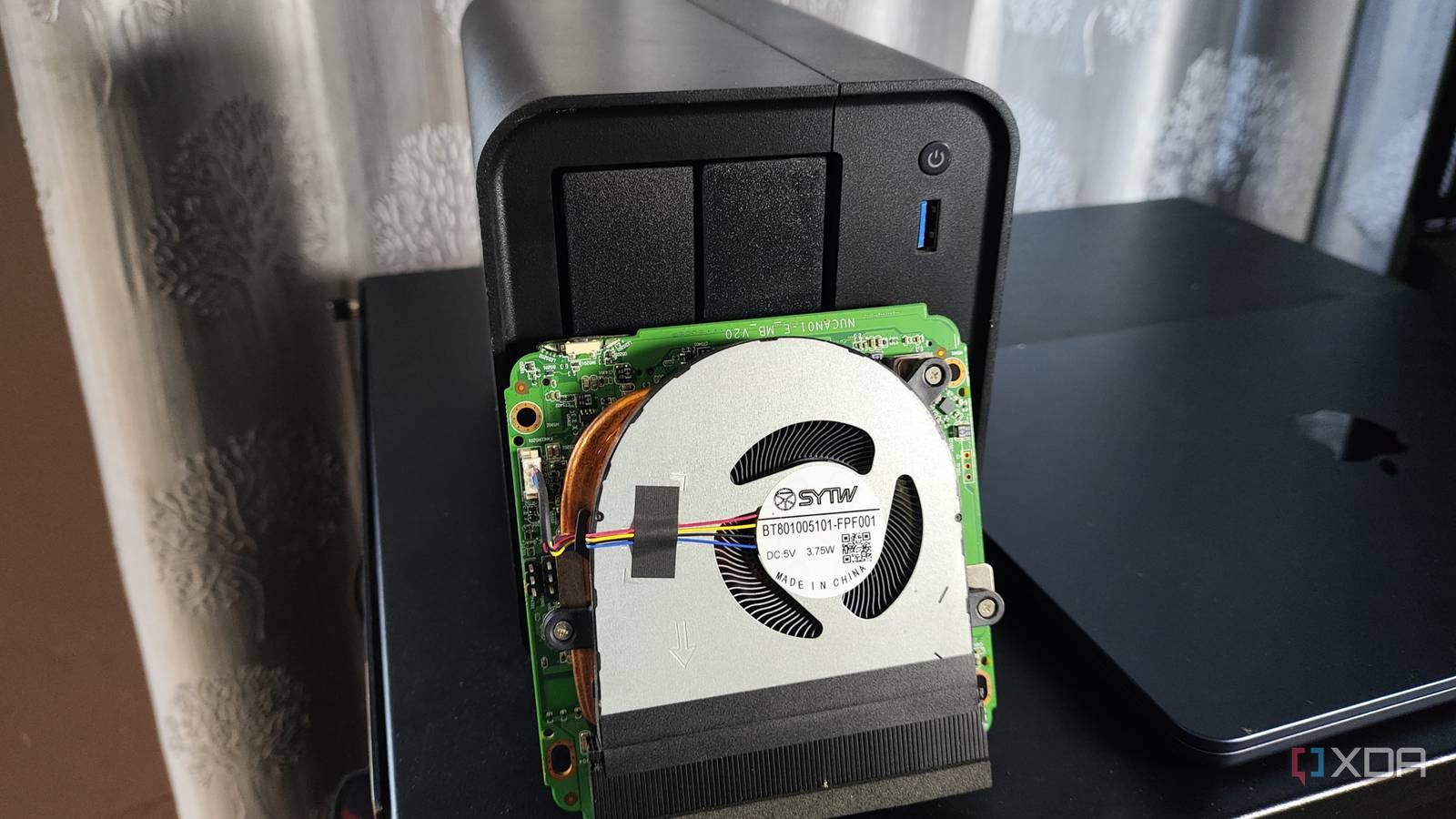
Published Oct 20, 2026, 8:00 AM EDT Ayush Pande is a PC hardware and gaming writer. When he's not working on a new article, you can find him with his head stuck inside a PC or tinkering with a server operating system. Besides computing, his interests include spending hours in long RPGs, yelling at his friends in co-op games, and practicing guitar. One of my favorite aspects of the self-hosting ecosystem is that there are dozens of ways to deploy FOSS tools. I started my journey down this rabbit hole with a Raspberry Pi ages ago, but combining Docker with an old PC is even more effective for newcomers. Or, you could pivot into old servers and arm them with Proxmox, provided you’re willing to contend with their abnormally high energy consumption. Then you’ve got Network-Attached Storage rigs, which can provide killer storage provisions for your data archival tools. But as someone who has tinkered with a lot of NAS units, I have to admit that it only applies to rigs with at least 4 drive bays. If anything, I’d actively avoid looking into cheap 2-bay NAS for typical FOSS tools and stick to mini-PCs or thin clients instead. Budget-friendly 2-bay NAS units tend to ship with weaker specs Mini-PCs often have decent hardware crammed into reasonably-priced chassis Unlike mid-range NAS units, you’ll find that manufacturers cut corners when it comes to the hardware specifications on 2-bay storage servers. For one, NAS machines are built to offer storage first and foremost, so you could easily end up with extremely weak Celeron processors (or even ARM CPUs) that would hit performance snags anytime you run more than four containers. With most companies shipping a proprietary distribution with their offerings instead of bulky ZFS-powered distros, your storage rig might just feature 4GB of RAM, especially with the memory apocalypse causing RAM prices to skyrocket. In contrast, budget-friendly mini-PCs are often better equipped for containerization experiments. RAM-wise, you’ll often find even the cheapest models shipping with 8GB of memory, which is more than enough for standard Docker containers. The same applies to the CPUs, especially since old i5/Ryzen 5 embedded processors ship with enough cores and threads to power well over a dozen containers. Heck, when I went looking through some NAS rigs in the sub-$200 range on Amazon this summer, most of them had ARM systems with roughly 1–2 GB of RAM. Meanwhile, mini-PC manufacturers would pack at least 4-core, 4-thread processors and 8GB of memory. That’s before you include the SSD that ships with mini-PCs, as opposed to the diskless NAS rigs that retail for the same price. And I haven’t even mentioned the superior specs you can find on refurbished ThinkStation, OptiPlex, and other thin-clients yet. Flashing the proprietary NAS OS has its own challenges But you can go wild with your distro-hopping experiments on mini-PCs If you’ve ever tinkered with the first-party NAS distributions included in pre-built chassis, you’ve probably dealt with your fair share of issues. For one, non-Synology NAS distros tend to have atrocious UIs, which can make containerization experiments involving a lot of trial and error a lot more annoying. Worse still, you might have to deal with their proprietary container runtimes – tools that may not even support Docker Compose and other QoL containerization utilities. As if that’s not enough, your manufacturer might even impose restrictions on re-flashing the storage server with a custom NAS distro. Besides hiding auto-boot settings deep within BIOS menus, NAS manufacturers like Synology would often void warranties on their offerings if you chose to arm them with anything other than their proprietary distributions. In contrast, mini-PCs are a lot more lenient when it comes to choosing your OS. And since you’re free to go about installing whatever operating system you want on your mini-PC, you don’t have to put up with unintuitive first-party container-hosting tools. You’ll have to contend with slow boot drives in 2-bay NAS rigs Mini-PCs with an M.2 slot and a 2.5-inch drive bay are ideal for most containers Another complaint I have about 2-bay NAS units is that they don’t feature any other drive slots besides the two HDD trays, meaning the host OS would run on a typical hard drive. So, not only do you have to invest in extra storage drives right after spending hundreds of bucks on a NAS, but your boot drive also won’t be very responsive when you start allocating the already limited CPU and RAM resources to containers. Mini-PCs, on the other hand, often pack M.2 slots alongside an SSD, which is more than enough for simple productivity tools. Better yet, quite a lot of mini-PCs have vacant 2.5-inch drive bays, where you can toss 2TB HDDs and use them to house a couple of data archival services. That said, 2-bay NAS have their own utility in 3-2-1 backup setups Although I wouldn’t recommend grabbing a 2-bay NAS if all you want to do is self-host services with it, these cheap storage rigs aren’t all bad once you start looking into redundant datasets. For folks with bulky storage servers, turning a 2-bay NAS into a remote backup node that pulls storage pools from your local NAS is a cost-effective way to add an extra layer of security to your home lab. Sure, it may be too low-capacity for all your data, but even a $200 2-bay rig should be more than enough to house your essential files and datasets, provided you opt for HDDs with at least 2–4TB of storage capacity. Bosgame E5 Mini PC
Two-bay NAS boxes are the worst way to start self-hosting, and a used mini PC is better for home server projects
Full Article
Original Source
Read the full article at Xda-developers →KhanList aggregates and links to publicly available news content. We do not host full articles from third-party sources. Always verify important information with original sources.