
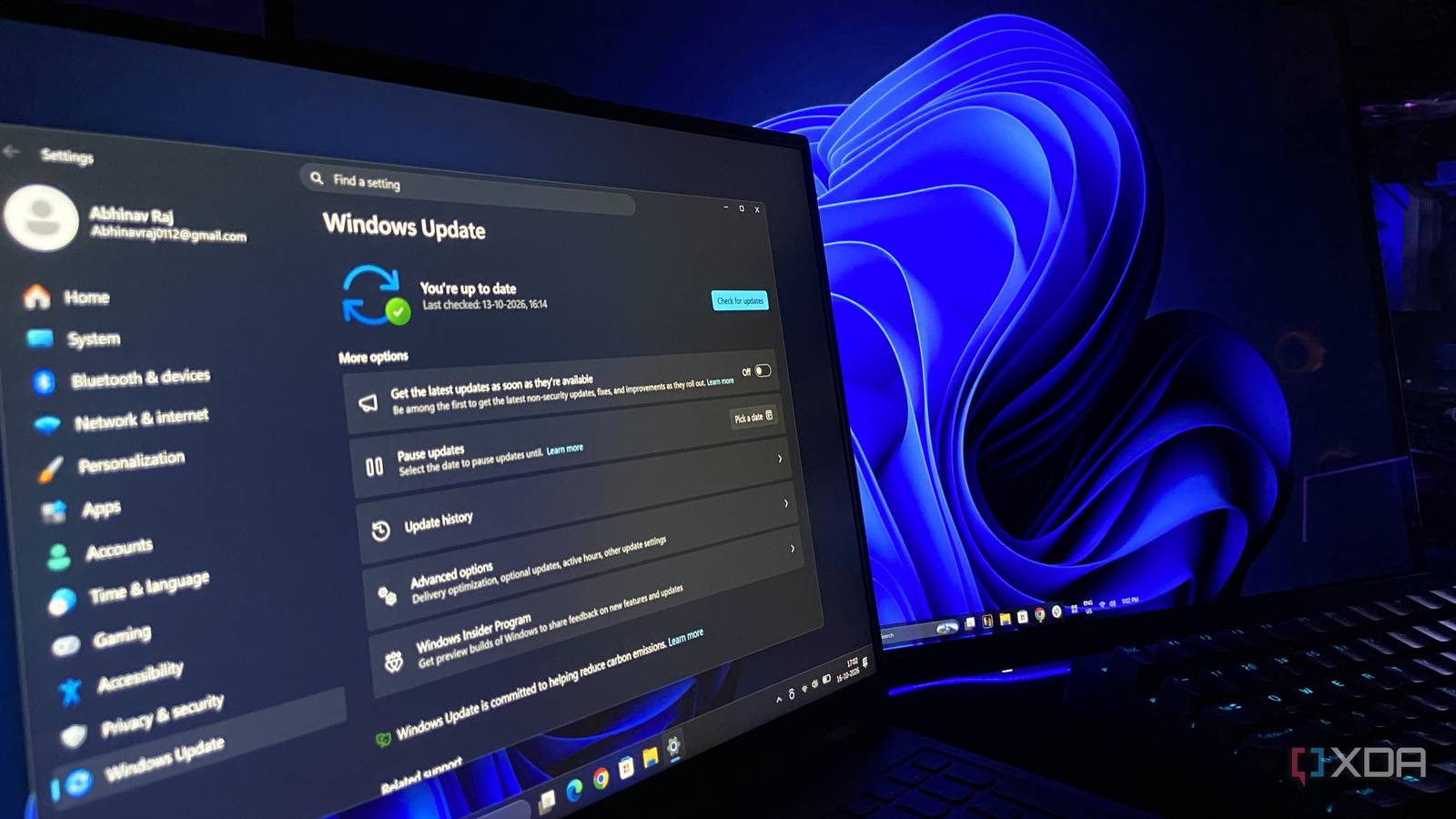
Published Oct 17, 2026, 9:00 AM EDT Abhinav pivoted from a career in banking to pursue his first love in writing. Even while working full-time, he continued contributing as an editor-at-large, a role he has held for more than 7 years. A lifelong tech enthusiast who has built three gaming and productivity powerhouse PCs since 2018, his passion for technology keeps him closely following the semiconductor industry, from NVIDIA and AMD to ARM. His MSc dissertation explored how artificial intelligence will reshape the future of work, reflecting his curiosity about the wider social impact of emerging technologies. Microsoft has caused enough anxiety with every Patch Tuesday and routine updates that have borked one aspect or another of Windows 11 for users this year, and as such, the latest 26H2 update feels like a breath of fresh air. Perhaps for the first time in ages, I installed a Windows update and watched things get considerably better instead of breaking something. If you're on Windows 11, you'll notice little things that matter after this update. The Start menu will snap open faster, Search will be more responsive, and apps will launch without a half-second stall that you've likely grown accustomed to. Perhaps the very best part of it all is that this time, there are no tweaks, no secret tricks, no changing power plans, and certainly no tinkering with the registry editor to feel the change. 26H2 is an update that's done right, and if you haven't updated yet, here's why you should. The Low Latency Profile made my PC snappier than it has ever been Windows 11 now has a faster way to wake up the CPU When we think of productivity, our minds often go to the tools we use, how effectively they can help us manage our time, and the workflows that we spend time perfecting and building around them. The feel of the operating system rarely warrants a thought here, but it's one aspect that determines how productive we can be with our tools. What most users don't realize is that the responsiveness of an OS directly influences engagement and productivity. In 1982, IBM found that system response times under 400 milliseconds were key to keeping users engaged, and this is known as the Doherty Threshold. Crossing that line means that a user's attention could start to drift, and Windows 11 has famously spent most of its life on the wrong side of it. If you go through older user forums, you can find complaints about the Start menu feeling sluggish, slow Search results, and app launches that seem to take forever. Microsoft's way to remedy this is the Low Latency Profile. On 26H2, when Windows detects a latency-sensitive action like opening the Start menu or launching an app, it briefly pushes the CPU close to its maximum clock for one to three seconds, which is enough to get the shell element or application window on screen. The feature first shipped in the June 2026 security update (KB5094126), with the August update extending it to app launches. The 26H2 update flips the switch, enabling the feature for all supported systems. Early data from reviewers looks promising. In a test, Windows Latest reported that native apps like Edge and Outlook launched about 40% faster, with the Start menu and other UI elements responding up to 70% quicker. On both my PCs, the update has made app launches perceptibly faster to the point that I haven't noticed the loading symbol since the installation. My idle RAM usage dropped, which was a pleasant surprise 26H2 is more generous with system resources, and it was about time The faster launches are the obvious appeal behind the new update, but they were somewhat expected since the last few updates, and it makes sense that the enablement package would finally activate the work Microsoft has been setting the OS up for all year. The secondary benefit, however, is the one that caught myself and other users like me off-guard. After the first reboot, my Lenovo Legion 5 Pro laptop was sitting at a lower idle memory figure than I was used to on 25H2, which piqued my curiosity. Usually, the Legion would report 8.5-9GB in use after a fresh startup. However, since the update, the same laptop under the same conditions reported 6.7GB in use. This seems to be largely consistent with the findings other users have reported across various consumer tech forums and Reddit, where owners of similar systems have described their idle memory usage falling from around 10GB on 25H2 to 7GB and sometimes less after installing 26H2. Users with 32GB and 48GB of memory have shared drops of similar proportions. At this moment, it's unclear as to what is contributing to this drop, but reducing memory usage on systems has been a part of Microsoft's strategic efforts since the past few months. The company has previously committed to tightening Windows' memory footprint across the shared 24H2/25H2/26H2 servicing branch, with work on the memory manager, WebView2 and WinUI pointing in that direction. It feels like the first Windows update in a while that just works Install it, do nothing, and walk away with a better OS Lately, Windows updates have earned a notorious reputation for taking something away as often as they add, which is why I'm naturally skeptical of them and tend to hold off for a week or two, giving enough time for Microsoft to roll out patches for the things they broke. 26H2 is the first in a long time that I've had running since the day of the release without a single aspect of the OS breaking on me. Gaming performance is right where it was on 25H2, my apps load quicker than they have, and best of all, I'd say, is that nothing has needed a workaround or a driver rollback (so far). Part of the reason why is that 26H2 isn't really a new OS. 24H2, 25H2, and 26H2 are all on the same servicing branch, meaning 26H2 is an enablement package rather than something Microsoft built and shipped from the ground up. The faster launches and lower memory footprint have been delivered month after month all year, and if you've used a utility like ViveTool, chances are you've had those features for a while. Still, I'd argue that some of the features it enables are exactly the sort of things people look for through third-party GitHub scripts, settings tuning, and even BIOS-level tweaks. There's no better way to use Windows right now By all standards of measure, 26H2 makes Windows 11 a faster and better OS, and it asks for nothing in return. The Low Latency Profile makes the desktop, the Start menu, and Search snappier, and those are all things that users have been asking for a long time. As an added benefit, the idle RAM footprint is noticeably lower, which helps in a time when memory prices have hit the stratosphere. It truly feels like a time when the upside is the whole story, and that's a phenomenal development.
This one Windows 11 update made my PC faster and consume less RAM, and I didn't change a single setting
Full Article
Original Source
Read the full article at Xda-developers →KhanList aggregates and links to publicly available news content. We do not host full articles from third-party sources. Always verify important information with original sources.