
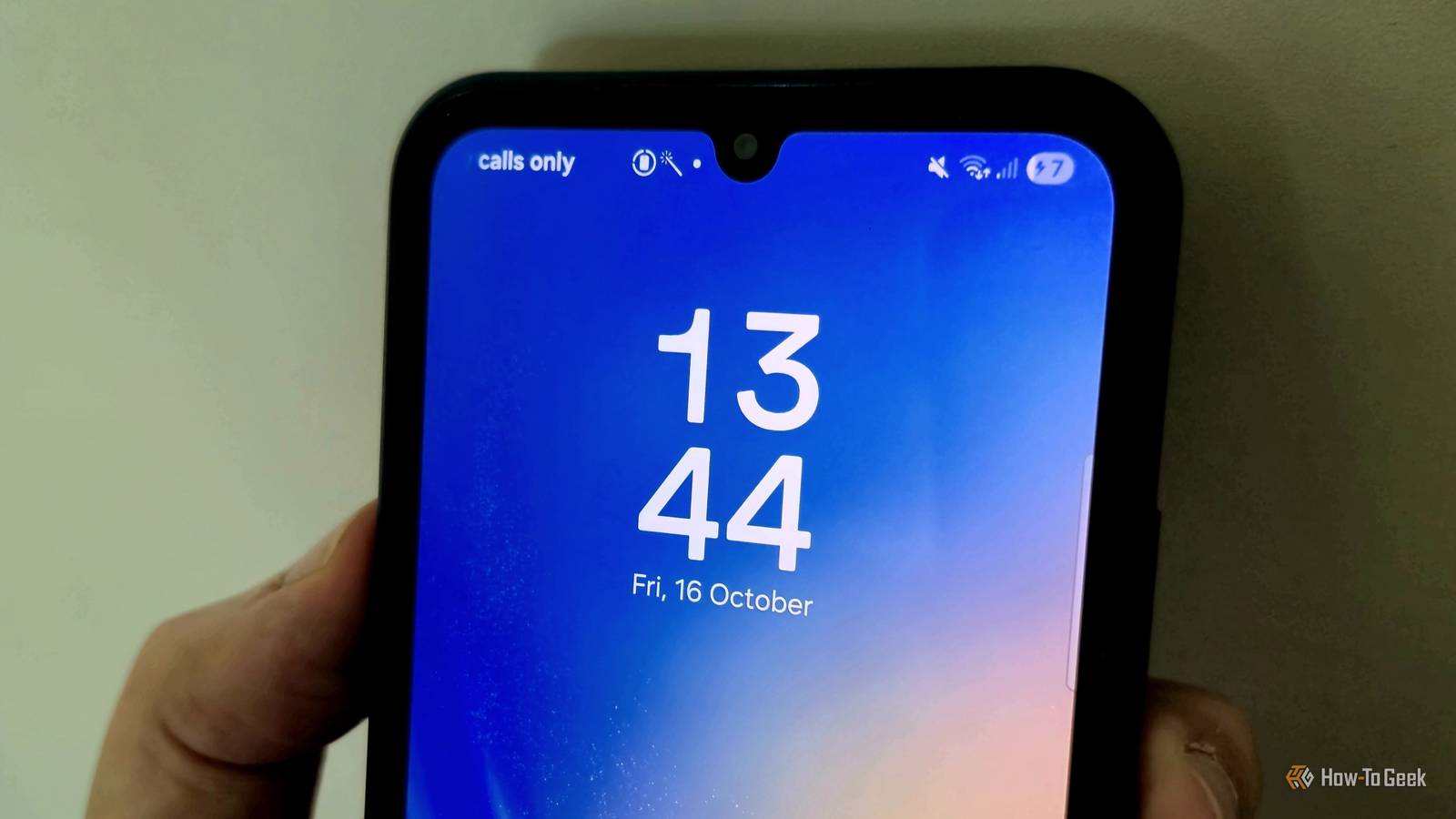
Published Oct 19, 2026, 1:00 PM EDT Tyler is an journalist and content contributor at How-To Geek with over three years of experience covering the automotive and tech industries. His work focuses on delivering clear, well-researched, and engaging content that helps readers better understand the vehicles they drive and the technology that they use everyday. Before entering automotive media, he spent five years as an academic editor, developing a strong foundation in research methodology, factual accuracy, and structured analysis. This background informs his journalistic approach today, ensuring that every article balances technical insight with accessibility for a broad audience. Plugging your phone in and seeing something unrecognizable in your status bar is not a particularly fun experience. Often, you charge your phone because your battery is about to run out, or you need it charged so you can use it the next morning. In these scenarios, the last thing you want is to find out there is some sort of problem. On top of that, the flashing battery icon some users have reported on Android devices isn't easy to understand. It might be obvious that there is a problem, but the meaning behind a blinking battery bar isn't exactly widely known, and it's hard to find an explanation for it on your device. A flashing battery icon means your device isn't charging properly This could be for a ton of different reasons Android devices have a ton of icons in the status bar, and we've gotten used to what most of them mean. Even the least tech-savvy person you know could probably identify most of them. However, every now and then we get hit with an icon that seems totally out of place if you've never come across it before. The battery icon on an Android device is beyond intuitive. It shows how full your battery is, and can even show the percentage of charge you have. A couple of users have come across something strange with the battery icon, though. In very specific scenarios, your battery icon can start flashing on and off the screen. This isn't common knowledge, but the explanation for the flashing is pretty simple. It means your Android device isn't charging properly. The reason it isn't charging properly could range from a minor fix to replacing a key part of your device. Check all of the simple fixes before you panic It could be a pretty minor problem Before you start worrying, you can fix this issue pretty easily. The first thing that you should try is replacing the charging cable and brick that you're using. A damaged charger could be why your device won't charge, and swapping it for a spare could solve the problem. While you're at it, make sure that your charging port is clean. You can gently clean the port with a dry brush, toothpick, or compressed air. If your charging port needs a deeper clean, you can use high-concentration isopropyl alcohol (90% or higher). Turn your device off completely before you start. Then make sure any loose debris is out of the way, using something like a toothpick to clear the port. Use a very small amount of isopropyl alcohol on a cotton swab or earbud and gently wipe the port. Leave your device to dry for at least 15 minutes before you attempt to power it back on, just to be on the safe side. Another quick fix is to reboot your Android device. To do this, you simply need to hold the power and volume buttons down for 15 to 20 seconds, until your phone vibrates and the manufacturer's logo appears. A full reboot isn't guaranteed to fix it, but it is a simple option to try before you move on to more complicated repairs. Your Android could be experiencing a hardware fault More complicated fixes could be required Credit: Samsung If you've exhausted the simple fixes and your phone still struggles to charge, showing the blinking battery symbol, a hardware fault might be the cause. Your best bet here is to take your phone in to an expert, whether this be an independent device mechanic you trust or your device's manufacturer. The most common culprit in this particular case is your charging port. Constantly plugging and unplugging your phone means that the port takes quite a lot of abuse over your phone's lifetime. Depending on the type of phone you have, this task can range from being something fairly simple to quite complicated. If you're particularly tech-savvy and have the right tools, you can repair it yourself, but you need to know what you're doing and be sure the problem is the charging port. Beyond this point, your best bet is leaving your Android device in the hands of a repair professional that you trust. It might be frustrating but sometimes a couple of dollars spent on a professional is better than long-term damage that might end up costing you even more. A phone that won't charge is obviously a big issue If your Android's battery icon is flashing, it simply means that your phone isn't charging properly. Unfortunately, you can't get much more specific information from the icon alone. The reason your phone isn't charging can range from something fairly minor, like a bit of dust, to something more serious. Either way, not being able to charge your device is a big problem, and one that needs to be solved ASAP.
This is why your Android phone's battery icon flashes when you plug in a USB-C cable
Full Article
Original Source
Read the full article at Howtogeek →KhanList aggregates and links to publicly available news content. We do not host full articles from third-party sources. Always verify important information with original sources.