
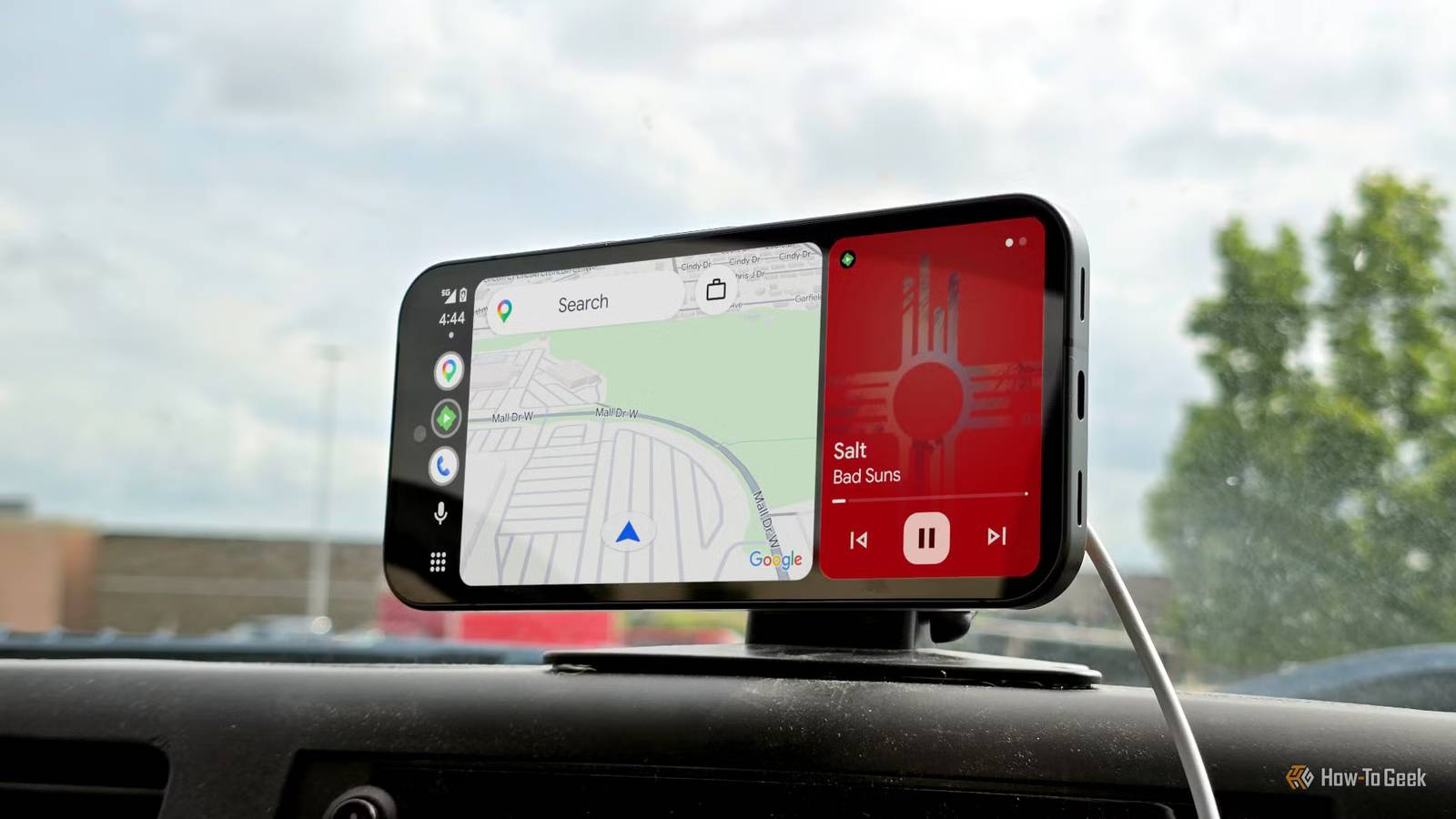
Published Sep 12, 2026, 9:15 AM EDT A Computer Engineer turned tech-savvy. Sanya is part of the How to Geek team with experience in writing tech-related blogs. She transforms complex topics into simple, accessible guides. Her forte is in iOS, macOS, and Windows software. Writing is something she truly adores, and she seeks knowledge in everything she encounters. I used to think Android Auto had only one job: help me get where I’m going. Once I parked, I’d usually forget about it. I’d rather call my friend and start gossiping, recheck my article, or just stare out the window. But lately, I’ve realized I was wasting those little pockets of free time. I've spent plenty of 10-15 minute stretches sitting in my parked car, waiting for my child to finish class or for someone to wrap up their shopping. It's not enough time to go anywhere, but it's too long to just sit there doing nothing. That’s when I started using some of my favorite apps on my car’s screen instead. Have you ever noticed a “P” icon next to some Android Auto apps? It means they’re designed to work when your car is parked. Here are the apps I now turn to instead. When I have 10 minutes to kill, I play A quick game beats endless scrolling I don’t enjoy playing games. I feel games are a waste of time. My brother is the one who can spend hours playing, while I usually have better things to do—or at least that’s what I tell him. I have a little confession to make: whenever I’m stuck waiting in my parked car, I secretly play a game on Android Auto. Yes, you heard that right. Android Auto supports compatible games that I can play right from my car’s screen when I’m parked. I don’t need to commit to a long game or figure out complicated controls. I can simply pick a supported game and start playing. I tend to stick with easy favorites: Angry Birds 2, Candy Crush Soda Saga, and Farm Heroes Saga when I want a quick game. And before you worry, I'm not playing games while driving. Android Auto automatically exits the game when it detects that you’re driving, and some cars require you to shift into Park or engage the parking brake before they become available. To play such games on Android Auto, you need a compatible car, a compatible game installed on your phone, and a supported Android Auto setup. I finally have time for podcasts I catch up while I wait Lucas Gouveia/How-To Geek | DOERS/AA88/ShutterstockCredit: Lucas Gouveia/How-To Geek | DOERS/AA88/Shutterstock My days are usually packed, and I barely have any time left for myself. There are so many things I enjoy doing—listening to podcasts, discovering new music, or simply catching up on something worth exploring. That’s why sitting in my parked car has become my little escape. Now, I can just lean back and listen. Spotify is perfect for those extra minutes. I can open it through Android Auto, pick a podcast I’ve been meaning to finish, or put on my “Soft Reset” playlist. I especially like using it when I’m waiting for my daughter to finish her drawing class or for my mom to finish her grocery shopping. Instead of thinking, “Great, now I can gossip,” I think, “Perfect, I can finally finish this episode.” I know that Spotify comes in handy when you’re driving, but I use it differently when I’m parked. On the road, I mostly use voice controls to play music or a podcast. Once I’m parked, I have more freedom to browse, choose what I want to listen to, and settle in without worrying about getting distracted. For me, that’s the real appeal. I don’t need to find an extra hour in my day for something I enjoy. All I need is a few quiet minutes in my car to reset. Before I pull out, I check Waze A quick traffic check saves me later Credit: Waze Waze is my go-to app because it feels less like a map and more like a live conversation between drivers. Before I pull out, I always check what I’m going to deal with on the road. It saves me time, and honestly, sometimes a lot of frustration. I can type my destination directly on the Android Auto display while my car is parked and quickly check my route before I start driving. What I like most about Waze is how much information comes from other drivers. People usually report traffic, crashes, road hazards, and other problems they encounter, helping other Wazers get a better picture of what’s happening on the road. I don’t have time to check all this useful information before I leave home, so I check while I’m still parked. I can see if there’s heavy traffic ahead, check whether Waze has flagged an incident along my route, and decide if I need to take a different route. It takes me barely five minutes, but that quick check can make the rest of my drive much smoother. I’m curious to see what comes next Android Auto is not just for directions and music. Those little pockets of time when my car is parked have become a chance to play a quick game, catch up on a podcast, check my route, or simply do something I enjoy. And I’m curious to see what comes next. If Android Auto keeps adding more ways to make those parked moments useful, I’m all for it. In fact, Google has already announced that video streaming is coming to Android Auto in supported cars later this year. When it does, I’ll finally have another reason to sit back, relax, and watch my favorite videos while I’m parked.
These are the 3 Android Auto apps I reach for when my car is parked
Full Article
Original Source
Read the full article at Howtogeek →KhanList aggregates and links to publicly available news content. We do not host full articles from third-party sources. Always verify important information with original sources.