
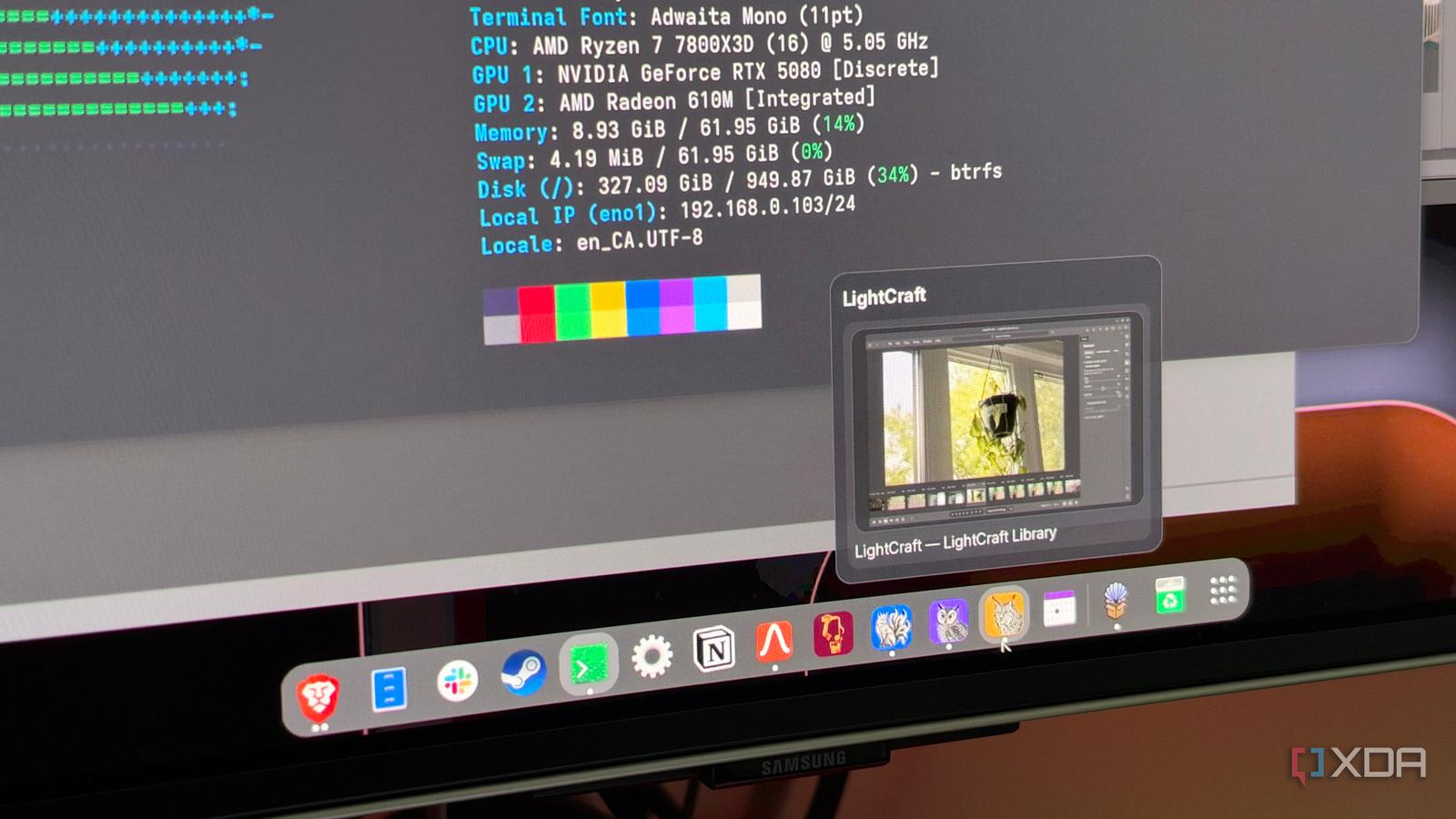
Published Oct 30, 2026, 1:31 PM EDT His love of PCs and their components was born out of trying to squeeze every ounce of performance out of the family computer. Tinkering with his own build at age 10 turned into building PCs for friends and family, fostering a passion that would ultimately take shape as a career path. Besides being the first call for tech support for those close to him, Ty is a computer science student, with his focus being cloud computing and networking. He also competed in semi-pro Counter-Strike for 8 years, making him intimately familiar with everything to do with peripherals. For as long as Linux has been my main desktop, my boot menu has had a second entry that existed mostly for Adobe. If I need to work with a .psd template, edit some product shots for a review, or cut a quick video, I'm almost exclusively doing it in Windows because that's where the Adobe tools I pay for are. There simply hasn't been a Linux equivalent that can match the workflow that has been engrained in me by the Creative Cloud suite. That is, until now. When ArtCraft released its suite of what it calls "crafting apps," users called them what they were on the surface: Adobe clones. They're free, open-source reimplementations of Photoshop, Illustrator, Premiere Pro, Lightroom, After Effects, InDesign, and Acrobat Pro, written in Rust with help from Claude Opus. While they reportedly work well on Windows and macOS, they're also compatible with Linux. They're certainly not perfect, but I haven't booted Windows for work since, and for the kind of work that I do on a daily basis, I think that's indicative of how close they can get. They're all native Linux apps There's no emulation layer or workaround here When I first installed these apps on my system, the thing that stood out instantly was how quickly they booted, and how everything worked on the first go. These apps have native Linux builds that ship as AppImages, but you can also use them as a Flatpak or plain binary if that's more your style. On my CachyOS system with a GNOME desktop, I just went with the AppImage. The biggest difference between these apps and the native creative apps Linux has had for years is familiarity. GIMP, Krita, darktable, and Kdenlive can all do serious work, but each asks you to learn its own way of doing things, and some of them are a lot more workable than others. The ArtCraft apps copy Adobe's layouts on purpose, and the ones I use most often, like Photoshop, Premiere Pro, and Lightroom, all now have a Linux equivalent that has a UI that recreates the experience of using them to a tee. For example, in FilmCraft, all the same keyboard shortcuts, workspaces and panels within are pretty much 1:1 with Adobe. There are even keyboard presets for Final Cut Pro and Avid, so if you're coming from either of those, you should feel at home. Most of my files actually open There are some exceptions, but compatibility is pretty good Running natively only matters if your work comes with you, and for the most part, mine did. My layered PSDs with Photoshop came through to PhotoCraft almost 1:1, with all the masks and adjustments recreated perfectly. PdfCraft opened everything I sent to it first try, and surprisingly, the in-progress After Effects projects I had managed to open in EffectCraft, though I think that's probably because not much work had been done in them to that point. LightCraft also not only opened the RAW files from my Canon T3i just fine, but it opened my Lightroom Classic catalog file instantly on the first go. The ArtCraft apps aren't fully-featured yet Alpha software comes with alpha problems These apps definitely have their rough edges, but that's not exclusive to the Linux versions. Every app in the suite is currently labeled as "in development." There are plenty of GitHub issues that report issues with the entire suite, so it's definitely the case that these are a volatile work-in-progress. The biggest gap for my use case is Premiere, because FilmCraft can't open project files that have been created in the native Adobe app. Speed is a gap as well, and while I haven't been able to discern any speed difference in my own projects, Scott Simmons of ProVideo Coalition did some testing in a slightly more complicated environment and found it to be a lot slower in both it's UI and its export time. If you're a working professional and are considering moving to FilmCraft, I probably wouldn't until it matures. That description also fits the other apps; for the weekend creative, these apps are probably enough, but for the professional who needs their tools to be sharp, keeping the Creative Cloud subscription makes sense. The bar for Linux is much lower Windows and macOS are tough competition, but more options on Linux will never be bad Most Linux users aren't asking for something that beats Adobe, but moreso something that acts like Adobe. And thanks to all of these apps being free and open-source, even with legal takedowns, users can fork and continue to develop the apps. ArtCraft calls these clean-room reimplementations, meaning they recreate Adobe’s functionality without using its code or assets, but nobody knows yet how Adobe’s patents apply to an AI-assisted rebuild of its apps. If the project does run into legal trouble, the open-source license at least means the code can’t simply disappear, even if forks wouldn’t be immune to the same sort of challenge. The spread is already taking place; PhotoCraft’s code was reused to build PhotoSuite, another free image editor, and other clones are being made as I write this. The development on these applications is moving so fast that the version that I'm using in these articles will likely be outdated by the time you're reading this. I wouldn't go as far as to say that they're better than the options already available on Linux, but for someone like me, who has basically only ever worked in Adobe and doesn't want to learn anything new, these apps are a lifesaver, even in their half-finished state.
These AI-made Adobe clones finally freed me from dual-booting Windows for good
Full Article
Original Source
Read the full article at Xda-developers →KhanList aggregates and links to publicly available news content. We do not host full articles from third-party sources. Always verify important information with original sources.