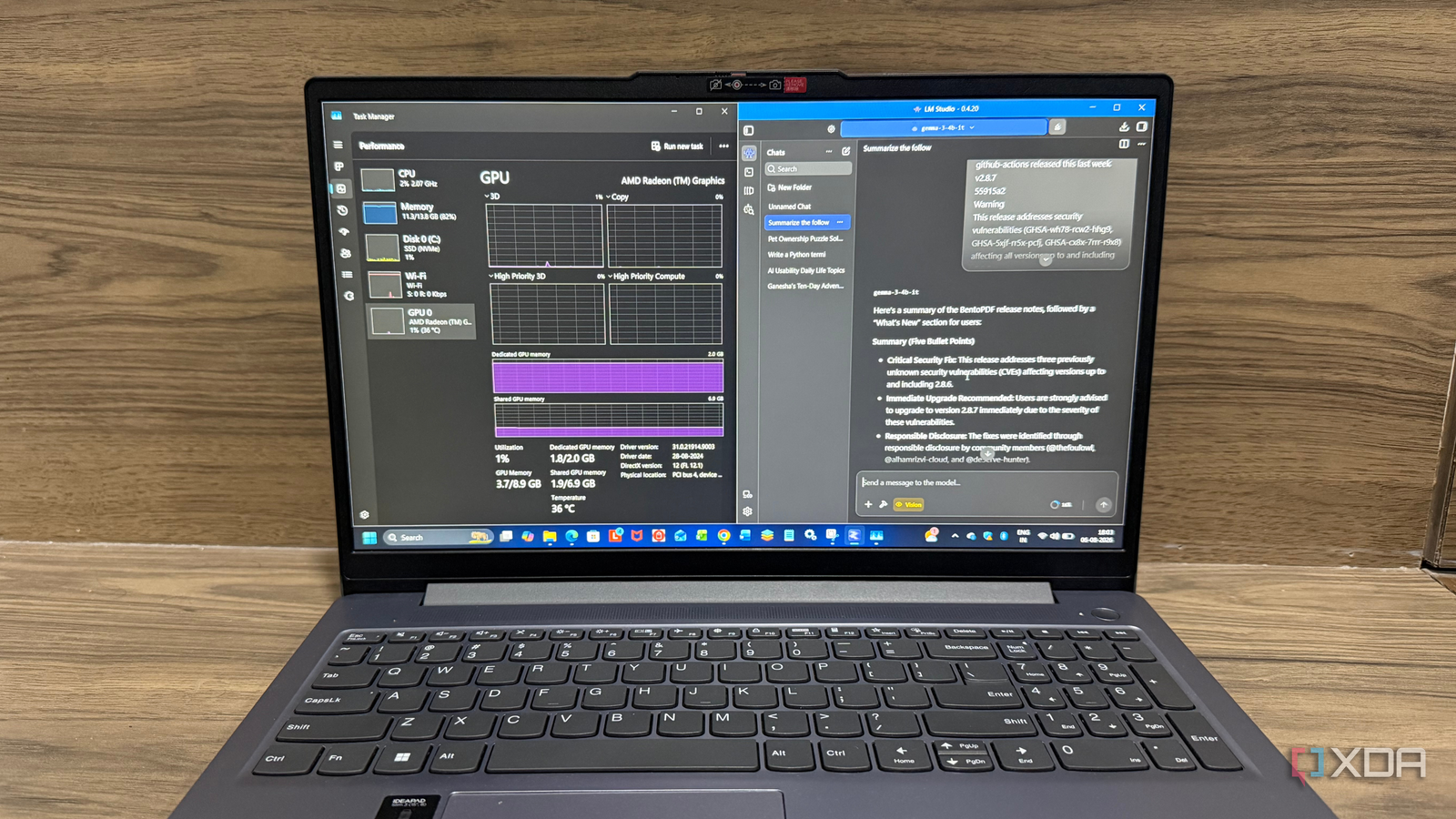
Published Aug 16, 2026, 5:30 PM EDT Beginning his professional journey in the tech industry in 2018, Yash spent over three years as a Software Engineer. After that, he shifted his focus to empowering readers through informative and engaging content on his tech blog – DiGiTAL BiRYANi. He has also published tech articles for MakeTechEasier. He loves to explore new tech gadgets and platforms. When he is not writing, you’ll find him exploring food. He is known as Digital Chef Yash among his readers because of his love for Technology and Food. Running AI models locally sounds like something that requires a powerful gaming PC with an expensive NVIDIA GPU. That's what I thought too, until I started experimenting with the integrated graphics on my Lenovo IdeaPad Slim 3. My testing setup included an AMD Ryzen 7 5000 Series processor, 16GB of RAM, a 512GB SSD, and AMD Radeon Graphics. To my surprise, several models ran much better than I expected and were fast enough for real work. Over the past few weeks, I tested different self-hosted LLMs for writing, coding, reasoning, and everyday tasks to see which ones were actually practical. Here are the models that gave me the best experience, along with one larger model that showed me where integrated graphics start to reach their limits. I use KoboldCpp to run these models because it’s simple and gives me enough control without unnecessary complexity. I just load a model, tweak the settings, and start using it locally. Since everything runs on my hardware, my prompts and files stay on my machine. Mistral 7B My go-to model for brainstorming Mistral 7B is the model I usually turn to when I need help brainstorming blog ideas. I’m running Mistral-7B-Instruct-v0.3-Q8_0, an 8-bit Q8_0 quantized version of the 7B model. It is larger than Qwen 3.5 4B, but I can still run it on integrated graphics without any major issues. I mostly use it to come up with article ideas, find different angles for a topic, create outlines, and expand rough thoughts into something more structured. I don’t rely on it to write the final article. Instead, it works more like a brainstorming partner when I’m stuck or want to explore a topic from a different direction. The Q8_0 quant does make the model fairly large compared with lower-bit versions, and responses can take some time. Still, the output quality is good enough for my everyday blogging workflow. For me, Mistral 7B hits a nice balance between capability and what my integrated graphics can handle. Phi-4 Mini Small model for quick everyday jobs Phi-4 Mini is the model I use for small everyday tasks. I’m running Phi-4-mini-instruct-Q6_K, a 6-bit Q6_K quantized version. Its smaller size makes it easy to run on my integrated graphics without using too many resources. I use it for simple things like rewriting paragraphs, summarizing short content, explaining concepts, and generating quick ideas. I don’t use it for complex tasks, and I don't need it to. What I like is that I can load it quickly and use it for small jobs without switching to a larger model. The Q6_K quant also gives me a good balance between model size and output quality. For me, Phi-4 Mini is a simple “use it when I need it” model. It handles the small stuff well while keeping my local setup lightweight. Gemma-3 4B The one I kept coming back to Gemma 3 4B is the model I use when I need some extra reasoning. I’m running gemma-3-4b-it-Q4_K_M, a 4-bit Q4_K_M quantized version of the 4B model. Its smaller size makes it a good fit for my integrated-graphics setup. I use it to break down problems, compare options, check my thinking, and work through questions that need more than a simple answer. It’s not my most powerful model, but it does a good job with these smaller reasoning tasks. I also like that I don’t need to dedicate many resources to it. The Q4_K_M quant keeps the model relatively lightweight, so I can run it locally without much trouble. Qwen 3.5 4B My go-to local coding model I mainly use Qwen 3.5 4B for coding. I’m running Qwen3.5-4B-UD-Q8_K_XL, an 8-bit Q8_K_XL quantized version of the 4B model. It is still small enough for me to run on integrated graphics without any major issues. I use it to write code, fix errors, explain code, and make changes to existing snippets. When I ask it to generate a larger piece of code, it does take some time to finish, especially on integrated graphics. But I don’t mind the wait because the results are usually pretty good. The code is generally useful and doesn't require me to rewrite everything from scratch. For smaller coding tasks, it feels much more practical. I can run it locally without needing a dedicated GPU, and the Q8 quant gives me a good balance between model size and output quality. For my setup, it has become a reliable local coding assistant. You don't need an expensive GPU to get started After spending time with these models, one thing became clear: running local AI is no longer limited to powerful gaming PCs. If you have realistic expectations and choose the right models, integrated graphics can handle everyday AI tasks. I had the best experience with models in the 3B to 7B range, as they offered the right mix of speed and quality. Larger models can work, but the slower performance isn't always worth it. If you've been waiting for an excuse to try self-hosted AI, your current laptop might already be good enough to get started.
These 4 self-hosted LLMs run surprisingly well on integrated graphics
Full Article
Original Source
Read the full article at Xda-developers →KhanList aggregates and links to publicly available news content. We do not host full articles from third-party sources. Always verify important information with original sources.