
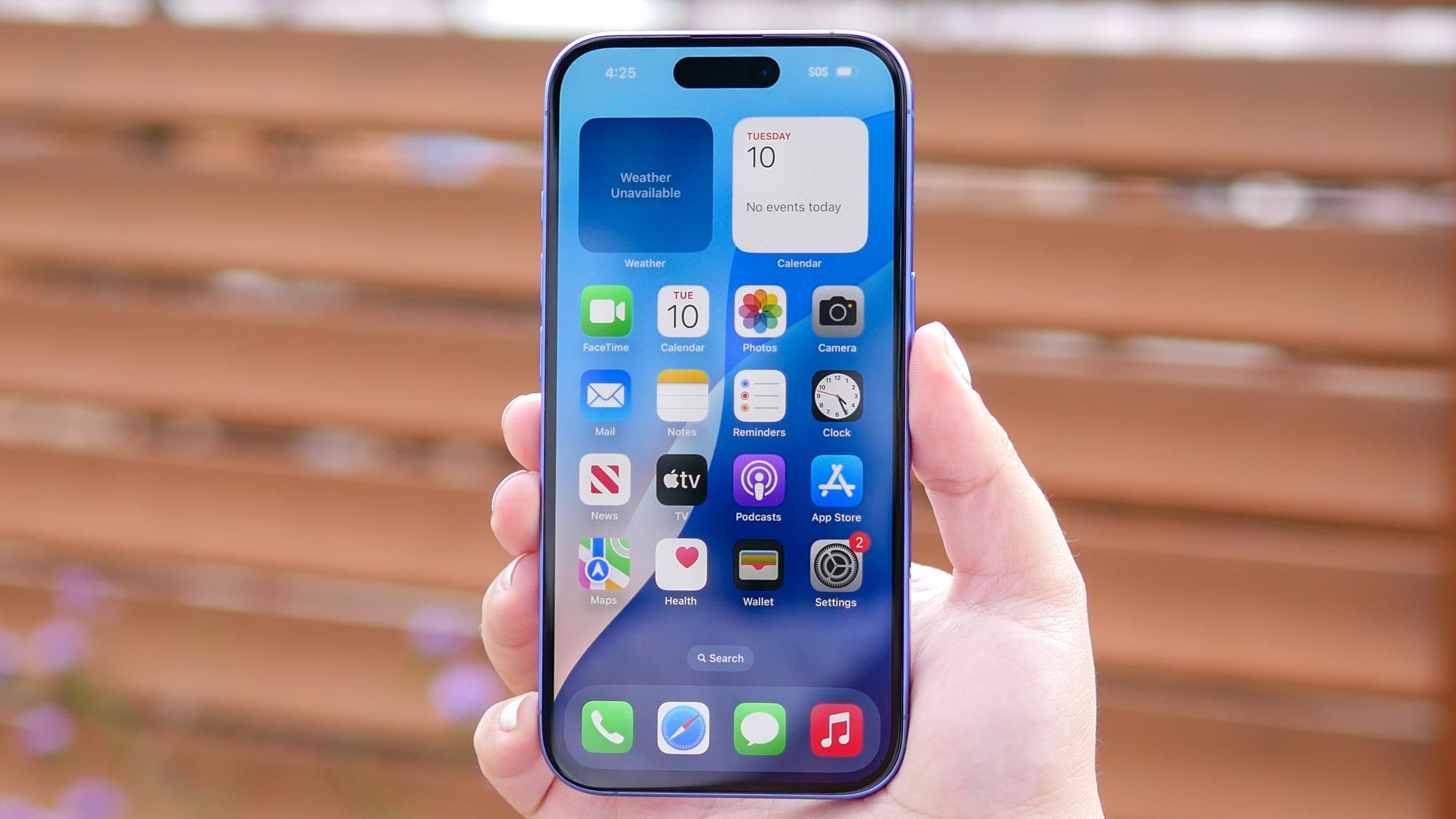
(Image credit: Tom's Guide) You do it without thinking: swipe up, then flick, flick, flick until every app card is gone. It feels productive, like wiping down a counter, and you’re sure your battery will thank you.It won’t. Force-closing your apps doesn’t save power. Done constantly, it makes your iPhone work harder and can drain your battery faster. I’ll admit I did this for years. But the habit millions of us swear by is based on a misunderstanding of how iOS actually works.Here’s what’s really happening when you swipe an app away, and what to do instead if you want your battery to last.What really happens when you leave an app (Image credit: Tom's Guide)It’s easy to picture your open apps like programs on a laptop: all running at once, all eating power. That’s not how an iPhone works.When you go home or switch to another app, iOS gives the app a few seconds to finish what it was doing, then suspends it. The app stays in memory, paused where you left it, but it isn’t using the processor. That’s why it reopens instantly.You don’t need to clear any of this yourself. When your phone needs more memory, iOS closes suspended apps on its own. The App Switcher is really just a list of apps you’ve used recently.There are exceptions. Apps playing music, giving directions, handling a call or finishing an upload can keep running in the background. Some apps can also wake briefly to refresh their content, which you can switch off — more on that below.Sign up to the Tom's iGuide weekly newsletter with coverage on everything from product launches to software updates, this is your go-to source for the latest updates on all the best Apple content.Why swiping them away backfires (Image credit: Future)When you swipe an app away, you remove it from memory entirely. The next time you tap it, your iPhone has to start it from scratch: load it from storage, rebuild its screens and fetch fresh content.That fresh start, called a cold launch, takes more work than resuming a suspended app. Once, you’d never notice. But, if you operate like how I used to and clear out Messages, Safari and Mail several times a day, your phone repeats that work over and over for no benefit. Apple’s own advice is to force-close an app only if it has stopped responding.When you should swipe an app awayForce-closing is useful for troubleshooting. If an app freezes or stops loading, swiping it away and reopening it gives it a clean restart. (Image credit: Future)The rest of the time, leave the App Switcher alone. If you want to cut background battery use, these steps help more.Turn off Background App Refresh for apps that don’t need it. Go to Settings, General, Background App Refresh and switch this off completely, or any apps you don’t need updating in the background.Check which apps use your location. In Settings, Privacy & Security, and Location Services, set apps to "While Using the App" unless they need your location all the time.See what’s actually using your battery. Head to Settings and Battery, then "View All Battery Usage" to see which apps are consuming the most power.Tethered to a charger by 2 PM? If you voted no, drop your iPhone model in the comments and tell us which app is eating through your battery the fastest. (Image credit: Future)Follow Tom's Guide on Google News and add us as a preferred source to get our up-to-date news, analysis, and reviews in your feeds. Make sure to click the Follow button!More from Tom's Guide I turned off this hidden iOS 27 setting and instantly fixed my iPhone’s battery drainThe 4 emergency phone tweaks that keep your battery alive in a power outageiOS 27 has a hidden anti-scam setting — here’s why every iPhone user should turn it on Kaycee is Tom's Guide's How-To Editor, known for tutorials that get straight to what works. She writes across phones, homes, TVs and everything in between — because life doesn't stick to categories and neither should good advice. She's spent years in content creation doing one thing really well: making complicated things click. Kaycee is also an award-winning poet and co-editor at Fox and Star Books.
The iPhone battery myth almost everyone believes, and why you can stop swiping away apps
Full Article
Original Source
Read the full article at Tomsguide →KhanList aggregates and links to publicly available news content. We do not host full articles from third-party sources. Always verify important information with original sources.