
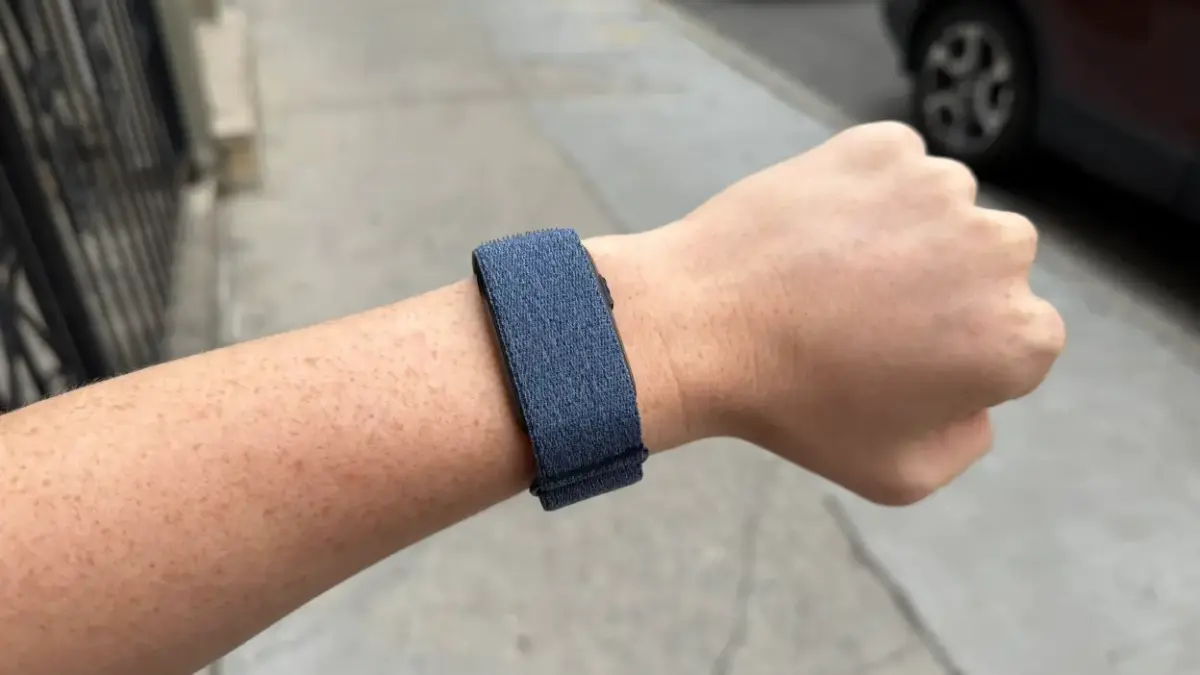
Meredith Dietz Meredith Dietz Senior Staff Writer ExperienceMeredith is a marathon runner and stand-up comedian. As Lifehacker’s Senior Staff Writer, she covers personal fitness tech, home gym equipment, and more. Read Full Bio October 23, 2026 Add as a preferred source on Google Add as a preferred source on Google We may earn a commission from links on this page. Credit: Meredith Dietz Table of Contents This week Garmin's screenless Cirqa smart band received a firmware update that fixes one of its most obvious gaps: the lack of alerts from your phone. With Version 4.20, you can now set up your smart band to buzz your wrist for texts, calls, and other smart notifications from your phone. The addition is listed on Garmin's forums as "Support vibration for smart notifications/incoming calls." Reaction has been upbeat, too—users on the Garmin subreddit have been glad to see the feature arrive.Amusingly, Garmin's own FAQ still states that the Cirqa does not vibrate for text messages, phone calls, or other smartphone notifications. Clearly that page is now out of date, so Garmin will want to correct it. Since Garmin doesn't yet have step-by-step instructions, I tested the text-message vibrations myself. Here's how you can set up your Cirqa smart band to vibrate for calls and texts, in addition to a number of other promising updates to check out. How to set up call and text alerts on your Garmin CirqaTo receive these alerts, your band must be running firmware 4.20 or later. Here is how to get everything configured. Update the firmware. Open your Garmin Connect app and sync your Cirqa, so the app can check for and install version 4.20 or newer.Grant the necessary phone permissions. In your phone's settings, make sure Garmin Connect has permission to access SMS, Contacts, and Phone. Configure notifications in Garmin Connect. Back in Garmin Connect, tap the Menu (or More) tab. Select Garmin Devices, then choose your Cirqa Smart Band. Go to Notifications & Alerts (or Smart Notifications) and turn on text and call alerts.Troubleshooting tip: If alerts aren't coming through, check that Do Not Disturb, Sleep Mode, and any aggressive Battery Saver settings are turned off on both your phone and the band. What do you think so far? What else is new with the Garmin CirqaFor most a lot of Cirqa fans, the phone alerts are the headline, but the 4.20 update carries a solid list of other improvements and bug fixes:Trail Run: Run/Walk detection is now available for Trail Run activities.Timestamp fix: Resolved a problem where an activity's recorded time didn't match the time on your phone.Distance calibration: You can now calibrate distance for Treadmill Run, Indoor Rowing, and Indoor Cycling before saving the activity on the device.Duration alerts: Duration time alerts for speaking out now accumulate.Stress alerts: Stress alerts are now blocked while Auto Activity Detection is recording.Bedtime reminders: Fixed an issue where the bedtime approaching notification sometimes failed to trigger.Live Activity: Heart rate now appears on the Live Activity screen before recording begins.Pinned activity bug: Fixed an issue where the pinned activity reverted to Timed Activity after changing the phone's language.Workout editing: Fixed a problem that prevented editing reps during a workout.Stability: General system stability improvements. Lifehacker has been a go-to source of tech help and life advice since 2005. Our mission is to offer reliable tech help and credible, practical, science-based life advice to help you live better. Our Mission Our Team Newsletter © 2001-2026 Ziff Davis, LLC., A ZIFF DAVIS COMPANY. ALL RIGHTS RESERVED. Lifehacker is a federally registered trademark of Ziff Davis and may not be used by third parties without explicit permission. The display of third-party trademarks and trade names on this site does not necessarily indicate any affiliation or the endorsement of Lifehacker. If you click an affiliate link and buy a product or service, we may be paid a fee by that merchant.
The Garmin Cirqa Finally Got a Much-Needed Feature
Full Article
Original Source
Read the full article at Lifehacker →KhanList aggregates and links to publicly available news content. We do not host full articles from third-party sources. Always verify important information with original sources.